
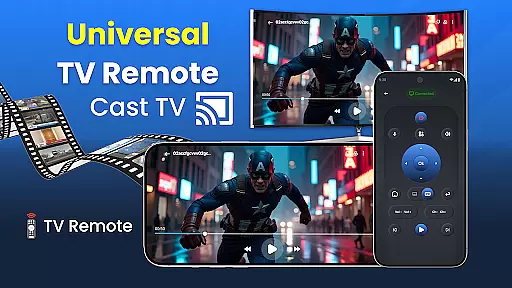
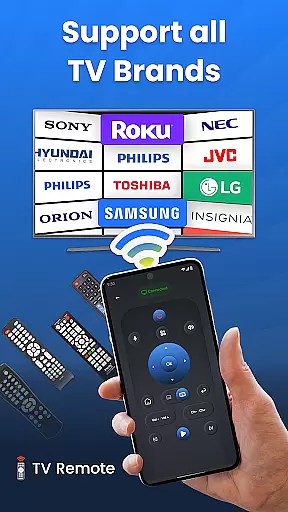
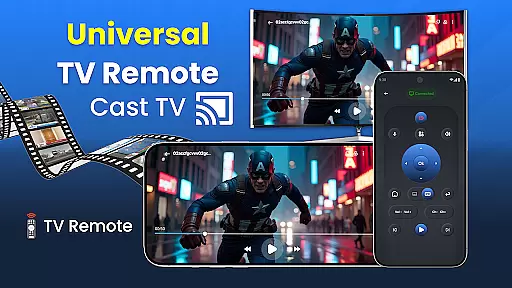
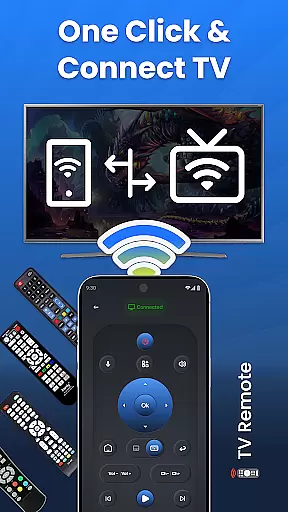
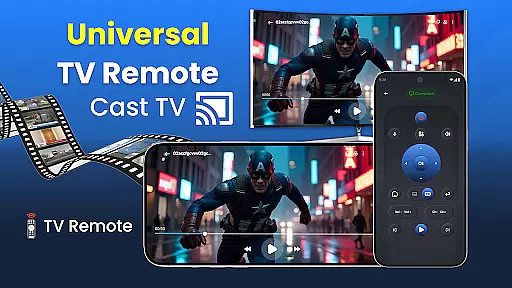
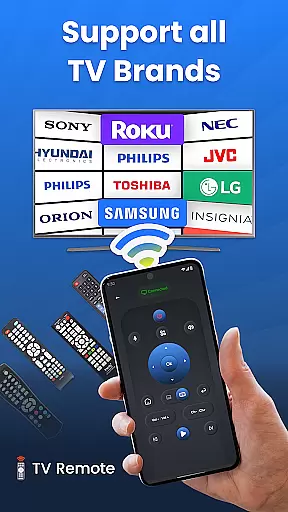
Universal TV Remote for All TVs is a comprehensive remote control solution that transforms your smartphone into a universal TV remote. This app supports all major TV brands including Samsung, LG, Roku, and Sony, offering seamless connectivity through Wi-Fi or infrared. Whether you're adjusting the volume, changing channels, or casting content from your phone to your TV, this app provides an intuitive interface that makes controlling your television effortless.
The application's standout feature is its compatibility with a wide range of TV models and brands, eliminating the need for multiple remotes. It also includes advanced functionalities such as voice commands and gesture controls, allowing users to manage their viewing experience hands-free. With its user-friendly design and customizable settings, Universal TV Remote for All TVs ensures a personalized and convenient interaction with your smart TV.
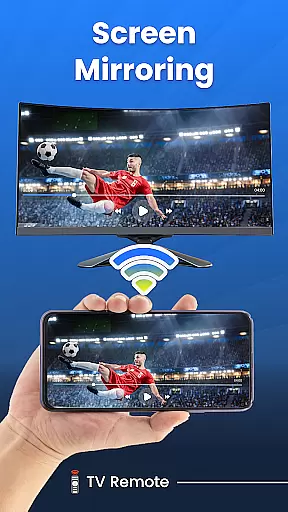
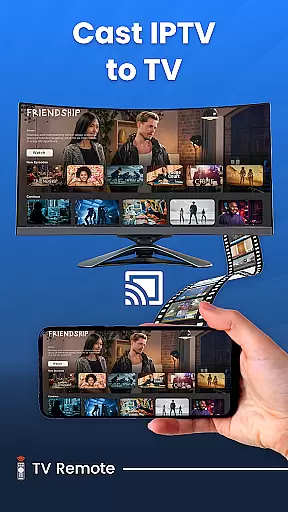
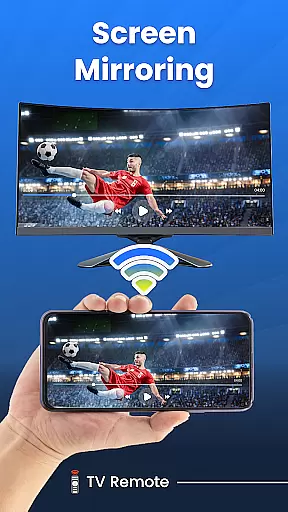
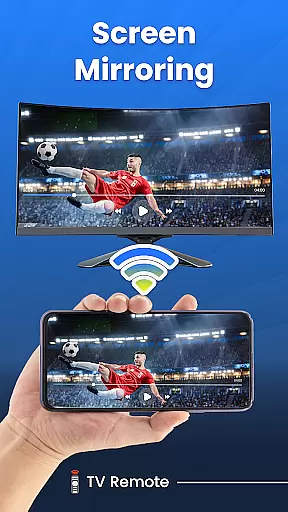
Ideal for home entertainment enthusiasts, this app simplifies the way you interact with your television. By consolidating various remote functions into one device, it declutters living spaces and enhances the overall user experience. The ability to mirror your phone screen to the TV adds another layer of versatility, making it perfect for sharing media or giving presentations directly from your mobile device.
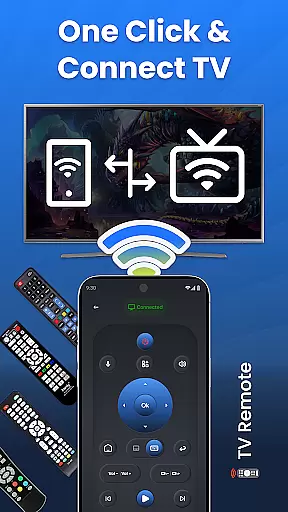
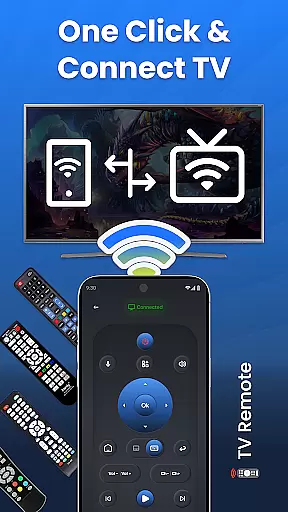
Universal TV Remote for All TVs boasts an array of features designed to enhance user convenience and streamline TV control. One of its primary capabilities is broad compatibility with numerous TV brands, including Samsung, LG, and Roku, ensuring that most users can utilize this app regardless of their television model. The quick setup process allows users to connect their smartphones to their TVs in just a few steps, minimizing hassle and maximizing efficiency.
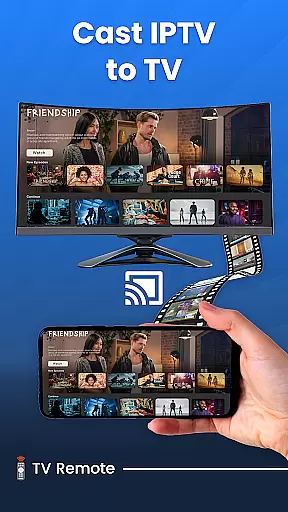
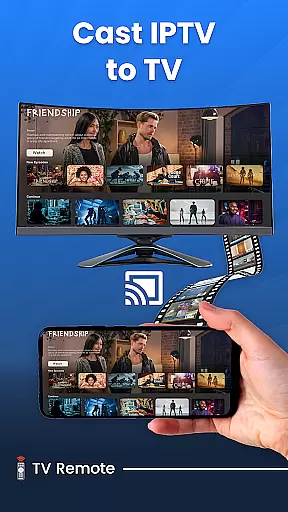
In addition to basic remote functions, the app offers advanced features like voice control and gesture mode. These options enable users to operate their TVs using simple voice commands or intuitive touch gestures, providing a futuristic and hands-free experience. Custom settings allow for personalization of the remote interface, while the ability to cast content from your phone to your TV expands its utility beyond traditional remote functions. This versatility makes it an invaluable tool for modern smart homes.
Furthermore, the Universal TV Remote app optimizes performance specifically for Android devices, ensuring smooth and responsive control. Its infrared and Wi-Fi connectivity options cater to different TV setups, offering flexibility in how users choose to interact with their devices. By combining essential remote functions with innovative features like screen mirroring and customizable controls, this app establishes itself as a comprehensive solution for managing smart TVs.
In the context of smart home applications like Universal TV Remote for All TV, ensuring property listing authenticity is crucial. This refers to the accurate representation of compatible devices and their functionalities within the app's description.
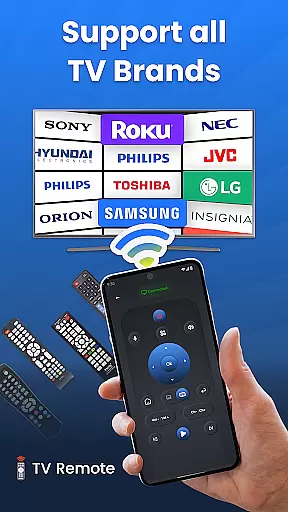
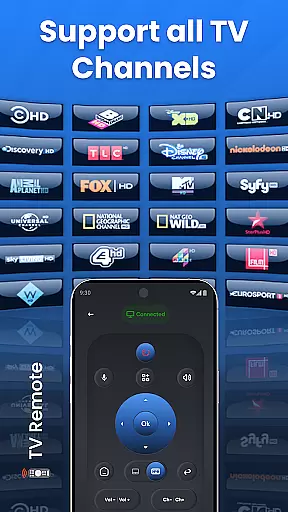
The Universal TV Remote app provides a comprehensive list of supported TV brands, including Roku TV, LG, Vizio, Samsung, and more. Each brand compatibility is verified through actual connectivity protocols, ensuring users can reliably control their specific TV models. The app maintains this accuracy by regularly updating its database to include new models and removing obsolete ones.
For users, this commitment to authenticity means they can trust that their particular TV model will work with the app as advertised. They won't face frustrating compatibility issues or misleading information when setting up the remote functionality.
This level of verification and regular updates enhances user confidence in the application. When users know exactly which devices are supported and how they can be controlled, they can make informed decisions about using the app, leading to higher satisfaction and fewer support requests.
Home management features in applications such as Universal TV Remote for All TV encompass the tools and functionalities that help users efficiently manage their home entertainment systems from their mobile devices.
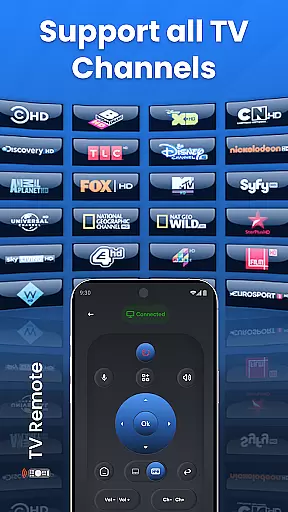
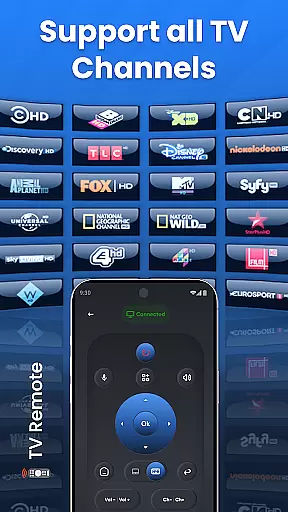
The Universal TV Remote app offers robust home management capabilities. Users can control multiple TVs through a single interface, adjusting volume, changing channels, and even managing screen mirroring functions. Advanced features like voice control and gesture mode provide intuitive ways to interact with home entertainment systems, making daily operations seamless and efficient.
These features significantly enhance user convenience. For instance, instead of searching for different physical remotes or dealing with complex setups, users can handle all controls from their smartphone. The ability to cast content from mobile devices to TV screens further simplifies media sharing during family gatherings or parties.
By integrating these sophisticated home management features, the Universal TV Remote app not only streamlines TV control but also contributes to a smarter, more connected living environment. This holistic approach to home management empowers users to enjoy a more organized and enjoyable entertainment experience.
User-friendly interface
Voice command functionality
Wide brand compatibility
Customizable settings
Screen mirroring capability
Limited iOS support
Requires Wi-Fi connection
Occasional connectivity issues
No physical buttons
Ads in free version

Draw house plans, floor plans 3d & house design with house plan drawing 3d app
 3.60
3.60
Home Ideas | Renovation Advice | Local Pros. Go From Dream to Home with Houzz.
4.70
Our app allows Sunrun customers to monitor systems, pay bills, and get support.
3.80
Rent on-the-go with TurboTenant’s app made just for renters
4.50
Convert your Phone to HiSense Smart TV Remote Control
4.70
Your guide to apartments & rental homes. Find your next place to rent with AG.
4.60
Design your dream home with 3D planning app, Visualize your dream home in 3D.
4.20
Universal Tv Remote Control for all Tv. Cast for chromecast & all Tv Controller
4.20
Find homes for sale and apartments for rent in the best neighborhood.
4.70
Fire & Power Safety
4.50
AI Home Designer & Room Planner: Decorate your interior space with AI
4.40
WiZ smart light system
4.40
Set up your devices, customize settings, and monitor your home—from anywhere
4.40
Fully control your Philips TV with this all-in-one remote control app.
4.20
USHUD.com helps you find the best homes for sale in your area
4.00
Technology powering many in-home services for residents across the United States
3.80
Design house plans in 2D & 3D, style furniture, and preview renovation layouts
3.70
Use Home by ShowingTime to easily manage showings, tours, feedback and more
3.60
An awesome mobile app for Home Security Surveillance - uses ZoneMinder
3.20



User Reviews