
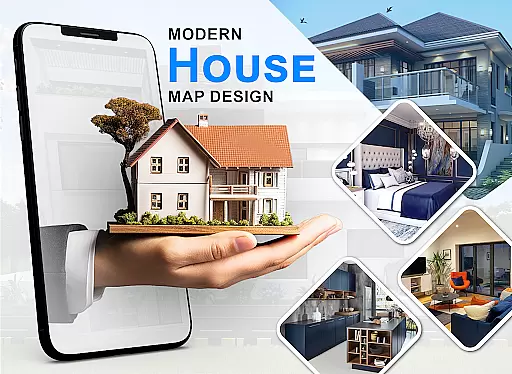
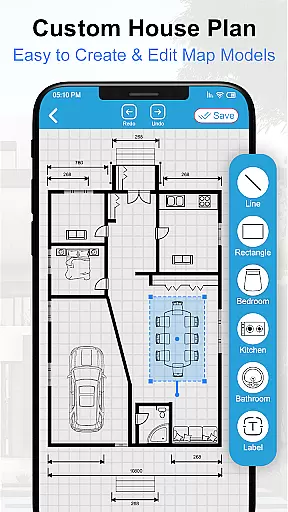
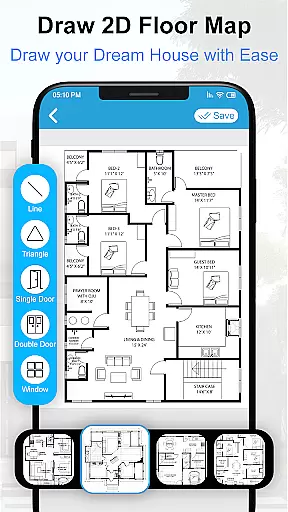
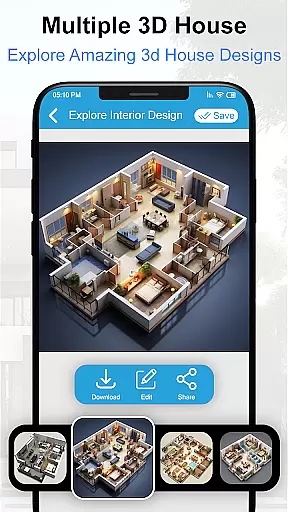
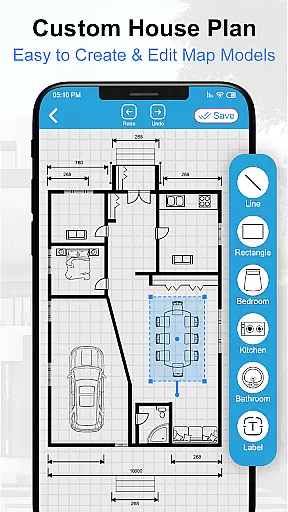
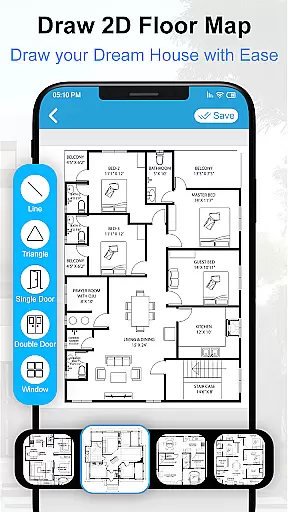
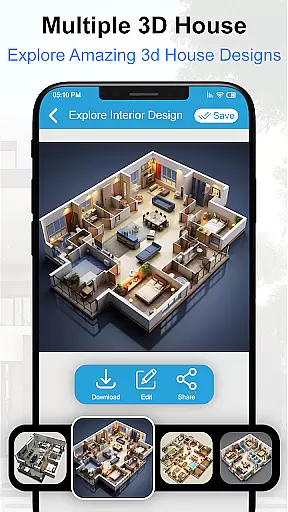
House Design 3D Floor Plan App is a powerful home planning tool that allows users to create detailed architectural blueprints and interior designs for their dream homes. The app provides an intuitive interface for drawing precise floor plans, designing room layouts, and visualizing spaces in 3D.
This versatile application caters to both homeowners and design professionals who need to create professional-quality house plans. Users can design every aspect of their living space, from basic floor layouts to detailed kitchen and bathroom arrangements. The app includes various furniture models and decorative elements, making it easy to customize each room's appearance and functionality.
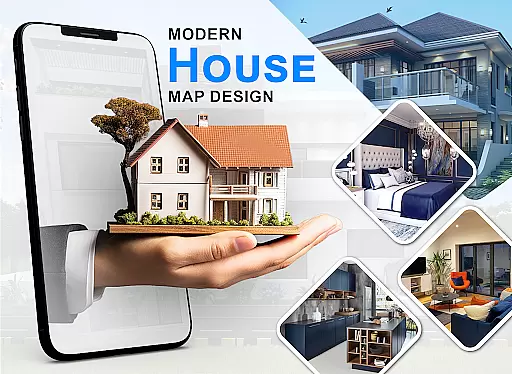
Whether you're planning a new construction project or remodeling your existing space, this app offers valuable tools for visualizing your ideas. The ability to create detailed 2D and 3D representations of your home design makes it an essential tool for anyone interested in home improvement or interior design projects.
The House Design 3D Floor Plan App stands out with its comprehensive set of design tools and features. It offers multiple drawing modes, including freehand sketching and precise measurement tools, allowing users to create accurate floor plans with exact dimensions. The app supports multi-level building design, enabling the creation of complex structures with multiple floors and different room configurations.
One of the key features is its extensive library of pre-designed elements, including various furniture pieces, appliances, and decorative items. These elements can be easily dragged and dropped into your design, making the process both efficient and enjoyable. The app also includes advanced 3D rendering capabilities, providing realistic previews of how your finished space will look.
Additional features include layer management for organizing different aspects of your design, undo/redo functionality for easy editing, and the ability to save and load multiple projects. The app supports various measurement units and offers customization options for wall thickness, room dimensions, and furniture placement, giving users complete control over their design process.
Property listing authenticity is a crucial feature for any house design application. This ensures that the floor plans and blueprints provided are accurate representations of real properties.
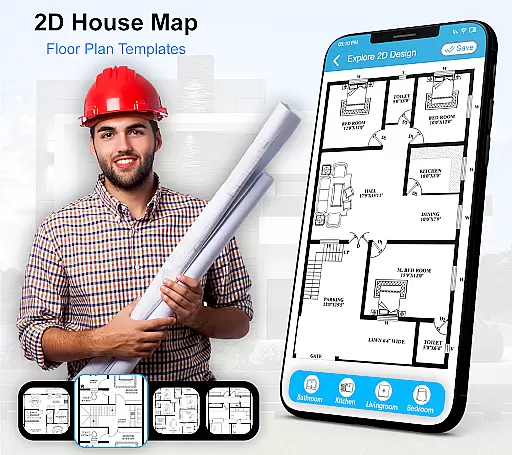
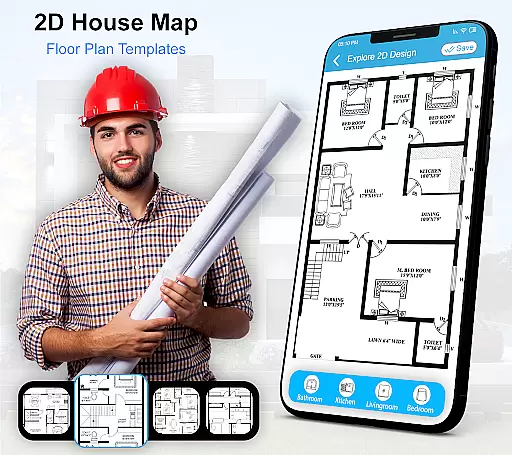
House Design 3D Floor Plan App offers users the ability to create detailed and precise architectural plans. The app includes numerous pre-designed blueprints for various rooms, ensuring that each design is realistic and achievable in real-world construction.
Users benefit from having access to verified designs that include kitchen layouts, drawing rooms, bathrooms, and bedroom designs. This authenticity allows homeowners and designers to make informed decisions based on reliable data.
The app's commitment to providing genuine property listings enhances its credibility. Users can trust that their creative efforts will result in feasible home designs, improving both planning efficiency and final construction quality.
Home management features in a house design app refer to tools that help users organize and manage different aspects of their home planning projects effectively.
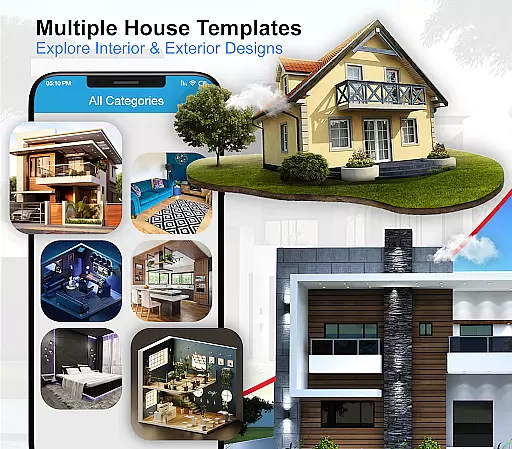
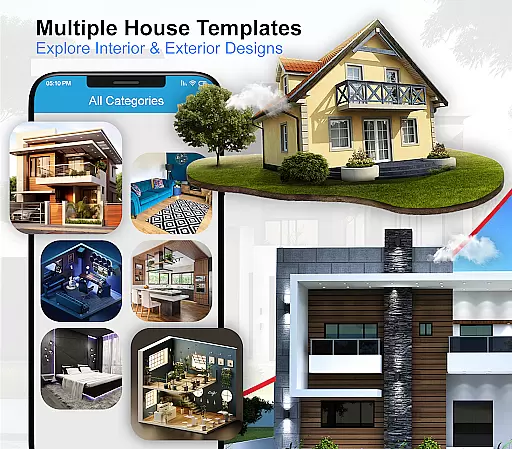
House Design 3D Floor Plan App provides comprehensive home management capabilities. It includes options for designing both interior and exterior layouts, allowing users to visualize complete home arrangements. The app also features an extensive library of furniture designs and decor items.
This functionality benefits users by streamlining the design process. With categorized sections for different rooms and purposes, it becomes easier to navigate through various design elements and integrate them into the overall plan.
By offering advanced home management features, the app supports better project organization and execution. Users can efficiently track their progress, modify designs, and ensure coherence across all parts of their home design projects.
User-friendly interface
Comprehensive design tools
Extensive element library
Realistic 3D rendering
Multi-level design support
Limited free features
Occasional performance issues
Steep learning curve
In-app purchases required
Advanced tools locked behind paywall

PRO Version of GLB AR Viewer
 4.0
4.0
Find paints using a Color Muse & ColorSnap® Match
3.60
Download today to join the community to help bring lost pets home faster.
4.70
AI-powered home design, interior design, home decor, and room design solutions
4.50
Resident Center, powered by Buildium, is designed with simplicity in mind.
4.50
IP camera view and playback, for your WiFi cam or home security cctv system.
3.70
Night Owl Protect helps you secure, protect, and connect your world!
4.60
3D House Design and AI Room Planner - from floor plans to full interior design.
4.40
Houses for Sale & Homes for Rent: Buy Homes, Rent Apartments & Sell Real Estate
4.80
Connect with reliable pros for maintenance services, plumbing, and home design!
4.80
Real estate app to find homes for sale or rent in the right neighborhood for you
4.70
Convert your Phone to HiSense Smart TV Remote Control
4.70
Tailored Care Guides For Houseplants, Indoor Plants, Garden Plants & Flowers.
4.60
Make Renting Easy
4.40
The official app for Home Assistant. Control your home anywhere in the world.
4.30
Turn your phone into a wifi cam with smart features and umlimited reach.
4.20
AI floor creator to design your dream house, plan rooms & style your home
4.00
Find the perfect paint color with advanced tools to explore and visualize color.
3.80
This Fire TV Remote control's your Fire TV Device and Insignia Fire TV Remote
3.70



User Reviews