
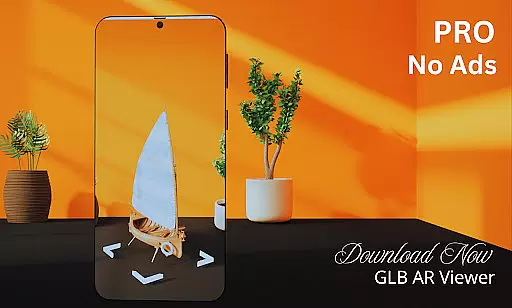
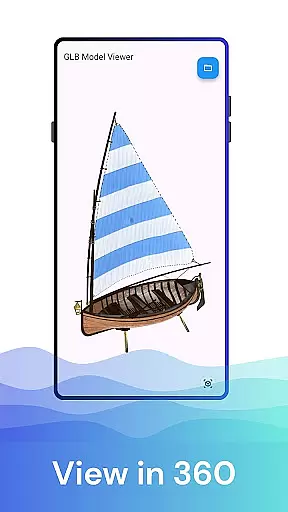
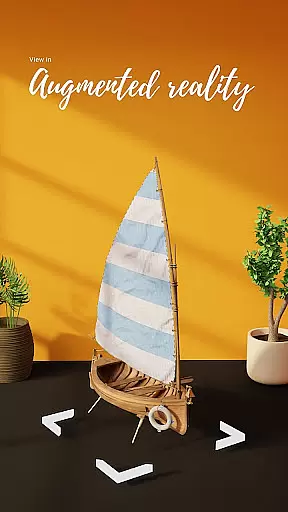
GLB AR Viewer 3D PRO is a cutting-edge application designed for users to seamlessly view and interact with 3D models in GLB format. This app caters specifically to 3D artists, designers, developers, and educators who need an efficient way to preview their work directly on mobile devices. With its robust Augmented Reality (AR) feature powered by ARCore, it allows users to project 3D models into real-world environments, offering a dynamic and immersive experience.
In addition to AR capabilities, the app provides interactive controls such as rotation, zooming, and panning through intuitive touch gestures. Its lightweight design ensures quick loading times without compromising performance, making it ideal for both professional and casual use. Whether you're showcasing artwork, testing game assets, or exploring educational content, GLB AR Viewer 3D PRO delivers exceptional value by bringing your digital creations to life.
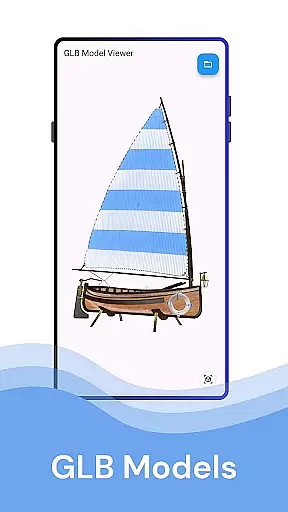
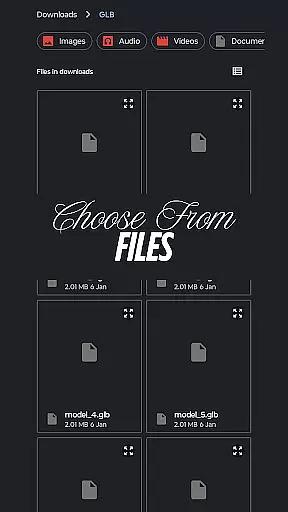
One of the standout features of GLB AR Viewer 3D PRO is its ability to open .glb files directly from device storage, providing instant access to 3D models. The app leverages ARCore technology to enable Augmented Reality viewing, allowing users to place virtual objects within their physical surroundings. This functionality is particularly beneficial for professionals who require accurate spatial representation when presenting or reviewing designs.
The user interface has been meticulously crafted for simplicity and ease of use. Users can manipulate 3D models effortlessly using touch-based controls like pinch-to-zoom and swipe-to-rotate. Furthermore, the app's minimalistic design ensures that it remains lightweight, avoiding unnecessary bloat while maintaining essential functionalities. These attributes make GLB AR Viewer 3D PRO not only powerful but also accessible to individuals across various industries looking to visualize 3D content effectively.
When it comes to property listings, the GLB AR Viewer 3D PRO app ensures that users can visualize properties with a high degree of authenticity. The app allows real estate professionals and potential buyers to load .glb files of property models, offering an immersive experience through its Augmented Reality (AR) feature.
This means you can place a 3D model of a home or office space within your real-world environment, providing a realistic sense of scale, design, and aesthetics. This level of authenticity in visualization is crucial for making informed decisions without the need for physical visits.
The ability to interact with these modelsu2014rotating, zooming, and panningu2014ensures that every detail is scrutinized, just as one would do during an in-person tour. This interactive element adds a layer of engagement that static images cannot offer.
Beyond just viewing property listings, GLB AR Viewer 3D PRO offers features that contribute to home management. Its user-friendly interface and interactive controls allow homeowners and interior designers to experiment with different design elements and spatial arrangements.
With the ability to open .glb files directly from device storage, users can easily manage and switch between various 3D models representing different stages of home renovation or decoration projects. This functionality supports better project management and planning.
Moreover, the fast and lightweight nature of the app ensures that managing these 3D models does not become a cumbersome task. Users can swiftly load and preview changes, making iterative design processes more efficient and manageable right from their mobile devices.
Easy-to-use interface
Fast model loading
Accurate AR visualization
Interactive gesture controls
Ideal for professionals
Limited file formats
No advanced editing tools
Requires ARCore support
Basic UI customization
Premium version needed

An awesome mobile app for Home Security Surveillance - uses ZoneMinder
 3.20
3.20
Draw your floor plan smartly. Make house design blueprint with home planner app
3.60
Universal TV Remote for TV, control all Smart TVs with your mobile phone.
4.2
Innovative and budget-friendly housing options
4.60
Book your local plumber 24/7, track your service order & get exclusive coupons
4.00
Find the perfect paint color with advanced tools to explore and visualize color.
3.80
WiZ smart light system
4.40
Set up your devices, customize settings, and monitor your home—from anywhere
4.40
Make your phone a surveillance camera remote with a home camera app for Android!
4.40
Real estate app to find homes for sale or rent in the right neighborhood for you
4.70
Map-based search app for apartments and homes for rent.
4.60
Your guide to apartments & rental homes. Find your next place to rent with AG.
4.60
Wobble Fix Tool
4.40
For all of your Airthings devices
4.30
Control your Vivint Smart Home with the next generation Vivint App.
4.30
Control your thermostat, comfort, and home monitoring from your phone
4.30
Samsung remote app helps control all Samsung Smartthings TVs. Fast and Stable!
4.10
IP camera view and playback, for your WiFi cam or home security cctv system.
3.70
An easier way to make payments and maintenance requests from anywhere.
3.50




User Reviews