
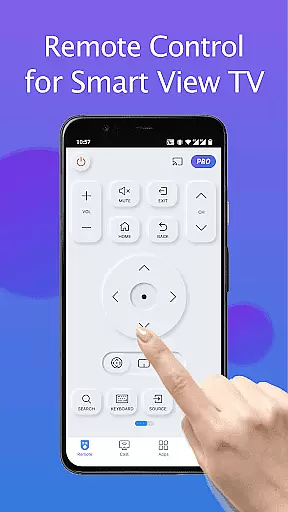
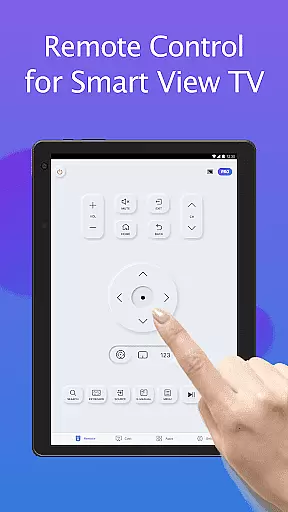
Remote for Smart Samsung TV is a dedicated mobile application that transforms your smartphone into a versatile remote control for Samsung smart TVs. This app offers seamless connectivity through Wi-Fi, enabling users to operate their Samsung 7 series, 6 series, Curved TVs, and K-Series (2016+) Tizen models without the need for a physical remote.
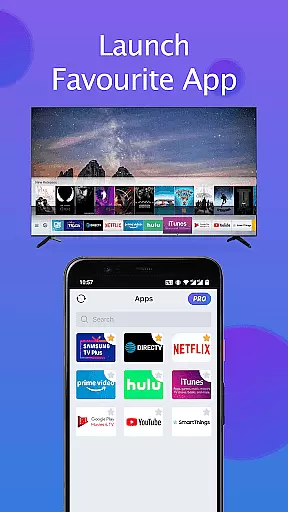
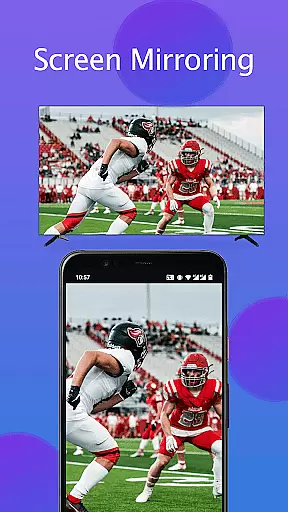
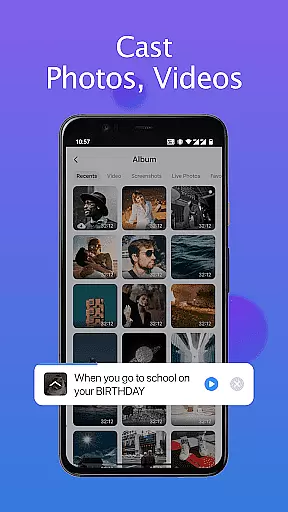
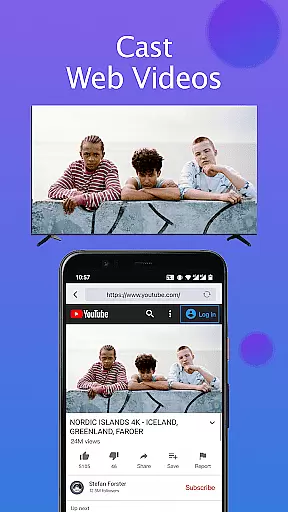
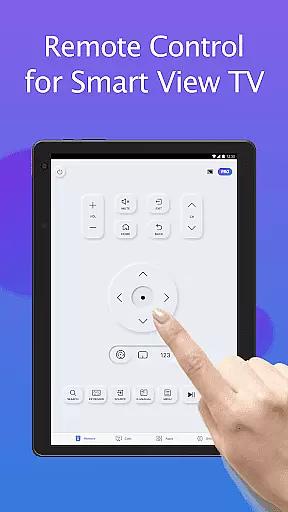
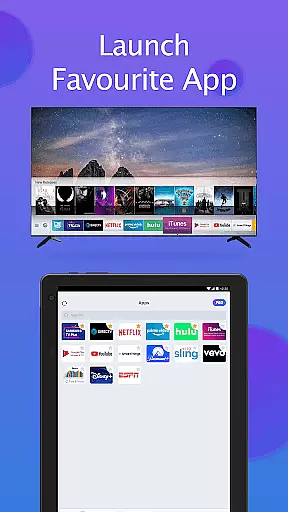
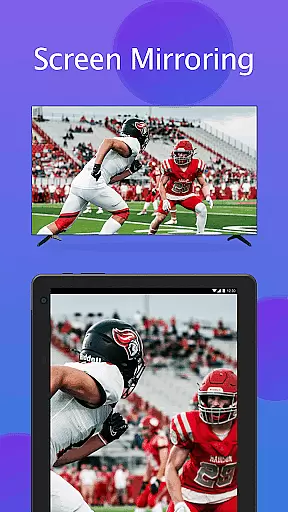
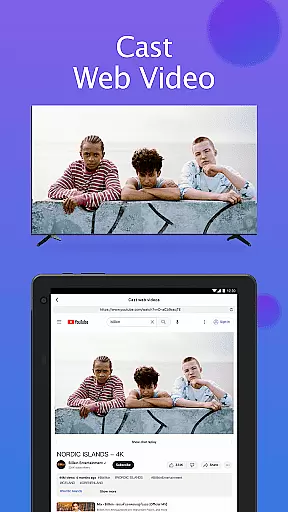
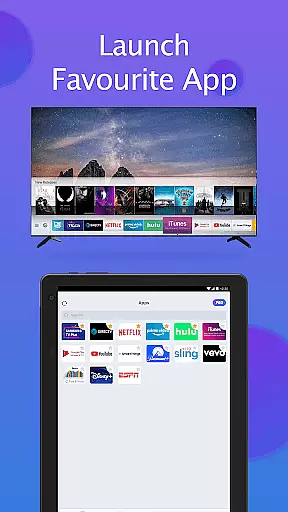
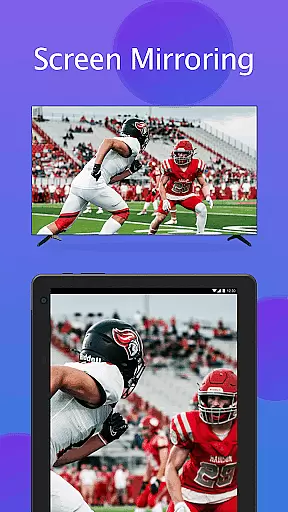
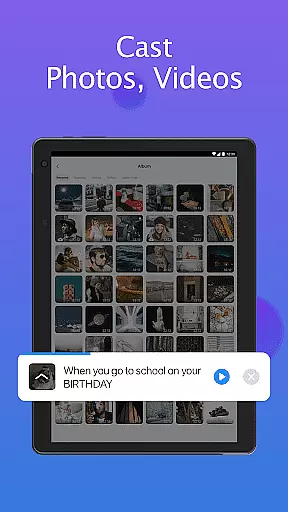
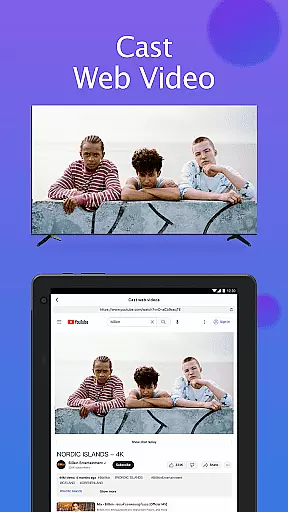
With its intuitive interface, the app provides essential functions such as power on/off, volume adjustment, channel navigation, and quick access to favorite channels and apps. It also supports advanced features like screen mirroring in high resolution and casting local media or web videos to the TV. Remote for Smart Samsung TV eliminates the hassle of lost remotes and frequent battery replacements, offering an eco-friendly and convenient solution for modern households.
The Remote for Smart Samsung TV app boasts an array of features designed to enhance user experience. Its automatic device detection simplifies the setup process by identifying Samsung smart TVs on the same Wi-Fi network. The integrated keyboard function streamlines text input and search operations on Samsung Smart View TVs, making it easier to find content.
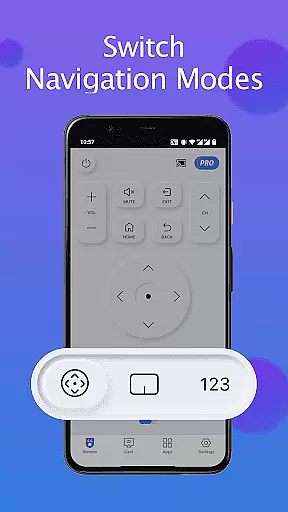
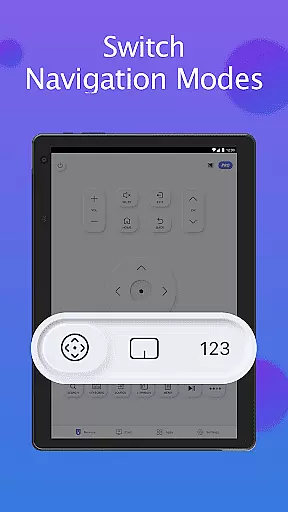
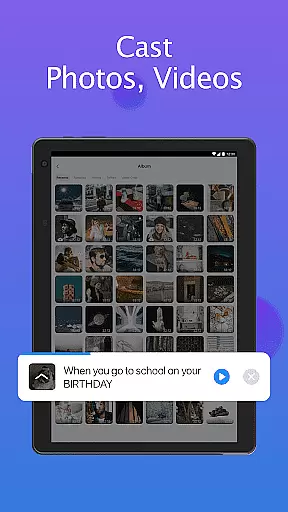
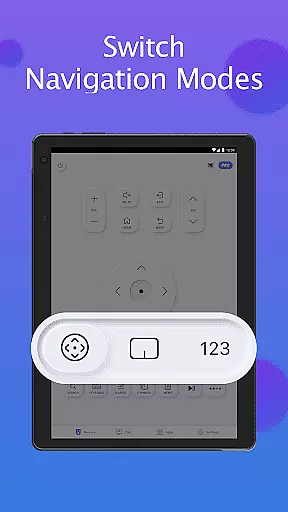
Users can enjoy complete control over their TV's functions including power management, volume control, channel switching, and navigation mode adjustments. The app facilitates quick access to preferred channels and applications with just a few taps. Additionally, it enables high-resolution screen mirroring from mobile devices to the TV and supports casting of local photos, videos, and online content directly to Samsung smart TVs, providing a comprehensive and interactive viewing experience.
In the context of smart home devices, ensuring the authenticity and compatibility of listings is crucial for user satisfaction. The Remote for Smart Samsung TV app addresses this by providing accurate information about its compatibility with various Samsung TV models. This includes detailed specifications on supported series such as the Samsung 7 series, 6 series, Curved TVs, and K-Series (2016+) Tizen models.
The app's description clearly outlines its functionality, ensuring users understand which features are available for their specific TV model. By offering a reliable list of compatible devices, the app minimizes the risk of mismatches or non-functional pairings, thereby enhancing user trust and satisfaction.
Furthermore, the app provides troubleshooting steps to address common connectivity issues, reinforcing its commitment to transparency. Users can easily follow these guidelines to resolve potential problems, making the overall experience more reliable and authentic.
Effective home management in the digital age often involves integrating smart devices to streamline daily tasks. The Remote for Smart Samsung TV app excels in this area by transforming mobile devices into powerful remote controls for Samsung Smart TVs. With functionalities like power on/off, volume adjustment, channel control, and navigation mode changes, it offers comprehensive control over television operations.
Additionally, the app simplifies text input and search functions through an integrated keyboard feature, significantly enhancing the user experience when interacting with smart TVs. Users can also mirror their phone or tablet screens directly to their TV in high resolution, adding another layer of convenience and versatility to home entertainment systems.
By casting local photos, videos, and web content to Samsung TVs, the app further enriches home management capabilities. These features collectively contribute to a seamless, efficient, and modern approach to managing household electronics, ultimately improving the quality of life for tech-savvy homeowners.
User-Friendly Interface
Wide Device Compatibility
Effortless Setup Process
Advanced Media Casting
Eco-Friendly Solution
Limited Model Support
Wi-Fi Dependency
Occasional Connectivity Issues
No Official Samsung Endorsement
Potential Update Lag

Map-based search app for apartments and homes for rent.
 4.60
4.60
Wobble Fix Tool
4.40
An awesome mobile app for Home Security Surveillance - uses ZoneMinder
3.20
Download today to join the community to help bring lost pets home faster.
4.70
IP camera view and playback, for your WiFi cam or home security cctv system.
3.70
Find contractors for all home renovation projects. Remodeling, repair, and more.
4.20
Security App with HD Video, 2-way Audio, and event detection for Home monitoring
4.40
Plan your remodel AI home renovation easily using planner 5D and home decor AI.
4.40
Connect with reliable pros for maintenance services, plumbing, and home design!
4.80
Convert your Phone to HiSense Smart TV Remote Control
4.70
A Smarter Home in Seconds
4.70
Your guide to apartments & rental homes. Find your next place to rent with AG.
4.60
SmartRent - Opening Doors To A Smarter World
4.40
WiZ smart light system
4.40
Design your dream home with 3D planning app, Visualize your dream home in 3D.
4.20
Book your local plumber 24/7, track your service order & get exclusive coupons
4.00
Find the perfect paint color with advanced tools to explore and visualize color.
3.80
This Fire TV Remote control's your Fire TV Device and Insignia Fire TV Remote
3.70
Draw your floor plan smartly. Make house design blueprint with home planner app
3.60



User Reviews