
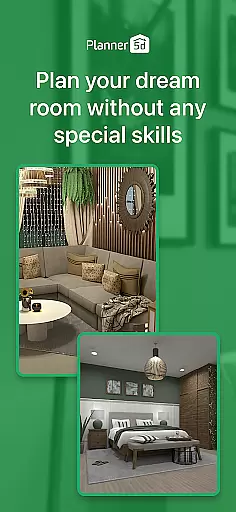
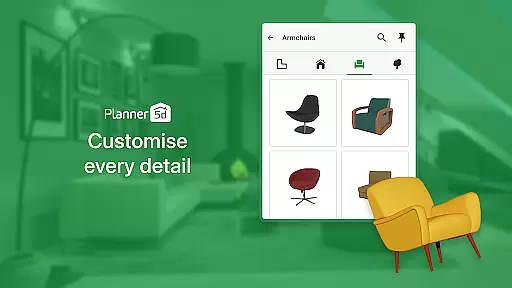
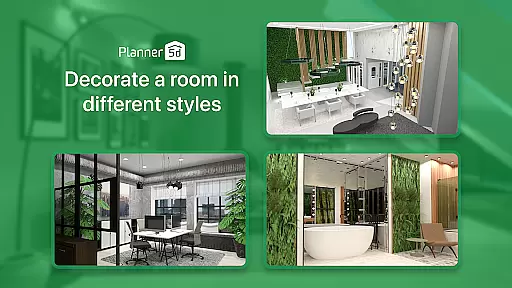
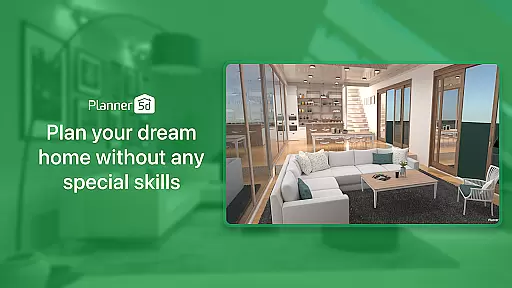
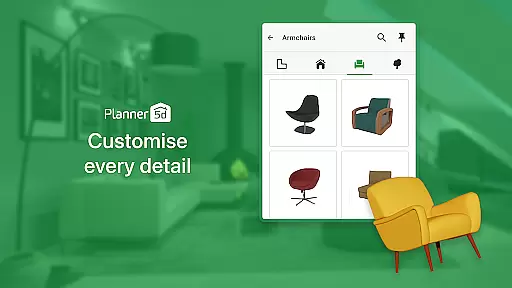
Planner 5D is the leading AI-powered home design and room planning application, catering to both home enthusiasts and design professionals. This comprehensive tool allows users to create detailed floor plans, visualize interiors in 3D, and utilize advanced architectural features for precise planning. With over 10,000 items in its furniture catalogue, users can decorate spaces with ease while exploring creative ideas for both interior and exterior designs.
The app's standout feature is its AR Room Planner, which lets users configure layouts using real room dimensions and preview designs in actual size. Whether you're redesigning a single room or planning a full home renovation, Planner 5D bridges the gap between imagination and reality. Its cross-platform functionality ensures seamless access across devices, making it an essential tool for anyone passionate about home design.
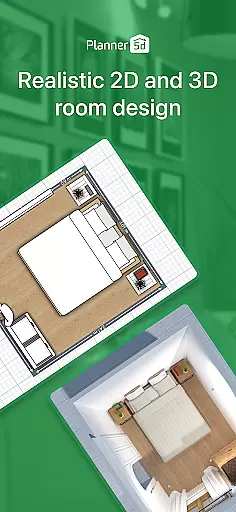
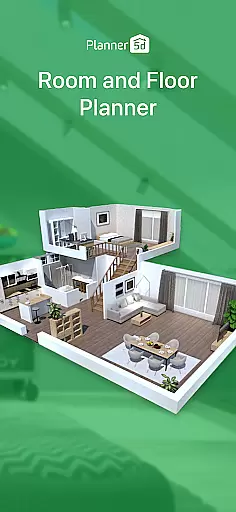
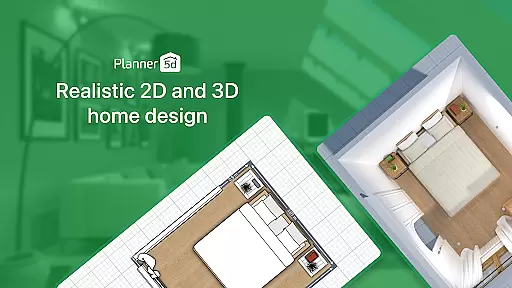
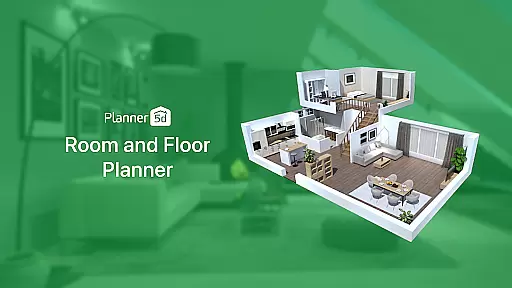
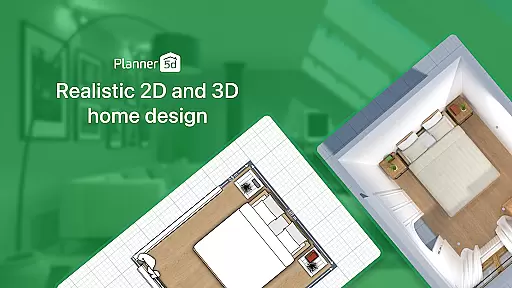
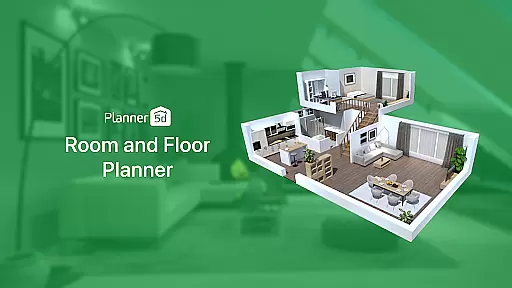
Planner 5D offers an extensive suite of features that cater to every aspect of home design. The app provides powerful tools such as 3D Home Design visualization, enabling users to build and explore realistic models of their spaces. The Floor Plan creator simplifies the process of drafting 2D plans and converting them into detailed 3D models, while the Exterior/Landscape Design feature helps craft ideal outdoor areas.
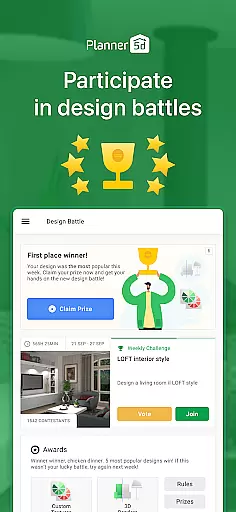
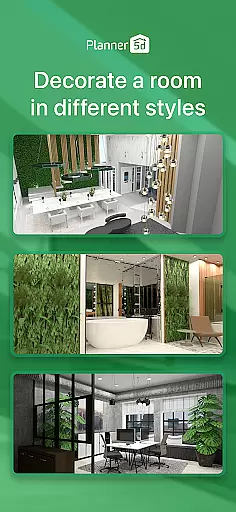
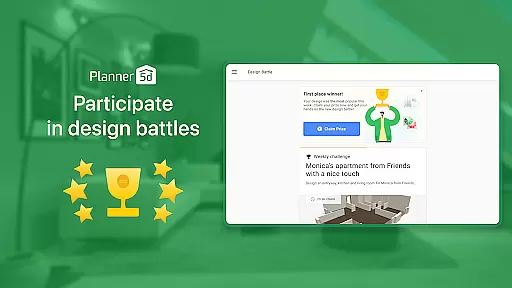
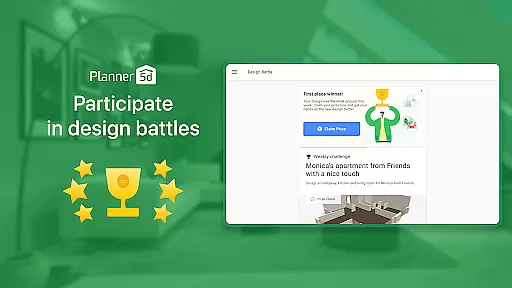
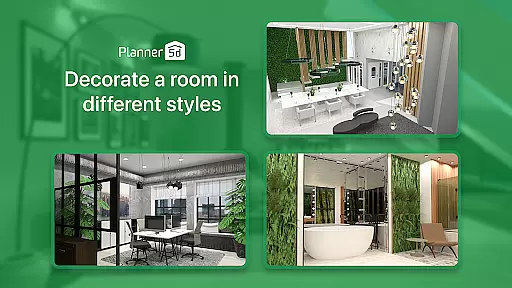
In addition to these robust capabilities, Planner 5D includes an AI-driven interior design tool that supports projects ranging from residential spaces to commercial venues like cafes and offices. Users can also take advantage of the Gallery of Ideas for inspiration, generate HD snapshots with realistic lighting, and even participate in weekly design competitions. These innovative features make Planner 5D a versatile choice for all your home renovation needs.
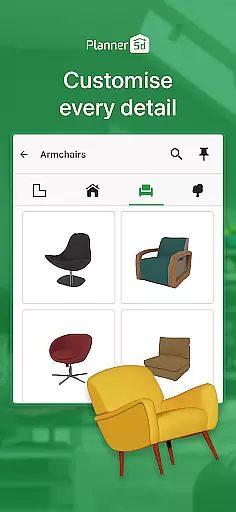
When it comes to designing or renovating a home, having accurate and reliable property information is crucial. Planner 5D ensures the authenticity of its design elements by providing users with over 10,000 items in its furniture catalogue, all of which are crafted to reflect real-world dimensions and styles.
The app's attention to detail extends beyond just furniture. With features like AR Room Planner, users can input their actual room dimensions and visualize designs in real size, ensuring that every piece fits perfectly in their space. This level of precision helps prevent costly mistakes during renovation projects.
Moreover, Planner 5D supports architectural drawing with advanced CAD tools, allowing for detailed and precise planning. Whether you're sketching a new floor plan from scratch or modifying an existing one, these tools ensure that your blueprints are both professional and accurate.
With more than 300 million home design projects created, the platform has proven itself as a trusted resource for homeowners and professionals alike. The vast community contributes to a rich gallery of ideas, offering inspiration and assurance that the designs are not only possible but also desirable.
Planner 5D goes beyond simple design tools by incorporating comprehensive home management features that cater to various aspects of home planning. From creating detailed 2D floor plans to converting them into immersive 3D models, the app provides a seamless transition between different stages of the design process.
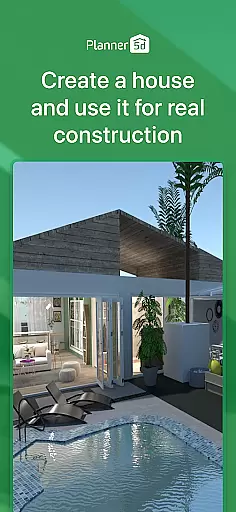
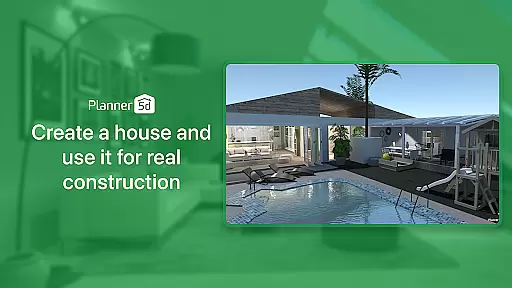
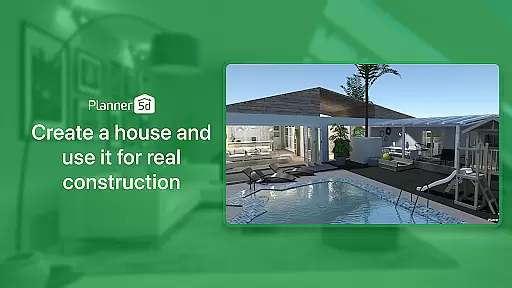
The inclusion of exterior and landscape design capabilities allows users to extend their creativity beyond the interior walls. This holistic approach ensures that every aspect of a property, from the backyard to the front facade, can be meticulously planned and visualized.
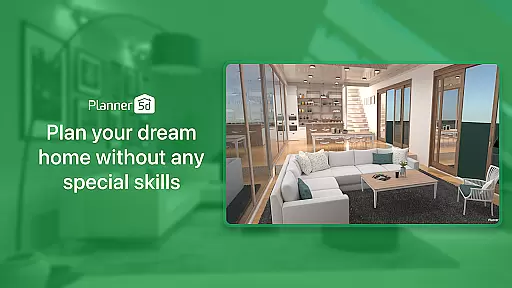
One standout feature is the ability to generate realistic HD snapshots. These high-quality renders provide vivid colors and lifelike lighting, giving users a true sense of what their finished project will look like. Such visualization aids significantly enhance decision-making and client presentations.
Additionally, Planner 5D offers cross-platform functionality, enabling users to work on their projects across multiple devices without losing progress. Coupled with online and offline modes, this flexibility ensures that whether you're at home or on the go, managing and updating your home design remains effortless and efficient.
User-friendly interface
Extensive furniture library
Realistic 3D rendering
Cross-platform compatibility
Active community support
Premium features locked
Steep learning curve
Limited free templates
Occasional bugs
High system requirements

Universal TV remote Control for Roku TV brands via WiFi remote
 4.4
4.4
B-hyve Pro App for landscape irrigation professionals
4.70
An awesome mobile app for Home Security Surveillance - uses ZoneMinder
3.20
Control your Daikin, Amana & Goodman heating & cooling systems from anywhere
4.40
Download today to join the community to help bring lost pets home faster.
4.70
Innovative and budget-friendly housing options
4.60
Night Owl Protect helps you secure, protect, and connect your world!
4.60
Turn old phones into security cameras, baby monitors, pet cams, and more.
4.70
Samsung remote app helps control all Samsung Smartthings TVs. Fast and Stable!
4.10
Convert your Phone to HiSense Smart TV Remote Control
4.70
Plants, Beauty, Collectibles
4.60
AI-powered home design, interior design, home decor, and room design solutions
4.50
The only mappable smart lights for custom decoration.
4.50
Plan your remodel AI home renovation easily using planner 5D and home decor AI.
4.40
Control your thermostat, comfort, and home monitoring from your phone
4.30
Schlage Lock Company LLC
4.00
USHUD.com helps you find the best homes for sale in your area
4.00
Find the perfect paint color with advanced tools to explore and visualize color.
3.80
Unlock AI-based barcode scanning and support the development of Grocy Android
4.3




User Reviews