
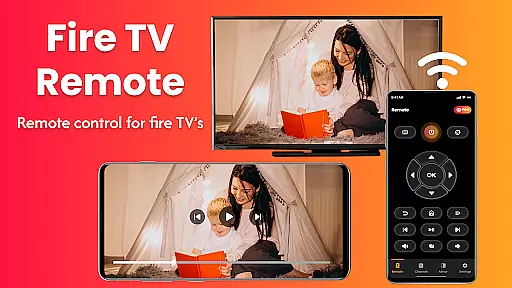
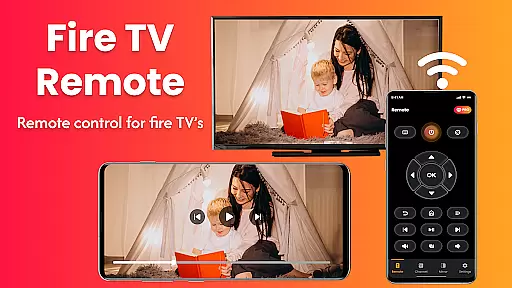
Fire Remote TV Control is a versatile application that transforms your Android phone into a comprehensive remote control for Fire TV and Fire Stick devices. With its intuitive interface, the app offers full navigation capabilities, playback controls, volume management, and even screen mirroring from your phone to your Fire TV. Designed exclusively for the Fire TV platform, it eliminates the need for pairing codes or setup hassles, making it an ideal solution for those who have misplaced their physical remote or desire more efficient control.
The app's standout feature is its seamless integration with the Fire TV ecosystem, supporting various models including Fire TV Stick, Fire TV Stick 4K / 4K Max, Fire TV Cube, and Fire TV Edition smart TVs. Whether you're looking to watch mobile videos on your TV, display photos, or present work content wirelessly, Fire Remote TV Control provides a smooth and reliable user experience without the need for additional hardware or complex configurations.
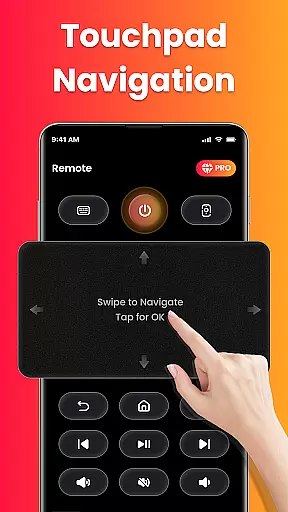
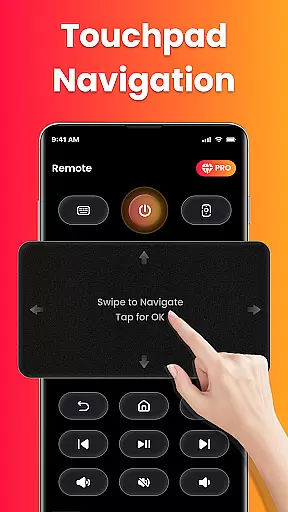
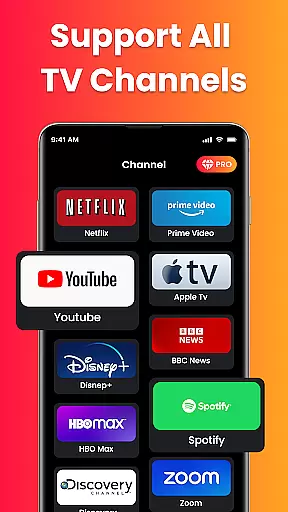
Fire Remote TV Control boasts a rich set of features tailored specifically for Fire TV users. The app provides complete remote functionality, allowing users to navigate menus using directional pad and touch controls, manage volume settings, and control video playback with options to play, pause, rewind, fast forward, and stop. Additionally, it includes an on-screen keyboard for quick typing and searches, enhancing the overall usability.
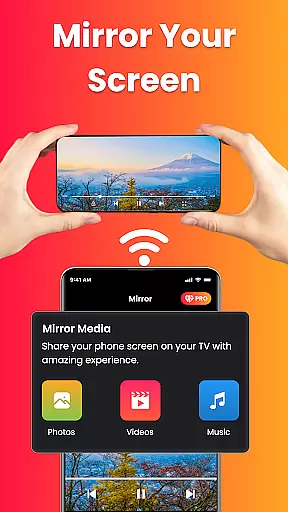
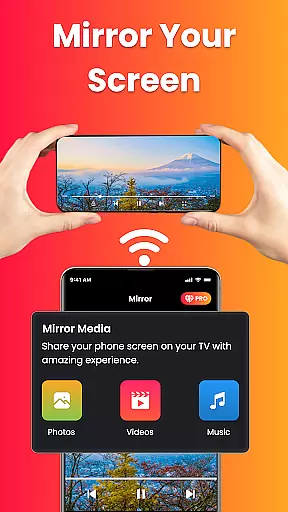
One of the most compelling features is the screen mirroring capability, which enables users to cast their phone's screen directly to their Fire TV with a single tap. This makes it easy to share photos, stream videos, browse apps, or present content on a larger display. The app connects instantly over Wi-Fi without requiring any pairing codes, ensuring a hassle-free experience. Its lightweight design ensures fast performance and battery efficiency, while the clean and intuitive interface makes it accessible for users of all technical skill levels.
In the context of smart home management, ensuring the authenticity and reliability of connected devices is crucial. Fire Remote TV Control excels in this area by providing a seamless connection experience specifically tailored for Fire TV devices.
The app verifies compatibility with various Fire TV models including Fire TV Stick, Fire TV Stick 4K, Fire TV Cube, and Fire TV Edition smart TVs. This verification process ensures users that their specific Fire TV device will work reliably with the app's remote and screen mirroring features.
By maintaining strict compatibility standards and regularly updating to support new Fire TV models, the app delivers an authentic and trustworthy integration experience. Users can be confident that their listed Fire TV devices will function as intended without compatibility issues.
This commitment to authenticity extends to the app's disclaimer, which clearly states its third-party status while emphasizing its specialized design for Fire TV products. Such transparency builds user trust and sets clear expectations about the app's capabilities.
Effective home management requires tools that simplify device control and enhance functionality. Fire Remote TV Control offers comprehensive features that transform Android phones into powerful remote controls for Fire TV devices.
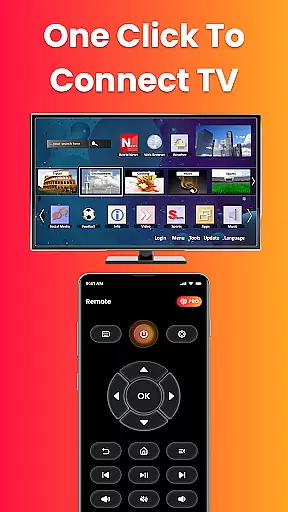
The app provides complete navigation through its intuitive interface, featuring directional pad controls, volume management, mute/unmute functions, and playback controls including play, pause, rewind, fast forward, and stop. These features enable users to manage their entertainment systems efficiently from their mobile devices.
One of the standout home management features is the integrated screen mirroring capability. This allows users to cast their phone's screen directly to their Fire TV with a single tap, facilitating media sharing, presentations, and wireless content display across different devices.
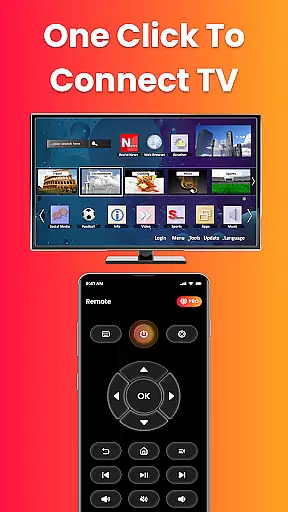
Additionally, the app's instant Wi-Fi connection feature eliminates setup hassles, enabling users to connect their phone and Fire TV without pairing codes or complex configurations. This streamlined approach to home device management enhances user convenience while maintaining system security within the local network environment.
User-friendly interface
Instant Wi-Fi connection
Comprehensive remote functions
Efficient screen mirroring
Battery-efficient operation
Limited to Fire TV devices
No Chromecast support
Third-party application
Wi-Fi dependent
Basic UI design

For all of your Airthings devices
 4.30
4.30
Unlock AI-based barcode scanning and support the development of Grocy Android
4.0
The official app for Home Assistant. Control your home anywhere in the world.
4.30
B-hyve Pro App for landscape irrigation professionals
4.70
Turn your phone into a wifi cam with smart features and umlimited reach.
4.20
Find paints using a Color Muse & ColorSnap® Match
3.60
Plan your remodel AI home renovation easily using planner 5D and home decor AI.
4.40
WiZ smart light system
4.40
MLS-powered real estate app to find homes for sale & apartments for rent
4.70
Download today to join the community to help bring lost pets home faster.
4.70
The Merkury Smart app makes it easy to control your smart devices.
4.50
SmartRent - Opening Doors To A Smarter World
4.40
Design your dream home with 3D planning app, Visualize your dream home in 3D.
4.20
Schlage Lock Company LLC
4.00
Find the perfect paint color with advanced tools to explore and visualize color.
3.80
Draw your floor plan smartly. Make house design blueprint with home planner app
3.60
An awesome mobile app for Home Security Surveillance - uses ZoneMinder
3.20
PRO Version of GLB AR Viewer
4.4
Calculate baluster spacing with ease and precision.
4.1



User Reviews