
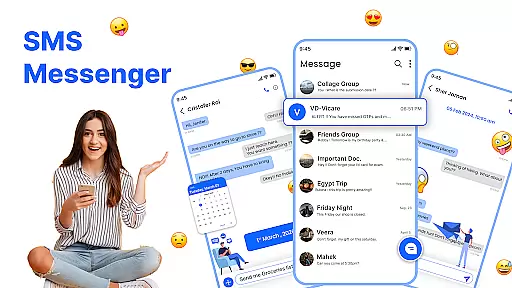
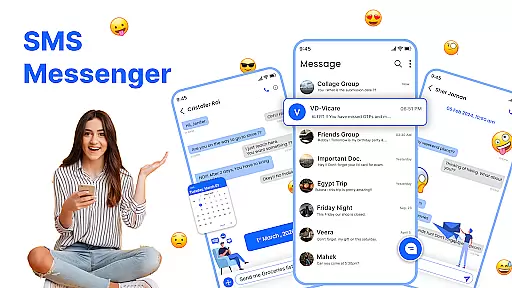
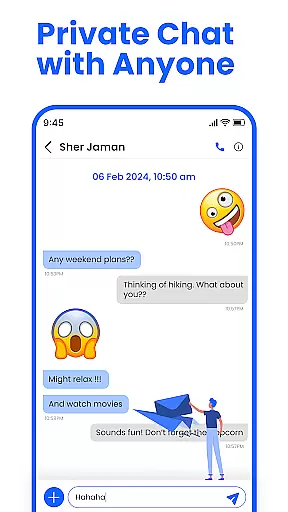
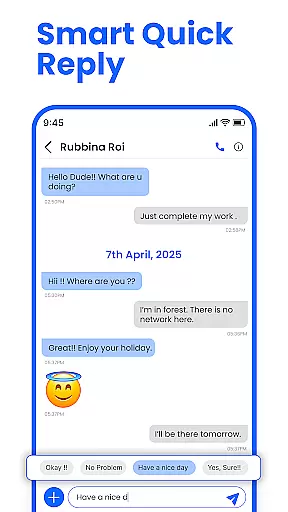
Messenger: SMS Home is a feature-rich communication app designed to enhance your texting experience on Android devices. The app serves as an all-in-one solution for managing SMS messages, offering users the ability to organize their texts, schedule messages, and block unwanted spam. With its intuitive interface and customizable options, it ensures both convenience and personalization.
One of the standout features of Messenger: SMS Home is its Smart Launcher functionality, which allows users to access essential messaging tools directly from their home screen. Whether you're scheduling birthday wishes or filtering out promotional alerts, this app provides a seamless way to stay connected while keeping your inbox clutter-free. Its compatibility with various Android devices makes it a versatile choice for anyone seeking a smarter approach to text messaging.
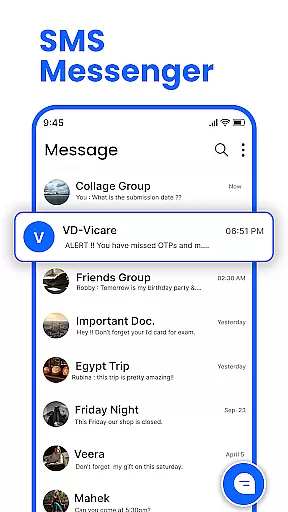
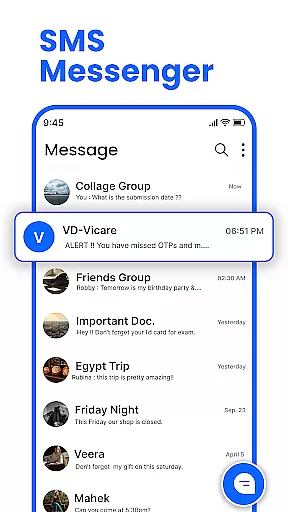
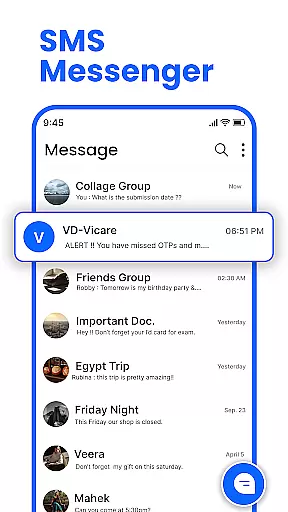
Messenger: SMS Home stands out with its comprehensive set of features tailored to streamline communication. The app's Smart Launcher provides quick access to key functions such as message organization and application management, ensuring that everything you need is just a tap away. This makes navigating through your messages effortless and efficient.
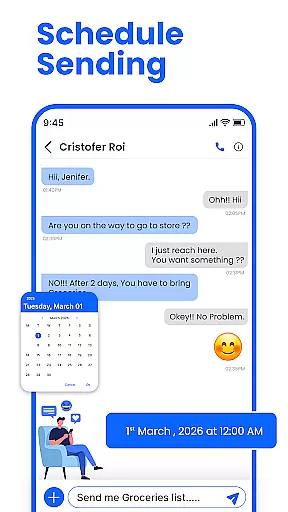
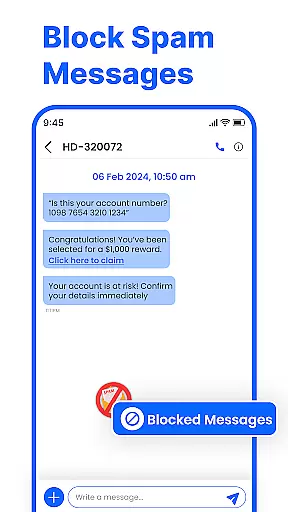
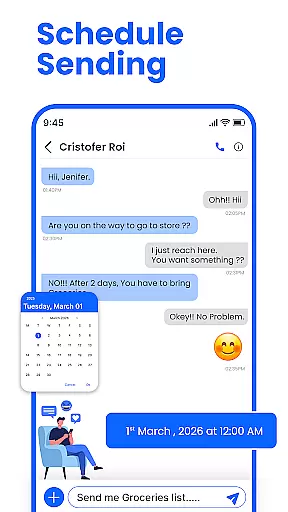
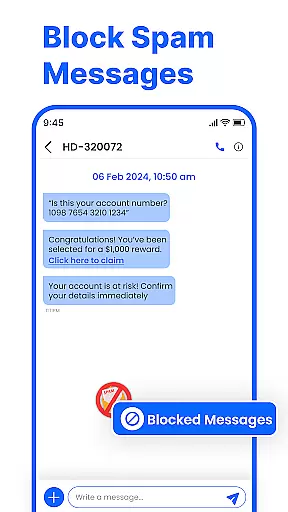
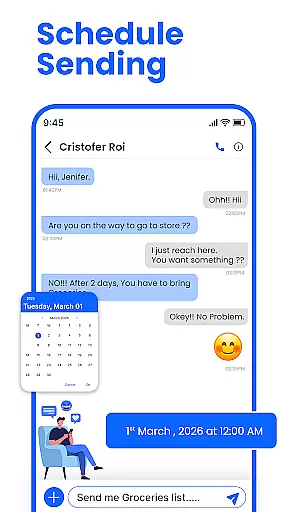
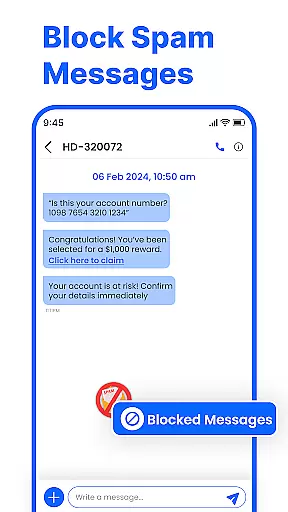
In addition to its launcher capabilities, the app offers advanced functionalities like scheduled messaging, allowing users to plan texts for birthdays, reminders, or important notifications in advance. Another notable feature is the robust spam-blocking system, which filters out unwanted messages and keeps your inbox clean. With swipe actions, users can easily manage their conversations by archiving, deleting, or marking messages as read with simple gestures. These thoughtful design elements make Messenger: SMS Home a reliable tool for modern communication needs.
Real-time messaging speed and reliability are crucial for maintaining seamless communication in any messaging app. Messenger: SMS Home ensures that messages are delivered instantly, allowing users to stay connected without delays.
The app leverages advanced technologies to optimize message delivery across various network conditions. Whether you're on Wi-Fi or mobile data, the app maintains a stable connection, ensuring your messages are sent and received promptly.
Users benefit from this reliable messaging system by experiencing fewer missed communications and enjoying uninterrupted conversations. This reliability is particularly important for time-sensitive messages, where delays can lead to misunderstandings or lost opportunities.
By prioritizing real-time messaging speed and reliability, Messenger: SMS Home establishes itself as a dependable tool for both personal and professional communication needs.
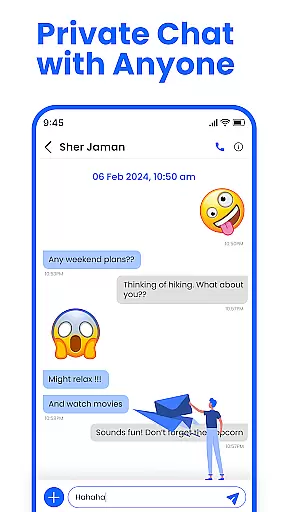
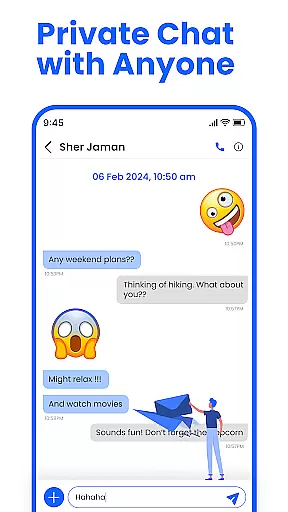
Media sharing support is an essential feature for modern messaging apps, enabling users to exchange photos, videos, and other files effortlessly. Messenger: SMS Home offers robust media sharing capabilities, enhancing the way users communicate and share experiences.
The app supports a wide range of file formats, ensuring compatibility with various media types. Users can send high-resolution images and videos without worrying about format restrictions or quality loss. Additionally, the app optimizes file sizes for faster uploads and downloads, making media sharing quick and efficient.
This comprehensive media sharing support allows users to express themselves more vividly and engage in richer conversations. Whether it's sharing memorable moments with friends or collaborating on work projects, Messenger: SMS Home makes media exchange seamless and intuitive.
With its focus on media sharing support, the app not only meets but exceeds user expectations, providing a versatile platform for all forms of digital interaction.
User-friendly interface
Customizable home layout
Spam blocking feature
Scheduled messaging option
Compatible with multiple devices
Limited iOS support
Occasional bugs reported
Ads in free version
Requires permissions
Learning curve for new users

Fast and simple walkie talkie app
 4.20
4.20
Enables Plus features of Quick Search.
4.4
SMS Messenger ensures that communication become effortless and accessible.
3.80
Browse fast on Opera Mini, with Data Saving, News, Football Scores, and Download
4.60
Messages is Private SMS Messenger 2023 with text message, instant messaging.
4.00
Create a secure hotspot on-the-go with Portable WiFi - Mobile hotspot.
4.40
Fast, Simple And Secure Application That Provides SMBv3 Server On Your Device
3.30
Enhance browsing with AI-powered features and Copilot.
4.70
Useful. Social. Expressive.
4.70
Use this Dialer app alone or as a TREK: Total Interface companion.
4.70
Build your web browser around you with private search, and more.
4.60
Experience real private browsing without tracking, surveillance, or censorship.
4.50
An agentic AI browser for Android, built by Perplexity
4.50
Manage your mobile phone plan, check unlimited 5g data usage and track rewards
4.50
Fast and mini browser with Ad Blocker,Video Downloader and Video Player
4.40
Block spam calls & scam - no more annoying calls with the call blocker function
4.30
2nd Phone Number Line for Anonymous Texting, Calling, and Picture Messages
4.30
WazzapMigrator: transfer your WhatsApp history from iPhone to Android
4.00
TeamSpeak - Secure Chat for Gaming & Business
3.10



User Reviews