
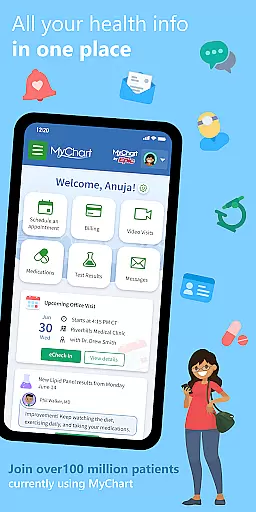
MyChart is a comprehensive medical application designed to provide users with instant access to their health information directly from their mobile devices. This app allows you to manage healthcare for yourself and your family by offering features such as communication with your care team, reviewing test results, medications, and immunization history, and scheduling appointments. Additionally, MyChart integrates with Google Fit, enabling users to import health data from personal devices. The app also supports viewing After Visit Summaries and clinical notes, getting cost estimates, paying bills, and securely sharing medical records. With its wide range of functionalities, MyChart serves as an essential tool for anyone looking to take control of their healthcare management conveniently and efficiently.
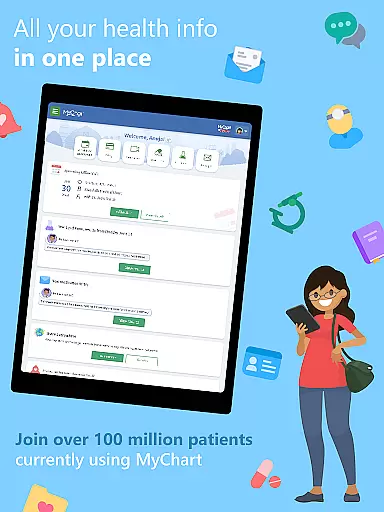
The true value of MyChart lies in its ability to consolidate all your health information into one accessible platform. Whether you need to schedule a video visit, check the results of recent tests, or simply keep track of your family's immunizations, MyChart provides a seamless experience that adapts to your needs. Furthermore, the app's capability to connect with multiple healthcare organizations ensures that your health data is unified, regardless of where you receive care. This interconnectedness not only saves time but also enhances the quality of care you receive by keeping all your providers informed and up-to-date.
MyChart stands out due to its extensive feature set tailored to meet the diverse needs of patients. One of its primary functions is facilitating direct communication with your healthcare providers, ensuring that you can discuss any concerns or updates about your health promptly. The app also offers detailed insights into your medical history, including test results, prescribed medications, and immunization records, empowering you to stay informed about your health status. Moreover, the integration with Google Fit allows users to automatically sync data from wearable devices, providing a holistic view of their health metrics.
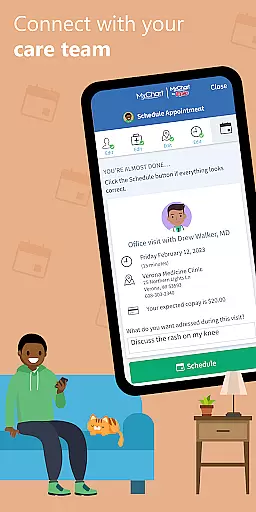
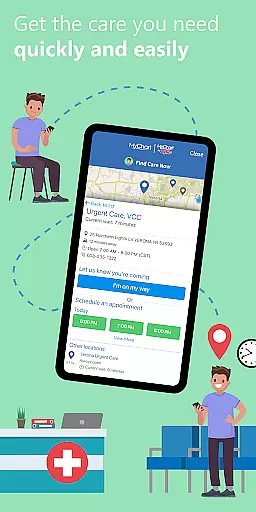
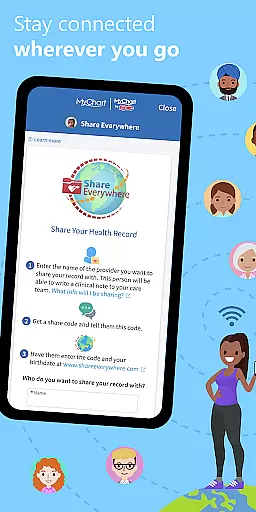
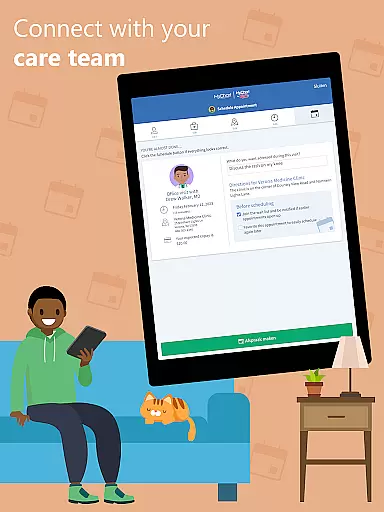
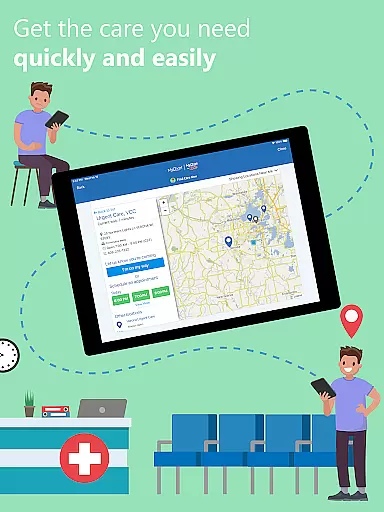
Another significant advantage of MyChart is its appointment management system, which simplifies the process of scheduling and managing both in-person and virtual visits. Users can also obtain price estimates for various medical services, making healthcare costs more transparent and manageable. Additionally, the app enables secure sharing of medical records with anyone who has internet access, enhancing collaboration between different healthcare providers. These features collectively contribute to a more streamlined and user-friendly healthcare experience, positioning MyChart as a leader in patient-centered medical applications.
In the realm of digital health management, the credibility of medical content is paramount. MyChart excels in this area by providing users with verified and accurate health information directly from their healthcare providers. This ensures that every piece of data, from test results to medication lists, is not only reliable but also clinically significant.
The app consolidates critical health details such as immunization history, clinical notes, and After Visit Summaries, all of which are authenticated by medical professionals. This level of expert validation means users can trust the information they access for managing their own care or that of their family members.
Furthermore, MyChart's integration capabilities extend its utility by allowing users to connect personal health devices through Google Fit. This feature enables automatic updates of health metrics, ensuring that the information remains current and is always backed by professional oversight.
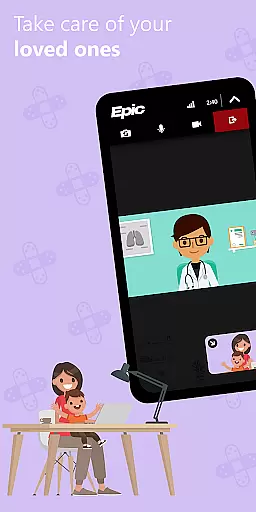
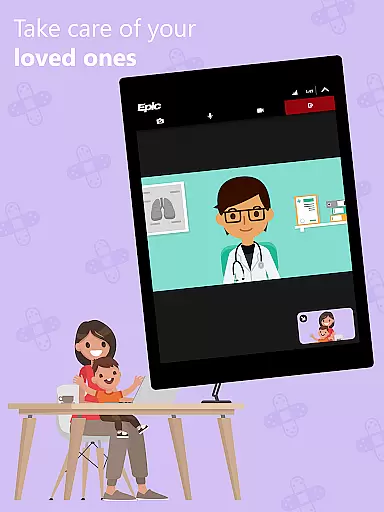
MyChart elevates the standard of teleconsultations by offering a seamless platform for virtual appointments. Users can schedule and manage video visits within the app, ensuring they receive timely medical advice without the need for physical presence. This functionality is crucial in maintaining continuous patient-provider communication.
The quality of these teleconsultations is reinforced by the appu2019s ability to provide comprehensive health records during virtual sessions. Patients can share their medical histories, including medications and test outcomes, fostering informed discussions and enhancing the overall effectiveness of remote consultations.
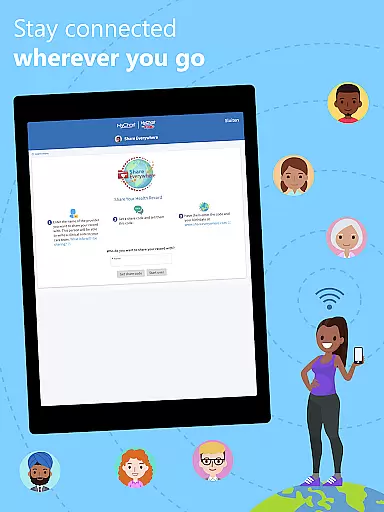
Additionally, MyChart supports secure sharing of medical records with any authorized individual online. This feature not only broadens access to essential health information but also facilitates collaborative care among different healthcare entities, thereby improving the continuity and quality of telemedicine services.
User-friendly interface
Comprehensive health tracking
Secure record sharing
Integrated payment system
Multi-organization connectivity
Limited by provider capabilities
Requires account creation
Dependent on healthcare organization
Potential privacy concerns
Occasional sync issues

Check and Track your Blood Pressure & Heart Rate.
 4.50
4.50
A fantastic 3d reference that includes over 300 structures and a quiz function.
3.00
The Omada app enhances your program experience and helps you stay engaged.
4.50
The official DSM-5-TR® app
4.50
Manage your prescriptions anytime, anywhere with the Publix Pharmacy mobile app.
4.80
700 questions, 2 full exams, Predictive Scoring—your key to NREMT success!
3.90
Get your lab results on your smartphone with MyQuest.
4.40
Secure video appointments
4.50
Continuous Glucose Monitoring
3.40
Behavioral Health Portal
4.70
Medication reminder, Medicine list, Trackers for BP, glucose, weight, water, etc
4.70
The doctor will see you now
4.70
Perform pure-tone audiometry and a speech intelligibility test on your phone.
4.50
Radiographic Positioning Guide for Medical Imaging Professionals and Students
4.50
Download OctaApp for easy access to your plasma donation info
4.40
Manage your health care in one easy place
4.40
One app to unlock your health
4.30
Patient Health Portal
4.20
X-Vein: Advanced vein detection for medical practice
3.10




User Reviews