
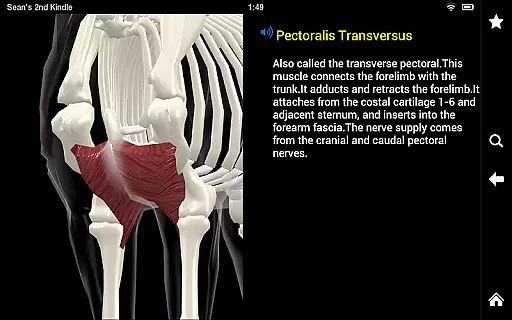
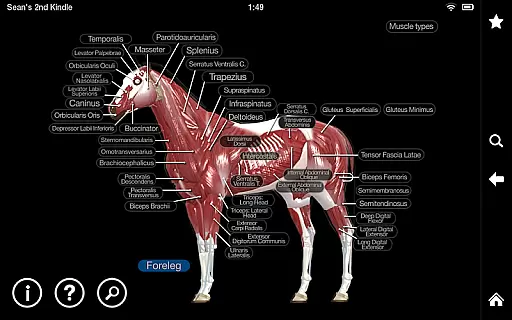
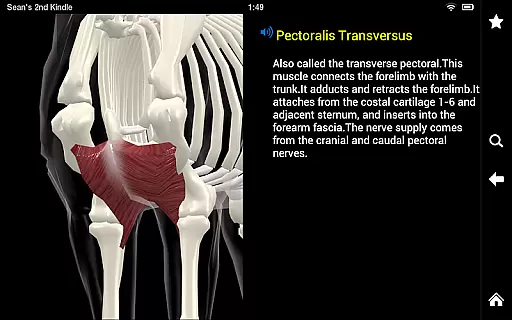
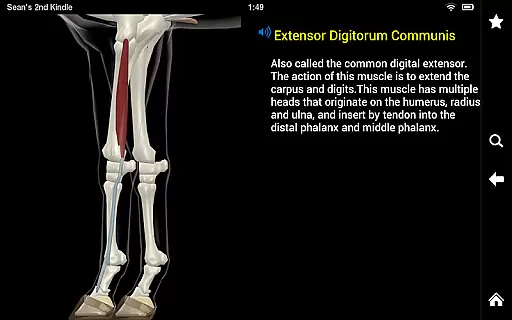
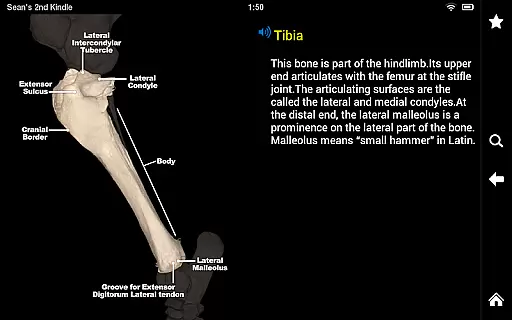
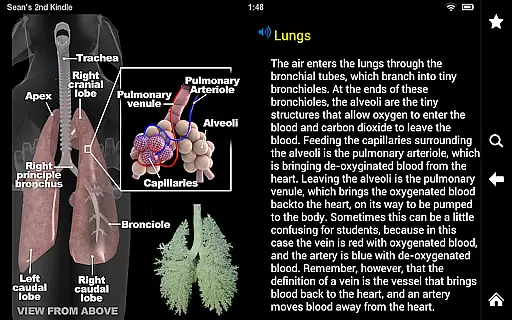
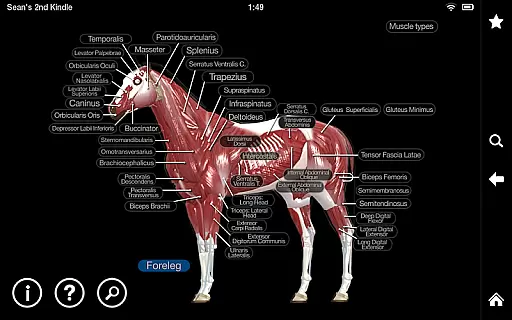
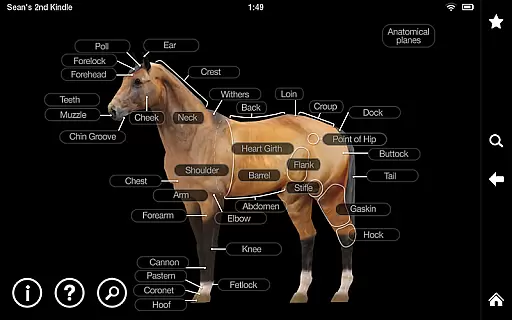
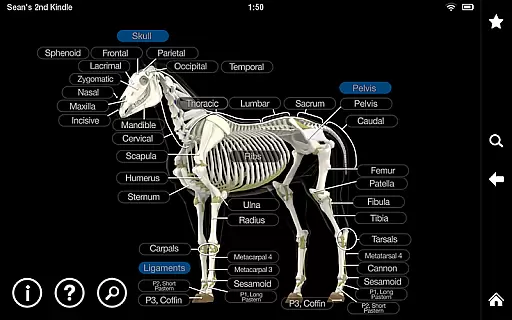
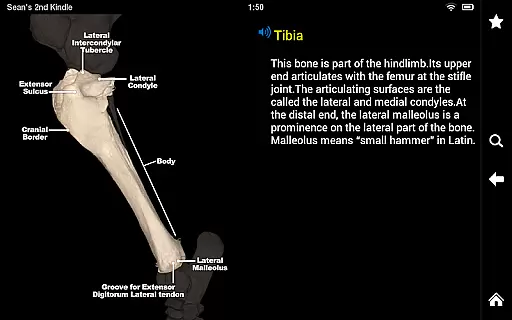
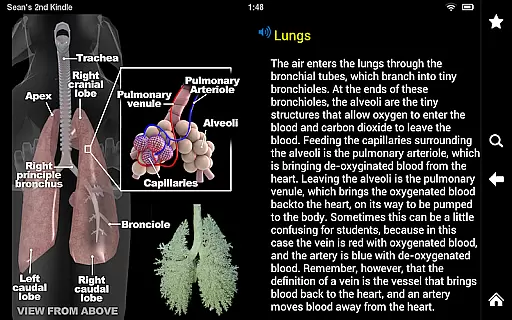
Horse Anatomy is a comprehensive 3D anatomy app designed for medical professionals, veterinary students, and equine enthusiasts. This application allows users to explore the intricate details of horse anatomy in an interactive 3D environment. Each anatomical structure is meticulously labeled, providing clear visualizations along with detailed commentaries and audio pronunciations.
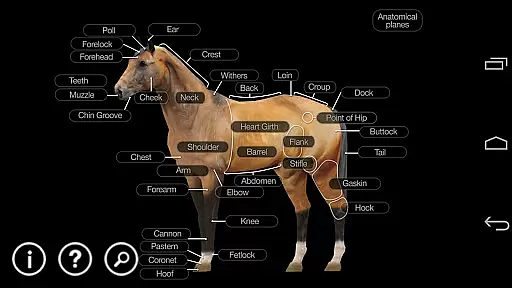
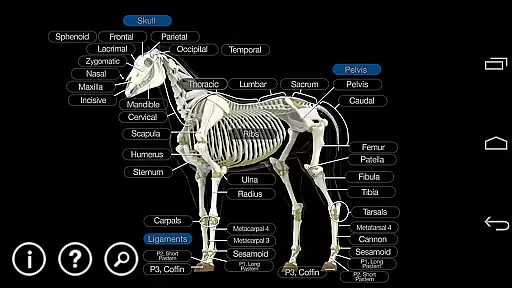
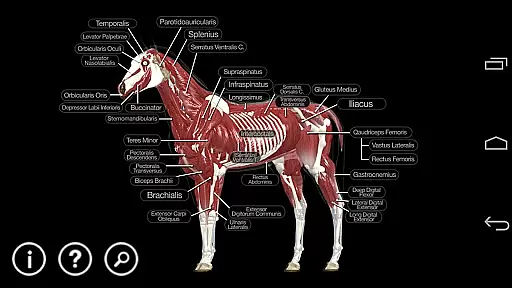
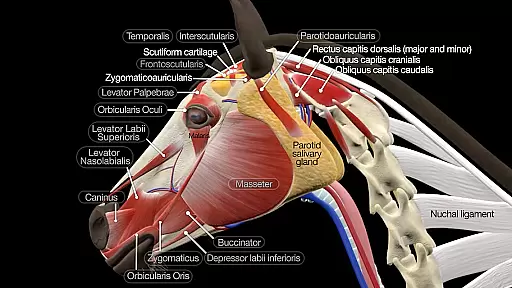
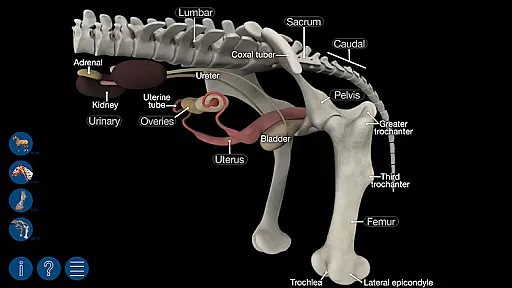
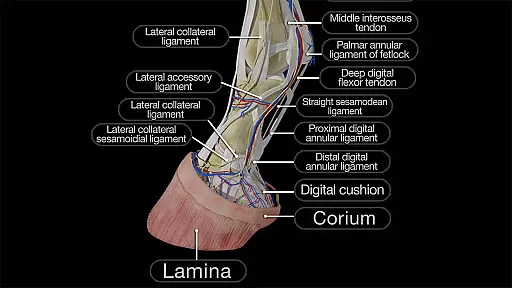
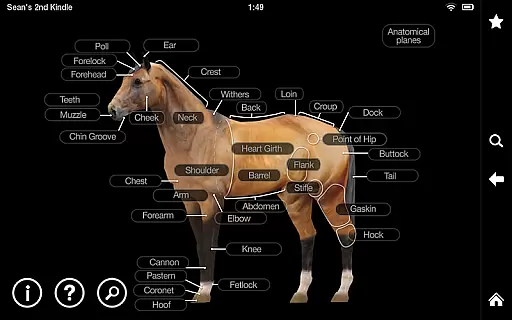
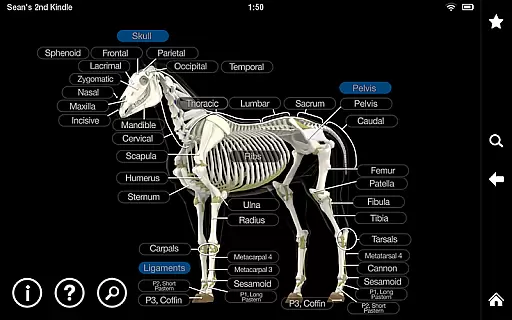
Users can easily navigate through various layers of anatomy, rotating and zooming in on the model to gain different perspectives. The app covers superficial landmarks, muscles, bones, organs, and specialized models such as the hoof, head, and reproductive systems. Additionally, it features a robust quiz function that tests knowledge on over 300 structures, allowing users to customize quizzes based on their learning needs.
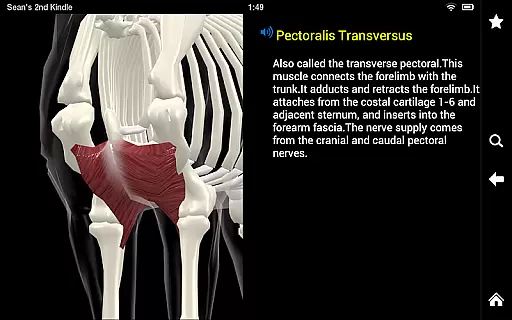
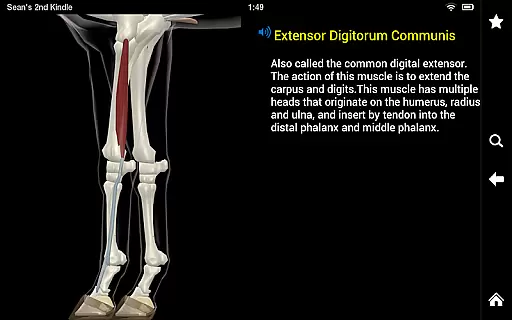
The Horse Anatomy app offers a rich set of features tailored for in-depth learning and exploration. One of its standout capabilities is the interactive 3D visualization, which lets users dissect each layer of the horse's anatomy with ease. The close-up view provides detailed insights into specific structures, while the commentary and audio pronunciation enhance understanding and retention.
Another significant feature is the quiz functionality, which includes over 300 structures across different sections. Users can take quizzes on individual sections, create personalized quizzes, or focus on areas where they need improvement. This adaptive learning approach ensures that users can efficiently master equine anatomy at their own pace, making it an invaluable tool for both educational and professional purposes.
When it comes to medical education, the accuracy and credibility of content are paramount. Horse Anatomy ensures that all anatomical information is meticulously researched and verified by equine anatomy experts.
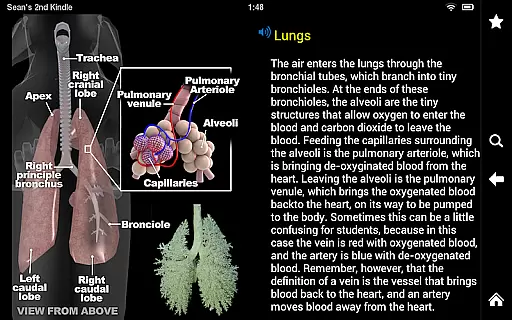
The app provides detailed 3D models of a horse's anatomy, including superficial landmarks, muscles, bones, and organs, each labeled with commentary and audio pronunciation. This guarantees that users receive not only visual but also auditory learning aids, enhancing comprehension and retention.
Furthermore, the inclusion of specialized sections such as the hoof, head, and reproductive systems demonstrates the depth of expert knowledge integrated into the app. Users can trust that they are learning from scientifically validated sources.
While Horse Anatomy does not provide teleconsultation services directly, its comprehensive educational tools effectively support remote learning and consultation scenarios. The app's detailed 3D models and quizzes serve as valuable resources for veterinarians conducting teleconsultations.
Professionals can use the app to visually demonstrate anatomical features to clients during virtual consultations, ensuring clear communication and understanding. The ability to zoom in and rotate models offers an interactive experience that static images cannot match.
Additionally, the quiz function allows veterinary professionals to assess their knowledge or prepare for consultations, ensuring they are well-informed when advising clients remotely. This indirectly enhances the quality of teleconsultations by providing accurate anatomical references.
Interactive 3D models
Detailed commentaries
Audio pronunciations
Customizable quizzes
Comprehensive coverage
Requires significant storage
Subscription fees apply
Complex for beginners
Limited free content
Occasional bugs

Sync your blood glucose device, log values automatically and tame your diabetes!
 4.60
4.60
Your donation experience just got smoother; Donor Hub is your go-to place.
4.70
Internal medicine literature at your fingertips.
4.50
Over 1,200 review questions and 5 exams—pass the NREMT with EMT Review Plus!
4.10
X-Vein: Advanced vein detection for medical practice
3.10
Hear far away sounds, conversations, TV and surrounding sounds more clearly.
4.70
Secure video appointments
4.50
Manage your health care in one easy place
4.40
Get Rx fast at the pharmacy, schedule health care, and shop ExtraCare savings.
3.30
Manage your prescriptions and pharmacy care anytime, anywhere.
4.80
Live vet support by text/video
4.80
Coaches you through labour using hypnobirthing techniques & tracks contractions
4.70
Health Care at Your Fingertips
4.60
Enjoy 200%+ volume booster with bass booster, equalizer and headphone supported.
4.60
Identify pills, search different drugs, get drug information and much more!
4.50
One app to unlock your health
4.30
The Client Portal app empowers you to manage care from one secure place
4.10
Conveniently receive lab results, schedule lab appointment and pay your bills
3.70
A scientifically-proven method to help people with dementia or memory impairment
4.0




User Reviews