
Hearing from Distance is a revolutionary mobile application designed to enhance auditory experiences by transforming your smartphone into a powerful listening device. This app is particularly beneficial for individuals with mild to moderate hearing impairments, offering features such as sound amplification and background noise filtering.
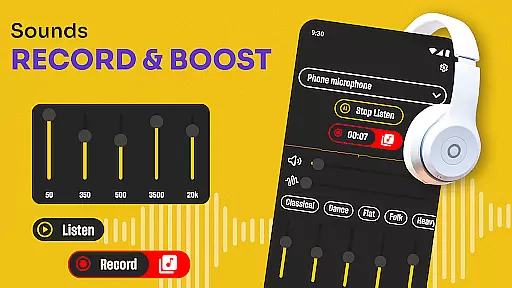
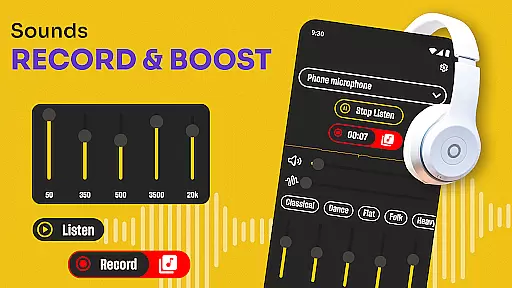
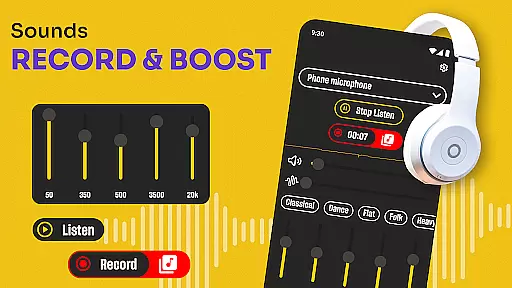
One of the standout capabilities of Hearing from Distance is its ability to stream sounds directly to Bluetooth headphones or earbuds, allowing users to clearly hear conversations even in noisy environments. The app also includes a recording feature, enabling users to save important audio moments like meetings or lectures for later playback.
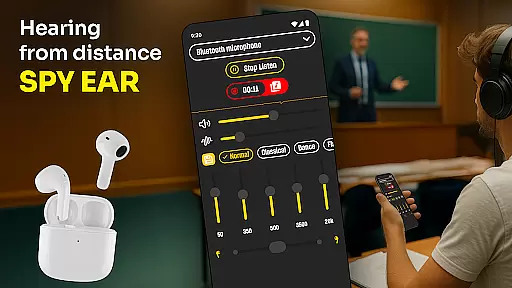
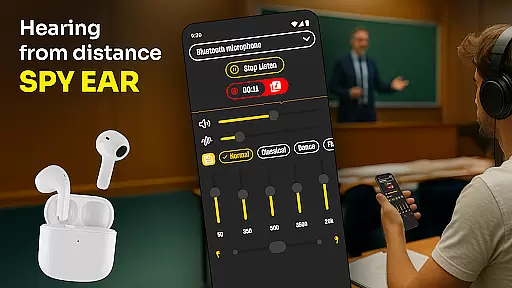
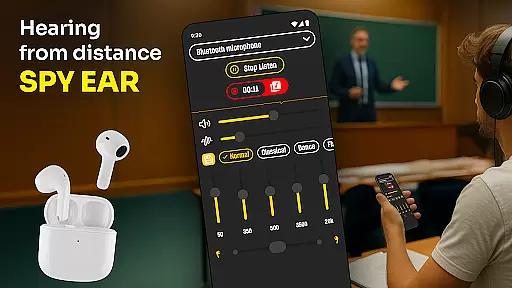
This app is ideal for students, journalists, and professionals who need to capture and comprehend spoken content in various settings. By placing their phone near a speaker and activating the app, users can enjoy crystal-clear audio transmitted straight to their earbuds, ensuring they never miss critical information.
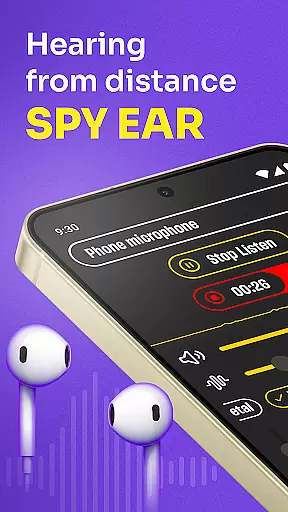
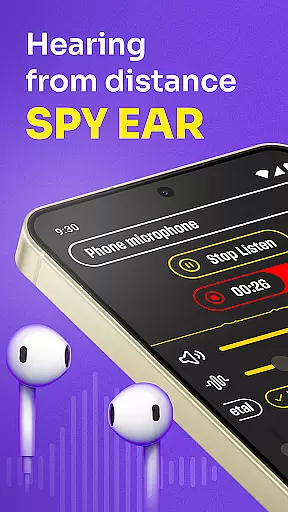
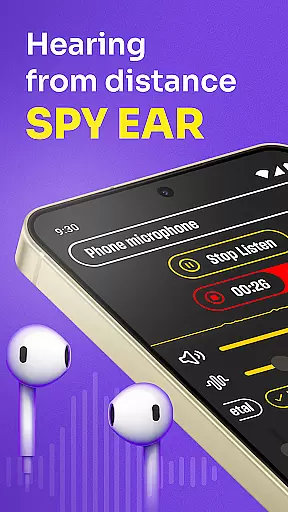
Hearing from Distance offers an impressive array of features that cater to users seeking enhanced auditory perception. One key functionality is the Ear Spy mode, which allows users to pick up distant sounds and whispers, making it invaluable in situations where hearing subtle details is crucial.
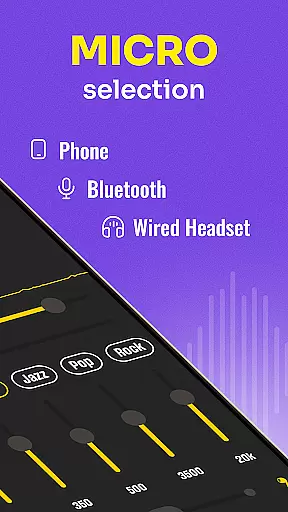
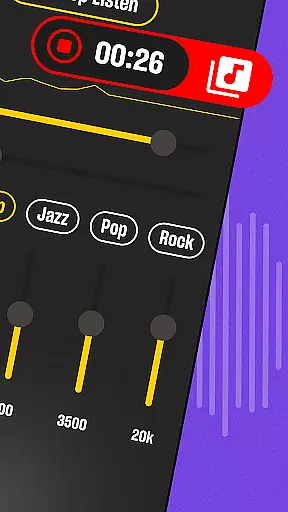
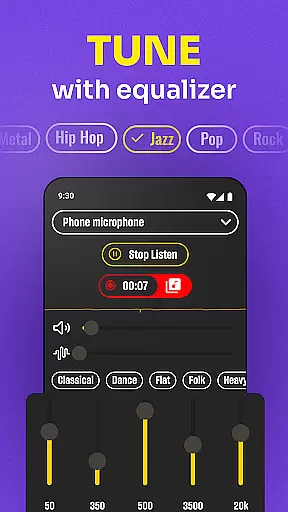
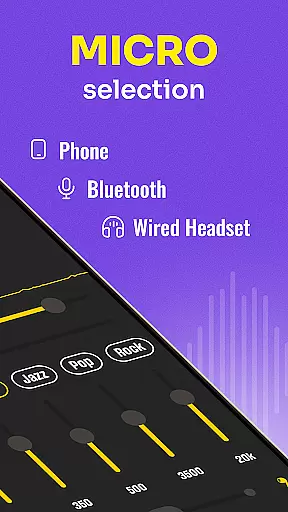
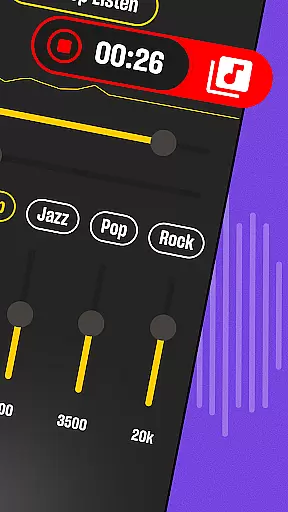
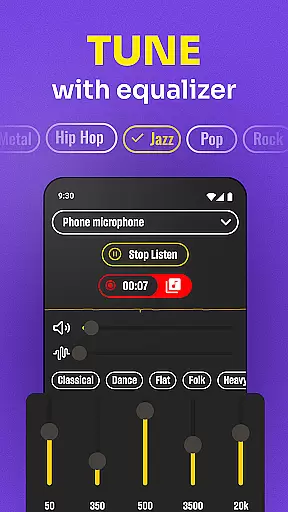
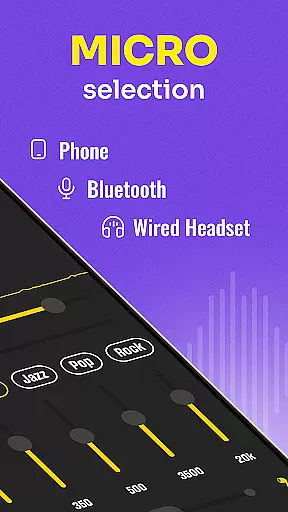
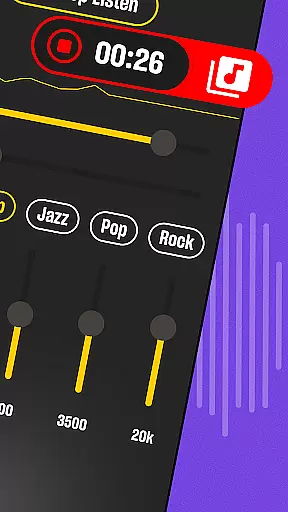
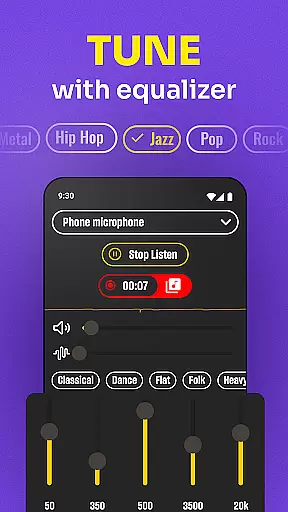
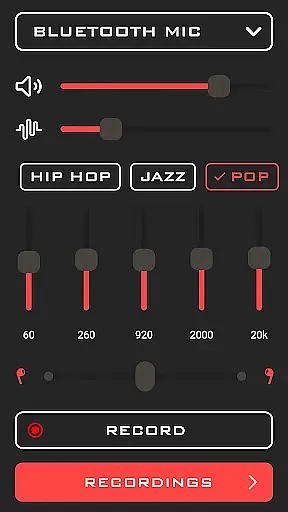
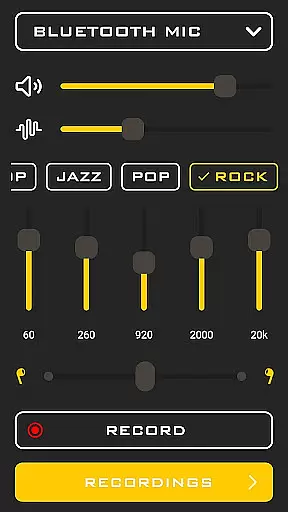
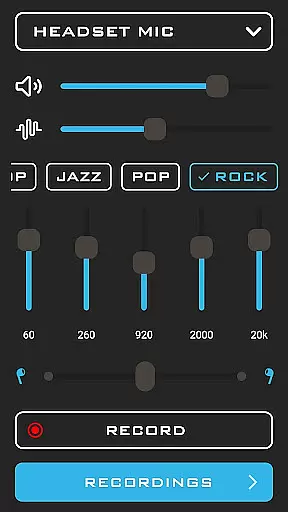
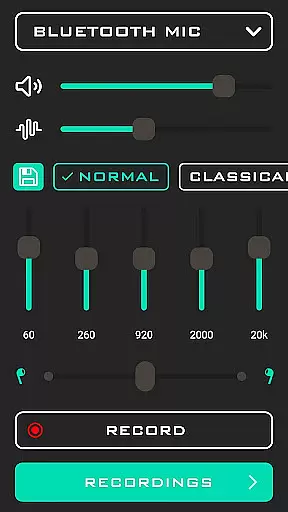
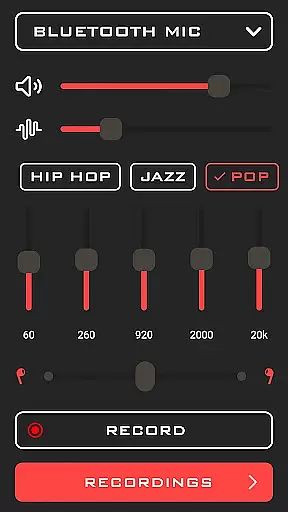
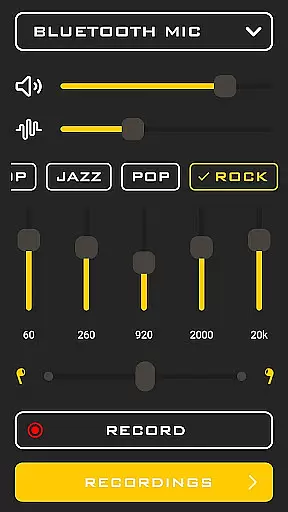
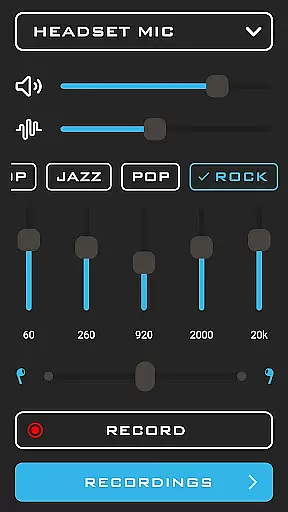
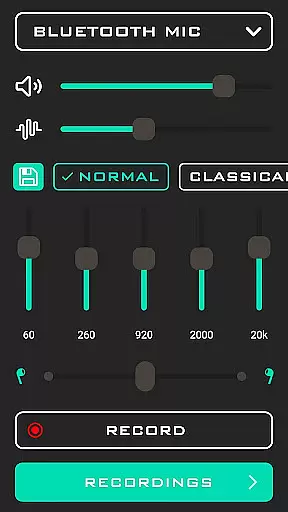
The app provides seamless integration with both phone microphones and headset microphones, giving users flexibility in how they capture sound. Additionally, the built-in recorder lets users document important conversations while simultaneously using the sound amplification feature, creating a comprehensive tool for archiving spoken content.
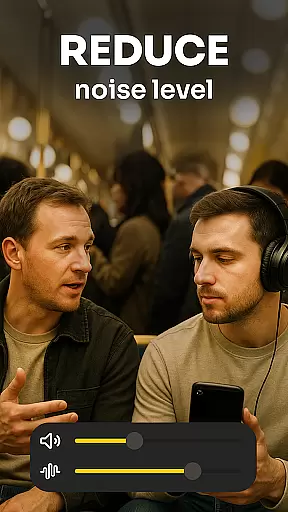
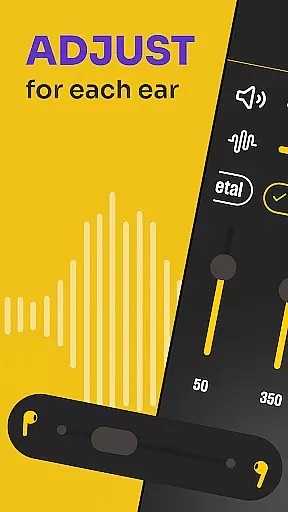
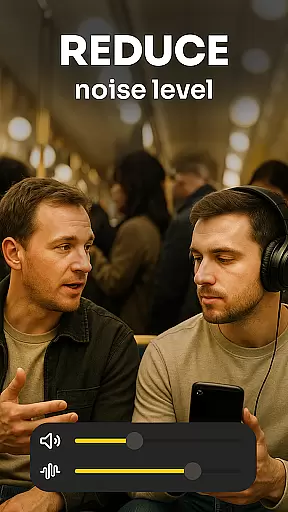
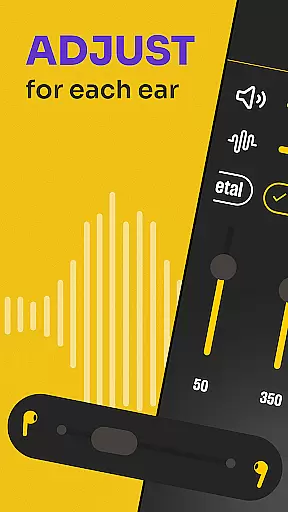
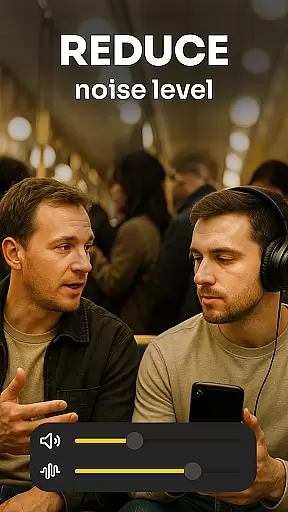
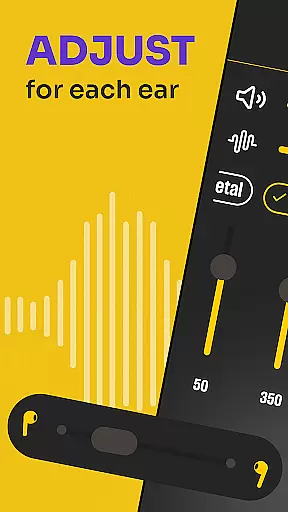
Another notable aspect is the app's ability to filter out distracting background noises, ensuring that voices come through with remarkable clarity. This feature is especially useful in crowded places like restaurants or lecture halls, where focusing on specific conversations can be challenging. With real-time sound level adjustments, Hearing from Distance delivers an optimal listening experience tailored to each environment.
In the medical app category, content credibility is paramount for user trust and safety. Hearing from Distance establishes its reliability by offering features that are particularly useful for individuals with mild to moderate hearing loss. The app's functionality as a sound amplifier has been designed not only to enhance sound but also to provide clarity in various environments, which indicates a level of expert insight into auditory health.
The app includes a feature set that suggests consultation with audiological expertise, such as real-time voice sharpening and noise filtering. These tools are essential for users who need to focus on specific sounds amidst background noise, akin to traditional hearing aids but with the convenience of a smartphone application. This positions Hearing from Distance as a credible tool for both everyday use and professional settings like meetings or lectures.
Furthermore, the ability to record conversations adds an educational and archival dimension to the app's offerings. Users can revisit important spoken content, which is invaluable for professionals and students alike. This recording feature, combined with the app's amplification capabilities, demonstrates a comprehensive approach to hearing assistance that likely benefits from expert input during development.
Teleconsultation has become an integral part of modern healthcare, allowing patients to receive guidance without the need for physical presence. While Hearing from Distance is primarily a sound amplification tool, it indirectly supports high-quality teleconsultations by ensuring that users can clearly hear and understand remote conversations. This is critical when communicating with healthcare providers, where missing details can lead to misinterpretation of advice or instructions.
The app's capacity to switch between different microphones and filter out ambient noise contributes significantly to clearer communication. Whether using the phoneu2019s mic or a connected headset, users can expect consistent audio quality that makes virtual consultations more effective. This adaptability enhances the overall experience, making it easier for healthcare professionals to deliver accurate diagnoses and recommendations.
Additionally, the integration of Bluetooth technology allows seamless connectivity with hearing devices, further improving the teleconsultation experience. By transmitting distant sounds directly to Bluetooth-enabled earbuds or headphones, Hearing from Distance ensures that every word is captured and delivered with precision. This technological synergy underscores the app's commitment to providing reliable and high-quality auditory support, even in scenarios where distance could otherwise impede clear communication.
User-friendly interface
Effective noise filtering
Real-time sound amplification
Flexible mic options
Comprehensive recording feature
Requires Bluetooth device
Drains battery quickly
Limited without earbuds
Premium features locked
Occasional connectivity issues

The NightOwl Companion app allows you to interact with the NightOwl sensor.
 4.70
4.70
A fantastic 3d reference that includes over 300 structures and a quiz function.
3.00
Blue Cross and Blue Shield of Texas member information
4.60
Care Simplified by MyChart
3.40
Over 1,200 review questions and 5 exams—pass the NREMT with EMT Review Plus!
4.10
CPR Timer for High Performance AHA BLS / ACLS
5.00
Download OctaApp for easy access to your plasma donation info
4.40
Manage your healthcare through the FollowMyHealth® Universal Health Record.
4.80
MyChart for Android
4.50
Donating blood and platelets is easier than ever with The American Red Cross.
4.80
Live vet support by text/video
4.80
A comprehensive 3D atlas of the human body
4.80
Medication reminder, Medicine list, Trackers for BP, glucose, weight, water, etc
4.70
Enjoy 200%+ volume booster with bass booster, equalizer and headphone supported.
4.60
PPP provides quick offline access to over 350 field treatment protocols.
4.60
Manage your health care in one easy place
4.40
Molina Members: My Molina. Manage your health anytime, anywhere!
4.30
Use the phone microphone or headset mic as sound amplifier for louder hearing.
4.30
Continuous Glucose Monitoring
3.40



User Reviews