
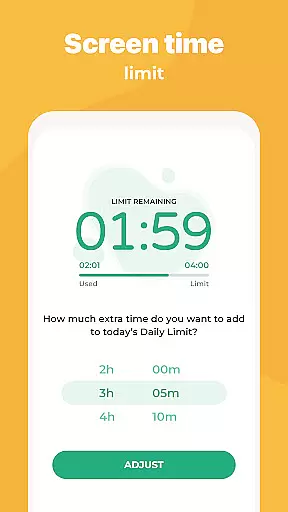
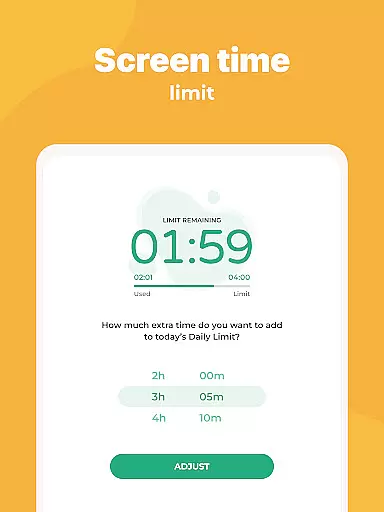
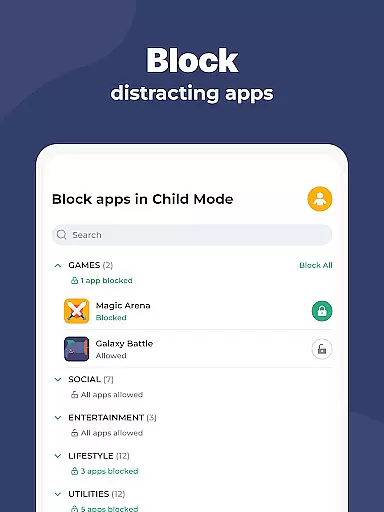
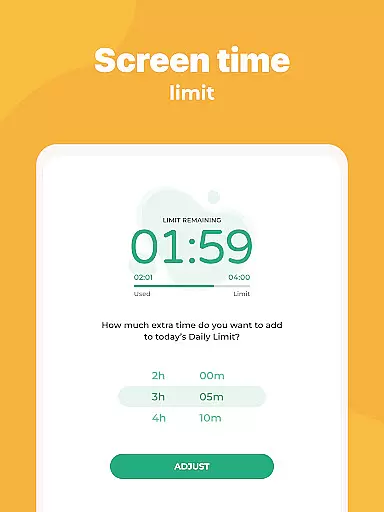
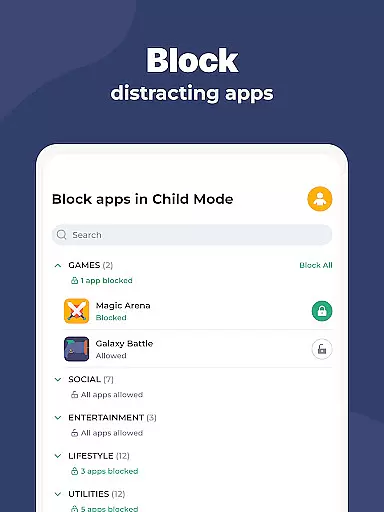
Kidslox Parental Control App is a comprehensive parental monitoring solution designed to help parents manage their children's screen time and online activities. The app offers robust features including screen time scheduling, instant app blocking, and daily time limits across Android and iOS devices.
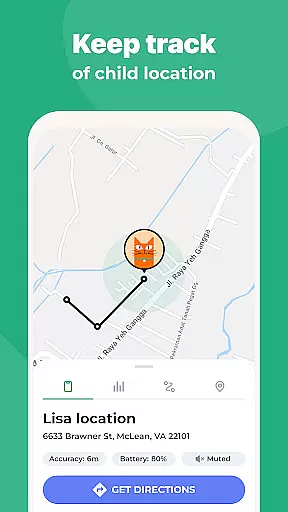
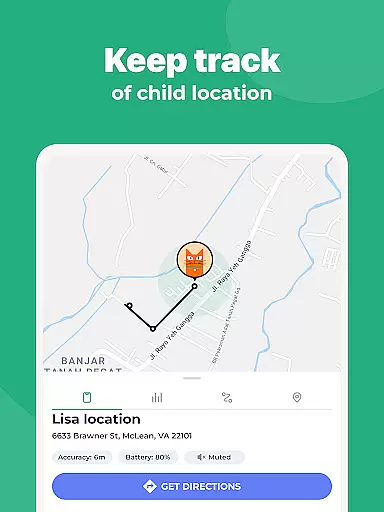
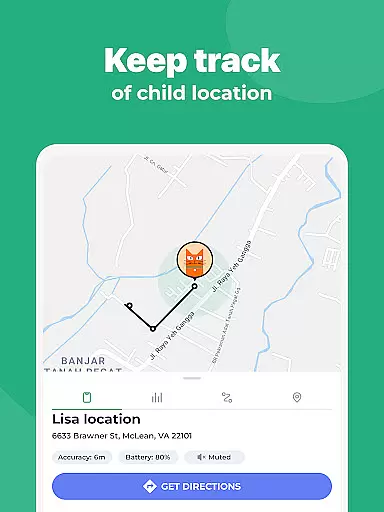
Parents can track their child's location through GPS, receive notifications when they enter or leave designated areas, and monitor web browsing history. With content filtering capabilities, the app blocks inappropriate material and in-app purchases, ensuring a safer digital environment for children. Its cross-platform compatibility extends to Windows, Mac, and browser-based controls.
This parental control tool is particularly useful for families who want to establish healthy device usage patterns while maintaining open communication about digital responsibility. The app's multiple management approaches cater to different parenting styles, from strict control to guided independence.
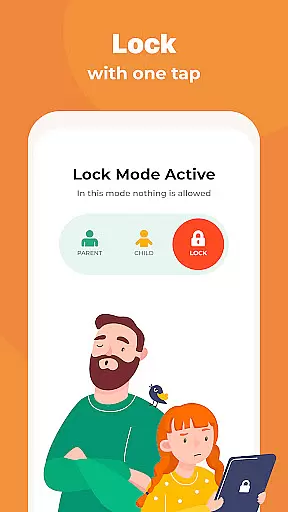
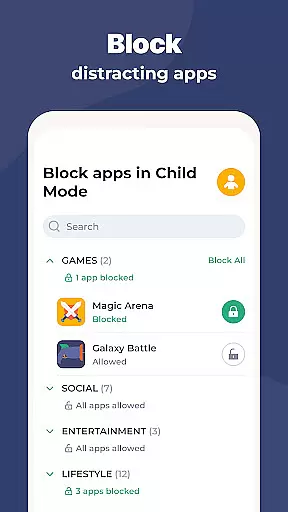
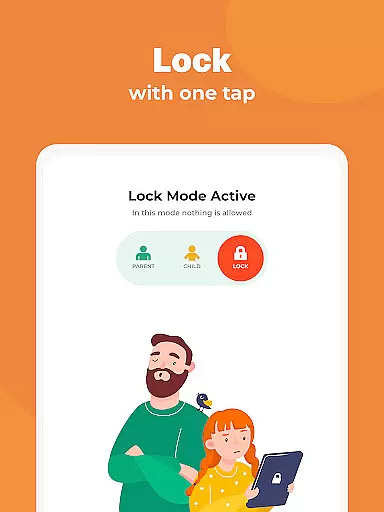
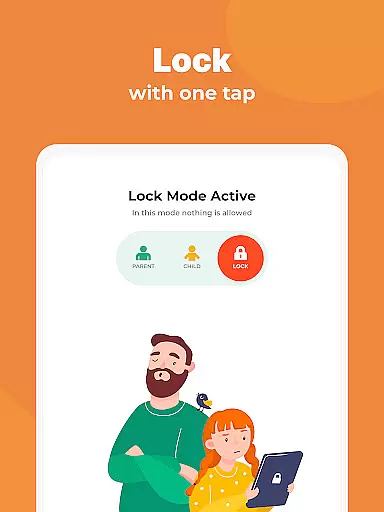
Kidslox stands out with its comprehensive feature set that addresses various aspects of digital parenting. The instant lock functionality allows parents to remotely block apps on both Android and iPhone devices, providing immediate control when needed. Screen time schedules enable setting fixed usage periods, helping establish consistent routines.
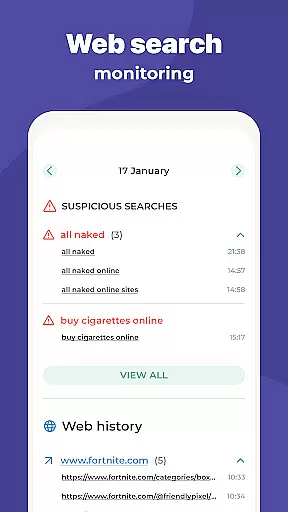
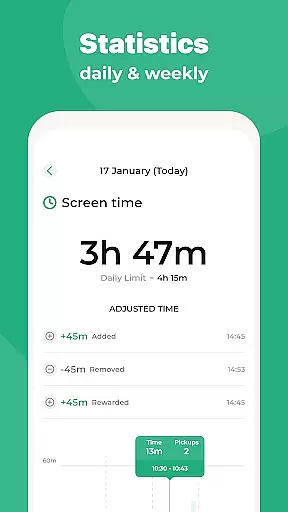
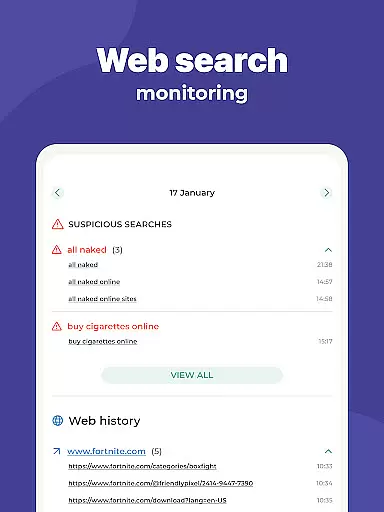
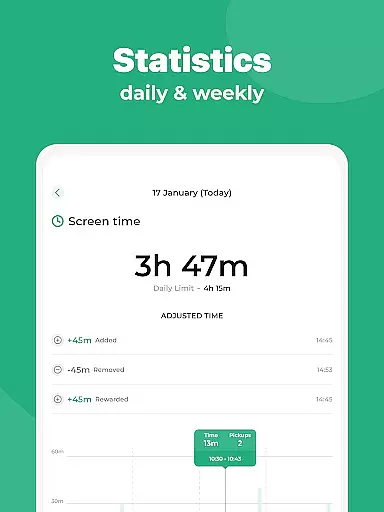
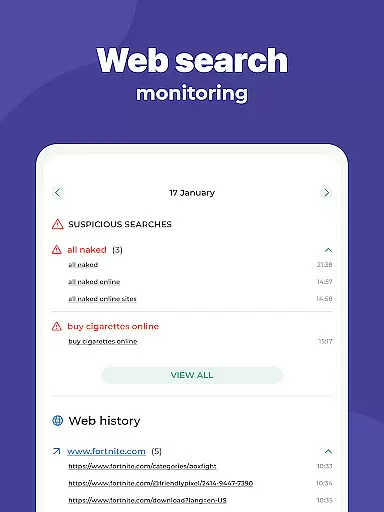
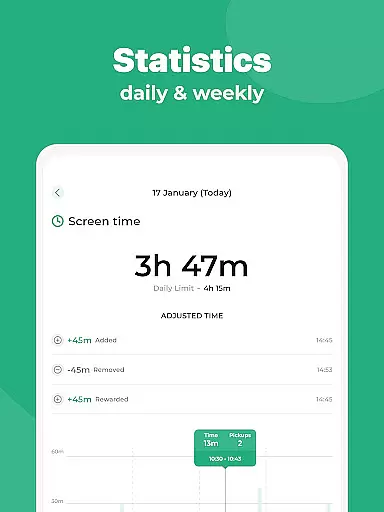
The app's monitoring capabilities are extensive - parents can review app usage statistics, web browsing history, and even track location through GPS. Custom modes permit selective app blocking based on time or activity type, promoting balanced device usage. The implementation of geo-fencing technology sends alerts when children enter or leave predefined areas.
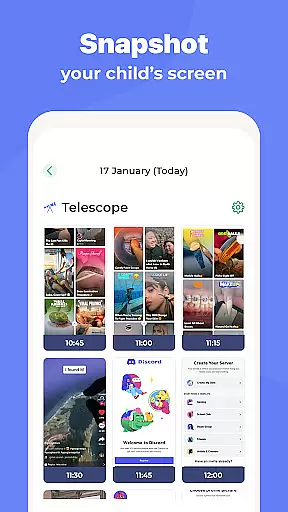
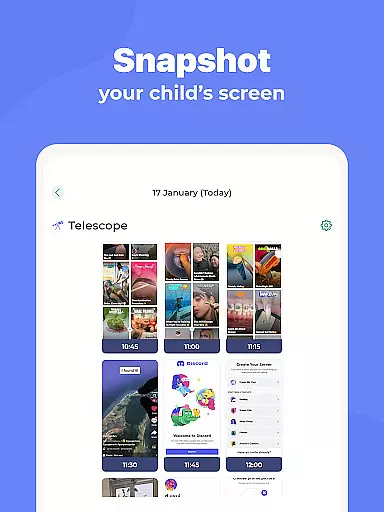
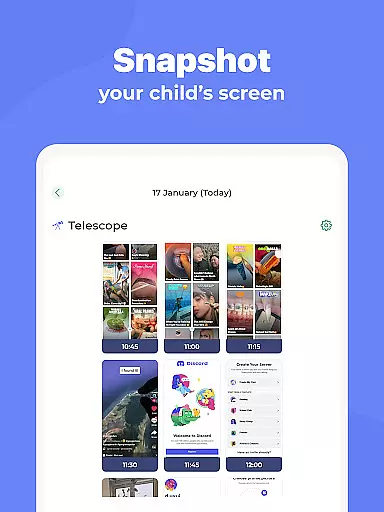
Advanced security features include pornography filtering, safe search enforcement across search engines, and complete internet blocking when necessary. The app's cross-platform support ensures consistent control across all family devices, while the Accessibility permission enables detailed monitoring and screenshot capabilities. These features work together to create a comprehensive digital safety net for children.
In the realm of parenting apps, content credibility is paramount for user trust and effective child guidance. Kidslox Parental Control App ensures this through a combination of expert-backed features and rigorous verification processes.
The app provides verified tools such as screen time management, location tracking, and content filtering, all developed with input from child psychology and digital safety experts. These features are designed not only to control but also to educate and guide both parents and children on responsible device usage.
Parents benefit from knowing that the controls they set are based on proven methodologies. For instance, the daily time limits and app blocking schedules are crafted to support healthy digital habits without causing unnecessary conflict.
Furthermore, Kidslox offers comprehensive support through in-app chat and email, ensuring any concerns about content or functionality can be addressed by knowledgeable professionals. This dedication to accuracy and expert validation makes Kidslox a reliable partner in modern parenting.
Tracking a child's growth in terms of digital habits and responsibility is crucial for parents aiming to foster balanced development. Kidslox excels in providing accurate growth tracking through its detailed monitoring and reporting features.
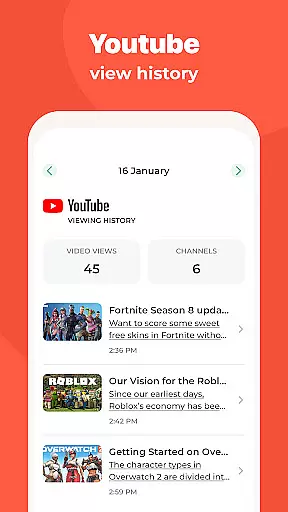
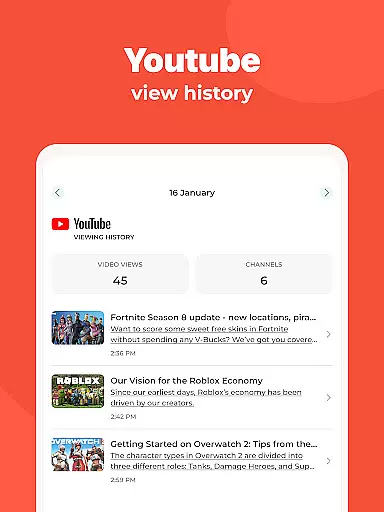
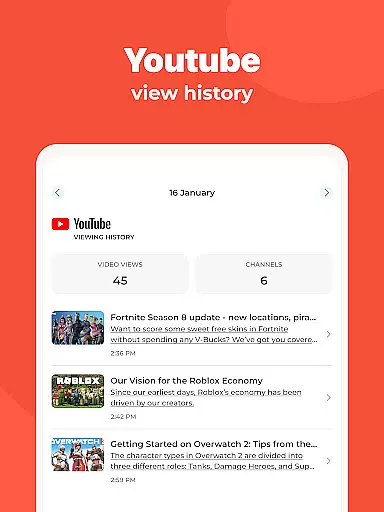
The app meticulously records app usage, web activities, and screen time, presenting this data in an accessible format. Parents can see which apps their children use most frequently, how much time is spent on each, and what websites have been visited. This level of detail allows for precise tracking of digital behavior patterns over time.
Kidslox goes beyond mere observation by offering actionable insights. For example, it enables parents to set custom modes that encourage educational app usage during study times while restricting entertainment apps to leisure periods. Such tailored approaches help cultivate discipline and self-regulation in children.
Additionally, location tracking adds another layer of growth assessment by showing where and when children move between geo-fenced zones. Combined with regular updates and feedback from the support team, these features ensure that parents have a clear and accurate picture of their child's developmental journey.
Comprehensive cross-platform support
Real-time app blocking capability
Detailed usage monitoring tools
Flexible scheduling options
Robust content filtering system
Requires constant internet connection
Uses Device Administrator permission
Needs Accessibility permissions
Employs VPN service for filtering
Location tracking may raise privacy concerns

GPS phone tracker: find kids on map. Location tracking and parental control.
 4.50
4.50
Block apps, set screen time limits, and customize usage schedules
4.50
SENSORYSOOTHE and SENSORSAFE: Making car seats smarter and families safer.
4.70
Discover fun videos, kids songs, bedtime stories and games
3.60
The Baby’s Bounty App is your hub to register for our diaper banks in Nevada
3.70
The 10 development leaps of your baby | newborn milestones & leap days tracker
4.10
Track pregnancy health and wellness with pregnant tracker from healthcare advice
4.0
Parental control App for Location, Remote Camera, Screen Mirroring, Block Apps.
4.60
Pregnancy+ App has helped 80m moms track their pregnancy with info & support!
4.80
Track Pregnancy, Baby Feeding, Sleep, Diaper Changes, Postpartum Health & More!
4.80
FamilyAlbum helps you share, save, and remember your child's special moments.
4.80
All-In-One Pregnancy Tracker, Your Baby's Milestones, Growth Stages & Parenting
4.70
Kids story books for children. Baby reading books with audio for pre-k toddlers
4.70
Track your pregnancy & your baby's growth in 3D. Get support from our community
4.60
Speech Therapy Exercises For All!
4.40
Free symptom & med tracker with expert-reviewed tips.
4.30
Find unique + popular baby names for your little peanut.
4.30
Screen Time, App and Web Block & Monitoring, Location Tracker
3.60
AI Motion Video Maker & Ideas
4.5



User Reviews