
ParentSquare is an all-in-one communication platform designed specifically for educational institutions to foster stronger connections between schools and families. The app serves as a centralized hub where parents can access school news, receive real-time alerts, and engage in direct messaging with teachers. With support for automatic translation into over 190 languages, it ensures inclusivity and accessibility for diverse communities.
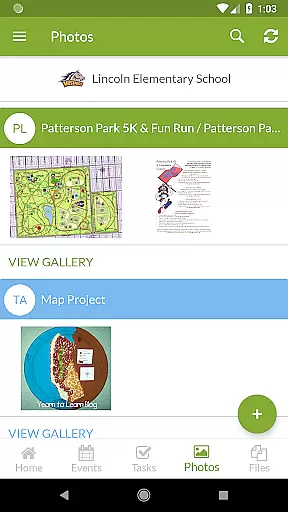
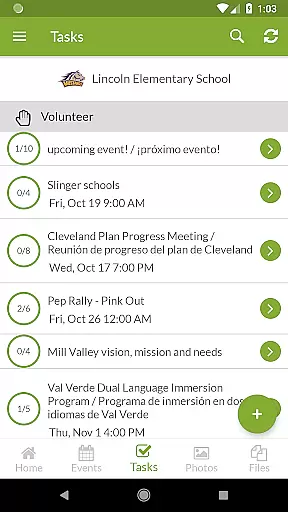
Beyond basic communication, ParentSquare offers advanced features such as attendance notifications, cafeteria balance updates, and group conversations. Parents can also sign up for volunteering opportunities, respond to absence reports, and even handle school-related payments if enabled by their institution. This comprehensive functionality helps streamline interactions between families and schools, saving time and enhancing student success.
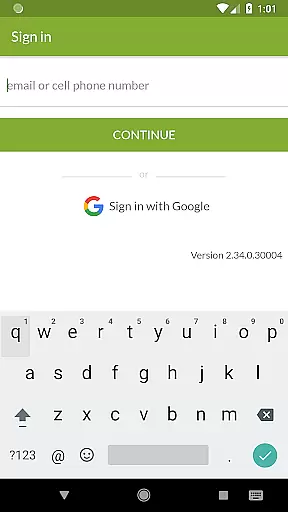
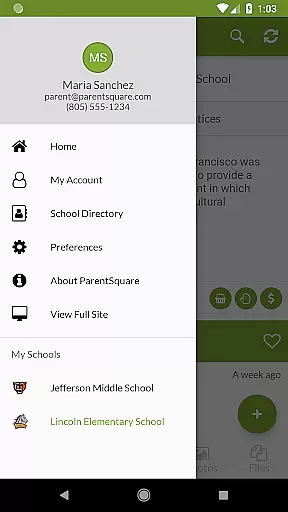
The app's user-friendly interface and robust security measures make it a trusted tool for both educators and families. By consolidating all school-related updates and interactions into one platform, ParentSquare eliminates the need for multiple disjointed tools, ensuring that no important information is missed. Whether on Android devices or through the web portal, ParentSquare provides seamless access to essential school communications.
ParentSquare stands out with its rich feature set tailored to meet the needs of modern educational environments. One of its key strengths is the automatic translation capability, which supports over 190 languages, enabling clear communication across linguistically diverse communities. This ensures that language barriers do not hinder parental involvement in their child’s education.
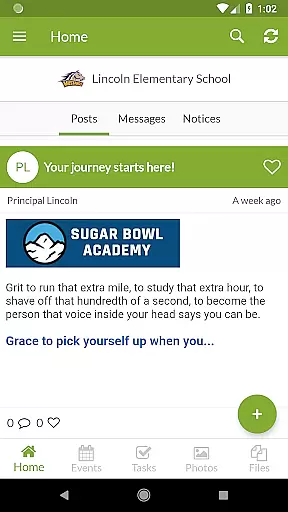
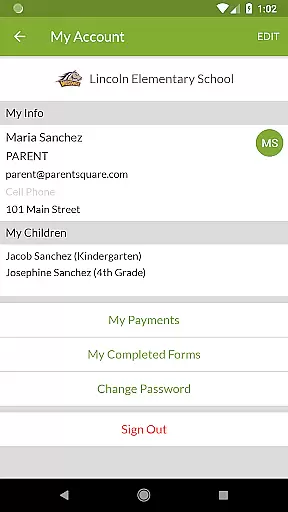
The app integrates various communication methods, including direct messaging, group chats, and broadcast alerts, allowing for flexible interaction between teachers, administrators, and families. Additionally, ParentSquare incorporates practical tools like attendance tracking, cafeteria balance monitoring, and event sign-ups, making daily school operations more efficient. For schools that enable premium features, parents can also manage payments for fees, invoices, and other school-related expenses directly within the app.
Security and privacy are prioritized, with best-in-class safety protocols ensuring that sensitive information remains protected. The platform's intuitive design simplifies navigation, while its cross-platform compatibility allows users to stay connected via mobile devices or desktop browsers. These thoughtful implementations highlight ParentSquare's commitment to creating a reliable, accessible, and secure communication ecosystem for educational communities.
In the realm of education, the precision and reliability of content are paramount. ParentSquare ensures that all information disseminated through its platform is accurate and comes from authoritative sources within the educational institution. This commitment to content integrity means that families receive trustworthy updates, alerts, and messages that correctly reflect the school's communications.
ParentSquare employs best-in-class safety and security practices, underscoring the importance of maintaining the authenticity of school-related content. The platform's dedication to accuracy is further demonstrated by features allowing direct messaging with teachers and staff, ensuring that any queries can be verified and addressed promptly by verified school personnel.
The app aggregates various forms of communication into one place, reinforcing the credibility of the information shared. Whether it's about attendance alerts, cafeteria balances, or important notices from the district, ParentSquare consolidates these into a single reliable source, making sure that parents are not overwhelmed by fragmented or inaccurate data.
While ParentSquare focuses on connecting schools and families, it indirectly supports personalized learning paths for students by facilitating seamless communication. By providing a platform where teachers can easily share classroom updates and photos, as well as send personal messages to parents, ParentSquare enables educators to tailor their communication based on individual student needs.
This customized interaction allows parents to stay informed about their childu2019s progress and areas that need attention, effectively creating a personalized approach to each child's educational journey. Parents can respond to absences or tardies, sign up for volunteering opportunities, and even pay school-related fees, all of which contribute to a more engaged and responsive learning environment tailored to each family's situation.
Moreover, the automatic translation of messages into over 190 languages ensures that language barriers do not hinder the creation of effective personalized learning strategies. This inclusivity helps every family to participate actively in their child's education, regardless of linguistic background, fostering an equitable and adaptive educational experience.
User-friendly interface
Multi-language support
Secure communication
Comprehensive updates
Time-saving features
Premium features cost extra
Limited customization options
Dependent on school adoption
Occasional notification delays
Requires internet access

A 2024 digital study guide for the Expert Infantryman and Expert Soldier's Badge
 4.2
4.2
An aviator’s preparation, study and test tool for FAA Knowledge Exams.
3.90
A magical world of fun, building, and learning with Mickey Mouse and more!
4.20
Nighty Night Circus - Bedtime story for kids
4.10
Study for your 608 certification.
4.50
A collection of favorite stories from Daniel Tiger's Neighborhood
2.00
Astronomy Guide To Night Sky
4.30
An aviator’s preparation, study and test tool for FAA Knowledge Exams.
4.30
Animals pop up and make sounds—learn names and noises in Peekaboo Barn!
4.5
Explore myths and gods across cultures with in-depth insights and stories.
5.00
Learning the ancient Viking language made simple
4.70
2026 DVSA Driving Theory Test revision with Hazard Perception + Highway Code
4.60
A fast and fun way to learn guitar - works with any guitar.
4.60
Practice Casino Roulette Payouts for Table Game Dealers and Croupiers
4.40
Master note reading with StaffWars….
4.00
Our most popular app series returns, better than ever!
3.90
Visit Daniel's house & make believe. Play doctor, make music, & feed fish.
3.20
The official CCM Glossary app, including 700+ terms and definitions.
2.90
AR planetarium app that brings the solar system to you via XREAL Glasses.
4.5




User Reviews