
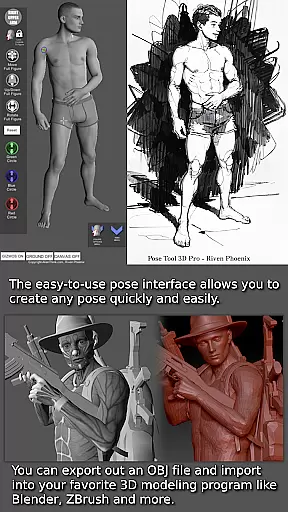
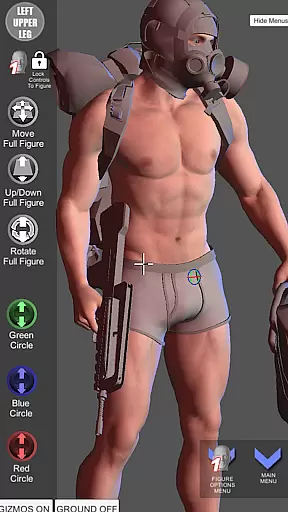
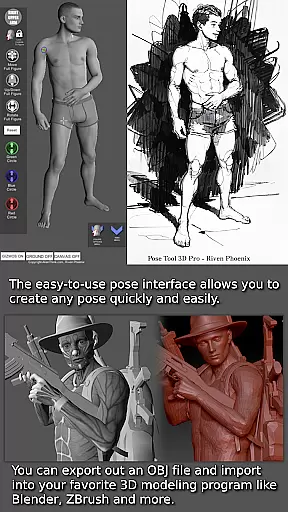
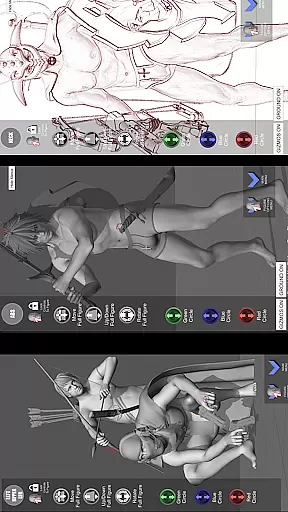
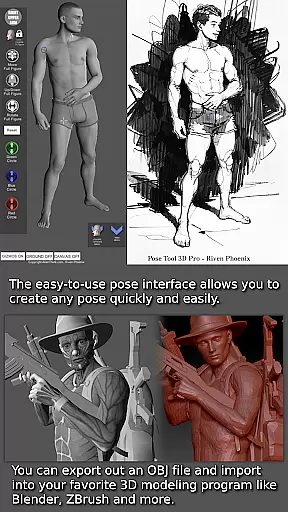
Pose Tool 3D is an essential app for artists, illustrators, and animators seeking a comprehensive figure posing tool. This app provides users with a versatile reference model that can be posed in countless ways, making it ideal for various artistic projects including manga, character design, storyboarding, and comic books. The intuitive interface allows for quick and easy posing of both male and female figures without constraints, enabling the creation of both realistic and extreme poses.
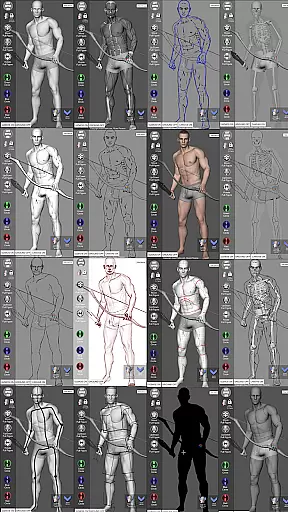
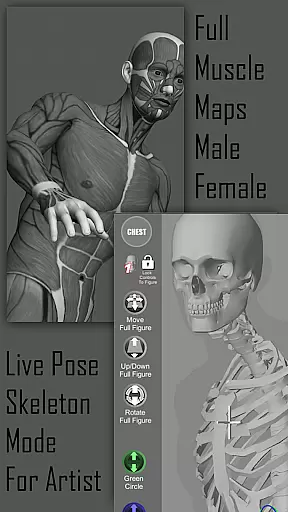
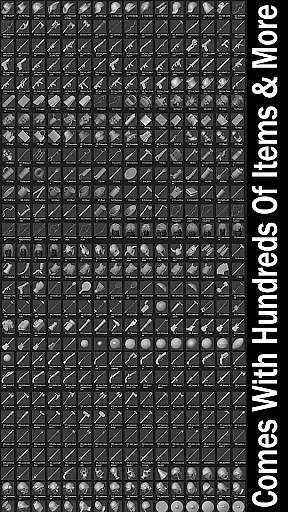
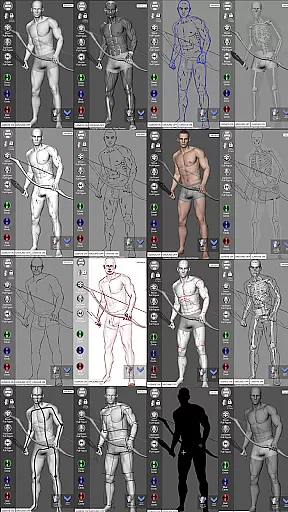
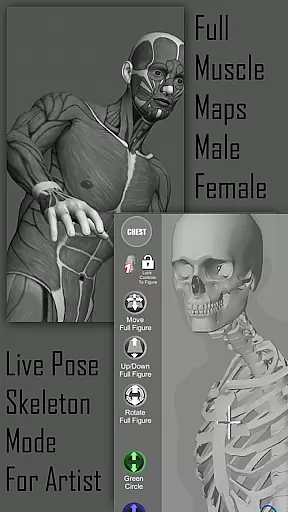
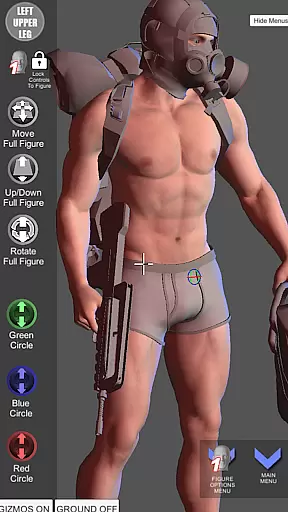
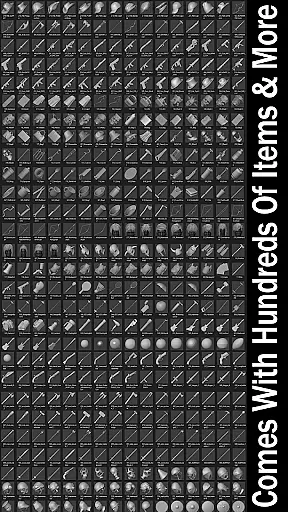
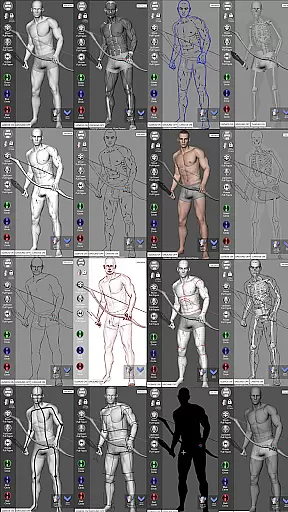
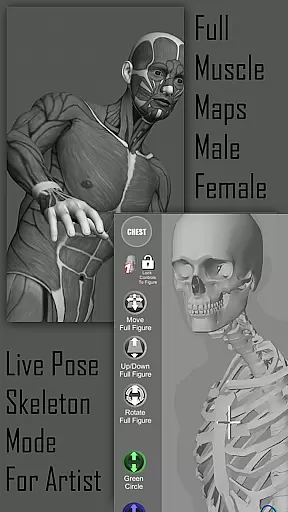
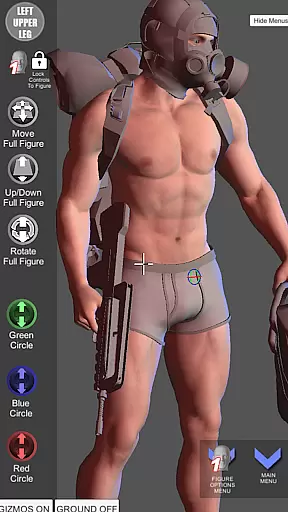
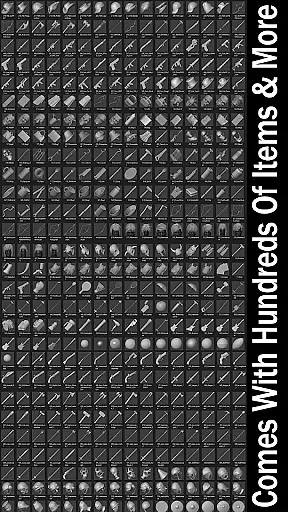
One of the standout features of Pose Tool 3D is its ability to visualize the human figure in different drawing modes, from 2D to 3D perspectives. Additionally, the inclusion of muscle maps enhances the understanding of anatomy, allowing users to create more lifelike poses. With hundreds of items in the inventory system, users can attach everyday objects and weapons to figures, adding depth and realism to their compositions. Whether you're a beginner or a professional, this app offers tools that cater to all skill levels.
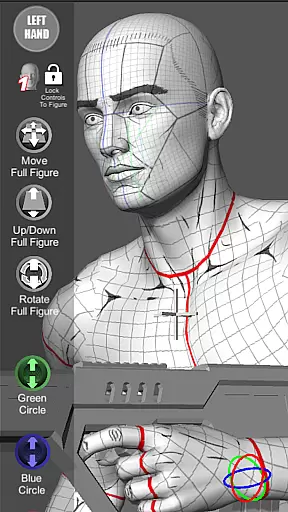
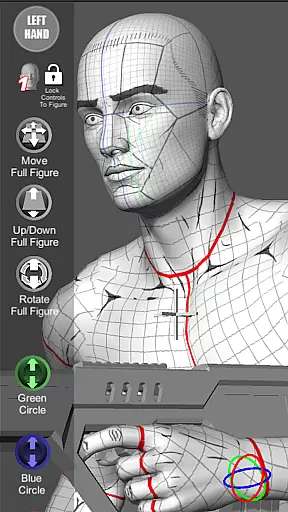
The Pose Tool 3D app boasts a wide array of powerful features designed to enhance the creative process. Users can manipulate a 3D model with touch controls that include orbiting, zooming, and selecting body parts with simple finger gestures. The app supports complex posing with functionalities like posing hips and resetting to a T-pose, ensuring flexibility and precision in every creation.
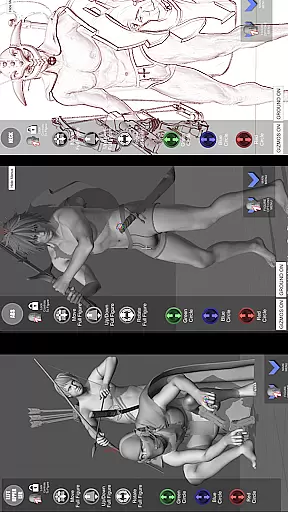
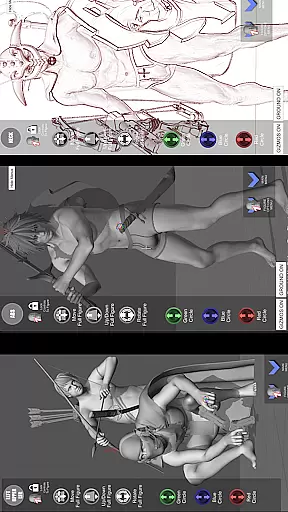
Beyond basic posing, Pose Tool 3D offers specialized modes such as Mannequin Mode, Skeleton Mode, and various sketch modes that allow artists to experiment with different artistic styles. The app also includes perspective grids, a 3-point lighting system, and camera FOV adjustments for perfect scene setups. With options for different body types and a random pose generator, artists have endless possibilities to explore and refine their craft.
Pose Tool 3D offers an extensive and diverse library tailored for comic creators. With over a dozen unique figure types ranging from average to muscular body types, artists have access to a wide array of character models.
The app includes both male and female figures with multiple customization options, ensuring that users can create characters that fit their specific comic scenarios. This diversity allows for rich storytelling through varied character designs.
Additionally, Pose Tool 3D provides specialized modes such as Comic Sketch Mode and Skeleton Mode, which are specifically designed to enhance the comic creation process. These features enable artists to visualize scenes in styles that are consistent with traditional comic art forms.
Artists benefit from the app's ability to save and load poses, making it easy to maintain consistency across panels and pages. The vast library combined with flexible posing tools ensures that creators can bring their stories to life with dynamic and engaging characters.
When creating comics, ensuring the authenticity and proper licensing of content is crucial. Pose Tool 3D addresses this by providing original and properly licensed character models and assets.
All figures within the app, including their muscle maps and mannequin modes, are crafted to offer accurate anatomical references. This attention to detail supports artists in creating believable and professional-quality illustrations without copyright concerns.
In addition to its human figures, Pose Tool 3D includes a variety of everyday objects and weapons that can be incorporated into scenes. These items are also authentically designed and licensed for use, giving artists peace of mind when adding extra details to their compositions.
By using Pose Tool 3D, comic artists can focus on their creative process, knowing that all elements provided by the app are legitimate and safe to use in their published works. This assurance allows creators to fully utilize the app's capabilities without worrying about legal issues.
User-friendly interface
Versatile posing options
Comprehensive muscle maps
Wide range of artistic modes
Inventory system with numerous items
May have a steep learning curve
Some features might require additional purchases
Limited to humanoid figures
Interface can feel cluttered
Performance may vary on older devices

Your key to unlocking manga and webtoons on the go
 3.50
3.50
TMOLector is an app to read all kinds of manga and stories!
4.50
Daily updates & FREE chapters
4.00
Joke book collection with the funniest dad jokes and riddles for you to enjoy!
4.60
The most powerful and fast image/comics viewer.
4.10
Comic Scanner - Book Value - Identify and sell your comic collection with AI.
3.80
from HipComic: Value Your Comic Book Collection with Just the Snap of a Photo.
3.80
Comics and stories from Japan
4.60
Read Manga, Comics & Manhwa of Romance, Action, Fantasy, Drama, BL and more!
4.40
Artists wanting to use decent hand reference on the go, this app is for you!
4.70
Comic Book Identifier Value - Scan comics & prices. Your comic book price guide!
4.50
Discover manga stories & stream anime series with unlimited entertainment access
4.40
The most popular comic book reader.
4.40
The fastest and most convenient comic book reader - comics of all formats
4.40
SQUARE ENIX's official Manga app!
4.40
Read officially manga titles from Japan including Attack on Titan
3.80
Experience the largest selection of DC comics anywhere with DC UNIVERSE INFINITE
3.40
Official digital-manga store. Quality translations that support artists.
3.10
Hot-blooded / Romance / Science Fiction All themes, Smart Recommendation + HD Reading
3.10








User Reviews