RaceChrono Pro is a premier motorsports application designed to elevate your racing experience through advanced lap timing, data logging, and video analysis. This app serves as an all-in-one solution for both amateur and professional racers, replacing traditional lap timers with a comprehensive digital platform.
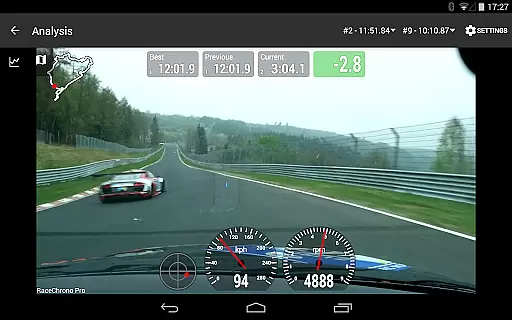
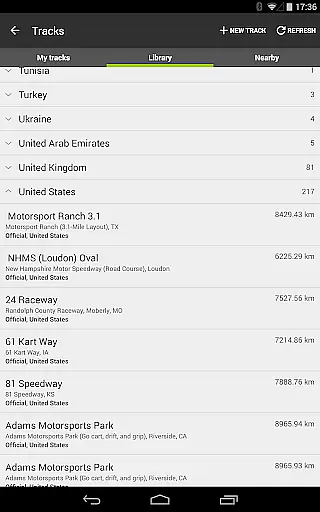
The app's core functionality includes precise lap timing with sector analysis, an extensive track library of over 2600 pre-made circuits, and custom track creation tools. It also offers robust data analysis features such as synchronized graphs, X/Y plotting, and predictive lap timing. The integration of video recording with internal or external cameras, combined with hardware-accelerated video export, allows users to create professional-quality race footage with customizable data overlays.
Whether you're a motorbike enthusiast, a go-kart racer, or a professional race car driver, RaceChrono Pro provides the tools necessary to enhance performance and analyze every aspect of your driving. Its compatibility with various GPS receivers and OBD-II readers makes it an indispensable companion for serious motorsport participants.
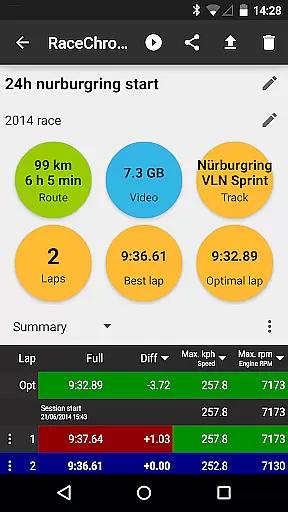
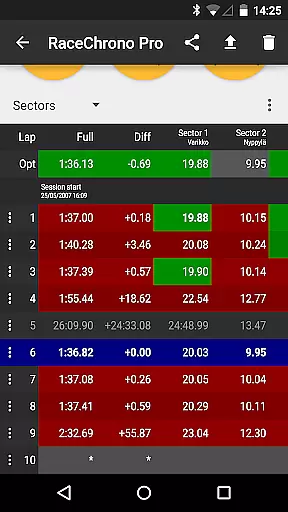
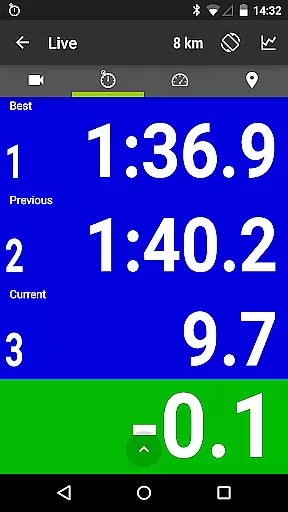
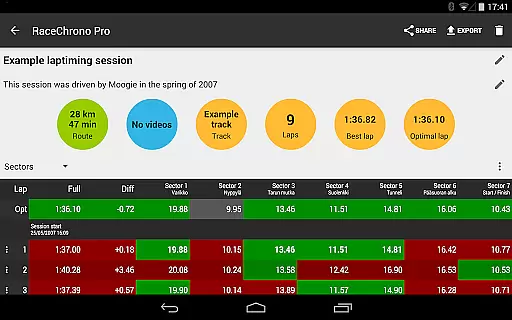
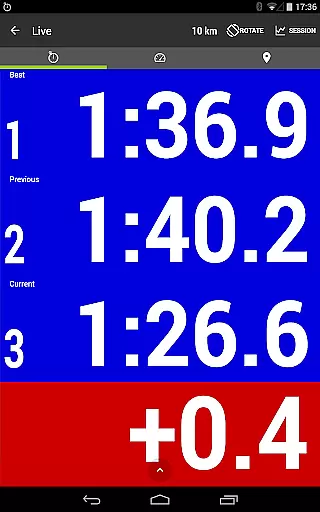
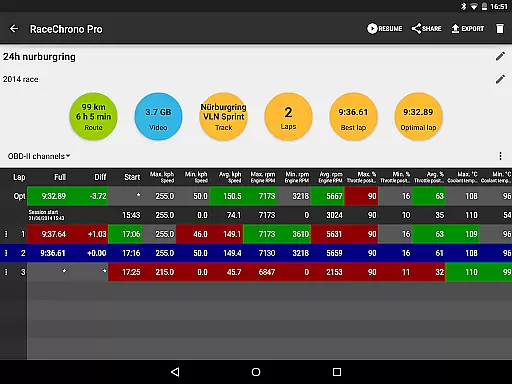
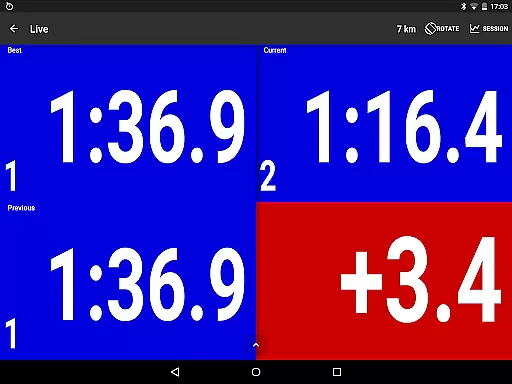
RaceChrono Pro stands out with its extensive feature set tailored specifically for motorsports enthusiasts. The app's most notable characteristic is its ability to provide detailed lap timing with sector splits and optimal lap calculations, giving drivers precise performance metrics.
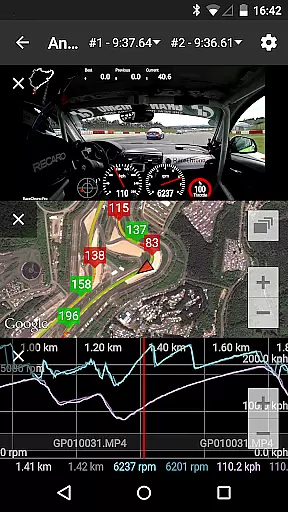
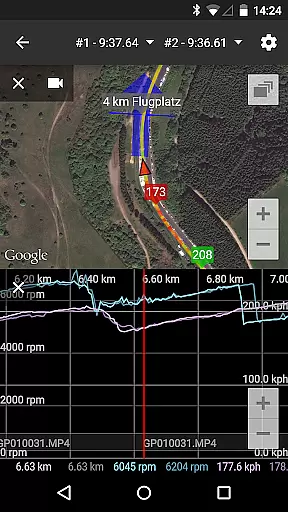
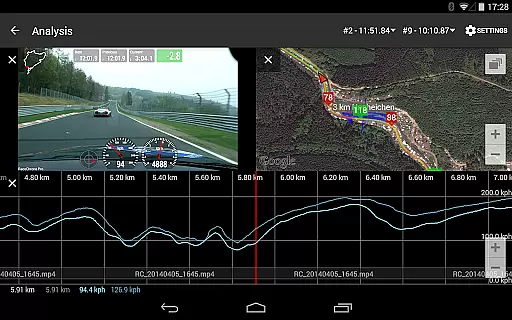
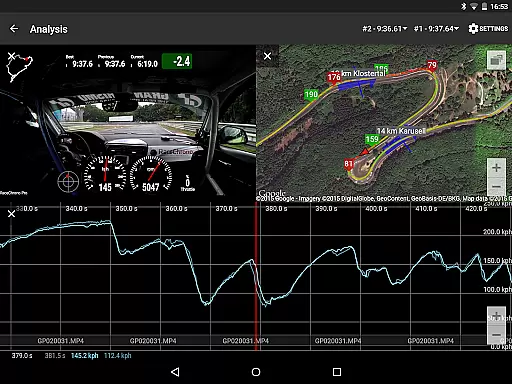
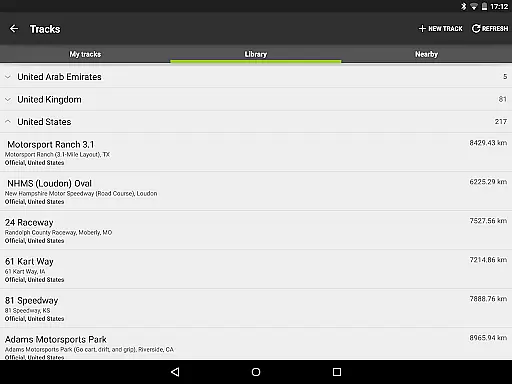
Data analysis capabilities are equally impressive, featuring smoothly scrolling synchronized graphs that display multiple data points simultaneously. Users can compare their performance through split-screen video analysis and time delta graphs. The built-in track library contains over 2600 pre-made circuits, while also allowing custom track creation for unique racing environments.
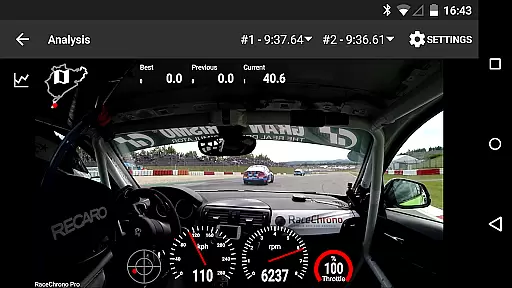
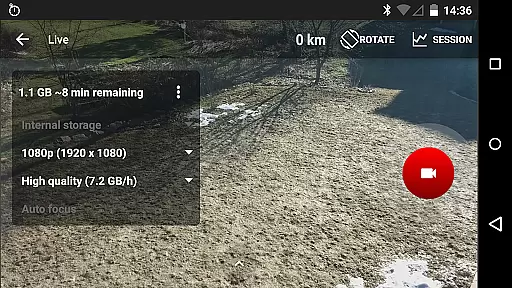
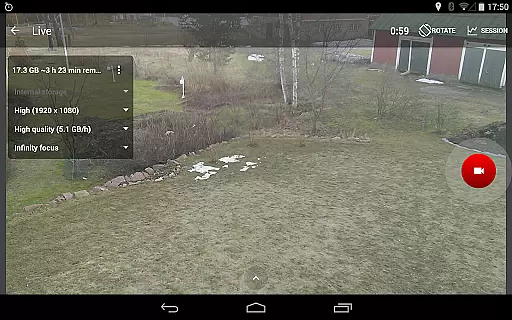
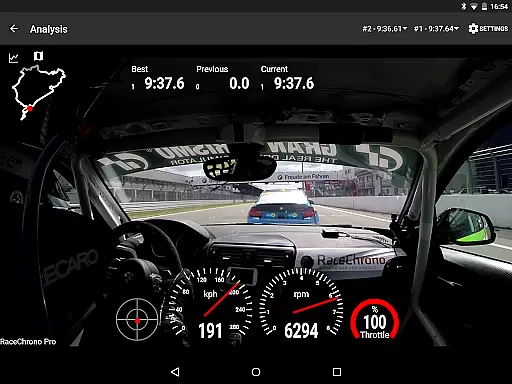
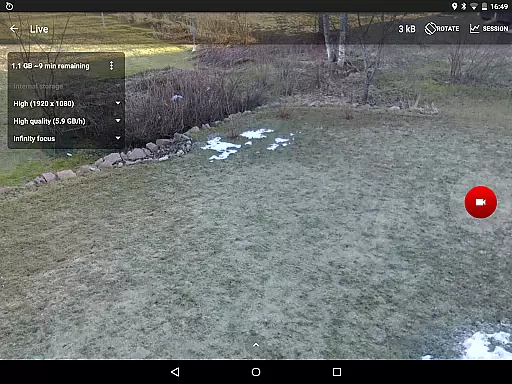
Video integration sets RaceChrono Pro apart from traditional data loggers. The app supports multiple camera recording setups, including picture-in-picture video export, and can synchronize footage from various action cameras. With hardware-accelerated video processing and configurable data overlays, users can produce professional-grade race analysis videos that combine visual footage with crucial performance metrics.
RaceChrono Pro sets a new standard for realism in motorsports applications through its advanced lap timing and data logging features. The app provides precise measurements using external GPS receivers and supports professional-grade devices like RaceBox Mini and VBOX Sport.
What makes this app stand out is its ability to deliver accurate performance metrics, which are crucial for both amateur and professional racers. With support for over 2600 pre-made race tracks and custom track creation, users can experience real-world circuits with exact sector timings and predictive lap calculations.
The integration of hardware-accelerated video export with configurable data overlays enhances the authenticity of each recording. This feature allows drivers to review their performance alongside synchronized video footage, creating an immersive experience that mirrors professional racing analysis tools.
Furthermore, the app's compatibility with various sensors including OBD-II readers and Bluetooth LE heart rate monitors adds another layer of realism by capturing comprehensive vehicle and biometric data during races or practice sessions.
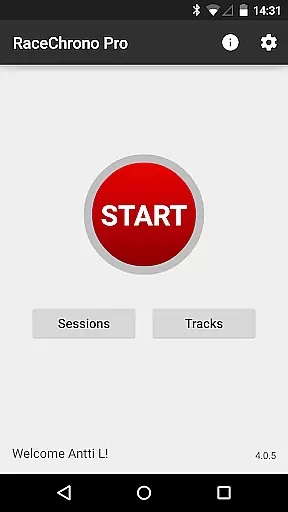
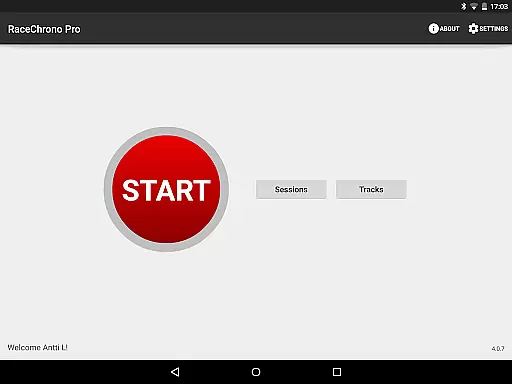
The user interface of RaceChrono Pro has been meticulously designed to ensure intuitive control schemes that cater to all levels of motorsport enthusiasts. From the moment you launch the app, you'll find a streamlined layout that puts essential features like lap timing and track selection at your fingertips.
A key aspect of its intuitive design is the smoothly scrolling data analysis section. This feature presents synchronized graphs, X/Y plots, maps, and comparison videos in a coherent manner that's easy to navigate even while focusing on driving.
The app's flexibility extends to its hardware integration options. Users can effortlessly connect multiple devices including action cameras, GPS receivers, and OBD-II readers through simple setup procedures that eliminate technical hassles.
Additionally, the inclusion of picture-in-picture video export functionality demonstrates thoughtful consideration for user convenience. This allows drivers to maintain focus on their performance data while simultaneously reviewing video footage from different camera angles, making post-session analysis both efficient and straightforward.
Comprehensive data analysis
Extensive track library
Professional video tools
Precise lap timing
Versatile hardware support
Complex for beginners
Subscription required
High system requirements
Limited free features
Steep learning curve

Score stunning goals and outsmart defenders on your path to football glory!
 4.40
4.40
Basketball dunking fun !
4.50
Create and customize your own golf course in this charming management sim.
4.70
Run the ball into the endzone in AR.
4.2
Establish a stable of talented boxers to take on the world.
4.80
Advanced Shotgun Shooting Simulator: Skeet, Trap, Sporting and Bird Hunting
4.20
Manage your lineup of NBA and WNBA stars on the go with the NBA 2K26 MyTEAM app.
4.50
Master your shots and climb the ranks in the ultimate golf game!
4.30
Play online multiplayer or PvP Pool games and compete with your friends!
4.80
For Fans to Buy Tickets
4.80
Extreme bike tricks at your fingertips!
4.50
Trick cliff dive backflips, stunts & doubles! Unparalleled real physics!
4.50
Backflip Madness! Fast-paced, parkour-flavored extreme sports backflip game.
4.50
Challenging 1vs1 online matches! Strike, score, and be a soccer champion!
4.40
Out of the Park Baseball Go is a strategy & sports gaming fan’s dream come true.
4.40
This third edition of Skateboard Party features professional skater Greg Lutzka.
4.30
Play one of most famous lawn games in America called foot bag toss family games!
4.30
The Hudl app helps coaches and athletes win using video.
3.70
Space City Home Network subscribers can now stream their favorite local teams.
3.60




User Reviews