ReadEra Premium is an advanced ebook reader and document manager designed for book enthusiasts who require powerful tools to organize, read, and manage their digital libraries. The app supports a wide range of formats including PDF, EPUB, Kindle, Microsoft Word, and more, making it versatile for various reading needs. With its automatic detection feature, users can effortlessly locate all compatible files on their devices.
Beyond basic reading, ReadEra Premium offers premium features such as cloud synchronization with Google Drive, text-to-speech functionality, and customizable reading views. Whether you're looking to create collections, highlight quotes, or listen to books in the background, this app provides a comprehensive solution for managing your entire library. Its intuitive interface and robust functionality make it ideal for readers who value both convenience and customization.
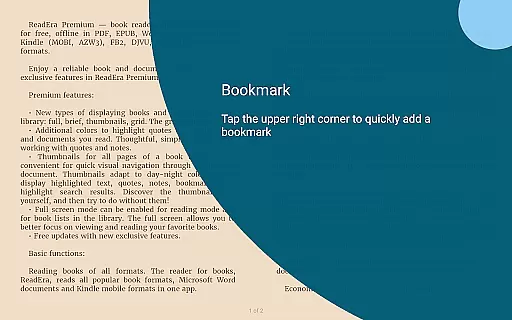
ReadEra Premium stands out with its extensive feature set tailored for avid readers and document managers. One of its key highlights is the ability to synchronize books, reading progress, bookmarks, and notes across multiple devices using Google Drive. This ensures that users can seamlessly transition between devices without losing their place or annotations.
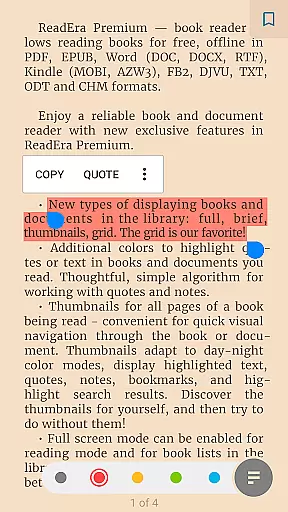
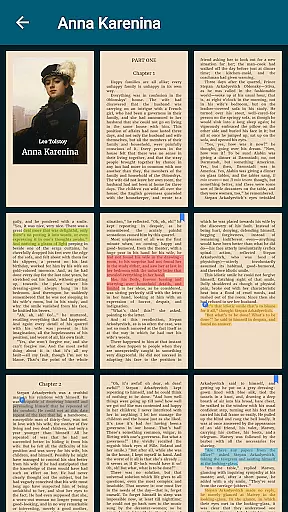
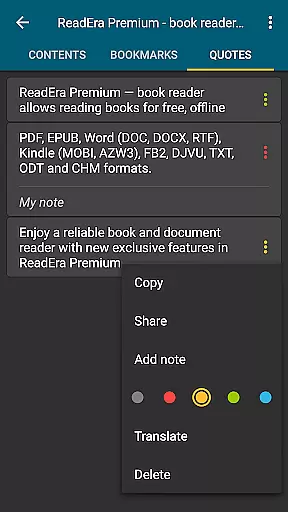
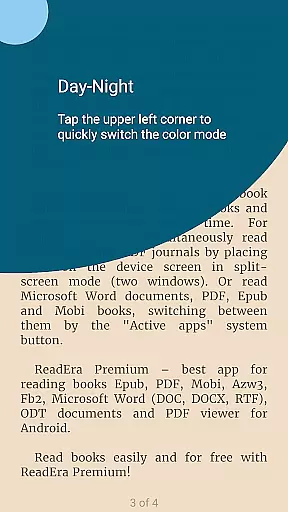
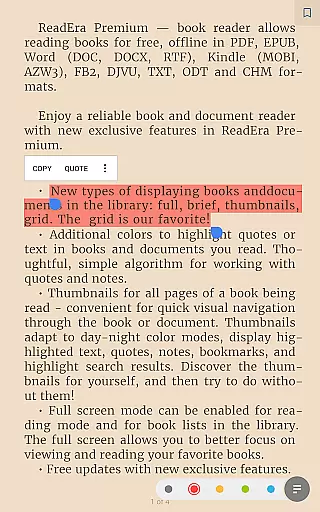
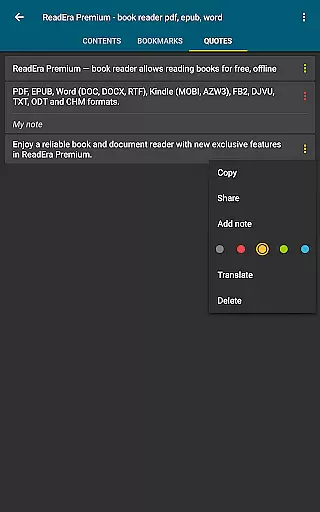
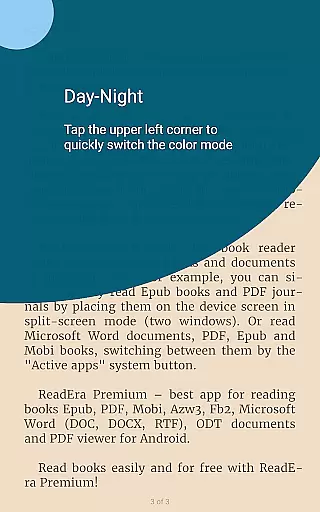
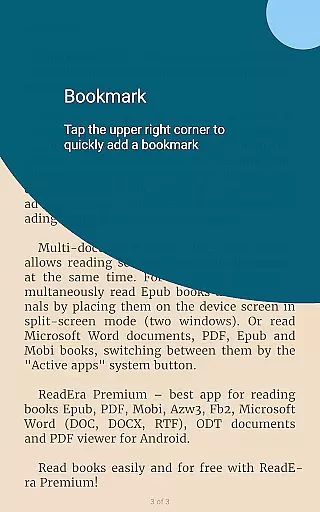
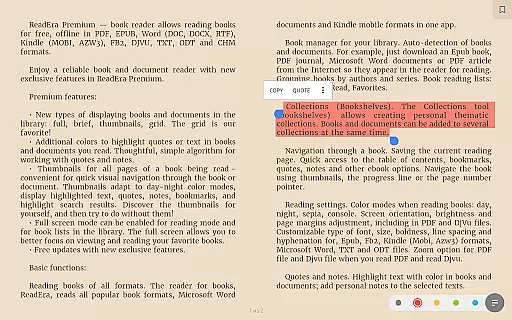
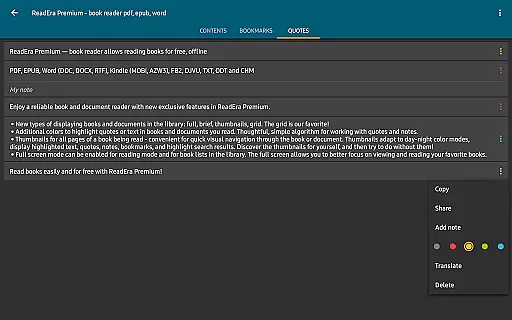
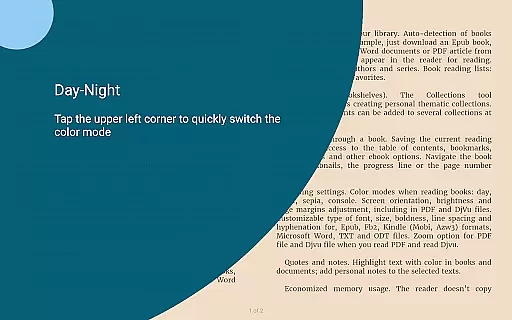
The app also includes advanced reading settings, allowing users to customize color themes, font sizes, line spacing, and even page layouts. For audiobook lovers, the text-to-speech functionality enables background listening, even when the screen is locked. Additionally, unique sections like Quotes, Notes, and Dictionary provide centralized access to all annotations and vocabulary, enhancing the overall reading experience while offering practical tools for deeper engagement with texts.
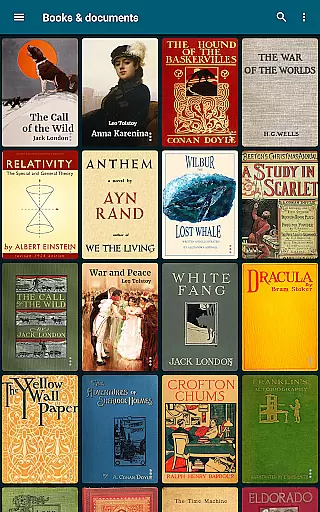
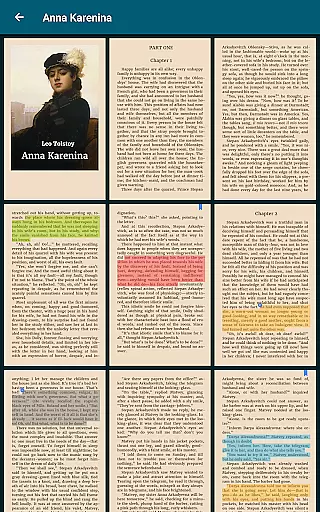
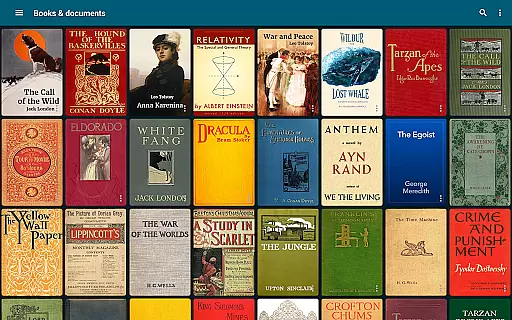
ReadEra Premium offers an extensive e-book library that supports multiple formats including PDF, EPUB, Microsoft Word, Kindle, Comic, DJVU, FB2, TXT, ODT, and CHM. This wide-ranging compatibility ensures users can access a vast collection of books and documents without format restrictions.
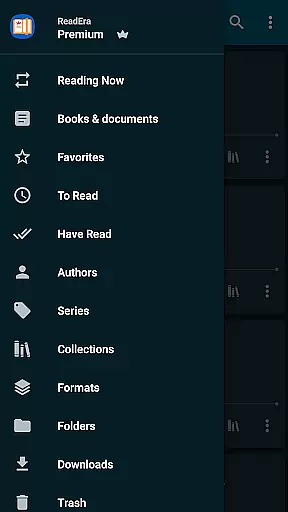
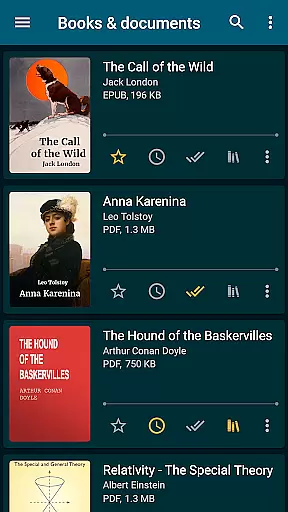
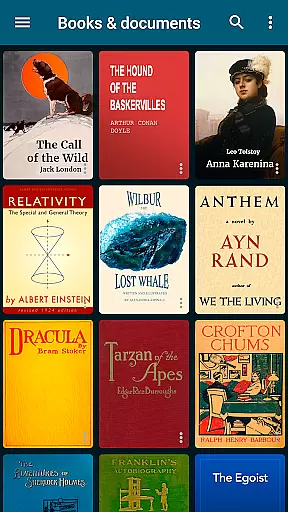
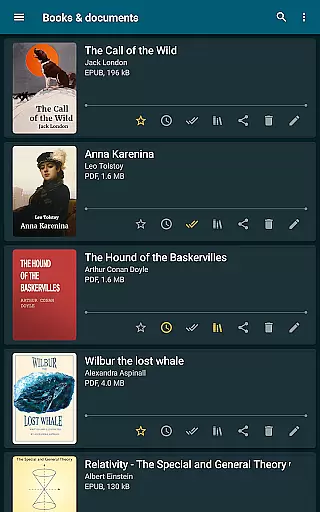
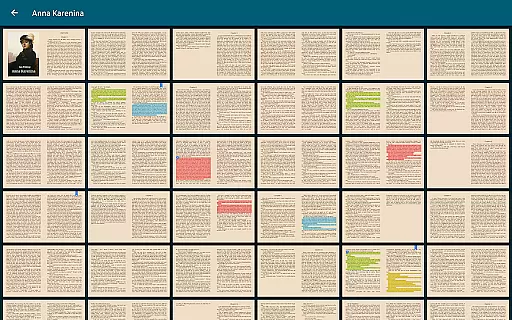
The app's automatic detection feature scans the entire device to locate all supported reading materials. It provides robust search capabilities by title, author, series, format, or language, making it easy for readers to find specific content within their digital library.
Regarding copyright authenticity, ReadEra Premium respects intellectual property rights by allowing users to manage only those books and documents they legally own. The app does not distribute copyrighted material but rather serves as a tool for organizing and reading personal collections.
Users benefit from having a centralized platform where they can store, categorize, and retrieve their legally acquired e-books efficiently. This promotes better management of one's library while ensuring compliance with copyright laws.
One of ReadEra Premium's standout features is its exceptional format compatibility. The application supports numerous file types such as PDF, EPUB, DOC, DOCX, RTF, MOBI, AZW3, CBZ, CBR, DJVU, FB2, TXT, ODT, and CHM. This versatility allows users to consolidate their entire library within a single app.
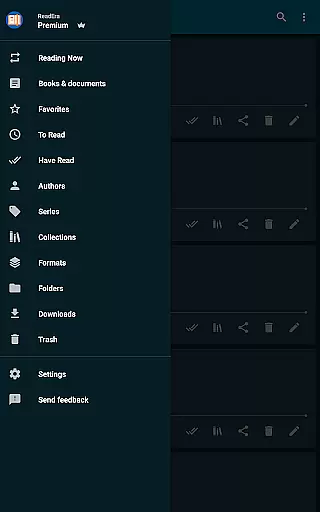
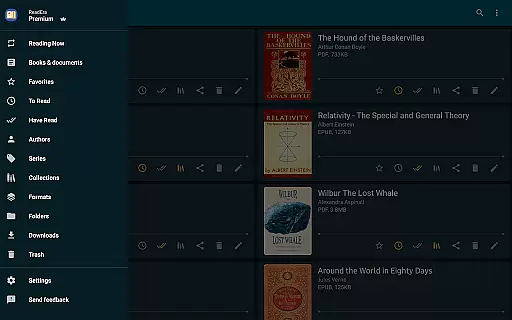
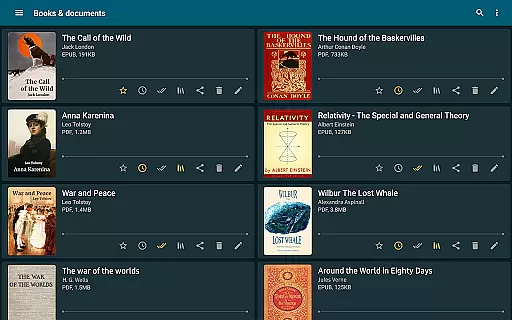
The ability to handle various formats extends to advanced management options. Users can view, rename, move files across folders, and even identify duplicate book files. Such comprehensive file management enhances organization and saves storage space on devices.
Additionally, premium features like synchronization with Google Drive enable seamless cross-device access to these diverse formats. Readers can maintain consistent progress, bookmarks, and notes regardless of which device they use.
This broad format support combined with sophisticated management tools creates a powerful reading experience. Users can enjoy uninterrupted access to their complete collection while benefiting from enhanced organizational capabilities.
User-friendly interface
Wide format support
Cloud synchronization
Text-to-speech functionality
Customizable reading settings
Premium subscription required
Occasional sync delays
Limited free features
Heavy on storage
No native Mac support

"Five Dr. Seuss titles in one omBook!"
 4.60
4.60
“I am the Lorax. I speak for the trees.”
4.80
Cute bedtime story for kids
4.30
ISAIAH EXPLAINED with Avraham Gileadi Ph.D.
4.00
Zerobooks Light Novel Reader by GOLDENAGATO
4.20
F9 Cookbook Mobile App
4.60
Full text, sheet music, and recordings of the print edition
4.60
Holy Bible with verses and audio for studying and prayer
4.30
My Bible offers a comprehensive app by providing offline access, daily verses.
4.80
Daily rosary and gospel reflections for catholic
4.90
Learn Thai with 195,000+ entries, crisp Thai sounds, big text; works offline.
4.80
Read the KJV Bible with Strong’s offline: reading plans, audio Bibles, and more.
4.70
Master AKC Rally signs with in-depth hints, diagrams, and expert guidance.
4.50
WebNovel - Read Solo Leveling novel and comic
4.10
Unlock more features in Lithium and show your support. Expand for details.
4.00
Guide for dōTERRA® Products
3.60
Enjoy your favorite books
3.50
Read popular romance books and web novels on the fantastic ebook reader
3.50
Sea tide predictions for all coastal U.S. locations.
4.2



User Reviews