
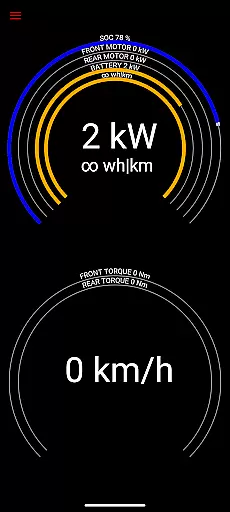
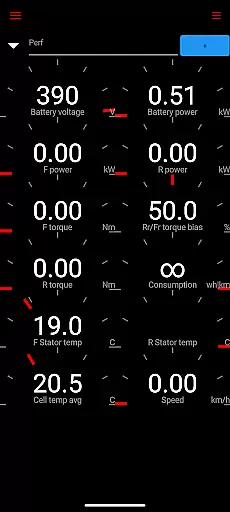
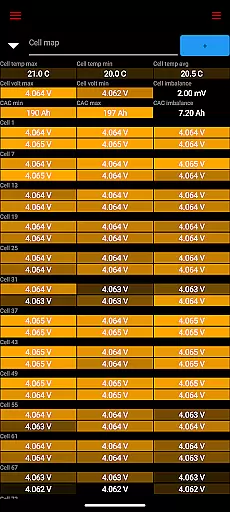
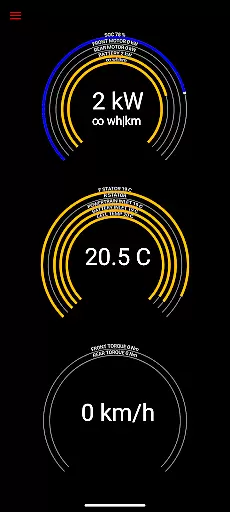
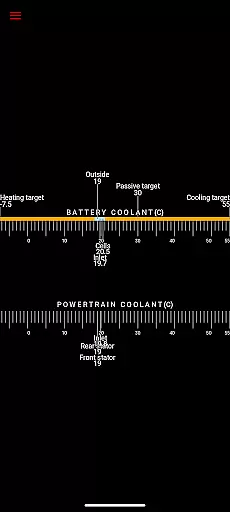
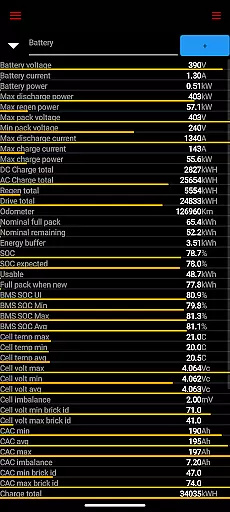
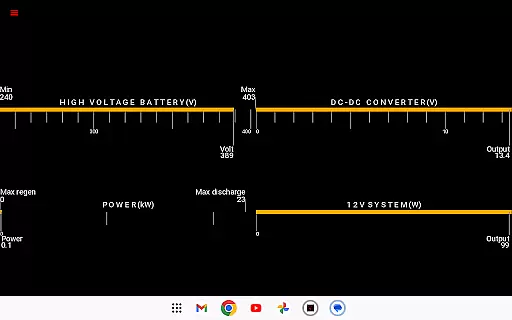
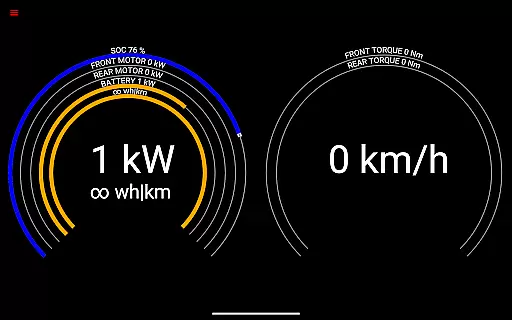
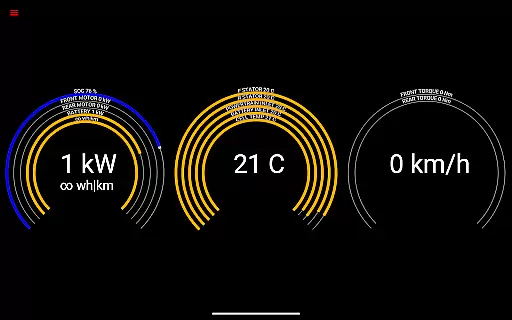
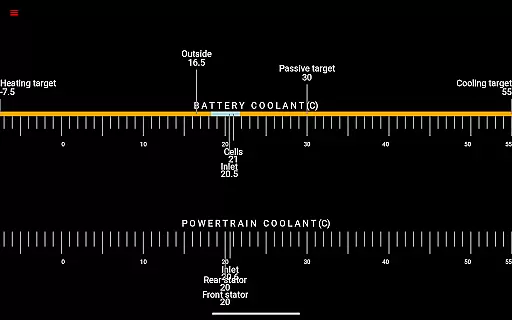
Scan My Tesla is a specialized diagnostic tool designed exclusively for Tesla Model S, 3, X, and Y owners. This application provides real-time readings from the vehicle's diagnostics port, offering users valuable insights into their car's performance metrics. With the help of an adapter cable and a compatible OBD2 adapter, available at https://www.scanmytesla.com/adapters, users can access detailed information about battery power, voltage, current, temperatures, drive unit statistics, and more.
The app stands out with its ability to visually present or log data for later analysis, making it an essential tool for Tesla enthusiasts who want to monitor their vehicle's health and optimize its performance. Whether you're interested in tracking battery lifetime stats, capacity estimates, or analyzing trip recordings, Scan My Tesla delivers crucial data that helps drivers understand their car's operational dynamics better.
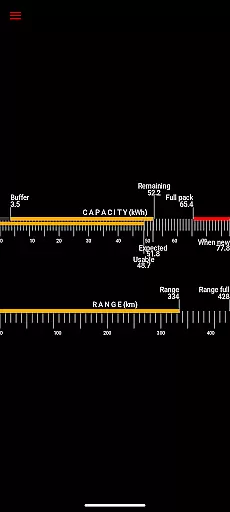
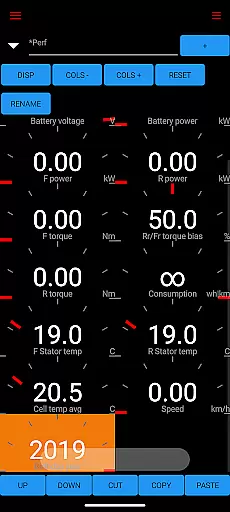
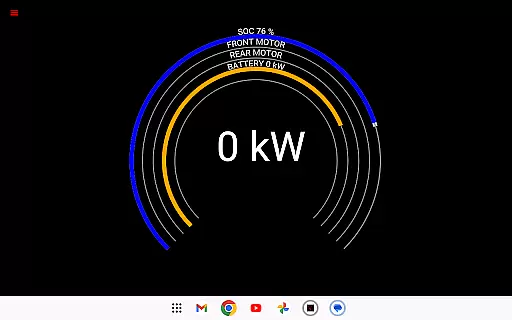
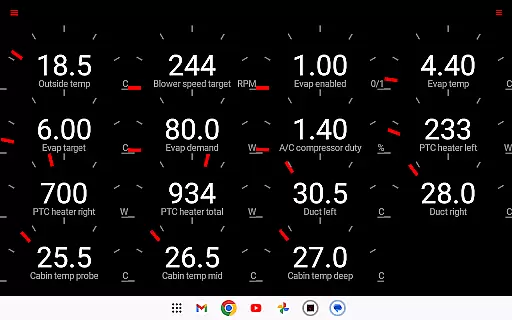
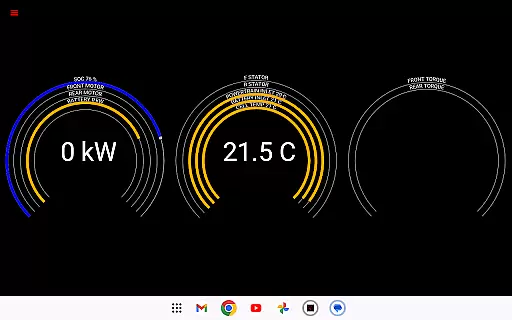
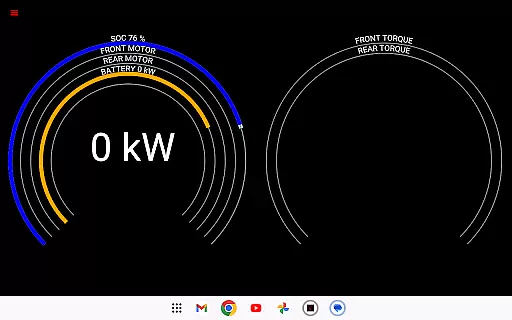
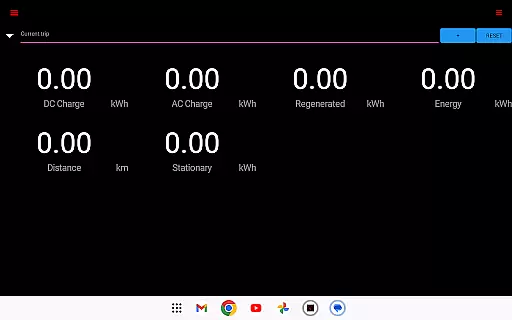
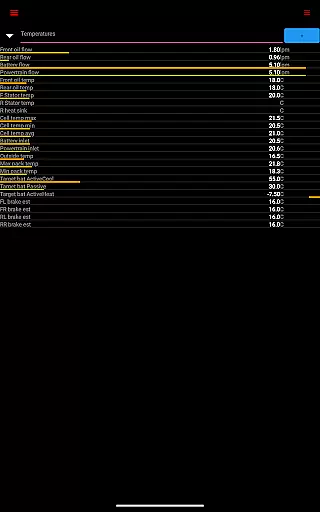
Scan My Tesla offers an impressive array of features tailored specifically for Tesla owners. The app provides numerous live statistics including battery power, voltage, current, and temperature readings, as well as drive unit metrics like electric power, torque, horsepower (not available on Model 3), RPM, and temperatures. Additionally, it tracks 12V system parameters and records trip statistics, including regenerated and charged energy.
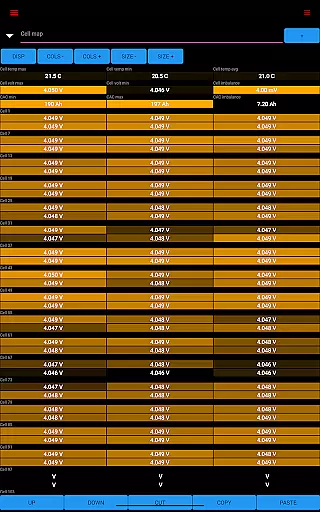
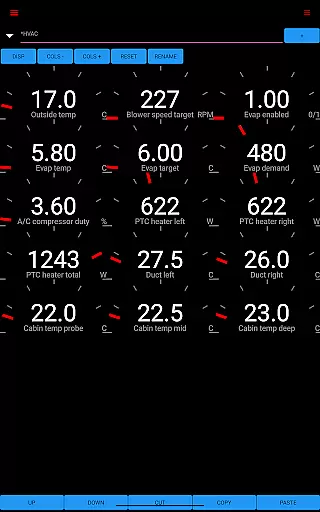
One of the standout features is the community-driven decoding efforts that have unlocked CANBUS packets, battery cell info, DC/AC charge counters, HVAC controls, and the trip recording system. These innovations are thanks to contributions from notable figures such as Jason Hughes, Jack Rickard, 'DB 2', and Marc Olivier Chouinard, along with the Model 3 decoding community led by JWardell. This collaborative effort ensures that Scan My Tesla remains up-to-date and continues to offer cutting-edge diagnostic capabilities.
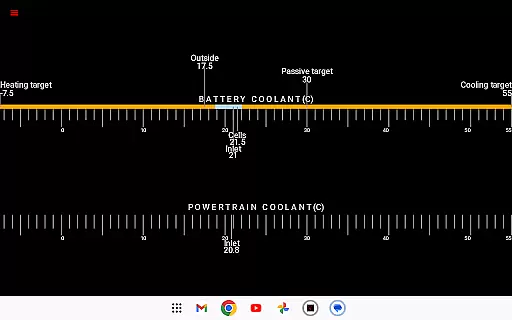
Scan My Tesla provides comprehensive real-time data from your Tesla Model S, 3, X, or Y diagnostics port. This includes crucial metrics like battery power, voltage, current, and temperatures, offering deep insights into your vehicle's health.
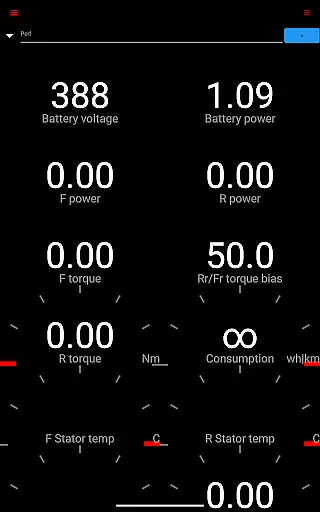
The app also monitors drive unit performance by displaying electric power output, torque, RPM, and temperature readings. These detailed analytics empower users to understand their vehicle's operational efficiency and identify potential issues before they escalate.
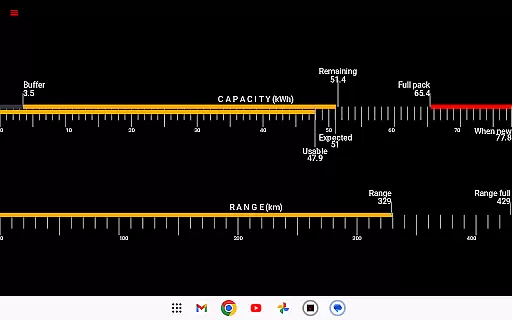
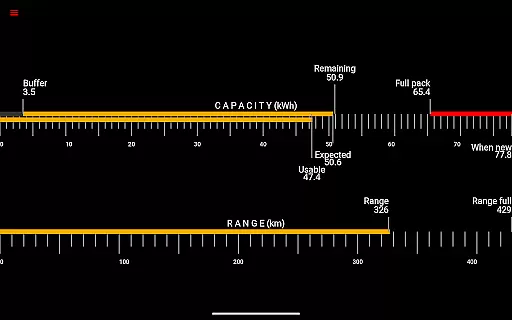
Additional features include battery lifetime statistics, capacity estimates, mileage tracking, and 12V system monitoring. The inclusion of trip recording with energy regeneration and charging statistics makes it an invaluable tool for Tesla owners seeking complete vehicle transparency.
While Scan My Tesla itself is a paid application, it maintains complete price transparency regarding additional requirements. Users need to purchase a specific OBD2 adapter cable to access the full functionality, with detailed information available at https://www.scanmytesla.com/adapters.
The app clearly communicates that certain advanced features are only available with compatible hardware, ensuring users understand all associated costs before committing to the purchase. This transparent approach helps build trust with potential customers.
Although the basic app functionality provides valuable diagnostic information, the most comprehensive data analysis requires the recommended adapter. This pricing structure allows users to make informed decisions about their investment in vehicle diagnostics.
User-friendly interface
Real-time diagnostics
Comprehensive data logging
Active community support
Regular feature updates
Requires additional hardware
Limited Model 3 support
No official Tesla affiliation
Potential compatibility issues
Information may be inaccurate

ODB2 based monitoring application for the Chevy Bolt (2017-2021)
 4.00
4.00
Take Control of Your Car
4.80
AI Powered - Automotive Mechanic Assistant
4.30
Car Sounds Engine Sounds app welcomes Auto Lovers to feel Car Simulator Sound
4.20
Automotive Electrical Wiring Diagrams
4.40
DMV practice test 2025: Driver License permit test & written test for all states
4.70
Available in select states.
4.00
Trip computer+car diagnostic tool with widest variety of features and dashboard!
4.70
O'Reilly Pro will streamline your parts lookup and ordering process!
3.20
Lexus app currently supports 2010 or newer vehicles (2018 or newer for Hawaii).
4.80
The Texaco App allows you to pay for fuel from the comfort of your car!
4.80
The ExtraMile App allows you to pay for fuel from the comfort of your car!
4.70
Browse millions of cars, track vehicle listings or sell your car today
4.70
DMV Test Pro offers all the updated FREE DMV tests online.
4.60
OBDII - ELM327 Terminal tool for 96-00 Volvos
4.50
On the CarShield app, you can view contracts, make payments, & request roadside.
4.40
Simplify your drive
3.90
The Smarter Way Forward
3.30
App Mirroring for Tesla Car's Browser
2.80



User Reviews