
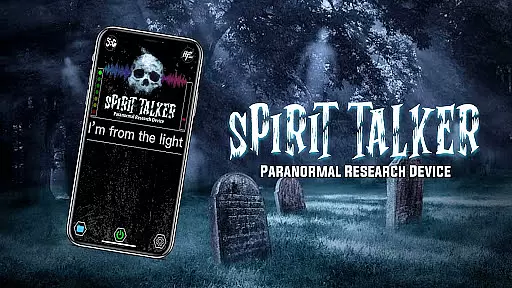
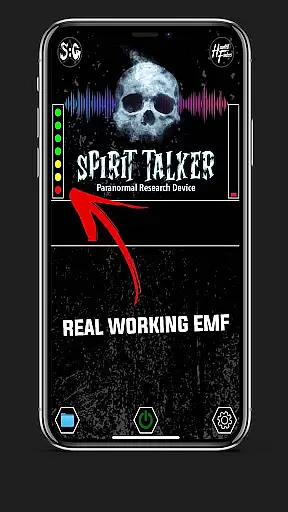
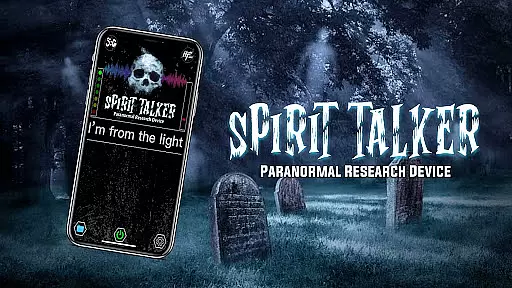
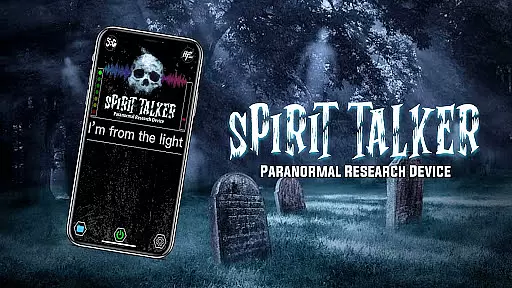
Spirit Talker is a pioneering paranormal communication app designed for those intrigued by the supernatural. This innovative tool utilizes your smartphone's built-in sensors to detect environmental changes that could indicate spirit activity. By measuring fluctuations in EMF, temperature, air pressure, and more, Spirit Talker creates a bridge between the physical and spiritual worlds.
The app functions similarly to professional paranormal investigation equipment but makes these capabilities accessible through mobile technology. Users can engage in real-time communication sessions where spirits allegedly manipulate sensor readings to form words and phrases. The application supports multiple languages and provides both visual and auditory responses, making it a versatile tool for paranormal enthusiasts worldwide.
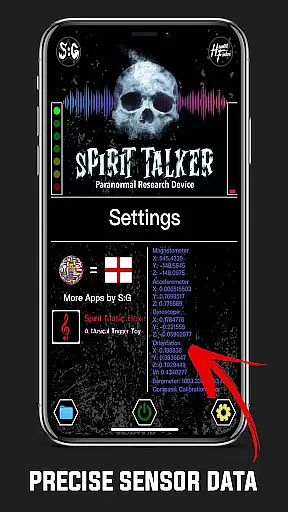
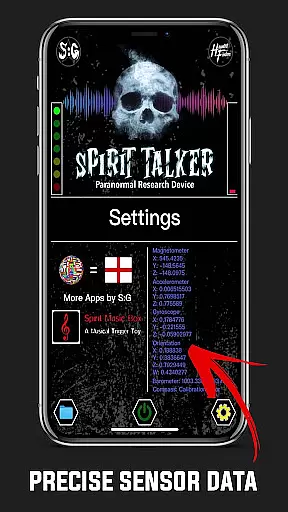
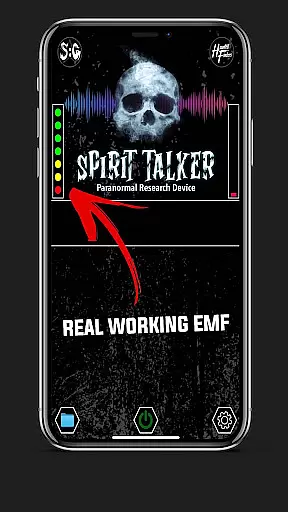
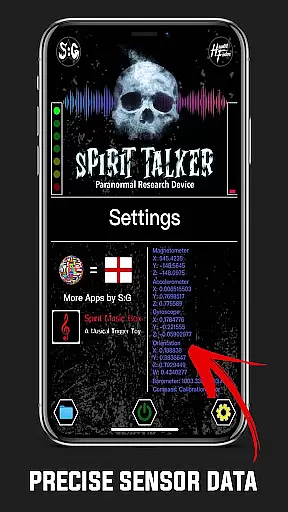
Spirit Talker stands out with its comprehensive sensor integration system. The app employs various smartphone sensors including magnetometer, accelerometer, gyroscope, and environmental sensors to detect potential paranormal interactions. Each sensor serves a specific purpose - from tracking EMF fluctuations to monitoring atmospheric changes, creating a multi-dimensional detection network.
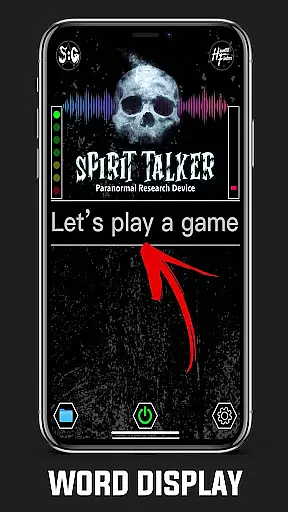
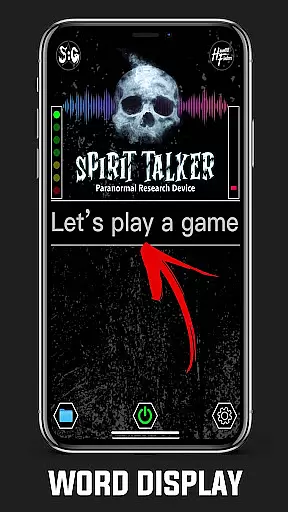
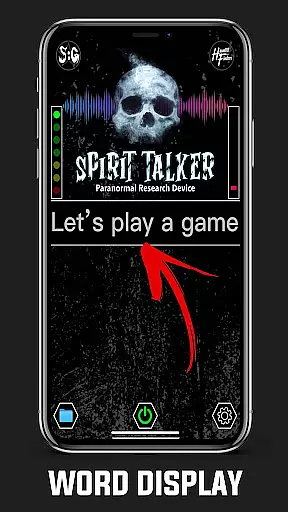
A key feature is the app's ability to convert sensor data into meaningful communication. When spirits allegedly influence the device's sensors, Spirit Talker translates these environmental changes into words and phrases using its unique algorithm. The application maintains session history, allowing users to review past communications and track patterns in their paranormal investigations. Additionally, the text-to-speech functionality brings these messages to life through audible responses.
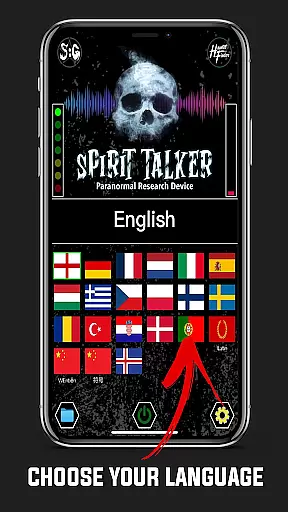
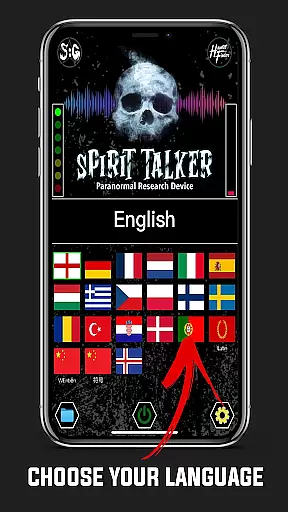
The app's multi-language support spans over 20 languages, while its user-friendly interface makes paranormal exploration accessible to everyone. The developers have also implemented safety measures to minimize false positives, though they maintain transparency about the app's theoretical nature and limitations in paranormal research.
Spirit Talker offers a unique approach to the lifestyle category by focusing on paranormal communication. This app bridges the gap between technology and the supernatural, providing users with an innovative way to explore spiritual interactions.
The app utilizes multiple sensors within your device, such as the magnetometer, accelerometer, gyroscope, and more, to detect environmental changes that could indicate spirit presence. By covering various sensor-based interactions, Spirit Talker ensures comprehensive engagement for those interested in the paranormal lifestyle.
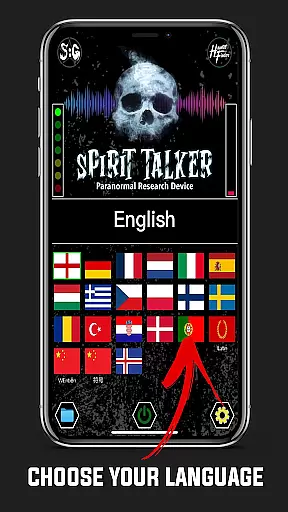
With multi-language support including English, Latin, French, German, Chinese, and many others, Spirit Talker caters to a global audience. This extensive language coverage allows users from different cultural backgrounds to engage with the app and experience its features in their preferred language.
By addressing common misconceptions and offering detailed guides, Spirit Talker not only provides entertainment but also educates its users about paranormal communication. This educational aspect enriches the lifestyle category, making it appealing to both skeptics and believers alike.
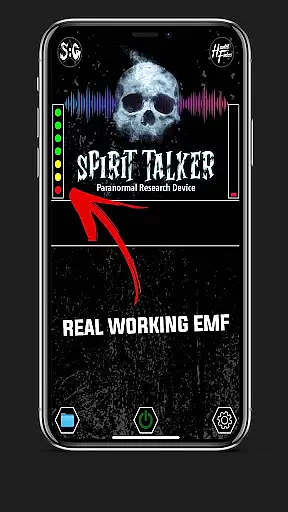
Spirit Talker stands out in terms of content authenticity by basing its responses on real sensor data rather than random generation. The app detects genuine environmental changes using the phone's built-in sensors, ensuring that any words or phrases formed have a basis in actual readings.
As seen on numerous paranormal shows and endorsed by popular figures in the field, Spirit Talker has established itself as a trusted tool for spirit communication. These endorsements lend credibility to the app, assuring users of its reliability and effectiveness in detecting potential spirit interactions.
While the paranormal is a theoretical field, Spirit Talker approaches it with seriousness and respect. The app includes disclaimers and terms to ensure users understand the speculative nature of paranormal activities. This transparency reinforces the app's commitment to honesty and user safety.
For optimal functionality, Spirit Talker recommends installing Google Text-to-Speech, which enhances the vocalization of responses. By guiding users through necessary settings adjustments, the app demonstrates attention to detail and dedication to delivering an authentic experience. This focus on technical precision underscores the app's expert credibility in providing a realistic paranormal communication tool.
User-friendly interface
Multi-sensor integration
Real-time communication
Comprehensive language support
Session history tracking
Requires external TTS
Potential false readings
Device compatibility issues
No scientific validation
Limited paranormal evidence

Take Hobby Lobby with you wherever you go!
 3.40
3.40
This is a simple and highly functional alarm clock "Smart Alarm" paid version.
4.20
The go to app for taking unlimited notes!
4.50
Get the news, events and savings that matter to you with AARP Now.
4.80
Crochet made easy: step-by-step tutorials, beginner patterns & projects
4.60
Digital smart watch face made for Wear OS.
4.70
LineLearner, the quick way to learn lines.
2.90
The App can control Roborock vacuum cleaners from anywhere with rich features.
4.60
Vehicle ownership simplified. Get the myChevrolet® app today.
4.60
Paranormal Spirit Bell Trigger Device
4.30
Design and brew great homebrewing beer, mead, cider and wine recipes on the go!
3.60
Unique informative Dial with Live Moon Phase at a glance!
3.60
Going above and beyond known spirit communication
3.60
Smart home security protection
3.20
Falling Fruit is a massive collaborative map of food in our cities.
3.20
Turn your watch into a key fob for your Tesla
2.90
Discover how to help puppies stay calm around noise with this helpful app.
4.4
Cute animated Thanksgiving watchface for your WearOS smartwatch
4.2
Futuristic watchface inspired by Back to the Future: sleek, retro, timeless
4.2




User Reviews