
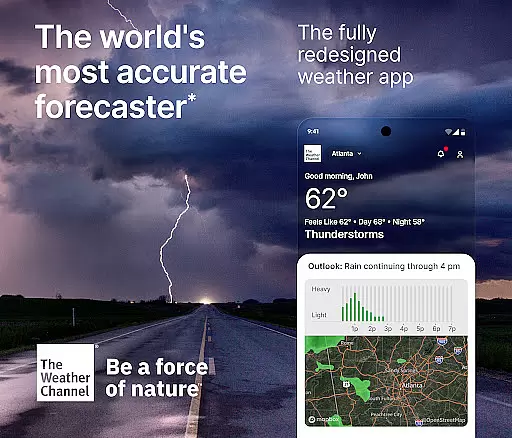
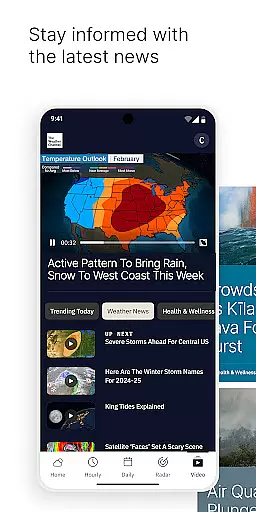
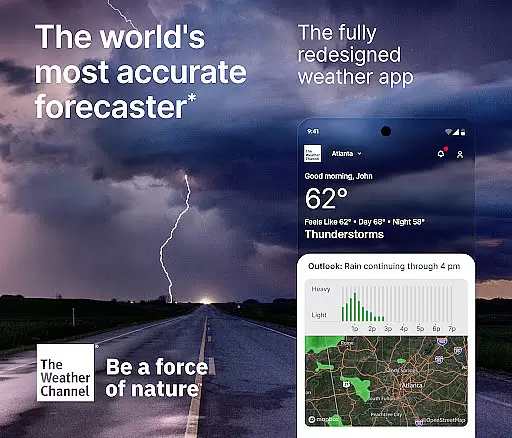
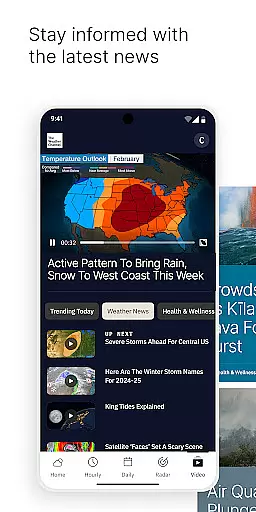
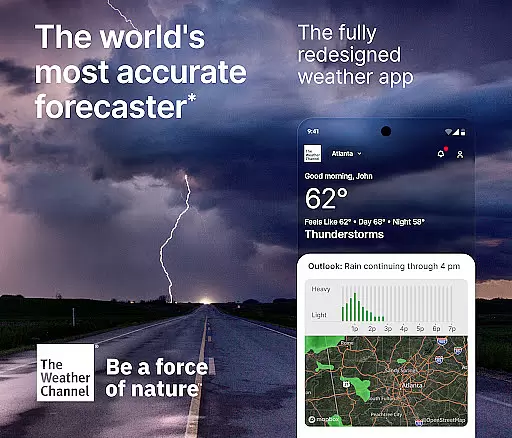
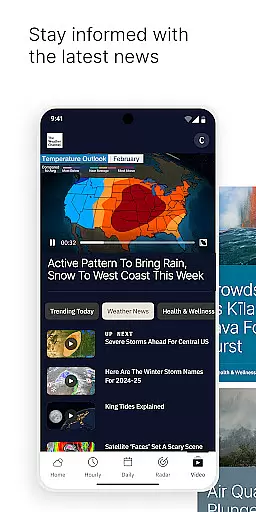
The Weather Channel app is the world's most trusted weather forecasting tool, providing highly accurate local weather updates and severe weather alerts. With real-time notifications for rain, hurricanes, and allergy forecasts, it helps users stay prepared for changing conditions. The app features advanced storm tracking, live radar maps, and a 15-day extended forecast, ensuring users are always one step ahead.
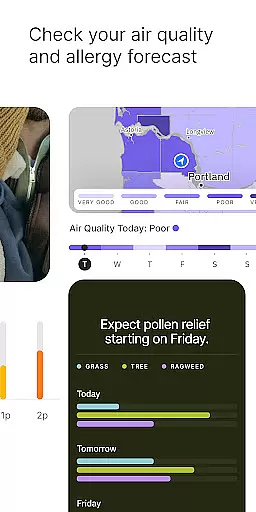
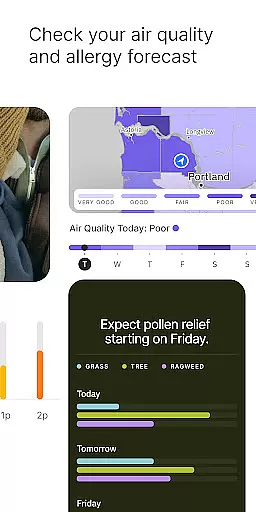
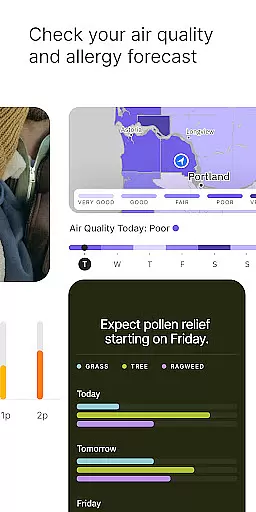
Designed for both everyday use and extreme weather preparedness, the app includes specialized tools like an allergy tracker, air quality index monitoring, and detailed precipitation forecasts. Whether planning outdoor activities or preparing for storms, this app delivers critical information directly to your device, keeping you informed and safe in any weather scenario.
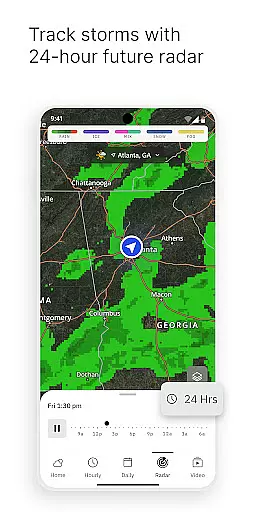
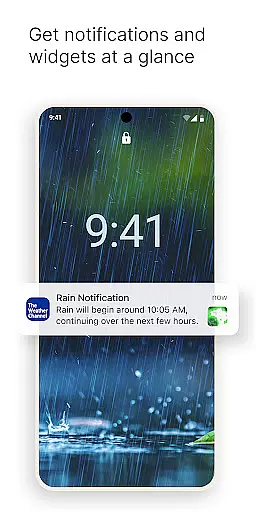
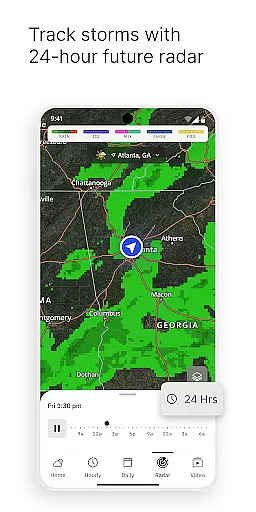
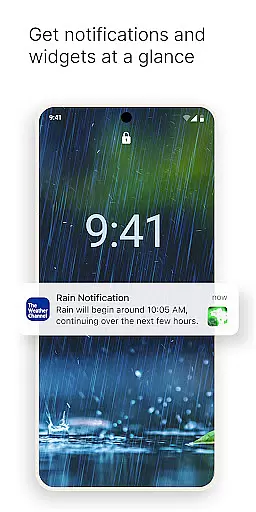
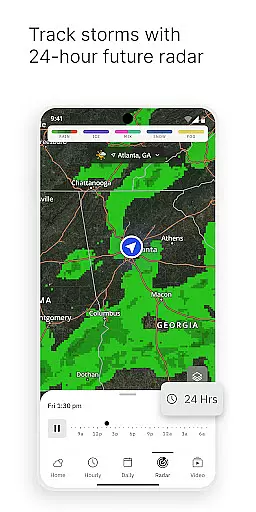
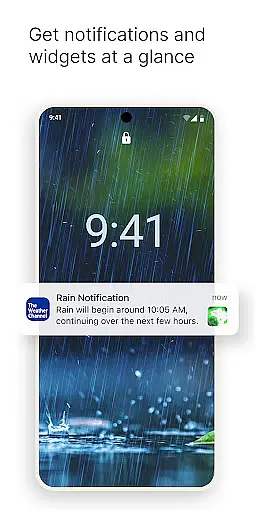
The Weather Channel app offers a comprehensive suite of features designed to provide users with precise and actionable weather data. Its live Doppler radar and storm tracker deliver real-time updates on rain, snow, hurricanes, and more, while customizable weather alerts notify users of severe conditions in their area. The app also includes a 'Feels Like' feature that helps adjust daily plans based on perceived temperatures.
In addition to its core forecasting capabilities, the app provides advanced tools such as an allergy tracker, air quality index readings, and sunset times. Users can access a 15-minute forecast detail with the premium version, which also removes ads and unlocks enhanced radar functionality. These robust features make The Weather Channel app an indispensable resource for staying informed about weather patterns and environmental factors.
Forecast accuracy and data credibility are essential components of any weather application, and The Weather Channel excels in these areas. As the World's Most Accurate Forecaster, the app provides reliable weather predictions that users can depend on for their daily planning. This level of precision is achieved through advanced algorithms and comprehensive data analysis, ensuring that each forecast is as accurate as possible.
The Weather Channel app offers real-time updates and a 15-day forecast, empowering users with both immediate and long-term weather insights. Whether it's tracking an incoming storm or preparing for allergy season, the app's detailed forecasting capabilities provide users with the necessary information to stay safe and make informed decisions. With features like the 'Feels Like' temperature and air quality index monitoring, users get a holistic view of the environmental conditions.
For those requiring even more precision, The Weather Channel Premium offers an ad-free experience with access to 15-minute forecast intervals and advanced radar features. These tools further enhance the reliability of the forecasts, making sure that users have the most up-to-date and credible weather information at their fingertips. Such dedication to accuracy and detail ensures that The Weather Channel remains a trusted source for weather news and updates.
The temporal and spatial forecast range is a critical aspect of The Weather Channel app, providing expansive coverage that spans different timeframes and geographic locations. Users can access an up-to-the-minute rain tracker for the next three hours directly on their home screen, alongside a comprehensive 15-day forecast. This extensive range allows individuals to plan not only their immediate activities but also future events with confidence.
In addition to its broad temporal scope, The Weather Channel app delivers localized weather data with its live Doppler radar and rain radar updates. These features offer users precise information about weather patterns in their specific area, ensuring they are prepared for whatever conditions may arise. The app's ability to deliver such granular details makes it an invaluable tool for navigating daily life, whether you're scheduling outdoor activities or monitoring potential severe weather threats.
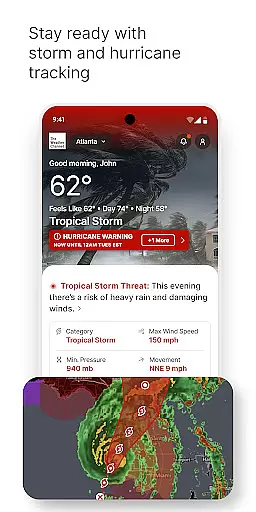
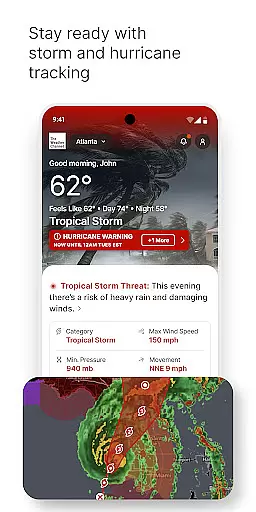
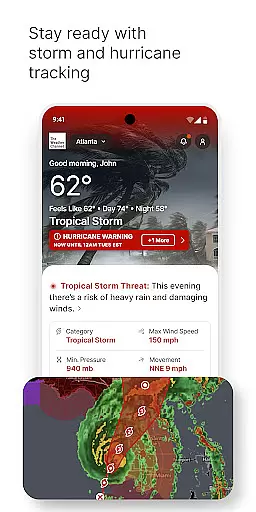
Furthermore, the inclusion of hurricane maps and storm radar alerts enhances the app's spatial forecasting abilities. By equipping users with detailed tracking of storms and hurricanes, The Weather Channel app ensures that communities have ample warning to prepare for severe weather events. This combination of wide-ranging temporal forecasts and detailed spatial data underscores the app's commitment to keeping users informed and safe across various scenarios.
Highly accurate forecasts
Real-time weather alerts
Comprehensive radar maps
User-friendly interface
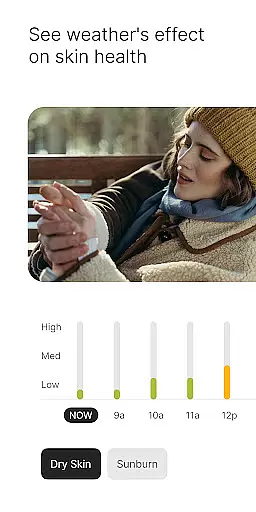
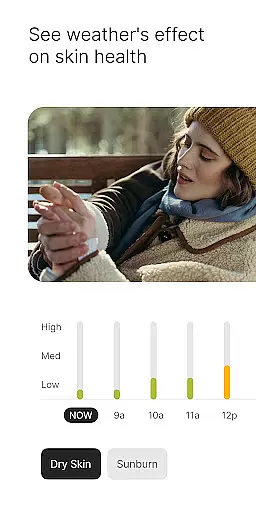
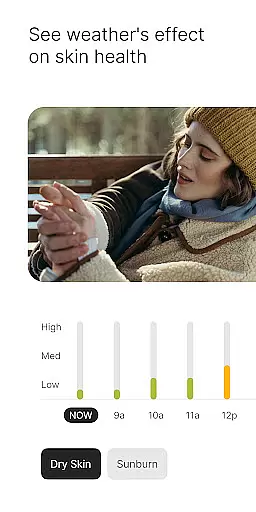
Allergy and air quality tracking
Premium subscription required
Ads in free version
Occasional data delays
Heavy battery usage
Complex navigation

Ultimate weather forecast + moon phase for Wear OS 5+ (Pixel, Galaxy, et al.)
 4.70
4.70
The most accurate weather app, hourly and daily weather, severe weather alerts
4.50
Room Temperature Thermometer meter shows indoor, outdoor temperature, humidity.
4.40
Accurate weather forecast, daily weather changes are easy to grasp
4.90
Most precise & accurate compass app give true North South East West directions.
3.00
Quickly check the Hanalei river gauge height during heavy rains on Kaua'i.
4.1
My Tide Times Pro is the only tide tables and forecasts application you'll need.
4.80
Weather forecast & live radar map
4.20
A powerful weather forecast to get real-time weather information
3.60
No ads, No data collected. Beautiful and powerfully customizable weather app
4.90
Ultimate Lunar Calendar for 2021!
4.80
Hurricane Tracker, Rain Map
4.80
The weather channel, tiempo weather forecast, weather radar & weather map
4.70
Weather channel forecasts weather daily & hourly, local and national air quality
4.70
Your ultimate app for real-time weather information!
4.70
Get the ad-free version of the highly rated WeatherBug app for accurate weather!
4.50
Precision Weather, Right at Your Fingertips
4.40
A tool that provides real-time and 5-day weather info.
4.4
Digital Weather Watch Face for Wear OS 5+
4.2




User Reviews