
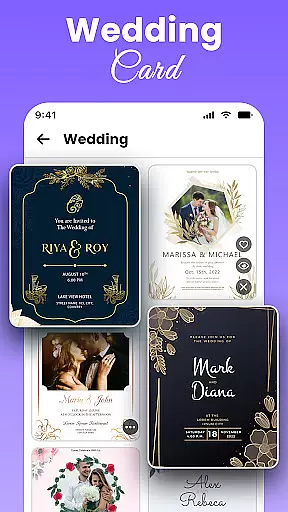
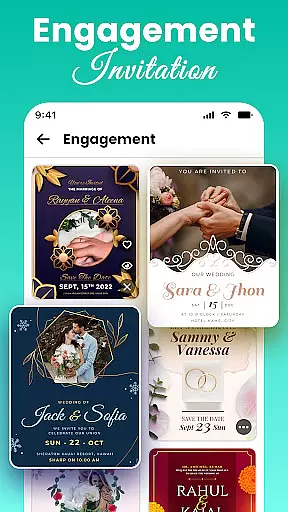
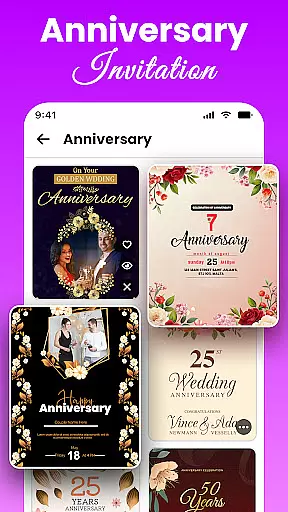
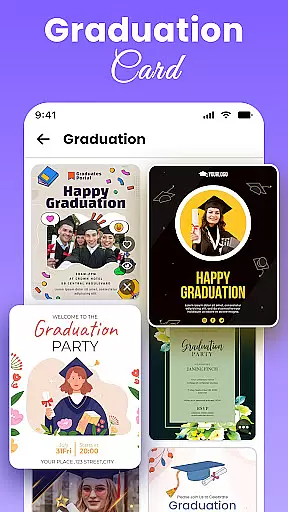
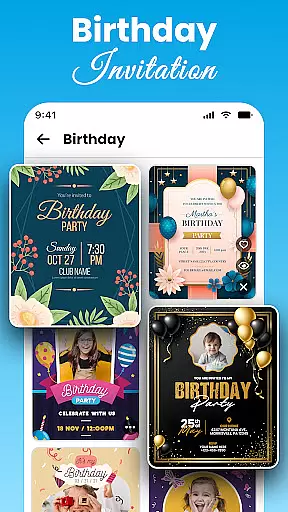
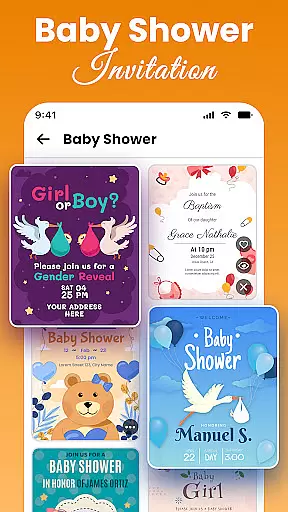
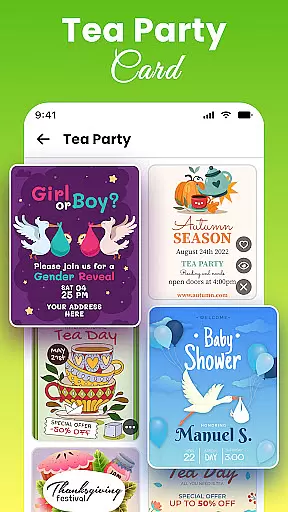
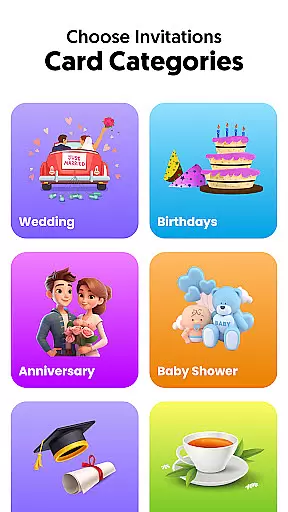
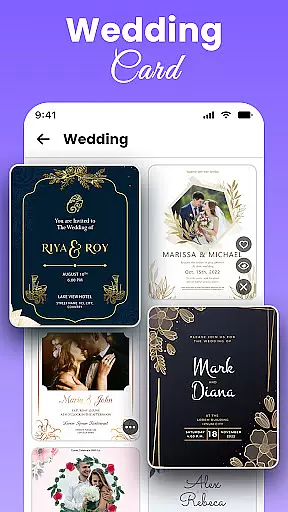
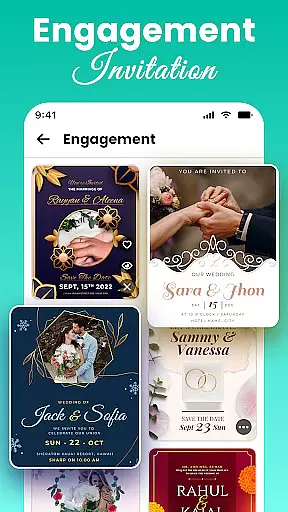
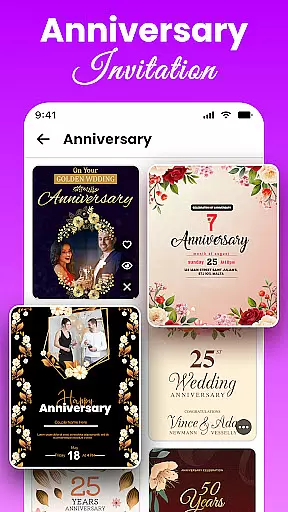
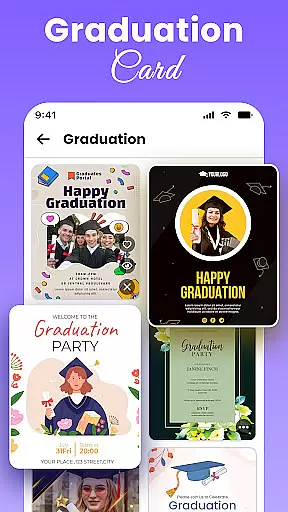
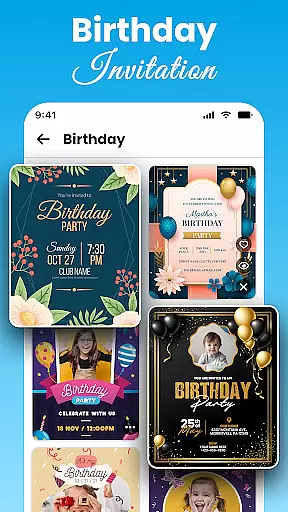
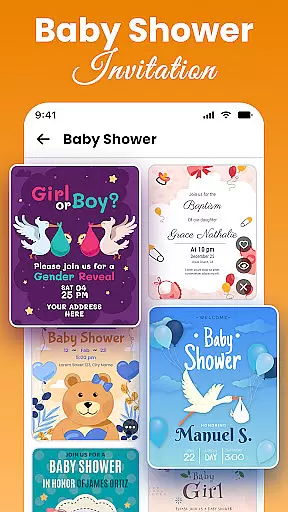
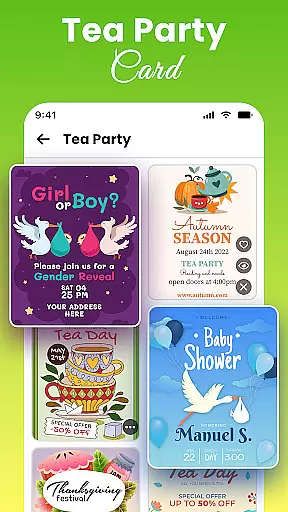
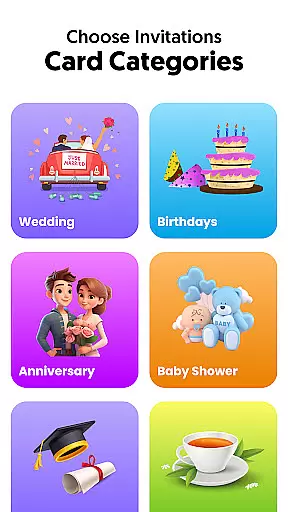
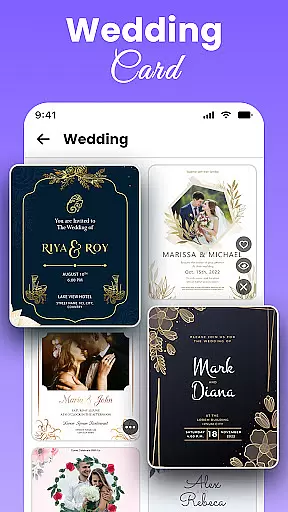
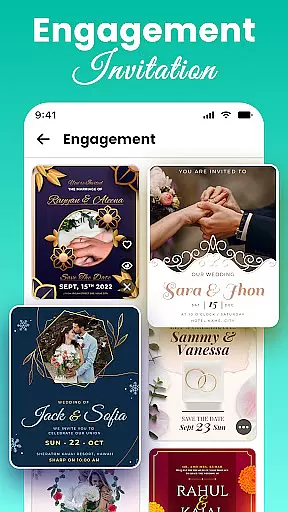
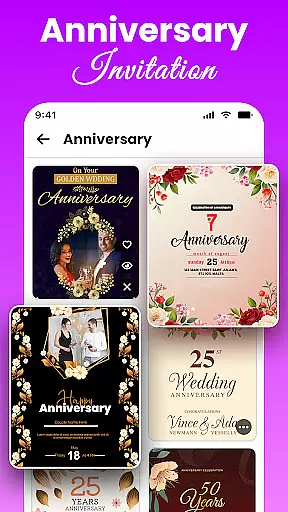
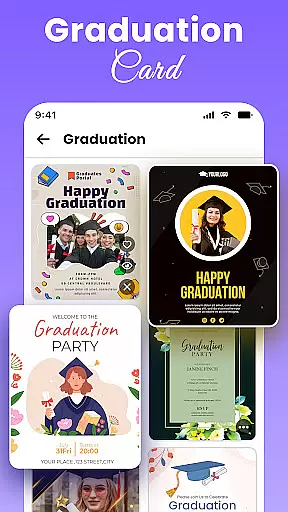
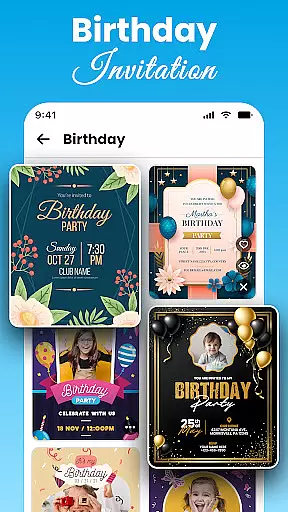
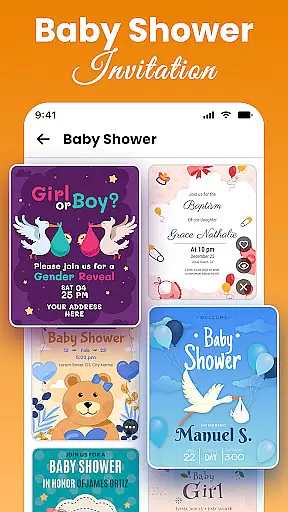
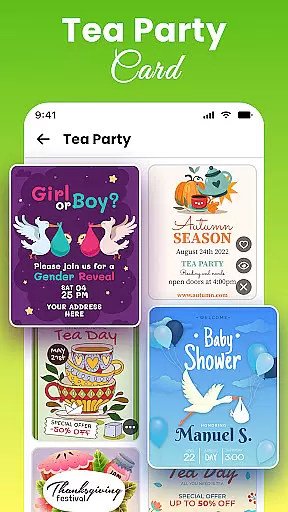
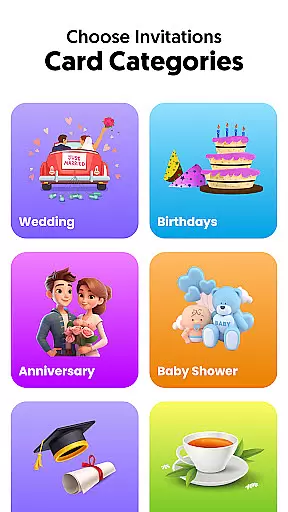
All Invitation Card Maker App is a comprehensive tool designed for creating personalized invitations for various events. This app offers over 1000 customizable templates, catering to weddings, birthdays, engagements, and more.
Users can easily add text, photos, and decorative elements to create professional-quality invitations. Its intuitive interface allows for quick edits, making it suitable for both casual users and event planners.
Whether planning a traditional wedding or a casual party, this app provides the tools necessary to design elegant invitations that meet specific needs and themes.
All Invitation Card Maker App stands out with its extensive template library and customization options. The app includes features such as easy text editing, font selection, and color adjustments, allowing users to tailor each invitation to their preferences.
In addition to text customization, users can upload personal images or choose from pre-set backgrounds. Decorative stickers and emojis further enhance the personalization process, ensuring each invite is unique.
The app also supports Save The Date cards, providing an all-in-one solution for event planning and invitation design. These features collectively ensure a seamless and creative invitation-making experience.
Task creation and detail customization are essential features for any event planning application. All Invitation Card Maker App excels in this area by providing users with a comprehensive suite of design tools that allow for the creation of personalized invitations tailored to various events. Whether it's a wedding, birthday, or corporate gathering, the app offers an extensive selection of templates that can be customized with specific details such as names, dates, venues, and RSVP information.
The level of personalization available within the app is impressive. Users can choose from a variety of fonts, colors, and design elements to match the theme of their event. This flexibility ensures that each invitation not only conveys the necessary information but also reflects the personality and style of the occasion. The ability to upload personal images or select from pre-existing backgrounds further enhances the customization process, allowing users to create truly unique invitations.
Moreover, the inclusion of decorative stickers and emojis adds an extra layer of personal touch to the invitations. These elements can be strategically placed to highlight important details or simply to add a fun and engaging aspect to the design. By empowering users with these robust customization options, All Invitation Card Maker App significantly elevates the invitation creation experience.
Ultimately, the value of task creation and detail customization lies in the user's ability to produce professional-quality invitations without needing advanced design skills. The app streamlines the entire process, making it accessible and enjoyable for individuals planning events of any scale. With its intuitive interface and powerful editing capabilities, users can efficiently create and manage their invitation tasks, ensuring that every event begins with a memorable and well-crafted invite.
Reminder settings play a crucial role in event management applications, ensuring that users stay informed and organized leading up to their special occasions. In the case of All Invitation Card Maker App, while its primary focus is on designing stunning invitations, it indirectly supports effective reminder settings through its detailed customization options. By incorporating essential event details directly into the invitation design, users can create visual reminders that serve as constant prompts of upcoming events.
Although the app may not feature traditional notification-based reminders, its approach to embedding critical information within the invitation itself serves as an innovative alternative. Users can include dates, times, venues, and other pertinent details directly on the invitation card, which acts as a persistent reminder whenever viewed. This method not only keeps invitees informed but also helps organizers maintain awareness of their own event schedules.
Furthermore, the app's capability to instantly share digital invitations enhances its reminder functionality. By distributing invitations via digital means, users ensure that recipients have immediate access to event details, reducing the likelihood of missed or forgotten events. The convenience of digital sharing also facilitates quick updates and modifications, allowing organizers to communicate any changes efficiently and effectively.
In essence, while All Invitation Card Maker App might not offer conventional reminder settings, its emphasis on creating detailed and visually appealing invitations inherently supports organizational efficiency. By leveraging the app's customization features to embed vital event information directly into the design, users can craft invitations that double as practical reminders. This unique approach underscores the app's commitment to providing a comprehensive event management solution that prioritizes both aesthetics and functionality.
User-friendly interface
Extensive template library
Customizable designs
Quick editing tools
Versatile occasion support
Limited advanced tools
Basic photo editing
Few premium templates
Occasional ads
Offline feature lacking

Here you can choose tickets for films, performances, concerts and other events
 4.60
4.60
Greeting card maker with photos best app| Birthday cards| All wishes eCards FREE
4.50
Rocket Monkey - Space rocket launch schedule for launch sites around the world
4.20
Track birthdays, habits & goals. Unlimited countdowns and count-ups
4.20
TV.Garden is a video player to play your own TV streams from around the world!
3.40
The Official App
3.70
Design Invitations & Cards for Any Occasion
4.80
Octrober 2025: We've updated the MyGenMobile App with a new look and feel!
4.40
Freebie Games for Epic Games, Steam, Amazon, Rockstar etc.
4.40
TodayTix is the easiest way to get tickets to the best shows in your city.
4.90
CUE Live utilizes ultrasonic sound waves to sync devices at CUE enabled events
4.80
Discover events & experiences in NYC, LA, Chicago, DC, Miami and more!
4.70
Text message invitations for birthday party, wedding, graduation, baby shower +
4.60
Buy tickets for any event!
3.90
Manages display and transfer of tickets from the Mundo Tickets platform
3.80
Watch live football matches and streaming events on our Arabic TV app!
3.50
It is an Event Planning Application.
4.0
TV Garden is a video player to play your own TV streams from around the world!
4.5
The Official Football Ticketing App for Fans in Qatar
4.0



User Reviews