
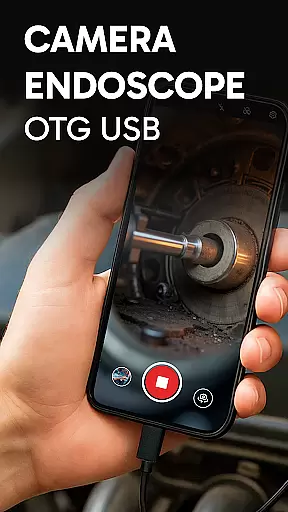
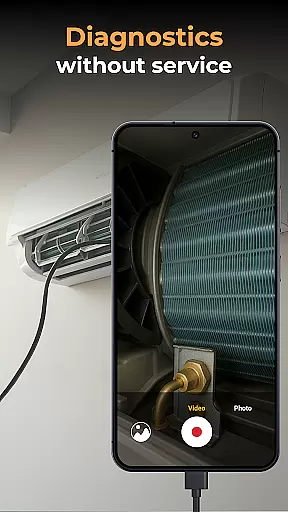
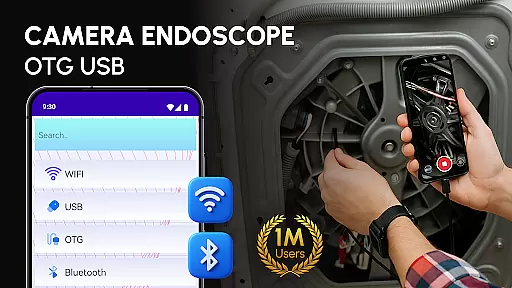
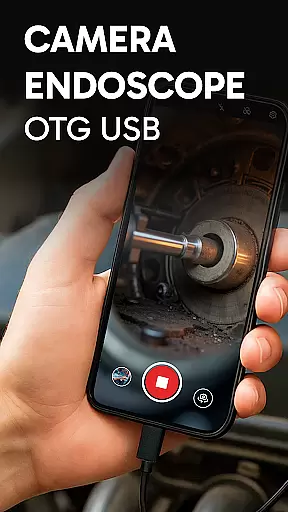
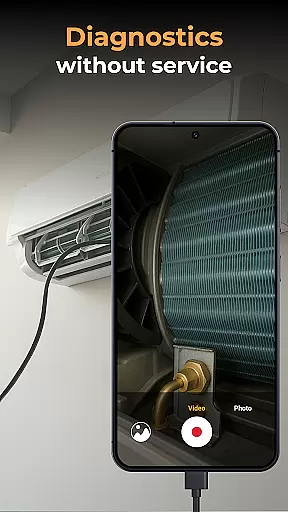
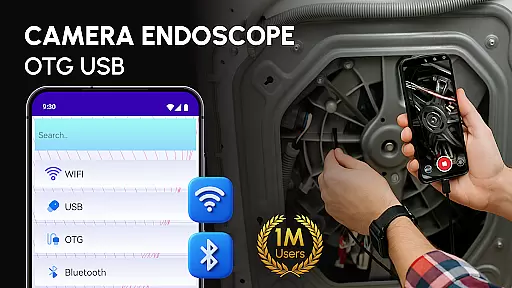
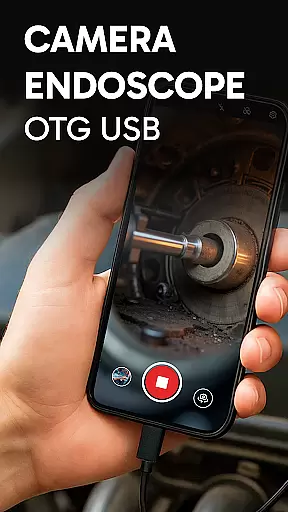
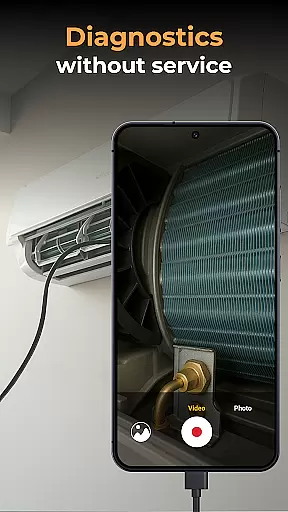
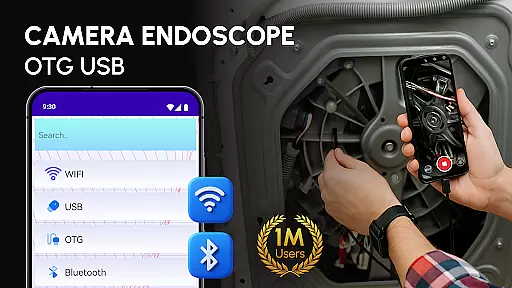
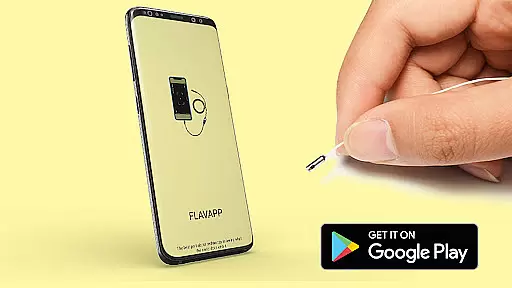
Camera endoscope / OTG USB is an innovative inspection tool that transforms your Android device into a professional-grade diagnostic instrument. Designed for both professionals and DIY enthusiasts, this application enables real-time video capture and image inspection through external cameras connected via USB OTG interface.
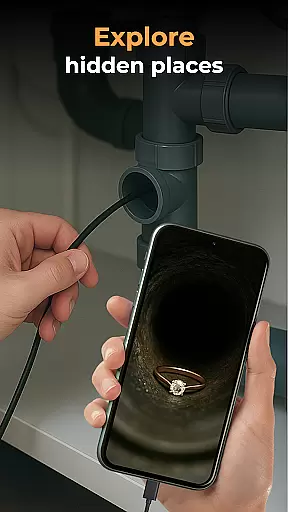
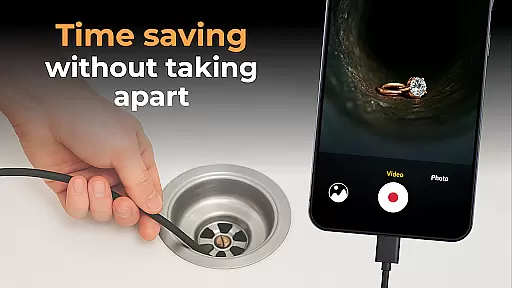
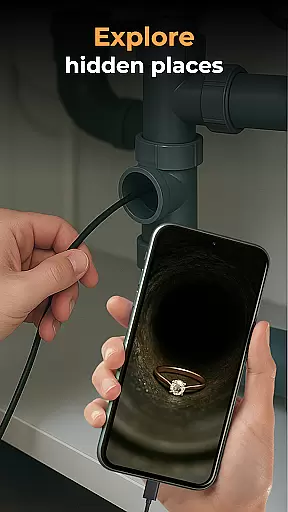
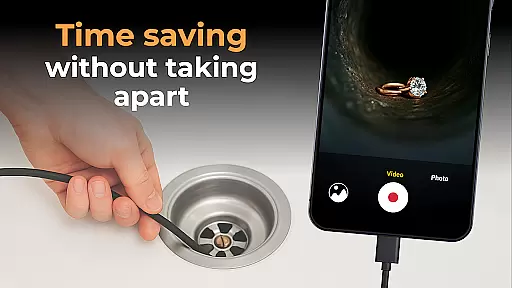
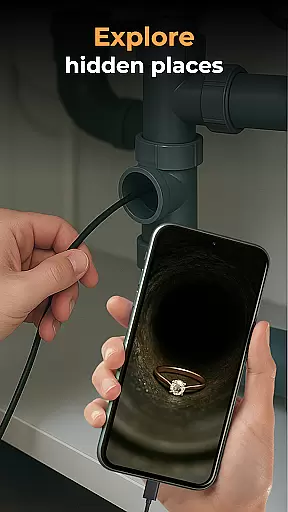
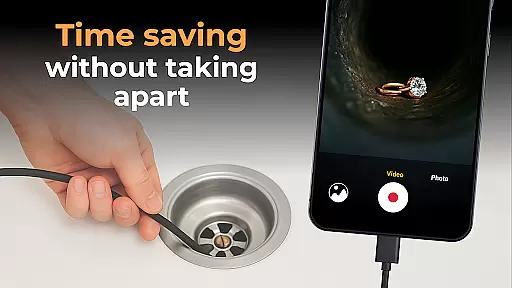
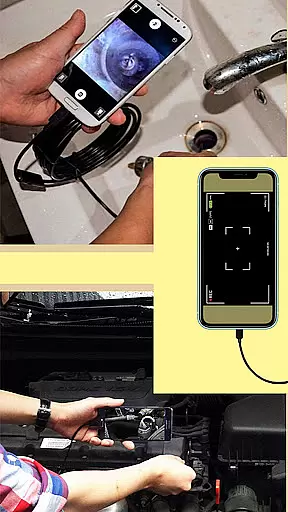
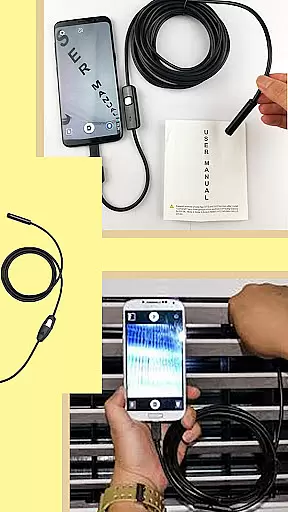
The app supports various types of inspection devices including borescopes, microscopes, and other endoscopic tools. Whether you're examining tight pipes, inspecting machinery components, or exploring narrow spaces, the Camera endoscope provides clear visuals and precise control over your external camera equipment.
This versatile application finds particular value in industries like plumbing, automotive repair, and electronics diagnostics. By providing detailed visual access to hard-to-reach areas, it eliminates guesswork and enables accurate assessments, making it an essential tool for technical work and home projects alike.
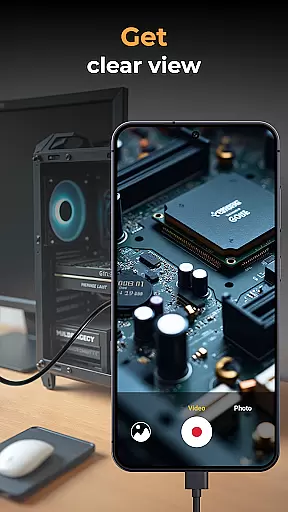
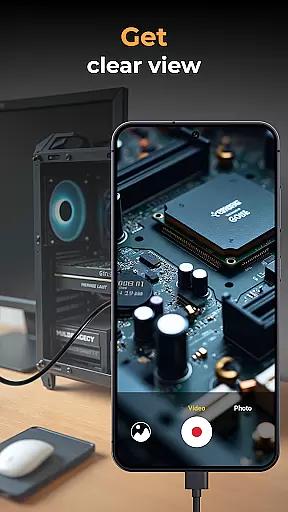
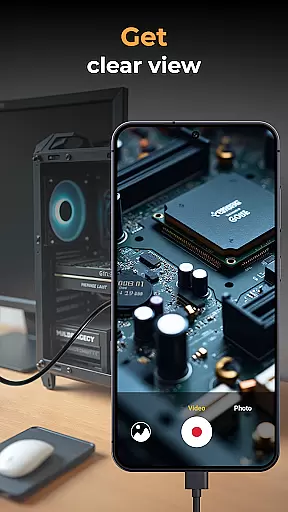
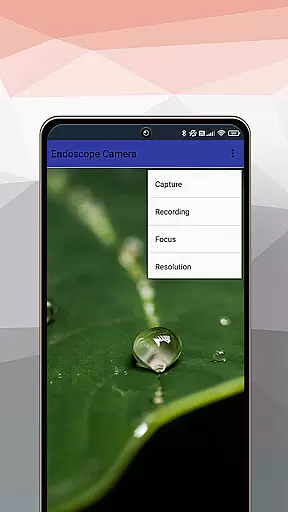
Camera endoscope / OTG USB distinguishes itself through its comprehensive feature set tailored for inspection tasks. The application's core functionality revolves around real-time video capturing and image processing, allowing users to view live footage from their connected endoscopic devices directly on their Android device.
A key advantage of this app is its seamless integration with various external camera types, including borescopes and microscopes. The built-in media management system provides efficient organization of captured images and videos, complete with options for viewing, deleting, and sharing files. The intuitive gallery interface ensures easy access to all recorded media.
Additional notable features include plug-and-play functionality with minimal setup requirements, stable connection performance, and compatibility with multiple devices through OTG Connector Software. These capabilities make Camera endoscope particularly valuable for professionals who require reliable inspection tools across different work environments.
In the realm of inspection and diagnostic tools, the Endoscope Camera: USB OTG Camera app stands out for its comprehensive functionality. This application is designed to transform your Android device into a versatile inspection tool, capable of handling various external cameras such as borescopes and microscopes. The core feature set revolves around its ability to support real-time video image capturing, making it an indispensable tool for professionals and hobbyists alike.
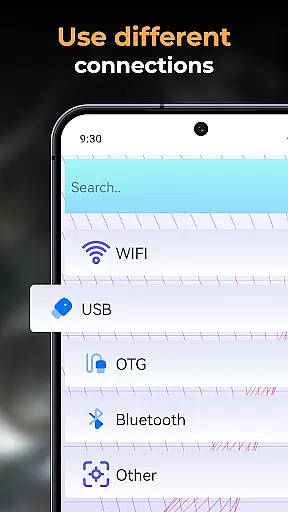
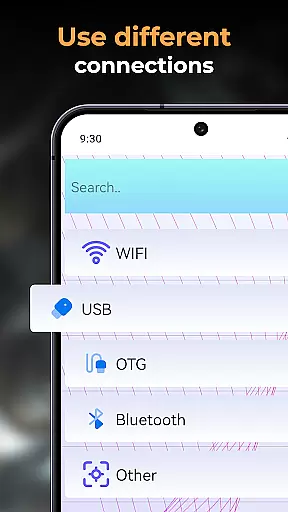
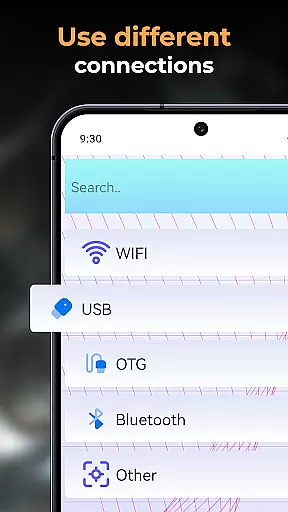
The app's compatibility extends to multiple external devices, thanks to its support for the USB OTG interface. This ensures that users can connect a wide range of inspection tools effortlessly. Whether you're examining tight pipes or scrutinizing tiny machine parts, the app facilitates high-quality video and image recording. Additionally, all captured media files are stored and managed within a built-in gallery, offering simple yet effective media management functions like delete, view, and share.
For users seeking a reliable inspection solution, this app optimizes the performance of Camera Endoscope: OTG USB devices on Android platforms. Its plug-and-play feature simplifies the setup process, allowing seamless integration with endoscopes, borescopes, and microscopes. This ease of use, combined with broad device compatibility, underscores the app's commitment to providing extensive coverage for various inspection needs.
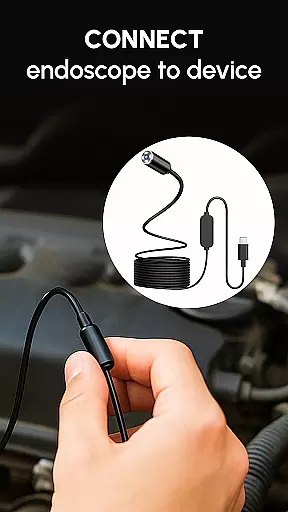
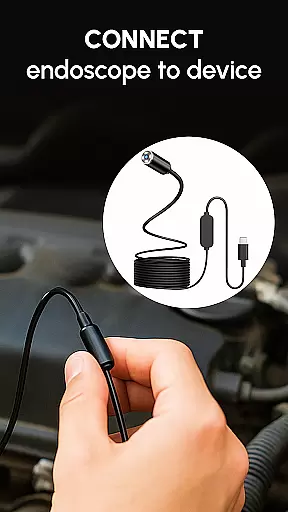
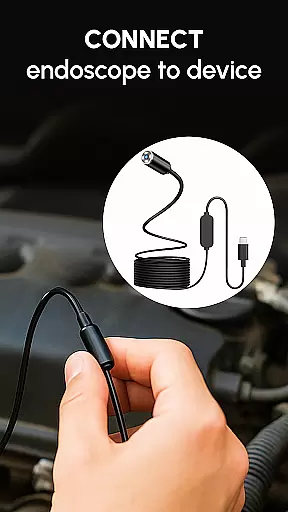
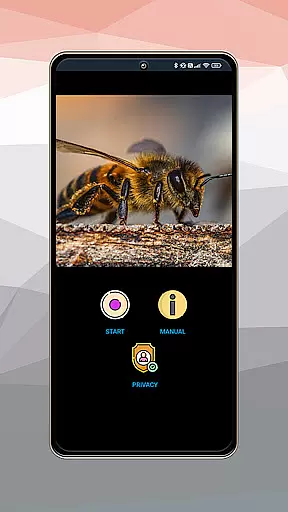
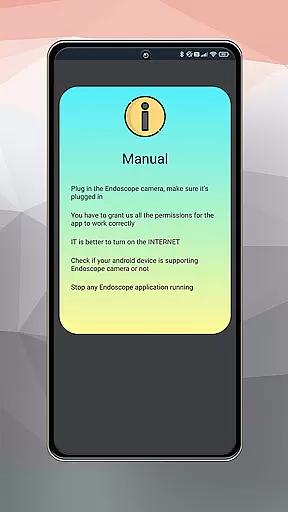
When it comes to usability, the Endoscope Camera: USB OTG Camera app excels by offering a straightforward and efficient user experience. Setting up the app is remarkably simple; users only need a compatible device and a USB OTG cable. Once connected, launching the app and selecting the camera icon provides immediate access to a live view, ensuring stable and fast connections whether inspecting plumbing work or conducting close-up diagnostics with a microscope attachment.
The app's operational smoothness is evident in its intuitive interface and seamless integration with various tools. It supports all types of Camera Endoscope: OTG USB tools and works harmoniously with Endscopetool: OTG Connector Software for Android. This compatibility extends to microscope users, who benefit from the same comfort and functionality provided by the app. The simplicity of the setup process and the reliability of the connection make it an ideal choice for DIY enthusiasts, technicians, and everyday users.
Media management within the app further enhances its usability. Captured photos and videos are neatly organized in a dedicated media gallery. Users can easily manage their files through intuitive options such as delete, view, and share, which appear with a simple long press on any media file. This streamlined approach to file management ensures that users can focus on their tasks without being bogged down by complex operational procedures.
User-friendly interface
Wide device compatibility
Real-time video capture
Efficient media management
Stable connection performance
Limited to compatible devices
Requires OTG adapter
External camera needed
No advanced editing tools
Basic feature set

Game Booster GFX for smoother gaming experience. Enjoy 120 FPS and 4x Game Space
 4.20
4.20
Record with Double Camera Video Recording using Dual Camera Front and Back Video
3.00
Do you want to drive easy ? do you wanna full mirror link Mobile with your car
4.10
Block and secure the microphone and protect from secret listening and recording.
4.50
Sad ringtones full of feeling, sad music ringtones
3.90
Popular mods fnaf mods for melon playground
4.50
An essential GFX utility developed for specific FPS mobile games
4.50
Test DPC is a sample device policy controller for use with Android Enterprise.
4.20
Mirror Link Car Display to share your screen with car dashboard wirelessly
4.1
Demo for Key Attestation feature of the Android system.
4.80
Explore The Holy Quran Majeed for Muslim. Listen to MP3 Quran & Al Quran Kareem.
4.80
Tune your game graphics with our GFX optimizer for optimal gaming experience
4.50
Enjoy Minecraft Mod Scary Neighbor Granny for Minecraft PE.
4.30
Manage apps & elevate your gaming experience with Game Launcher: Gaming Hub app.
4.30
Unlock the hidden menus of your phone with our mobile secret codes app.
4.20
Easily evaluate the performance of Scandit's barcode and ID scanning SDK
4.10
With Endoscope Camera Connector you can connect your phone with endoscope cam
3.70
Read Quran pak offline & listen online mp3 Quran in Al Quran Majeed app
4.0
Enjoy hours of entertainment with our Roblox mobile games app
4.5



User Reviews