
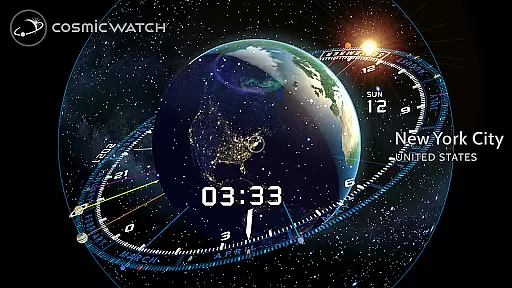
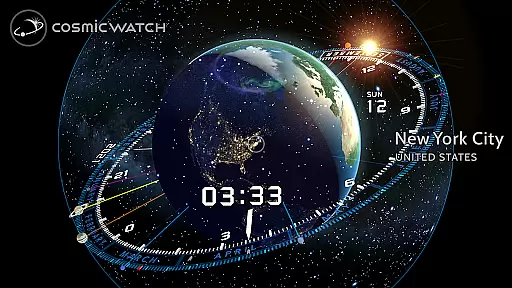
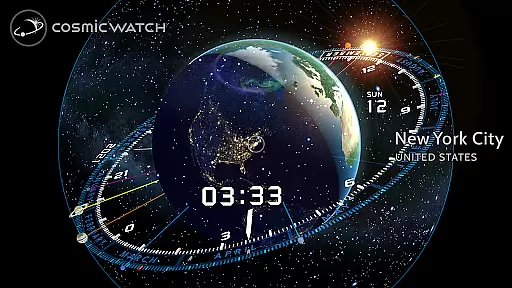
COSMIC WATCH is an innovative educational app that combines a 3D planetarium, augmented reality sky guide, and astronomical clock into one powerful tool. This app allows users to explore the solar system, identify constellations, stars, and planets in real-time, and even travel through time to observe celestial movements. With its stunning graphics and precise visualizations, it serves as both an engaging introduction to astronomy and a sophisticated resource for advanced stargazers.
Designed for all ages, COSMIC WATCH provides users with a unique perspective on their position within the cosmos. Whether you're an amateur astronomer, nature enthusiast, or simply curious about the universe, this app offers valuable insights into the relationship between time and celestial events. Its interactive features make learning about astronomy playful yet informative, while notifications ensure you never miss significant astronomical phenomena.
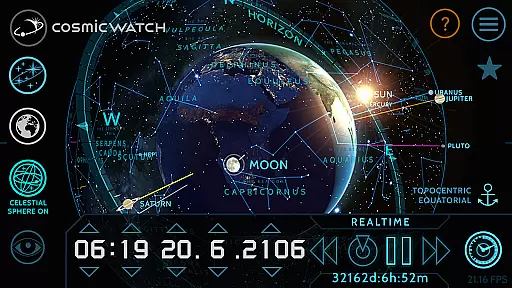
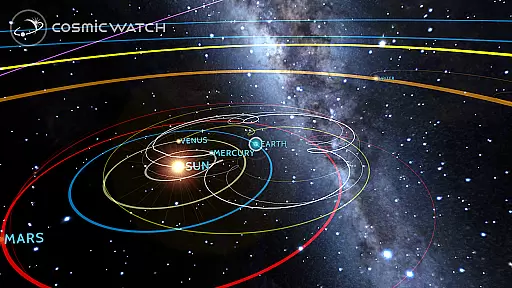
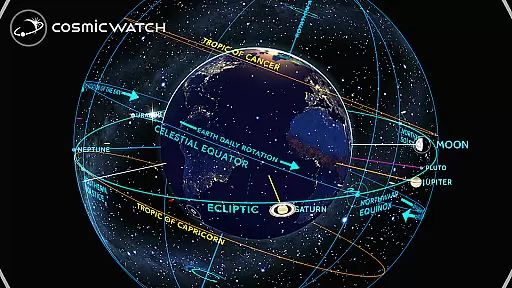
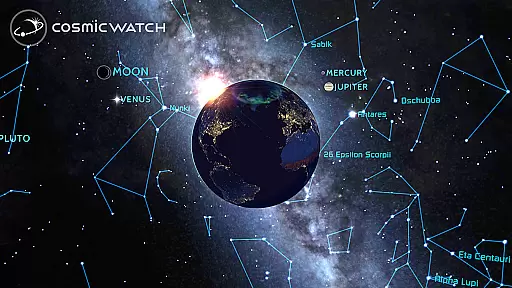
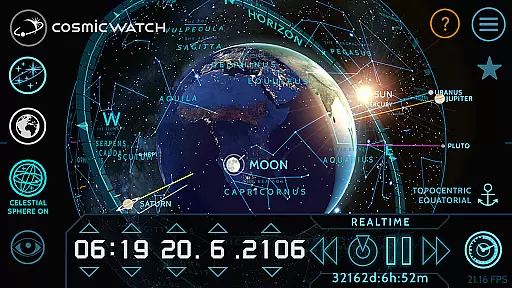
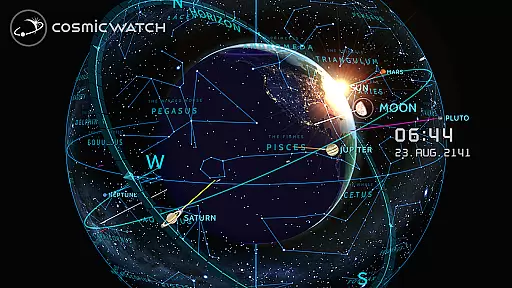
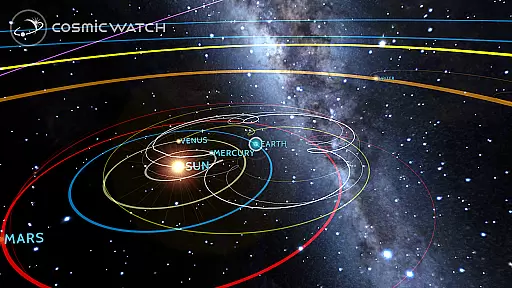
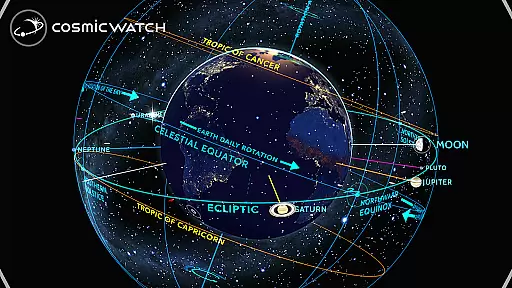
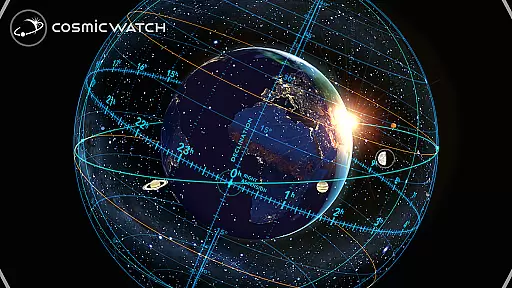
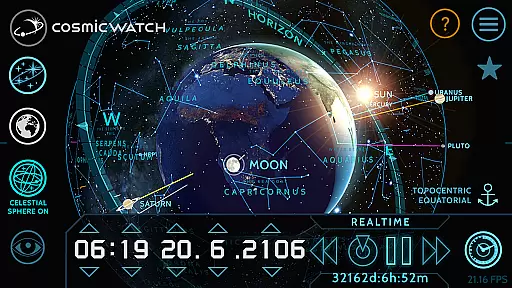
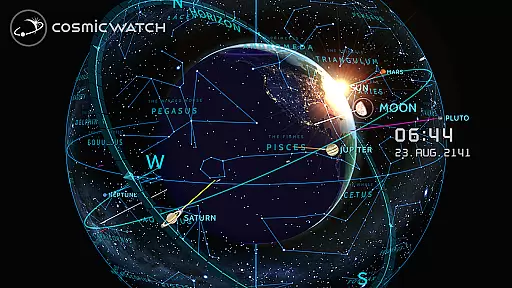
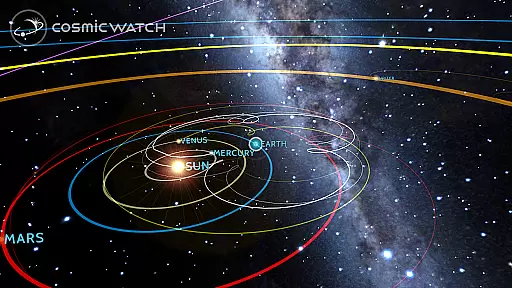
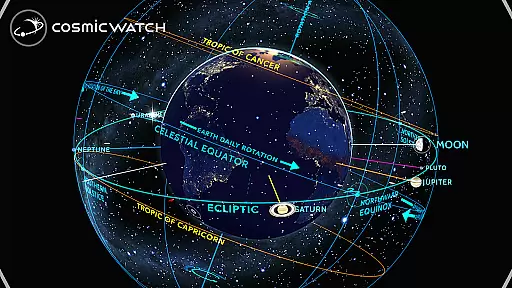
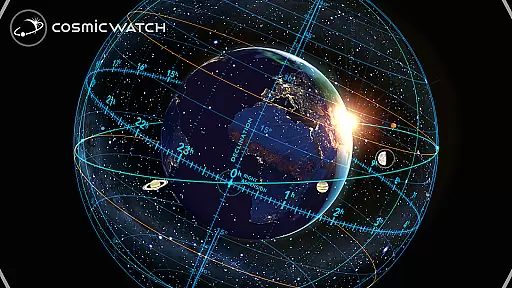
COSMIC WATCH stands out due to its comprehensive set of features designed to enhance your understanding of the universe. The app includes a 3D celestial sphere for an overview of the entire sky, star maps, constellations, and an astronomical events calculator. Users can switch between different views such as sky, earth, and solar system, providing multiple perspectives on cosmic activities. Additionally, the app supports geocentric and heliocentric views, offering detailed representations of planetary retrogrades.
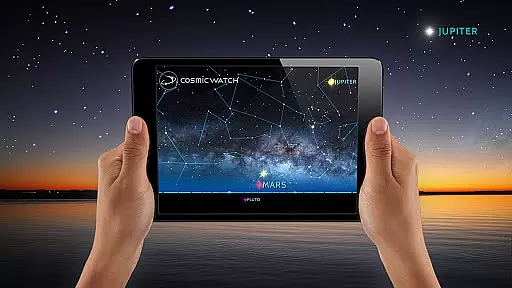
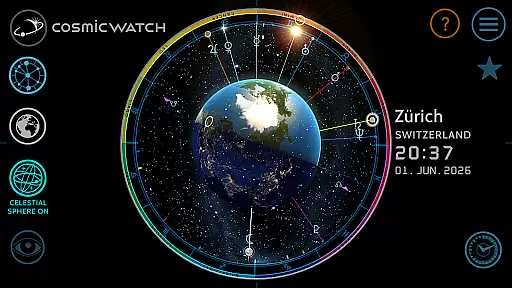
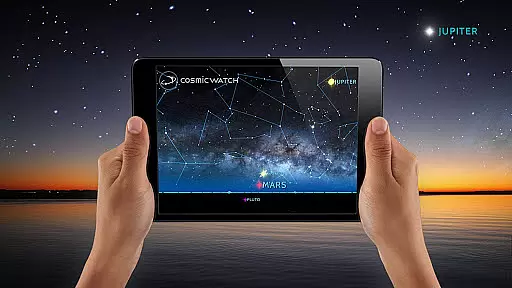
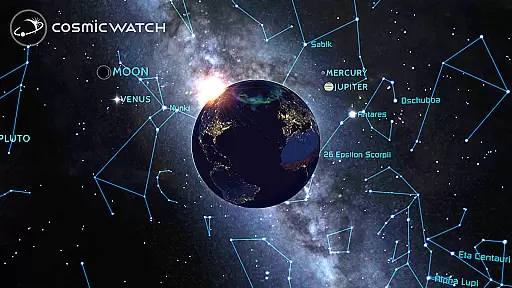
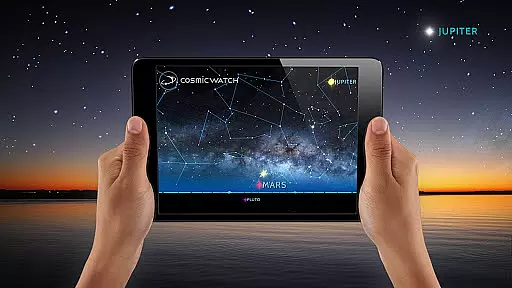
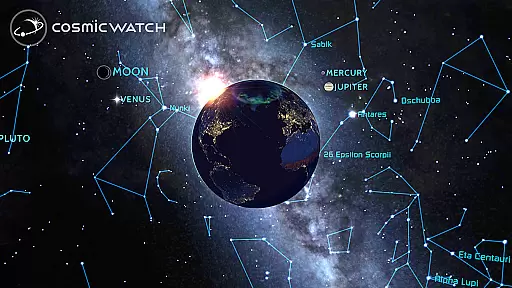
One of the most captivating aspects of COSMIC WATCH is its augmented reality functionality, which lets users point their devices at the sky to experience real-time celestial visuals. The interactive astronomical clock and world clock further enrich the user experience by delivering precise time measurements alongside astronomical data. Informative layers and a digital compass add depth to explorations, making this app not only educational but also highly engaging for anyone interested in astronomy.
The Cosmic Watch app stands out for its commitment to content accuracy and authority, making it a reliable educational tool for users of all ages. This app provides precise astronomical data, including star maps, constellations, and planetary movements, which are rendered in real time with stunning 3D graphics.
Developed by Celestial Dynamics, the app combines basic principles of astronomy with time measurement, offering an immersive journey through space and time. Its powerful features include an AR sky guide, an astronomical events calculator, and geocentric and heliocentric views of the solar system, ensuring that users receive accurate and authoritative information about celestial phenomena.
By delivering real-time visualizations of your position in the cosmos and calculating important astronomical events, the Cosmic Watch ensures that you never miss significant cosmic occurrences. This dedication to precision and educational value has earned the app several awards, including the WEBBY AWARD for Best Educational App in 2018.
Whether you're an amateur astronomer, a professional scientist, or simply a curious learner, the Cosmic Watch app provides a trustworthy source of astronomical knowledge, helping you explore and understand the mysteries of the universe with confidence.
While the Cosmic Watch app may not offer traditional personalized learning paths like adaptive quizzes or tailored lesson plans, it provides a unique form of personalization through its interactive 3D celestial sphere and augmented reality features. Users can customize their learning experience by exploring different views such as the sky, earth, and solar system at their own pace.
This app allows learners to take an astronaut's flight over planet Earth or delve into the entire solar system, creating a personalized journey through space. By pointing their device towards the sky, users can experience constellations, stars, and planets in augmented reality, effectively tailoring the educational content to their current location and time.
Moreover, the Cosmic Watch includes many informative layers and astronomy notifications, enabling users to focus on the aspects of astronomy that interest them most. These features allow for a self-guided exploration that adapts to individual curiosity and learning preferences.
With its comprehensive representation of planet retrogrades and multiple viewing options, the Cosmic Watch app offers a dynamic platform where learners can forge their own paths in understanding the cosmos, thus fostering a personalized and engaging educational experience.
Stunning 3D graphics
Real-time celestial tracking
Augmented reality sky guide
Comprehensive astronomical events
User-friendly interface
High battery consumption
Complex for beginners
Limited offline functionality
Occasional performance lags
Premium price tag

Learn and joke with the Silly Turkey!
 4.5
4.5
Break Language Barriers with AI—Learn Language Anytime, Anywhere!
4.00
2026 DVSA Driving Theory Test revision with Hazard Perception + Highway Code
4.60
Explore numbers the Starfall way!
4.00
For medical training - Visualize complex vein maps and structures in real-time.
4.10
THE ESTABLISHED "GO TO" ARMY BOARD PREPARATION APP!
4.30
Animals pop up and make sounds—learn names and noises in Peekaboo Barn!
4.3
Stack the States makes learning about the 50 states fun!
4.70
Make your own game and world. Draw and animate characters
3.70
Guitar chord finder, analyzer, smartly visualized theory, progressions, quizzes.
4.70
Prepare for the BCBA / BCaBA exam. Study ABA with the ABA Wizard app.
4.60
An interactive enhancement of the Sesame Street classic.
4.50
The Fighter Verses Bible memory system helps you memorize God's Word.
4.50
Ignite curiosity, spark learning: All babybus videos &games
4.30
The FE Clock is a way to track sun & moon around the circle of the earth.
4.30
Watch and Play Elmo's World!
4.00
Explore the City of the Sun in Augmented Reality
3.70
Flashnote Derby is the fun way for kids to learn music notes and memorize them.
3.40
Your best partner for learning Japanese words. Based on a best-selling textbook.
2.80




User Reviews