
GPS - Maps, Driving Directions is a comprehensive navigation tool tailored for travelers in the United States. This app offers turn-by-turn voice-guided directions, ensuring users can drive hands-free while receiving accurate instructions. It supports various travel needs, from daily commutes to cross-country road trips, making it an essential companion for drivers.
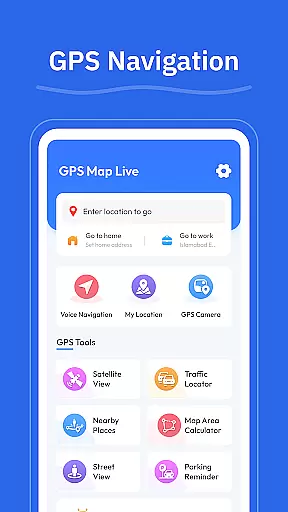
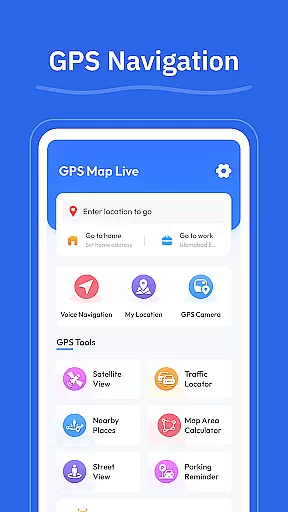
In addition to basic navigation, the app includes advanced features such as street view, GPS camera for saving geo-tagged photos, and real-time location tracking. These functionalities help users explore new areas, find nearby amenities like gas stations and restaurants, and plan efficient routes based on current traffic conditions. The intuitive interface ensures that even first-time users can navigate with ease.
Whether you're traveling through bustling urban centers or serene countryside roads, GPS - Maps, Driving Directions enhances your journey by providing reliable and up-to-date mapping data. Its ability to adapt to different road types and conditions makes it invaluable for both routine drives and adventurous explorations.
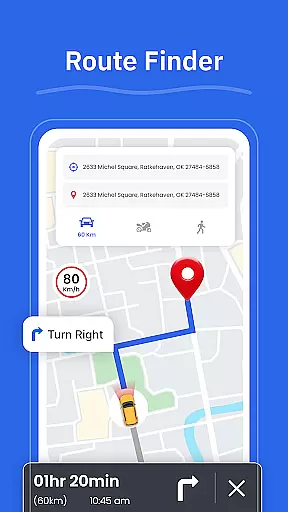
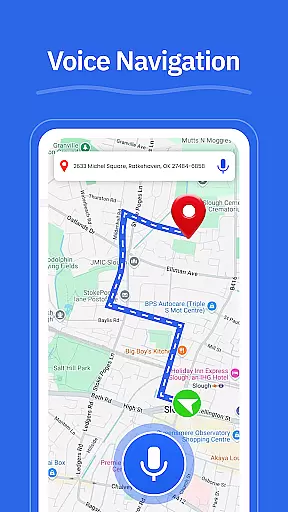
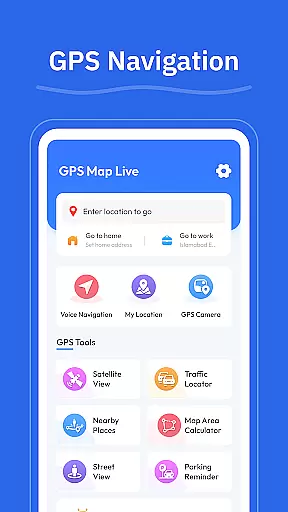
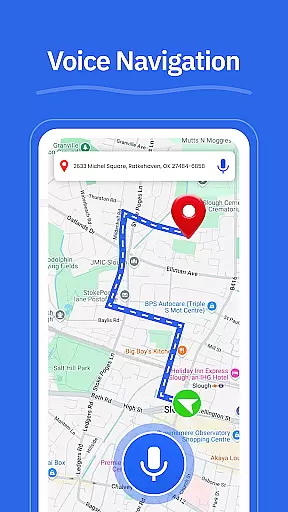
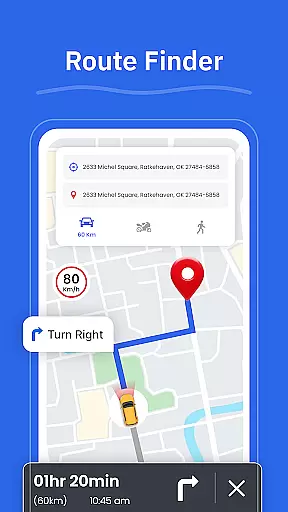
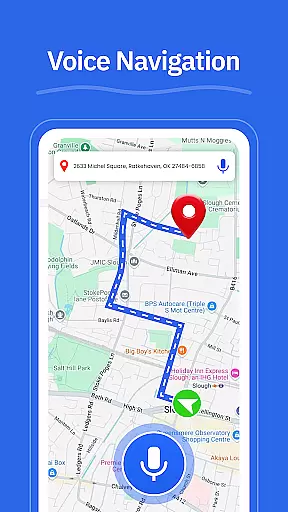
One of the standout features of GPS - Maps, Driving Directions is its robust set of navigation tools. The app provides turn-by-turn voice guidance, allowing users to keep their eyes on the road while receiving precise directions. This feature is complemented by clear visual maps that display multiple route options, helping drivers choose the best path based on real-time traffic updates.
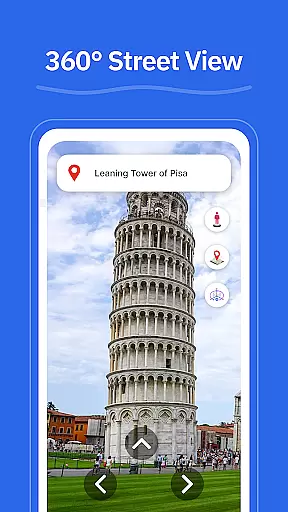
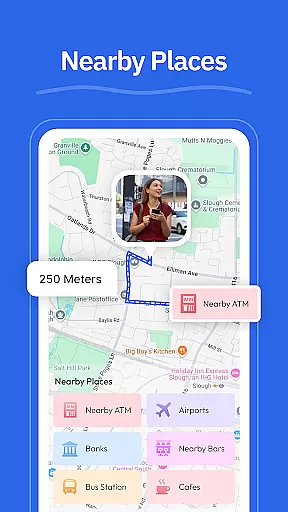
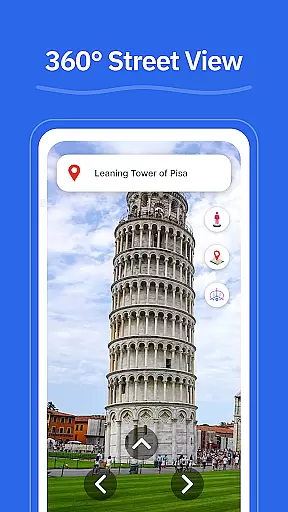
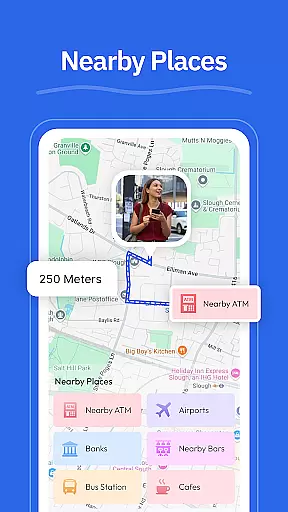
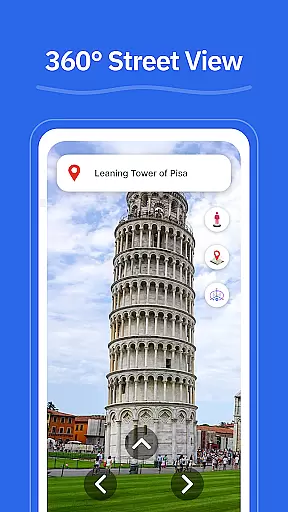
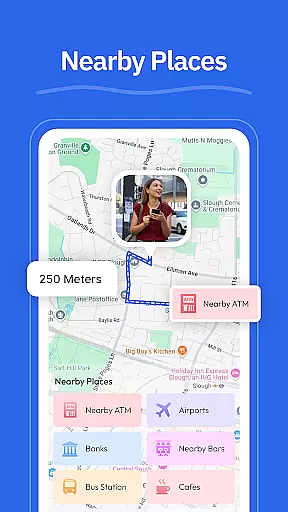
Beyond basic navigation, the app offers a street view function, enabling users to preview destinations and familiarize themselves with surroundings before arrival. The GPS camera allows users to capture and tag locations with photos, creating a personal archive of visited places. Additionally, the 'Nearby Places' feature helps locate essential services such as gas stations, restaurants, and ATMs, enhancing convenience during travels.
The app's real-time GPS tracking ensures users always know their current location, which is particularly useful in unfamiliar territories. By integrating these features into a seamless user experience, GPS - Maps, Driving Directions not only simplifies navigation but also enriches the overall travel experience, making every trip smoother and more enjoyable.
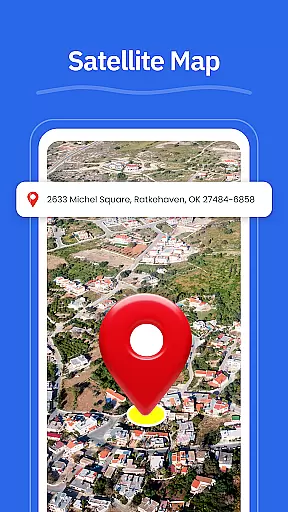
Map accuracy is essential for any navigation app, and GPS - Maps, Driving Directions excels in this area. The application provides highly reliable maps that cover highways, interstates, and local roads across the United States.
The app's mapping data is regularly updated to ensure users have access to the most current road conditions and layouts. This commitment to precision allows drivers to navigate confidently, whether they are traveling through bustling cityscapes or meandering local routes.
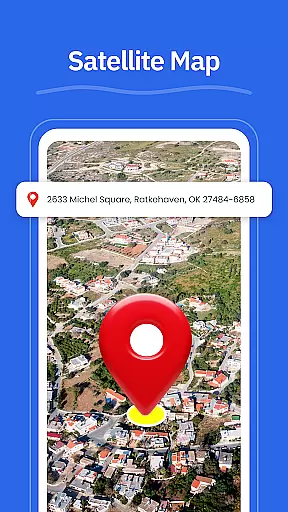
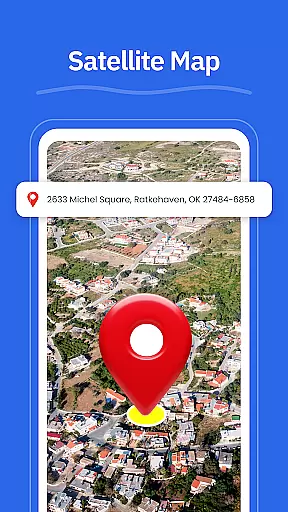
With features like Street View, users can also get a ground-level perspective of their destination before they arrive. This enhances situational awareness and helps users recognize landmarks and neighborhood layouts, making it easier to find specific addresses or points of interest.
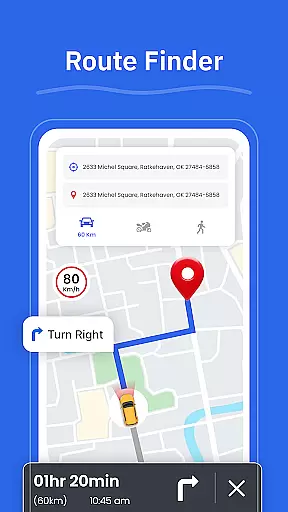
Effective route planning is a cornerstone of GPS - Maps, Driving Directions, offering users multiple options based on real-time traffic conditions. The Route Finder feature evaluates various paths and suggests the best route available, ensuring minimal travel time and optimal efficiency.
In addition to providing alternative routes, the app delivers turn-by-turn voice guidance, allowing drivers to focus on the road without needing to look at the screen constantly. This hands-free navigation experience is crucial for safety and convenience during drives.
Moreover, the integration of nearby places such as gas stations, restaurants, and ATMs into route planning ensures that users can make necessary stops without significantly deviating from their planned path. Overall, these capabilities make GPS - Maps, Driving Directions an indispensable tool for both everyday commutes and long-distance road trips.
User-friendly interface
Accurate GPS tracking
Voice-guided navigation
Comprehensive map data
Real-time traffic updates
Limited international maps
Occasional lag in updates
Requires constant internet
Some features need premium
Heavy battery consumption

Find shortest way and save energy . Distance and area calculator.
 4.70
4.70
All of NHSA's trail information at your fingertips for the 2025-2026 season
4.1
America’s largest public fast charging network, with over 500 charging stations.
4.50
Ride CTA, Metra & Pace: Manage your fares, buy Metra tickets, get arrivals.
3.00
Maps, Driving Directions & GPS navigation using directions app & GPS App
4.30
Navigate via GPS Maps of GPS Voice Navigation, driving directions to find routes
3.60
Get route, find shortest path, near by places and weather update
3.90
Use GPS Maps and GPS Voice Navigation to find your way and get directions
4.10
Navigate MTA, NJ Transit, MBTA, SEPTA, BART, MARTA, CTA & 900+ cities
4.60
Order a cab online. An affordable taxi ride and driver in no time. What a bolt!
4.80
LIRR and Metro-North tickets and trips
4.80
Track friends in real-time and explore worldwide live cameras.
4.60
Plan routes, share locations, and set custom alert zones
4.40
Get matched with a nearby driver — you’ll be on your way in minutes.
4.30
Phone Tracker and GPS Location Sharing
4.20
Avoid delays. Get real-time GPS navigation, safety alerts and live traffic.
4.10
Explore Live Earth Map with 3D World Map & locate cites, mountains real time.
3.80
Explore offline maps with radar, satellite view, and real-time alerts.
3.60
Your real-time window to the world. Explore anywhere, anytime.
3.30






User Reviews