
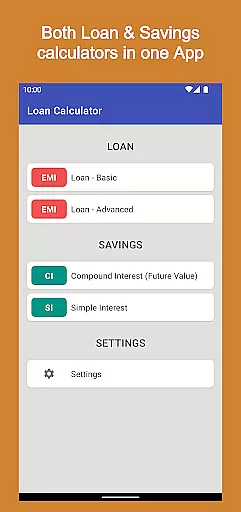
Loan Calculator Pro is a comprehensive financial application designed for both Android phones and tablets. This paid version offers all the features of the free version, with the added benefit of being ad-free. The app provides multiple calculators including Loan Calculator, Advanced Loan Calculator, Compound Interest Calculator, and Simple Interest Calculator.
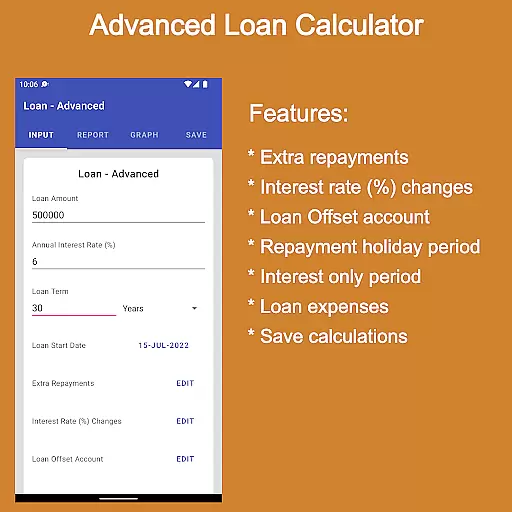
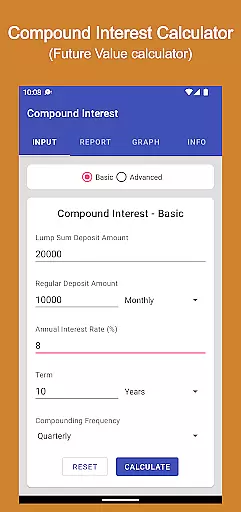
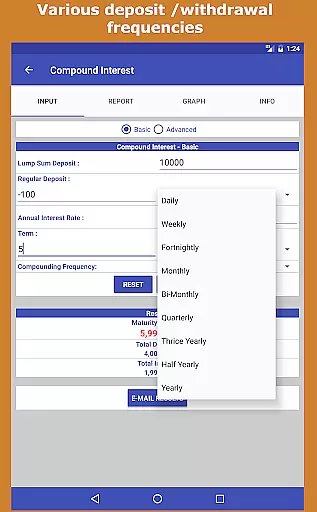
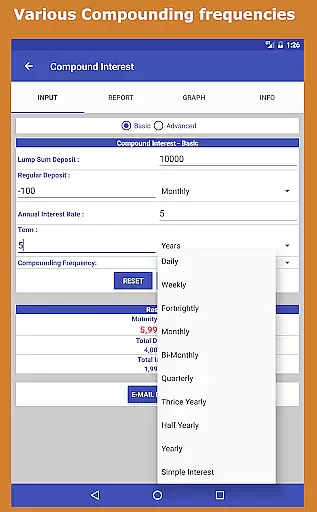
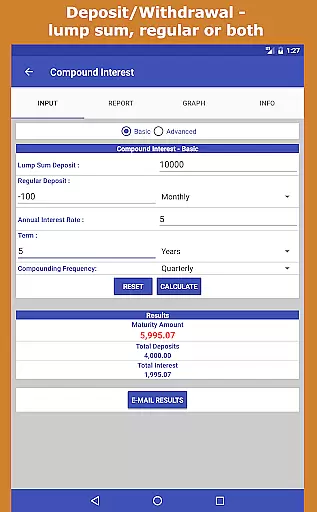
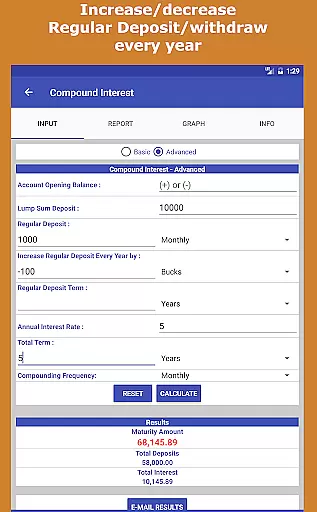
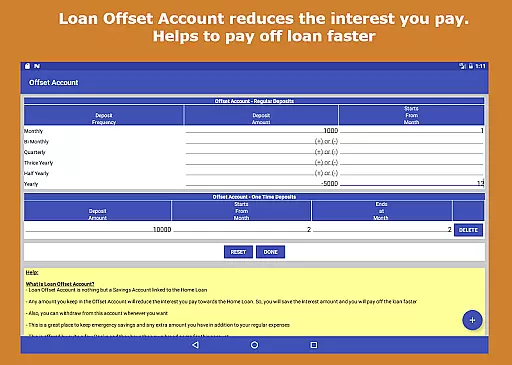
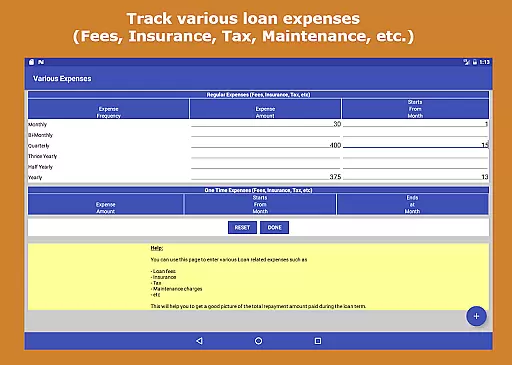
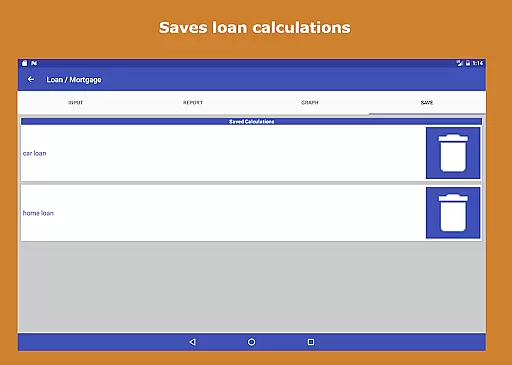
The Loan Calculator allows users to perform reverse loan calculations, make pre-payments, track loan expenses, and save loan calculations. The Compound Interest Calculator supports various deposit frequencies, compounding frequencies, and can handle very large numbers. With an elegant Material Design Theme and user-friendly interface, this app is suitable for individuals and professionals alike.
This versatile tool benefits users by providing detailed financial insights without requiring prior finance knowledge. It helps in making informed decisions about loans and investments while saving time and effort. Whether you're managing personal finances or working as a financial planner, Loan Calculator Pro is an invaluable resource.
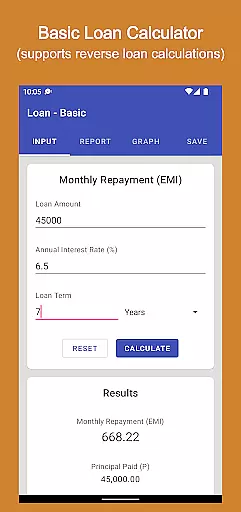
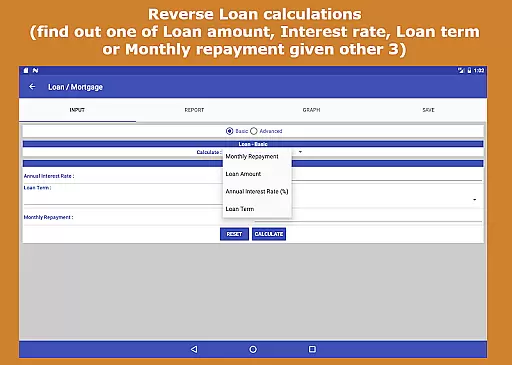
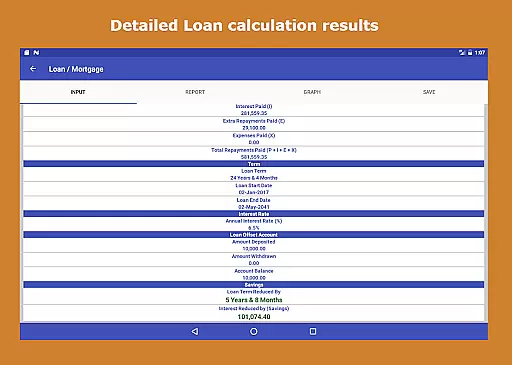
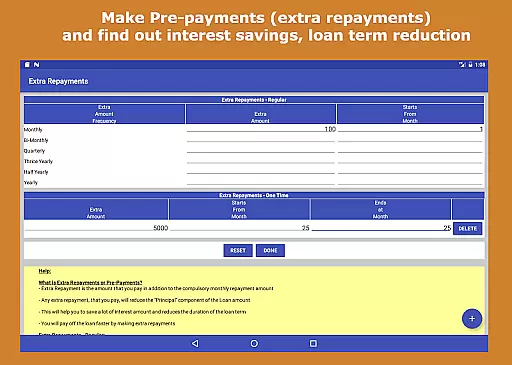
Loan Calculator Pro stands out with its extensive range of features tailored for financial planning and analysis. The app's Loan Calculator allows reverse calculations to determine any one of the loan amount, interest rate, loan term, or monthly repayment when given the other three values. Users can also simulate pre-payments to see interest savings and loan term reductions.
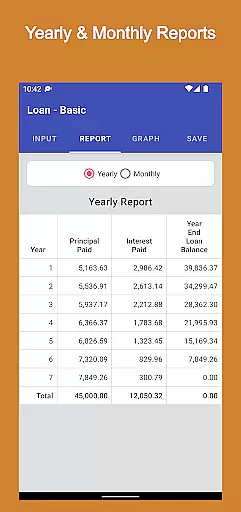
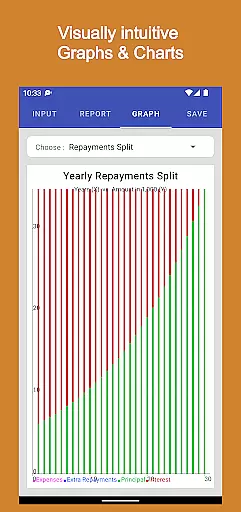
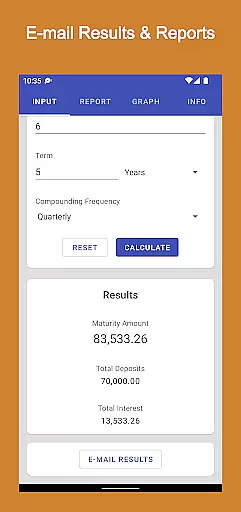
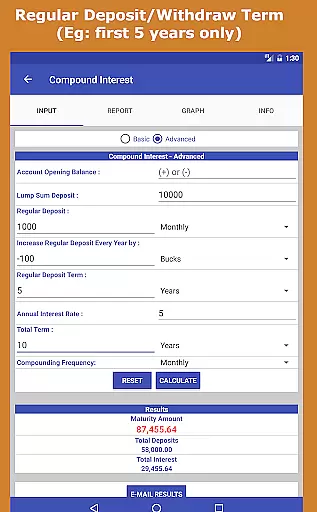
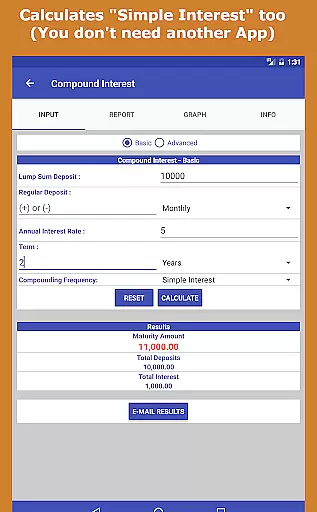
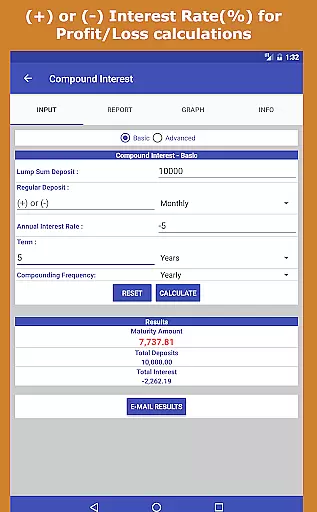
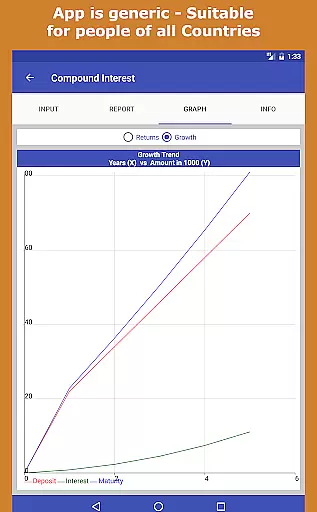
The Compound Interest Calculator is particularly robust, supporting both positive and negative amounts, simple and compound interest calculations, and various deposit frequencies. It also offers yearly and monthly reports in tabular format, visual charts and graphs, and the ability to email these reports. The app handles very large numbers and includes an in-built user guide for ease of use.
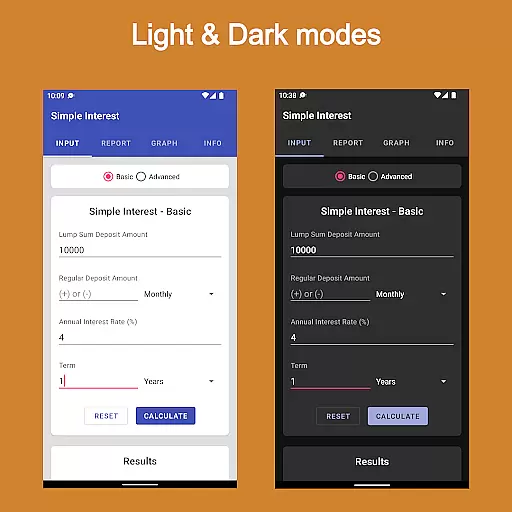
User interface features include an elegant Material Design Theme, easy navigation with tabs, and compatibility with both phones and tablets. The app performs calculations quickly, is lightweight, and loads rapidly. These features collectively provide a seamless and efficient user experience, making Loan Calculator Pro a powerful tool for financial management.
When it comes to financial applications like Loan Calculator Pro, account and fund security is of paramount importance. This app ensures that your financial data remains private and secure through advanced encryption protocols. Every calculation you perform, whether it's a loan repayment plan or a compound interest forecast, is processed locally on your device without transmitting sensitive information over the internet.
The app also provides a safe environment for exploring various financial scenarios without requiring any personal identifiable information. By eliminating ads and in-app purchases, Loan Calculator Pro minimizes external threats that could compromise user privacy. The absence of these features ensures that no third-party scripts run in the background, which might otherwise collect usage data.
Furthermore, the app employs best practices in user interface design to prevent accidental data entry or unauthorized access. Its intuitive layout ensures that users can confidently input financial figures knowing that their valuable information won't be inadvertently shared or misused. This level of security empowers users to make informed financial decisions without worrying about compromising their personal data.
Loan Calculator Pro offers an exceptional transaction experience by providing accurate and reliable financial calculations tailored to individual needs. Whether you're planning a mortgage or evaluating investment opportunities, this application delivers precise results within seconds. The app supports both basic and advanced calculation modes, allowing users to choose the level of detail they require for their specific situation.
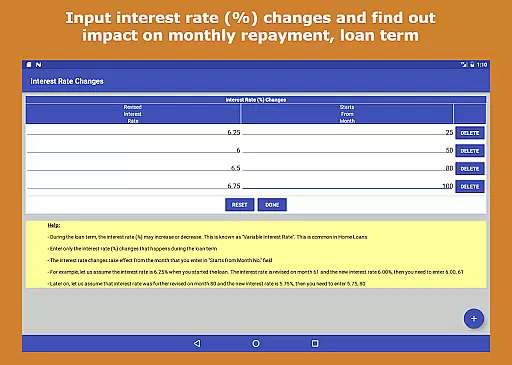
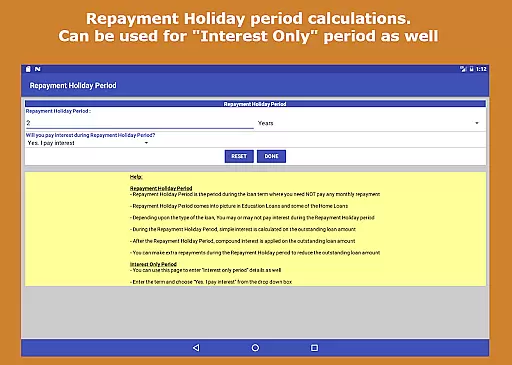
One standout feature is the ability to perform reverse loan calculations, enabling users to determine unknown variables such as loan amount, interest rate, term length, or monthly repayments when given three known values. This flexibility helps users understand different aspects of their financial commitments before making any transactions. Additionally, the app allows users to simulate pre-payments and interest rate changes, giving them insight into how these factors affect their overall financial picture.
The transaction experience is further enhanced by the app's elegant material design theme and user-friendly interface. With its tabbed navigation system and quick loading times, users can seamlessly switch between different calculators and view their results in easy-to-understand formats. These features combine to create a smooth and efficient user experience that saves time and effort while maintaining accuracy in all financial computations.
Comprehensive financial tools
User-friendly interface
No ads or in-app purchases
Detailed reports and visualizations
Suitable for all user levels
Paid version only
Requires manual input
No iOS version available
Complex for beginners
Limited customer support

Bank better with our new app
 3.80
3.80
The all-in-one app to save, earn, travel, and put more money in your pocket
4.50
BA Financial Calculator PRO – Perfect for CFA/FRM/CPA and finance professionals
4.90
Retirement plan, IRA, retail and HSA customers serviced by Empower.
3.10
All your crypto & stocks in one secure and trusted app.
4.40
Earn cash back. Build credit.
4.60
Real-time tracking: Stocks, Indices, Futures, Commodities, ETF, & Funds prices.
4.60
Powerful Money Manager, Expense & Savings Tracker, Budget Planner - Pro Version
4.70
Trade NFL, NBA, Crypto, Tech
4.50
Money transfer made easy. Send money to friends and family with great rates.
4.70
Your Big Financial Friend
4.70
Military retirement pay estimation calculator
4.70
Early payday & cash advances with no-fee mobile banking!
4.60
Manage your account, make a payment, and redeem your rewards on the go.
4.50
The simplest way to budget, bank, save and invest.
4.50
Car Insurance Made For You.
4.50
Get up to 500, get paid early, earn interest and find work with no hidden fees.
4.40
Registration of your debts and Mdionatk and assembled, as well as a significant reports
4.30
Bill Manager is a simple app to help you keep track of your upcoming bills.
4.2



User Reviews