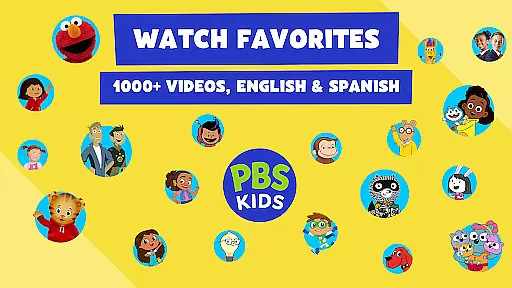
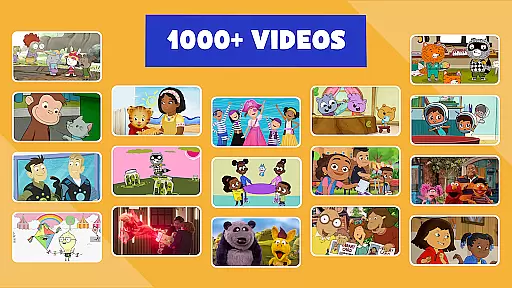
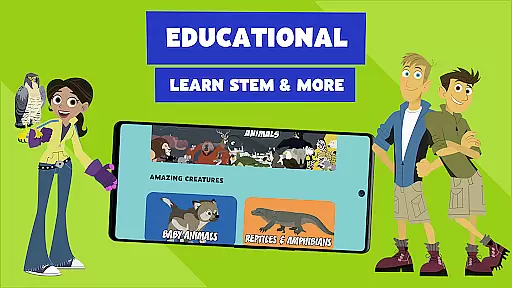
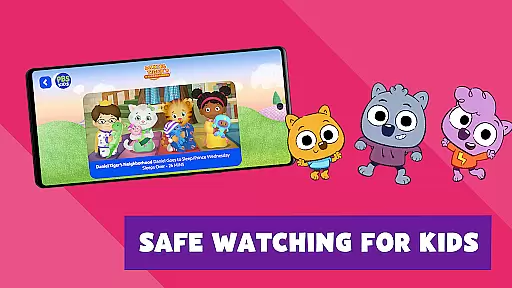
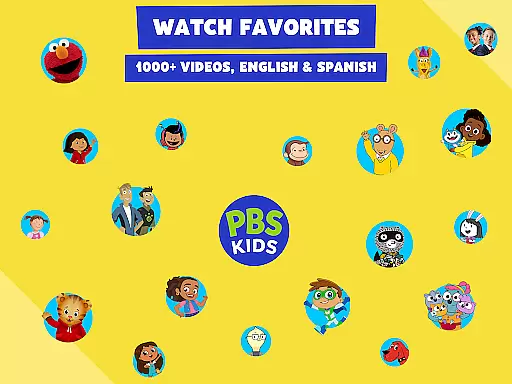
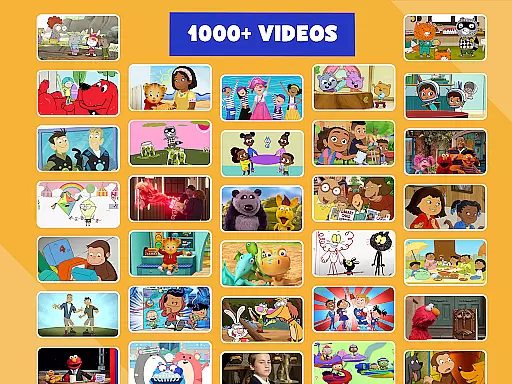
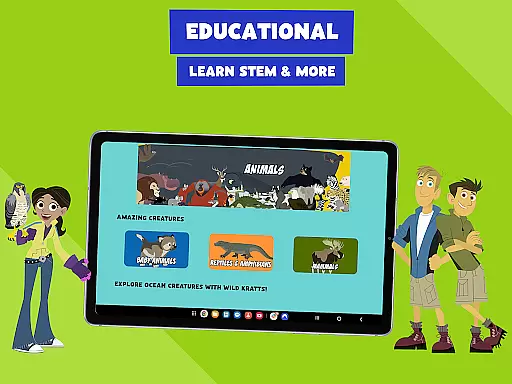
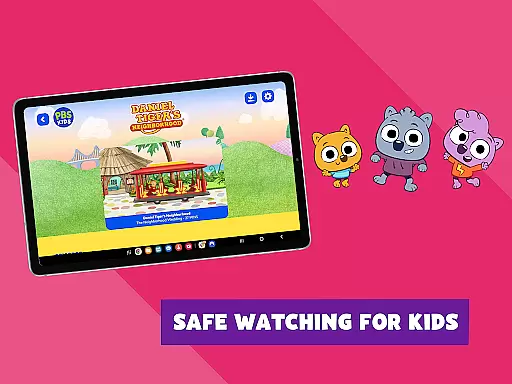
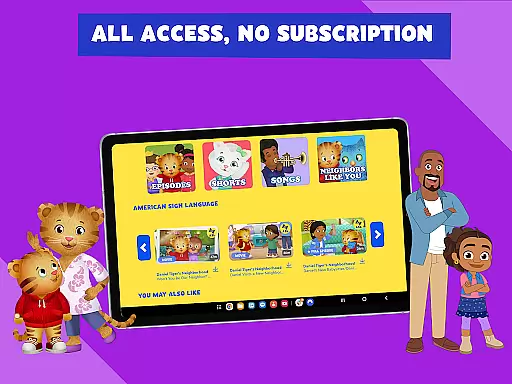
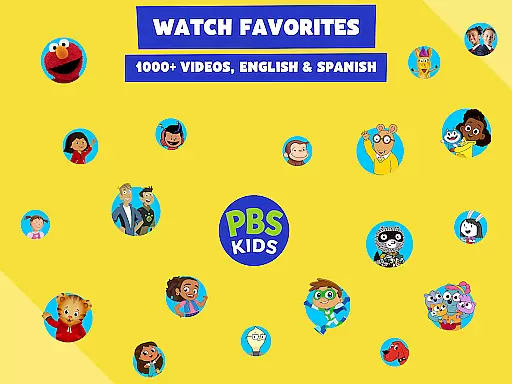
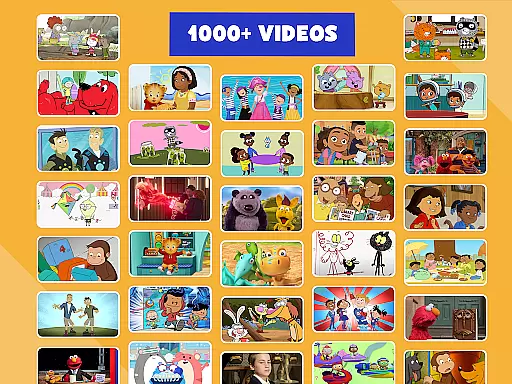
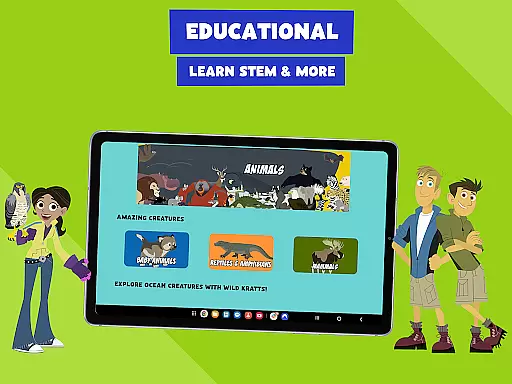
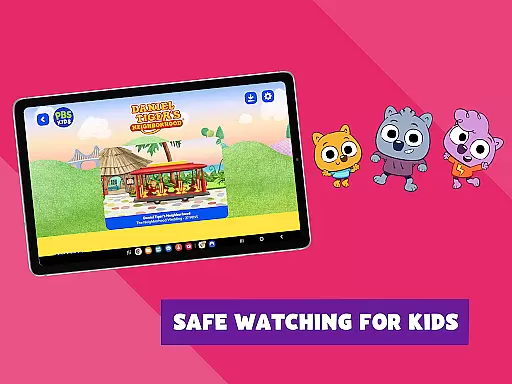
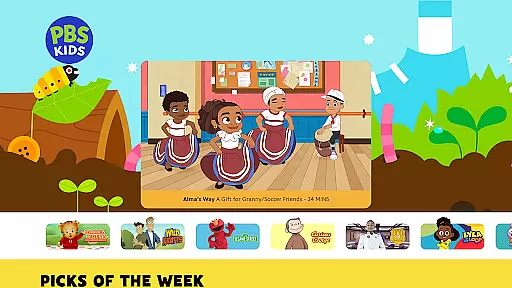
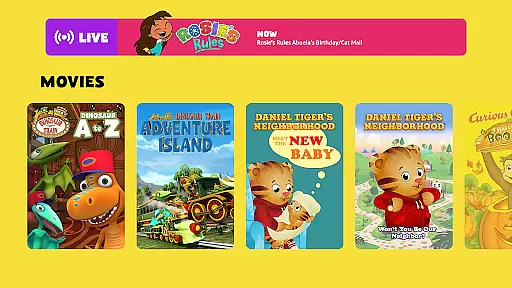
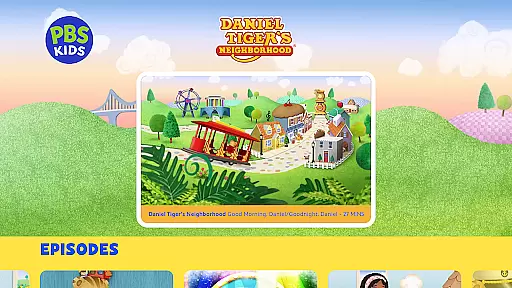
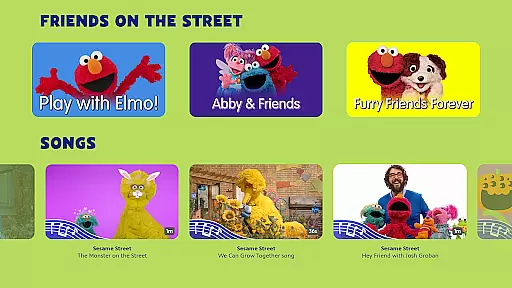
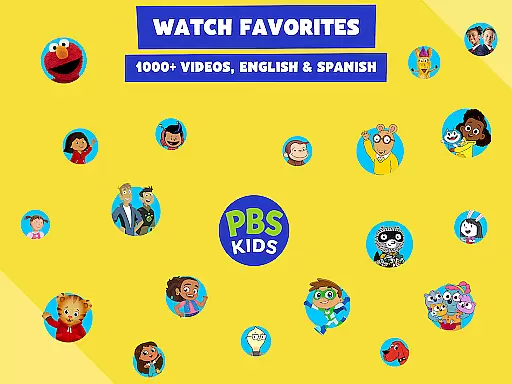
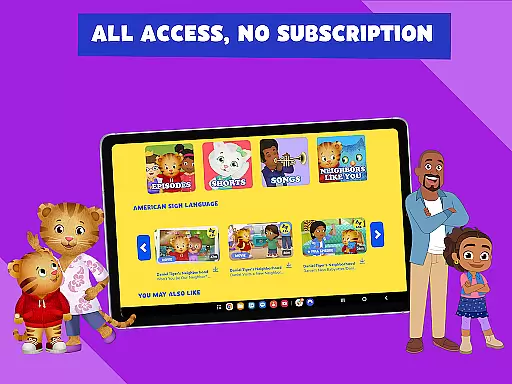
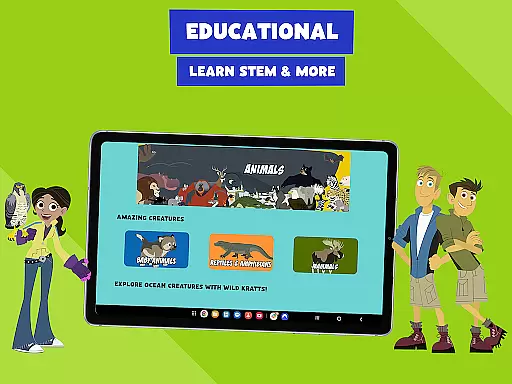
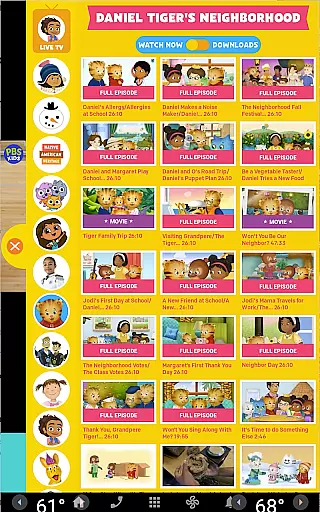
PBS KIDS Video is an educational streaming app designed for children, offering a safe and enriching environment to watch their favorite PBS shows. The app provides access to over 600 full episodes from more than 40 PBS KIDS series, including popular titles like Daniel Tiger’s Neighborhood, Wild Kratts, and Sesame Street. With both live TV streaming and on-demand content, it ensures kids have continuous access to quality programming.
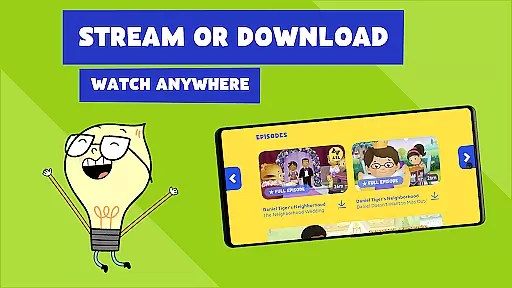
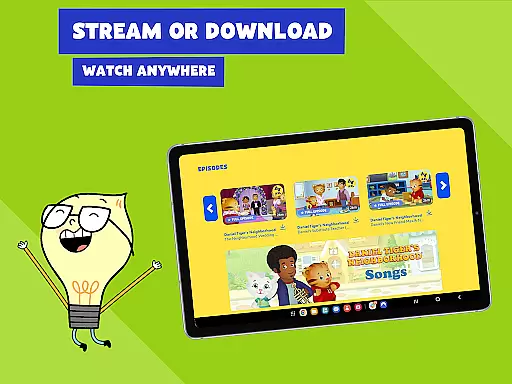
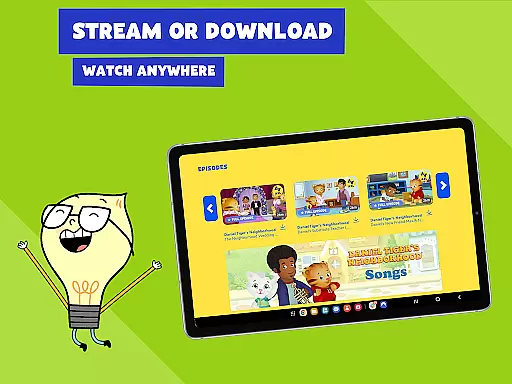
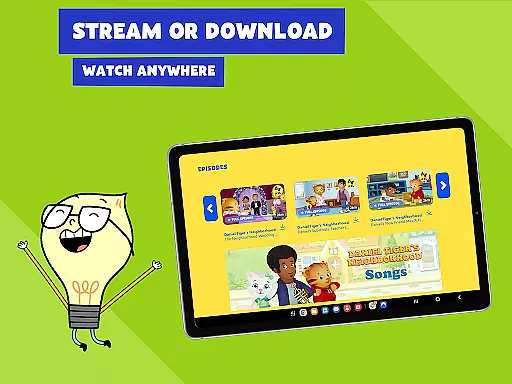
One of the standout features is the ability to download episodes for offline viewing, making it perfect for families on the go. The app supports bilingual education by offering content in both English and Spanish, complete with captioning options. This makes PBS KIDS Video not just entertaining but also a valuable learning tool for toddlers and early grade school children.
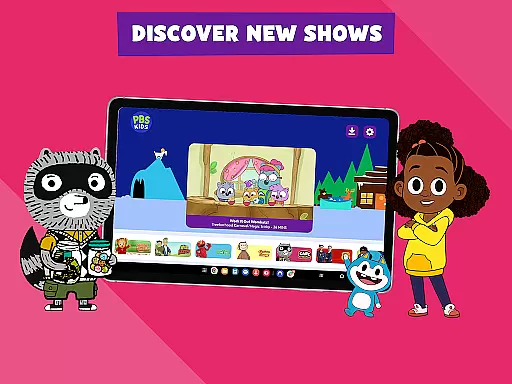
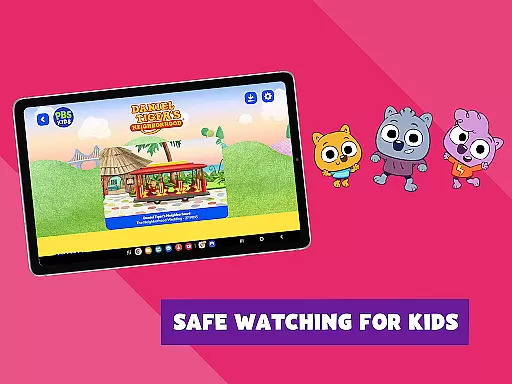
The app's child-friendly interface and regular updates with new episodes keep young viewers engaged while parents appreciate the educational focus and safety measures. Whether at home or traveling, PBS KIDS Video serves as a reliable source of educational entertainment that fosters lifelong learning.
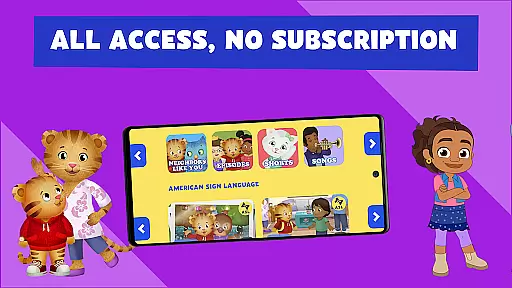
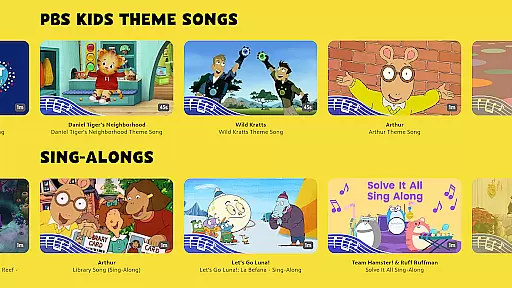
PBS KIDS Video stands out with its extensive library of educational content tailored for young learners. The app offers over 5,000 clips and episodes from beloved PBS KIDS shows, ensuring there's always something engaging for children to watch. Users can stream live TV directly through the app without needing a subscription or login, providing seamless access to educational programming.
A key feature is the offline viewing capability, allowing families to download episodes for times when internet access might be limited. This flexibility is particularly useful during travel or in areas with poor connectivity. Additionally, the app supports bilingual learning by offering content in both English and Spanish, with captioning available in both languages. This inclusivity helps reach a broader audience and supports language development among young viewers.
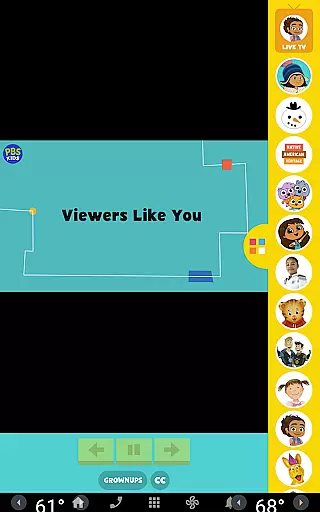
Beyond video content, PBS KIDS Video includes a 'Grownups Button' that provides parents with resources such as TV schedules, age-appropriate learning goals for each series, and links to additional educational apps. These features empower parents to make informed decisions about their children's screen time while enhancing the overall educational experience.
In the realm of educational content for children, accuracy and authority are paramount. PBS KIDS Video excels in this area by offering a vast library of over 600 free full episodes from more than 40 PBS KIDS shows, all designed with educational value in mind. These include popular titles such as Daniel Tigeru2019s Neighborhood, Wild Kratts, and Sesame Street, which are not only entertaining but also align with curriculum standards.
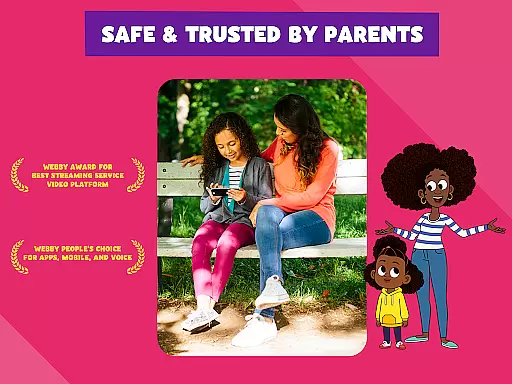
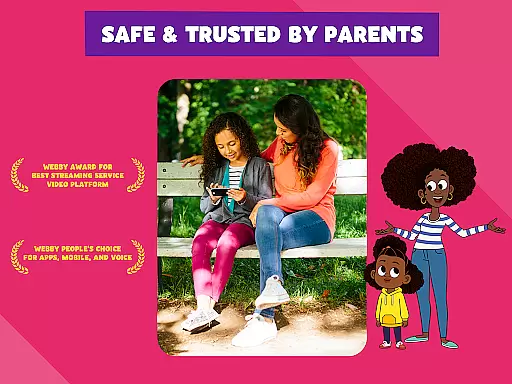
The app ensures that every piece of content is carefully vetted by educational experts to guarantee it meets high-quality learning objectives. This means parents can trust that their children are engaging with materials that are both age-appropriate and enriching. The inclusion of Spanish audio and captioning options further demonstrates the app's commitment to inclusivity and accessibility.
Moreover, PBS KIDS Video provides resources for parents and educators through the Grownups Button, allowing them to understand the intended learning goals for each series. This feature enhances the overall user experience by bridging the gap between entertainment and education, ensuring that screen time is also learning time.
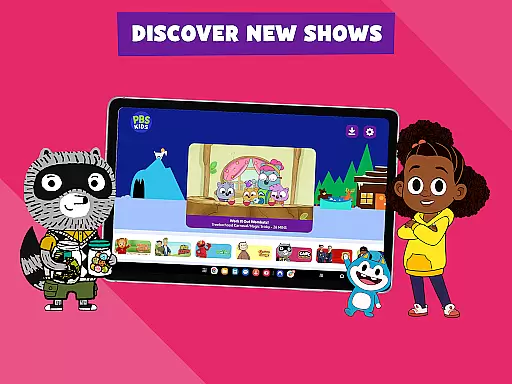
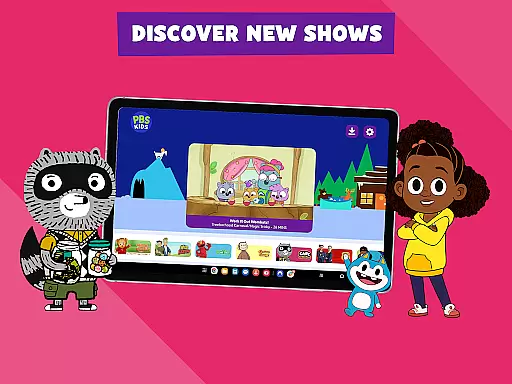
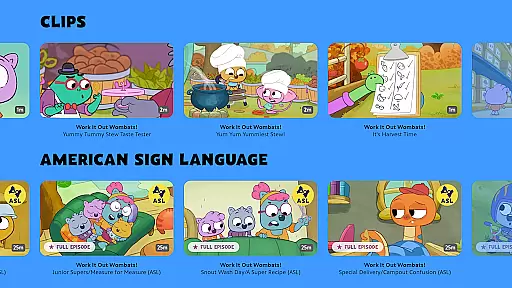
PBS KIDS Video understands that every child learns differently, which is why it offers personalized learning paths tailored to individual needs. With a diverse selection of shows like Curious George, Odd Squad, and Work It Out Wombats!, the app caters to various interests and developmental stages, making it easier for children to find content that resonates with them personally.
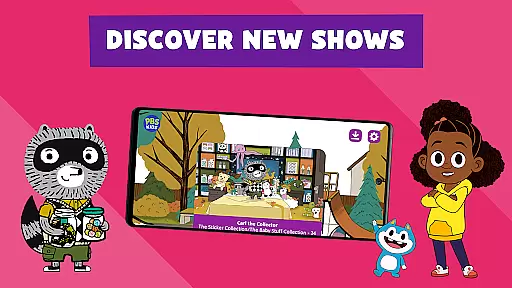
The app frequently updates its library with new episodes and clips, ensuring that there is always fresh material to engage young minds. By streaming live TV or accessing over 5,000 clips, children can explore topics they love while subtly advancing their knowledge and skills. This constant influx of new content keeps the learning journey exciting and dynamic.
Additionally, the ability to download videos for offline viewing allows kids to learn at their own pace, whether they're at home or on the go. This flexibility supports different learning styles and schedules, empowering children to take control of their educational experiences. Through these features, PBS KIDS Video fosters an environment where learning is both fun and self-directed.
User-friendly interface
Educational content
Bilingual support
Offline viewing
Regular updates
Geographic restrictions
Limited downloads
Sponsor messages
Device compatibility
Content availability

A 2024 digital study guide for the Expert Infantryman and Expert Soldier's Badge
 4.3
4.3
An easy to use yet powerful and full-featured flashcard study app.
4.50
Engage in learning science and math with the award-winning PhET simulations!
4.70
Explore the City of the Sun in Augmented Reality
3.70
Prepare for the BCBA / BCaBA exam. Study ABA with the ABA Wizard app.
4.60
Discover Your Place in the Universe
4.70
Hasbro’s classic CANDY LAND game is now a gorgeous interactive storybook app.
2.30
An aviator’s preparation, study and test tool for FAA Knowledge Exams.
4.00
SkyView®, an augmented reality space app, brings stargazing to everyone!
4.40
An aviator’s preparation, study and test tool for FAA Knowledge Exams.
4.30
One of the most engaging and innovative ABC apps on the market.
4.30
Skelly is a fully poseable, anatomically correct reference skeleton for artists.
4.10
For medical training - Visualize complex vein maps and structures in real-time.
4.10
Break Language Barriers with AI—Learn Language Anytime, Anywhere!
4.00
An aviator’s preparation, study and test tool for FAA Knowledge Exams.
3.80
Hasbro's Classic Board Game - Make Cavity Sam better or get the buzzer!
3.50
MONOPOLY JUNIOR brings Hasbro's classic the board game to life.
3.00
Your best partner for learning Japanese words. Based on a best-selling textbook.
2.80
Test prep for Indiana students
4.4




User Reviews