
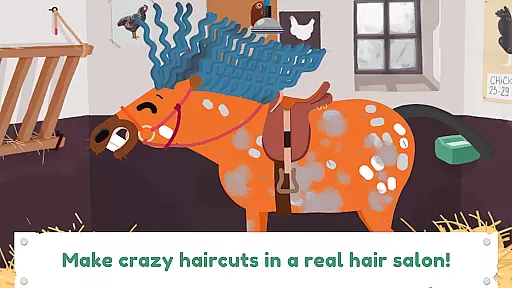
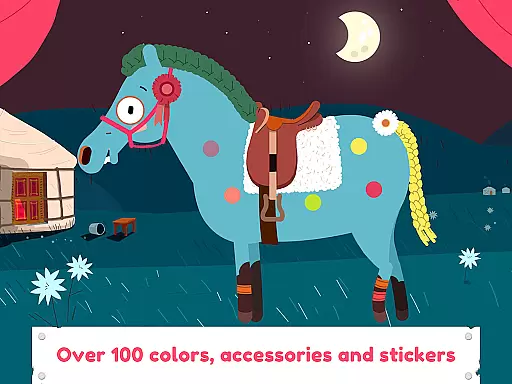
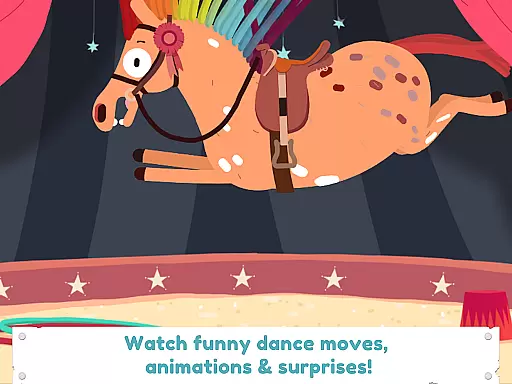
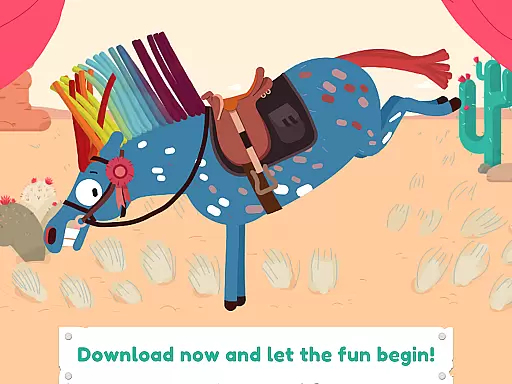
Pony Style Box is an innovative entertainment app that allows users to unleash their creativity by styling and dressing up virtual ponies. With five unique pony characters to choose from, each featuring distinct personalities and animations, the app offers endless possibilities for customization. Users can experiment with various hairstyles, accessories, colors, and special effects to create one-of-a-kind looks.
The app's standout feature is its detailed customization options, including hair salon tools, nail varnish, stickers, and themed accessories like stars and hearts. The ability to save creations in a personal gallery adds a layer of personal achievement, while the fun animations and dance moves provide delightful surprises. Perfect for children aged 2-8, Pony Style Box delivers a creative and engaging experience that fosters imagination and artistic expression.
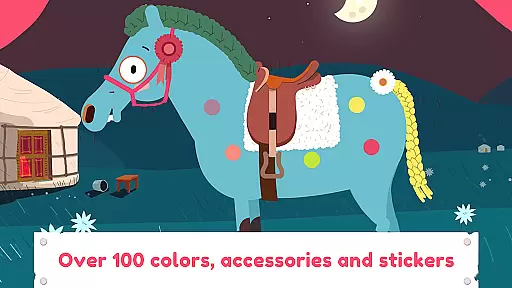
Pony Style Box stands out with its rich set of features designed to maximize user engagement and creativity. The app includes five distinct pony characters, each with unique animations and dance moves that bring them to life. The comprehensive styling tools allow users to create intricate hairstyles, apply vibrant colors, and accessorize with items like bridles, hairpins, and stickers.
One of the key highlights is the app's intuitive interface, which makes it easy for young users to navigate and explore different customization options. The inclusion of a photo feature enables users to capture and save their favorite designs in a personal gallery. Additionally, the app's high-quality animations and sound effects enhance the overall experience, making it both visually appealing and entertaining for its target audience.
Pony Style Box offers an impressive range of content that ensures users have a diverse and continuously engaging experience. With five unique ponies to choose from, each possessing its own character and dance moves, the app provides countless combinations for creative expression.
The application allows users to experiment with various hairstyles, accessories, and colors, ensuring that no two styling sessions are ever the same. This vast array of customization options keeps the content fresh and encourages users to explore new ideas every time they engage with the app.
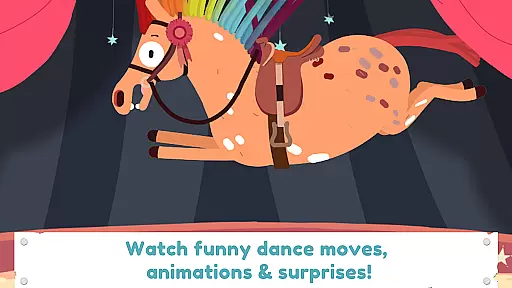
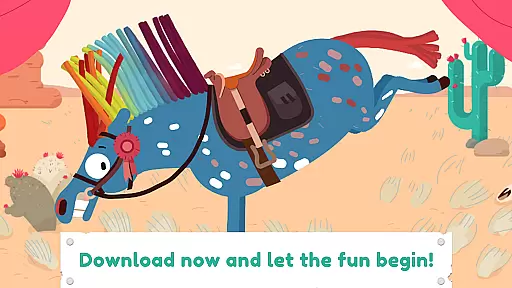
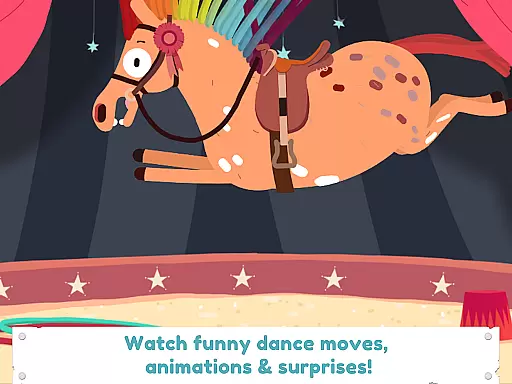
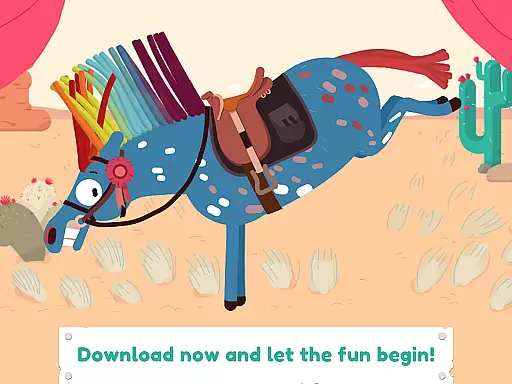
Additionally, Pony Style Box includes special effects and animations that add an element of surprise and delight. These dynamic features ensure that users remain captivated by the ever-evolving personalities and appearances of their virtual companions.
User engagement is at the heart of Pony Style Box's design, with features crafted to keep children entertained for extended periods. The ability to save creations in a personal gallery encourages users to return repeatedly, building a collection of their favorite pony styles.
By integrating interactive elements such as dress-up games, photo-taking capabilities, and animated sequences, the app captures the attention of young users effectively. These activities not only entertain but also stimulate creativity, leading to longer play sessions.
Furthermore, regular updates and potential expansions with new content can enhance user retention. By maintaining a vibrant and evolving environment, Pony Style Box fosters a loyal user base eager to see what new adventures await their customized ponies.
User-friendly interface
Highly customizable options
Vibrant animations and effects
Engaging for young audiences
Personal gallery for saved designs
Limited to five pony characters
No multiplayer functionality
Some features may require in-app purchases
Only suitable for young children
Occasional performance issues on older devices

Exclusive creator communities
 4.70
4.70
A companion app for the game Elite Dangerous
4.10
Colorful flows will relax and calm you down, or get you trippy and creative!
4.90
Watch everything you want.
2.90
Chat with AI characters! Anime, games, roleplay & more.
4.50
Experience the video editing experience brought by our intuitive interface
4.10
Unleash Your AI Imagination
4.60
Companion app for Elden Ring to track quests, bosses, progress and more.
4.70
Original short dramas with diverse genres for a rich viewing experience!
4.80
Wodfix Air aggregates popular online content for you.
4.80
Hand-drawn, cartoon OC creator - original character creator
4.70
Direct access to the most complete Guitar Tab Archive in Spanish: LaCuerda.net
4.60
Your Avatar, Endless Fun
4.60
Practice and master your ESP and intuition with five mode trainer.
4.20
Fire effects for your Philips Hue lights
4.20
Watch New Episodes & Live TV
3.80
Your choice of 350+ networks plus movies and full TV series on-demand.
3.70
EVP Recorder / Voice Recorder for ghost hunting, to communicate with ghosts.
4.0
See the frequencies! Watch the magic!
4.0












User Reviews