
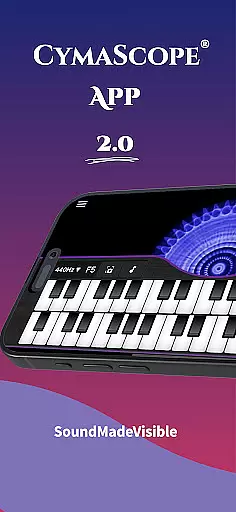
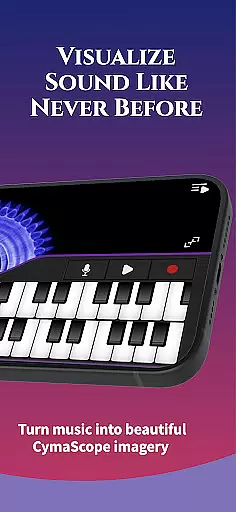
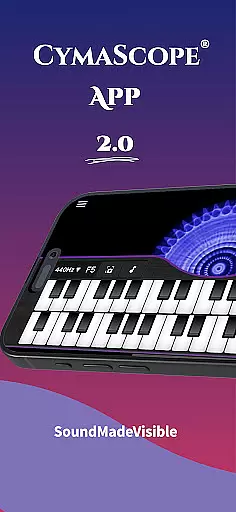
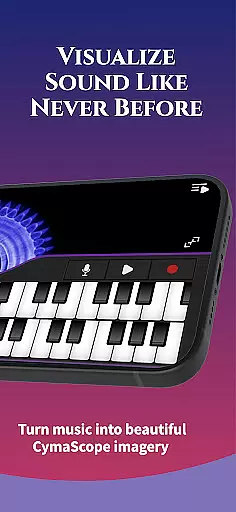
CymaScope is an innovative entertainment app that allows users to visualize sound frequencies, transforming audio into mesmerizing visual patterns called CymaGlyphs. The app serves as a creative tool for musicians, vocalists, and sound enthusiasts to explore the hidden beauty of voice and music.
With its unique cymatics technology, CymaScope brings frequencies to life through a virtual keyboard, microphone functionality, and real-time note matching. Users can create, record, and share their own sound-based visuals while also accessing educational content on sound therapy and cymatics.
Whether you're a professional musician or simply curious about the science of sound, CymaScope offers an engaging way to interact with audio in a visually stunning format, making it ideal for performances, presentations, or personal exploration.
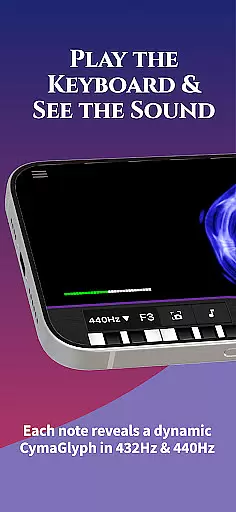
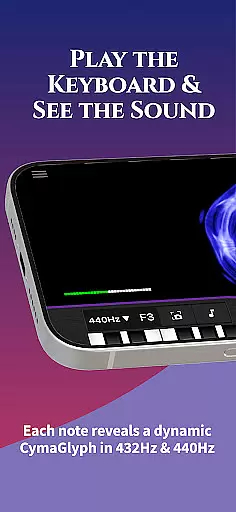
CymaScope stands out with its diverse range of features designed to make sound visualization both fun and educational. One of its core functionalities is the virtual keyboard, which lets users play notes and watch them transform into vibrant, flower-like patterns on the screen.
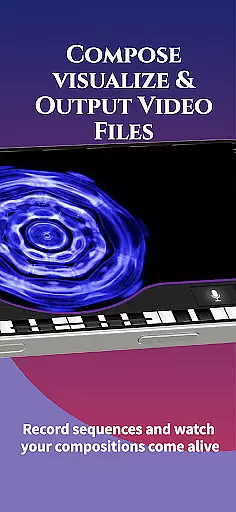
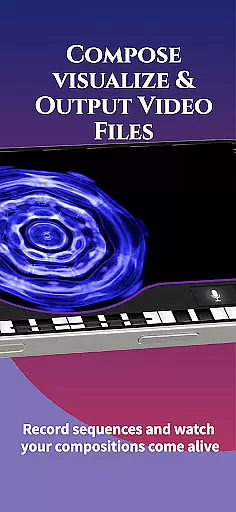
The app also includes a microphone feature, enabling real-time visualization of voice or music. Users can record sequences, save images, and even mirror the app to larger screens for group experiences. Additionally, it supports two tuning options—432 Hz and 440 Hz—allowing users to compare the intricate details of different concert pitches.
Beyond visualization, CymaScope provides access to curated articles and videos on sound therapy and cymatics, enriching the user's understanding of this fascinating field. These features collectively make the app a versatile tool for creativity, education, and entertainment.
The CymaScope app offers a rich variety of content that keeps users engaged with fresh experiences every time they interact with the app.
From its keyboard feature that visualizes sound frequencies in real-time to the microphone option that transforms your voice or music into mesmerizing CymaGlyphs, the app provides an extraordinary cymatics journey.
Users can also explore professionally curated articles on sound therapy and Egyptian rebirth sonic rituals, which are updated regularly, ensuring the information remains current and relevant.
This continuous update and the vast array of features such as state-of-the-art CymaScope videos and real-time note matching make the app not just entertaining but also educational, appealing to musicians, therapists, and science enthusiasts alike.
User engagement and retention are critical factors for the success of any entertainment app, and the CymaScope app excels in these areas by offering compelling features that encourage prolonged use.
With the ability to record and store keyboard sequences, voice frequencies, or music imagery directly on the device, users can build a personal library of visualized sounds, increasing the time spent within the app.
The unique mirror feature allows users to project their creations onto larger screens, making it ideal for group settings and presentations, thus enhancing user interaction and retention.
Furthermore, the app's visually stunning and dynamic content, combined with its educational aspect, ensures that users remain captivated and invested in exploring the hidden beauty of sound frequencies, leading to higher retention rates over time.
Unique cymatics tech
User-friendly interface
Educational resources
Versatile tuning options
Real-time visualization
Limited free content
High system requirements
No offline mode
Premium subscription cost
Complex for beginners

Exclusive Short Drama Video! All in HD. Bringe trending reels & enjoy drama time
 3.80
3.80
Fun brain twisting challenge with trending Whirlpool Filter.
4.70
Direct access to the most complete Guitar Tab Archive in Spanish: LaCuerda.net
4.60
Fool your friends & Family with Fake ultrasound test report
3.60
Christmas Globe: Transform your Wear OS device into a festive timekeeper!
4.5
Official KennysGifs Stickers
4.20
VR 360 Cinema Player is the ultimate VR player for playing videos on mobile
3.50
With the Steam Mobile App, you can take Steam with you anywhere.
3.00
Watch TV shows, movies, and stream Live TV channels without a subscription!
3.80
Catalog & tracker of your DVD, Blu-ray & Digital Movie and TV Collection Library
4.80
Tarot & Oracle Card Readings
4.50
Geooh GO is the most feature rich geocaching app available today.
4.50
Browser for Chromecast to stream webvideos, online movies, IPTV & HD livestreams
4.40
Rain and lightning effects for your Philips Hue lights
4.30
Start EVP/Spirit Box tonight: real EMF, offline, recording. One-time purchase.
4.10
Alice Box is an Instrumental Trans Communication app.
3.80
Stream live TV shows, sports, news, movies & more - all without cable.
3.00
Watch everything you want.
2.90
Control your AWTRIX 3 easily
4.4






User Reviews