
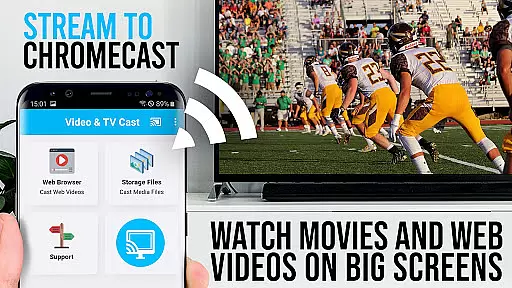
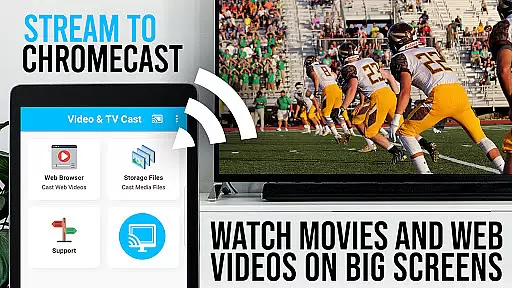
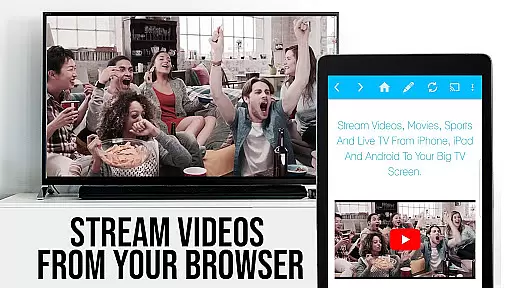
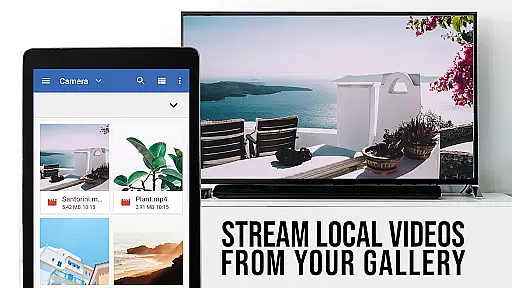
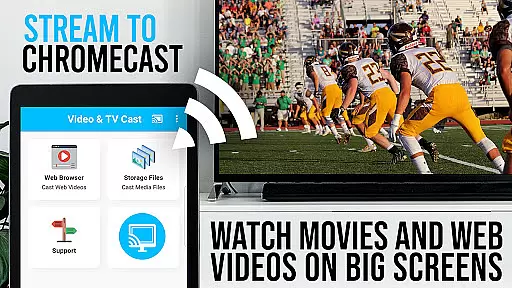
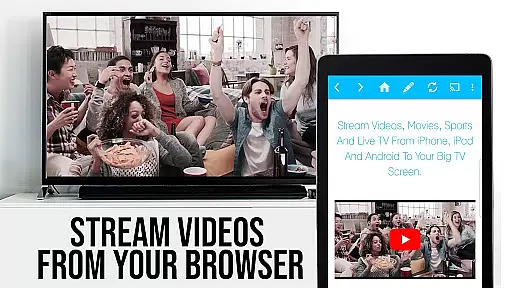
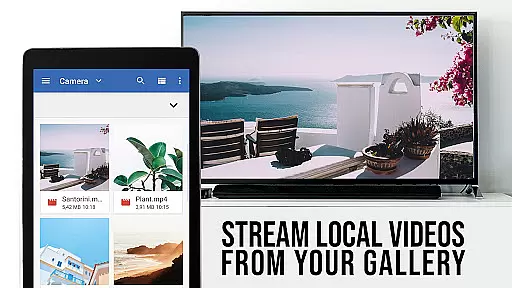
TV Cast Pro for Chromecast is the premier browser app designed specifically for streaming video content to Chromecast-enabled devices. With over 10 million users across Android and iOS platforms, this application allows you to cast web videos, online movies, IPTV, livestreams, and live TV shows directly to your television. Supporting formats like MP4, M3U8, HLS livestreams, and Full HD content, it ensures broad compatibility and high-quality playback.
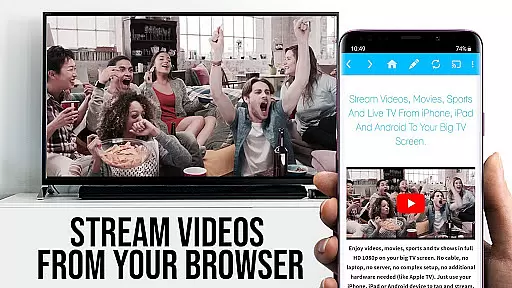
The PRO edition offers all premium features unlocked, providing an enhanced casting experience without limitations. By upgrading your standard Chromecast player, you can browse the web and cast any video with a single tap. The app intelligently detects embedded videos on websites and allows immediate casting to your TV screen. It's important to note that while DRM-protected services like Netflix are not supported, the app excels in delivering unprotected web content to your big screen.
TV Cast Pro stands out with its comprehensive feature set tailored for seamless media streaming. The Remote Playbar functionality provides advanced video controls including scrubbing, forward, rewind, play, pause, and stop - all synchronized across Android and iOS devices running the app. This ensures a consistent and intuitive control experience regardless of the device you're using.
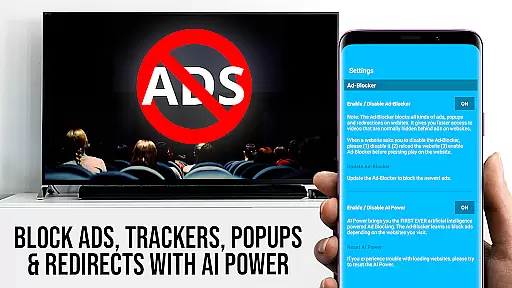
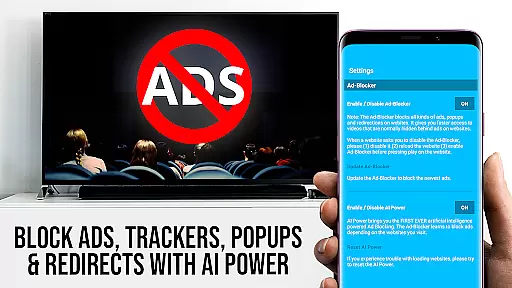
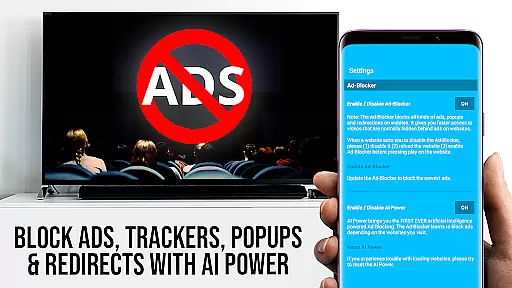
The built-in Ad-Blocker enhances your browsing experience by eliminating ads and popups on most websites, creating a cleaner viewing environment. Users can also create unlimited bookmarks for quick access to favorite sites, while the Desktop Mode allows loading full desktop versions of websites. Additional features include customizable homepage settings and direct video URL entry for instant playback. These capabilities collectively create a powerful yet user-friendly casting solution that maximizes your entertainment possibilities.
TV Cast Pro for Chromecast excels in offering a diverse range of content, ensuring users have access to web videos, online movies, IPTV, livestreams, and live TV shows. This vast content variety is one of the app's standout features, catering to different user preferences and interests.
The app supports multiple video formats including Mp4, m3u8, HLS livestreams, and videos over HTTPS, with Full HD support guaranteeing high-quality streaming experiences. By allowing direct video casting from websites, it ensures that users can enjoy fresh and updated content without compatibility issues.
Moreover, the inclusion of an Ad-Blocker in the PRO version enhances the viewing experience by eliminating ads and popups on most websites. This feature not only streamlines content access but also ensures that users are not distracted by unwanted advertisements while enjoying their favorite shows or exploring new content.
With frequent updates and improvements, TV Cast Pro maintains its content library's freshness, adapting to new web standards and video formats. This commitment to staying current means users always have access to the latest entertainment options, making it a reliable choice for streaming enthusiasts.
User engagement and retention are critical factors for any entertainment app, and TV Cast Pro for Chromecast addresses these aspects effectively. The app's intuitive interface and seamless casting capabilities encourage longer usage sessions, as users can effortlessly browse and cast videos from a multitude of websites.
Features such as the Remote Playbar enhance user interaction by providing advanced video controls like scrubbing, forward, rewind, play, pause, and stop. These functionalities not only improve the viewing experience but also contribute to increased session durations, as users have more control over their playback experience.
In addition, the ability to manage bookmarks and set a personalized homepage allows users to curate their content library, fostering a sense of ownership and personalization. This customization leads to higher user satisfaction and encourages regular app usage, boosting retention rates.
Furthermore, the app's focus on security and minimal permissions reassures users about their privacy, building trust and loyalty. By prioritizing user safety and offering valuable features, TV Cast Pro ensures that users remain engaged and committed to the platform, resulting in sustained retention over time.
User-friendly interface
Wide format support
Ad-free experience
Cross-device sync
Advanced controls
No DRM support
Limited platform
Occasional bugs
Paid features
Device-specific

Exclusive creator communities
 4.70
4.70
Play games. Earn real rewards. Cash out in 3hours via PayPal or gift cards.
4.40
Music visualizer and party effects for your Nanoleaf devices
4.5
Journey to the world’s oldest rainforest and meet its Indigenous Custodians.
4.1
Live TV, sports & holiday movies — stream on phone, tablet & TV
4.60
Open-source, fast, simple and powerful IPTV app
4.90
SpiritWave is paranormal ITC application.
5.00
Necrophone is spirit box ghost hunting app made for spirit communication.
3.70
Start EVP/Spirit Box tonight: real EMF, offline, recording. One-time purchase.
4.10
5 funny and lovely ponies waiting for you to style them!
4.80
The OFFICIAL PeeWee Purpdrank Soundboard!
4.80
Watch Reels, Drama Shorts & TV Series Anytime. Download DramaWave Now!
4.70
Underrated short-drama gems that hit hard and keep your heart hooked.
4.50
The Xbox app keeps you connected to your gaming community.
4.50
Catch the latest episodes of The Voice or live stream NFL games with The NBC App
4.20
A companion app for the game Elite Dangerous
4.10
Unofficial Game Companion App” “Guides • Builds • Tips • Progression
4.0
Simulation of Dashboard / Touch Screen for Tesla. (Works without actual Tesla).
4.5
The classic game of rock, paper, scissors
4.5




User Reviews