
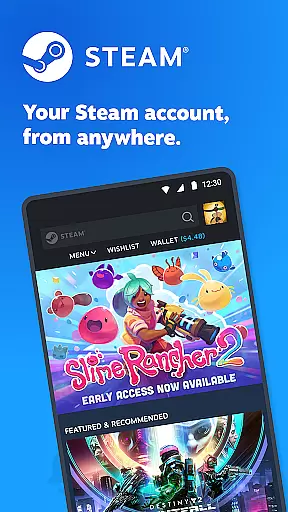
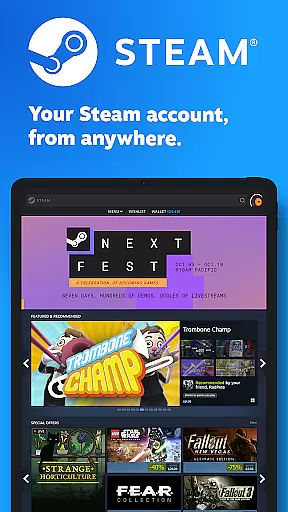
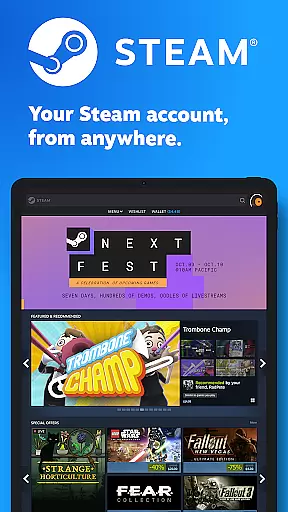
Steam Mobile is an essential companion for PC gamers, providing a comprehensive suite of features to enhance your gaming experience on the go. The app allows you to shop for PC games, protect your account with advanced security features, and stay connected with the Steam community.
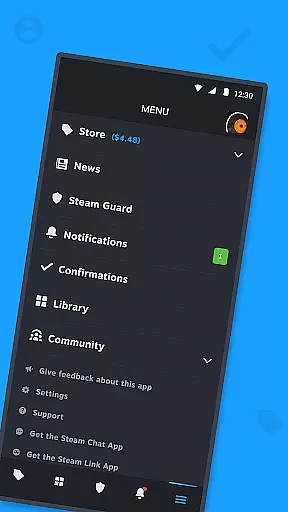
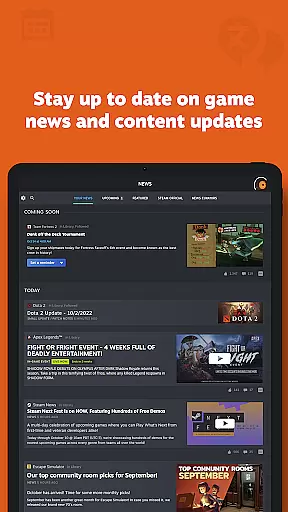
Key functionalities include Steam Guard for two-factor authentication, remote library management, trade confirmations, and personalized news feeds. Whether you want to purchase games during sales, manage downloads, or stay updated with game news, Steam Mobile ensures you have full control over your gaming activities from your mobile device.
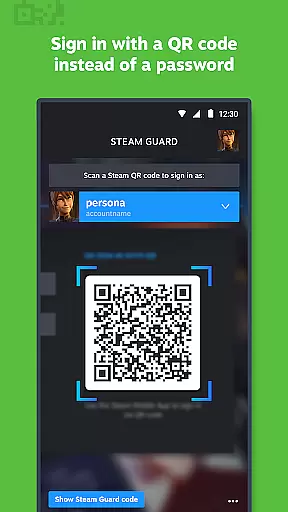
This application is particularly useful for gamers who need to manage their accounts securely while away from their computers. With features like QR code sign-in and customizable notifications, it offers both convenience and peace of mind, making it an indispensable tool for any Steam user.
Steam Mobile stands out with its robust set of features designed to provide users with a seamless and secure experience. One of the standout features is Steam Guard, which offers two-factor authentication through QR codes and sign-in confirmations, ensuring that only you can access your account.
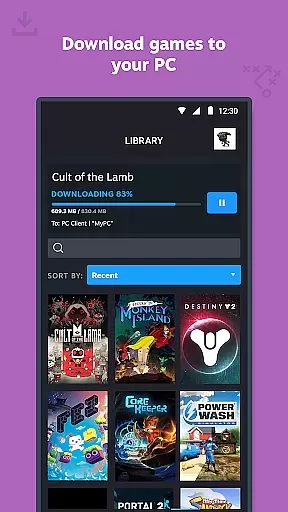
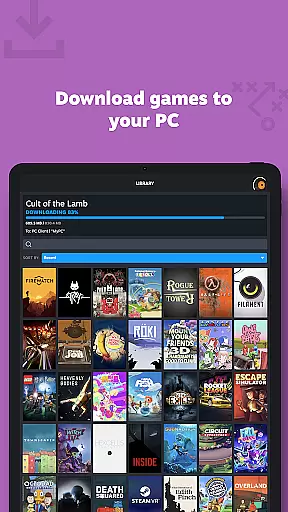
The Library & Remote Downloads feature allows users to manage their game libraries directly from their phones. You can view game content, discussions, guides, and even control downloads and updates to your PC remotely. This level of control is invaluable for maintaining an up-to-date gaming library without needing constant access to your computer.
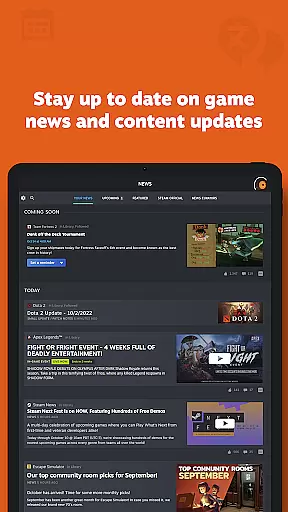
Additionally, the app provides Trade and Market Confirmations, enabling quick approval of item trades and sales. Coupled with personalized news feeds, customizable notifications, and full access to the Steam Community, Steam Mobile delivers a rich, interactive experience that keeps you engaged with your gaming world no matter where you are.
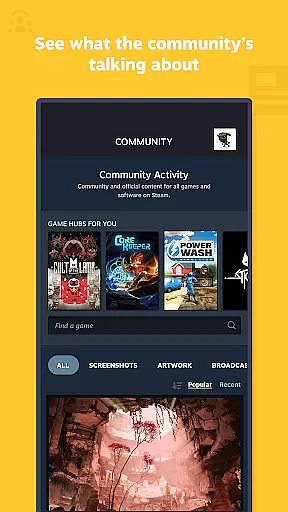
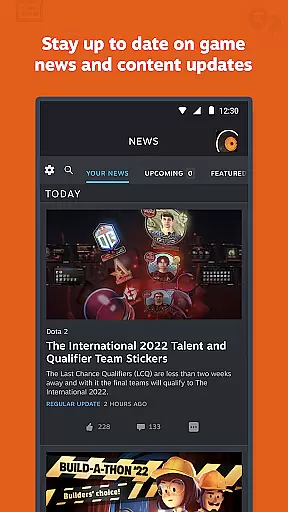
The Steam Mobile App offers a diverse range of content that keeps users engaged with the latest in the gaming world. From personalized news feeds to real-time community interactions, the app ensures that there is always something new and relevant for every user.
With features like the Library view, users can access game content, discussions, guides, and support effortlessly. The inclusion of remote downloads and updates means your gaming library on PC is always current without needing to be at your computer.
Trade and Market Confirmations add another layer of variety, allowing users to manage their in-game item trades and sales efficiently through their mobile device. This dynamic content offering ensures that users have a fresh and engaging experience each time they interact with the app.
User engagement is at the core of the Steam Mobile App's design, with numerous features intended to keep users active and invested over long periods. The personalized News feed and customizable notifications ensure that users are constantly informed and reminded to return to the app.
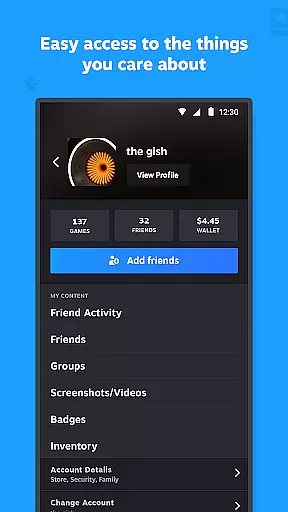
By integrating access to friends' activities, groups, and other social features, the app fosters a sense of community and belonging. This social connectivity encourages longer sessions and more frequent returns, as users stay updated with their networks and participate in ongoing discussions.
Additionally, the ability to manage authorized devices and use multiple Steam accounts within the app enhances user retention by providing flexibility and control over their Steam experience, ensuring users remain engaged with the platform across different contexts and devices.
User-friendly interface
Advanced security features
Comprehensive community access
Remote library management
Personalized news feed
Limited mobile gameplay
Occasional sync issues
Heavy on battery
Requires stable internet
Complex setup for beginners

Tarot & Oracle Card Readings
 4.50
4.50
Create, chat & bond with AI souls who truly listen.
4.50
Air Horn - Siren Sounds Prank, Fun way to wake up your Friends and Family
4.1
The OFFICIAL PeeWee Purpdrank Soundboard!
4.80
Watch short films, dramas, reels, series and movies anytime on Micro Drama.
4.60
Fetch money rewards all just for playing games. Cash out for gift cards in app.
4.50
Necrophone is spirit box ghost hunting app made for spirit communication.
3.70
See the frequencies! Watch the magic!
4.4
Connect. Discover. Control.
3.60
Stories that spark in seconds.
4.80
Direct access to the most complete Guitar Tab Archive in Spanish: LaCuerda.net
4.60
Premium version to enjoy your favorite anime
4.60
The Xbox app keeps you connected to your gaming community.
4.50
Browser for Chromecast to stream webvideos, online movies, IPTV & HD livestreams
4.40
Build and Share AI
4.20
Daily immersive workout plan: Body warm up & finger yoga exercises
3.80
EVP Recorder / Voice Recorder for ghost hunting, to communicate with ghosts.
4.4
Music visualizer and party effects for your Nanoleaf devices
4.2
Christmas Globe: Transform your Wear OS device into a festive timekeeper!
4.5




User Reviews