
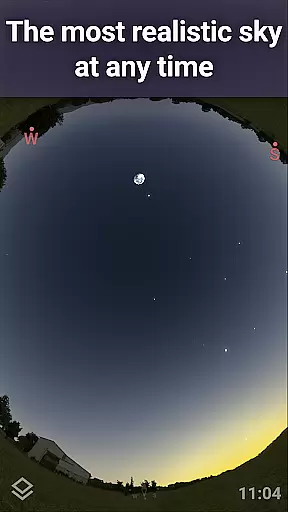
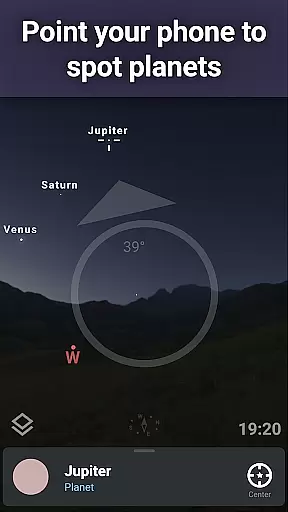
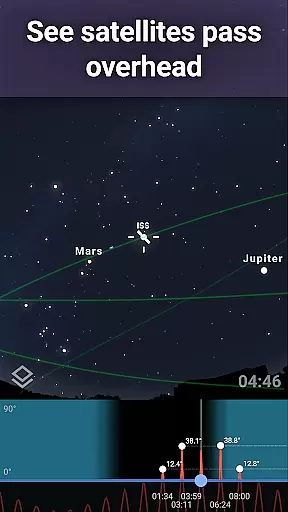
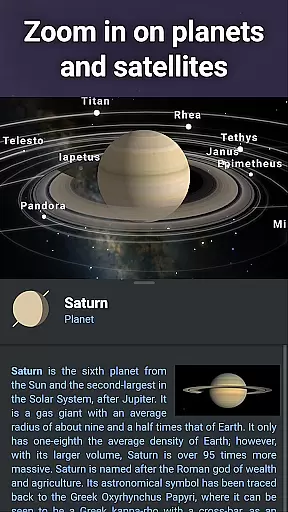
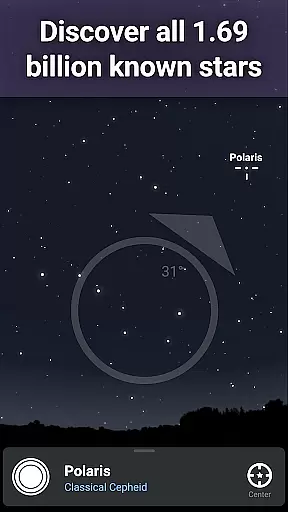
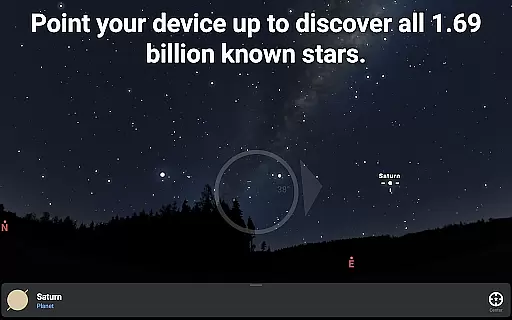
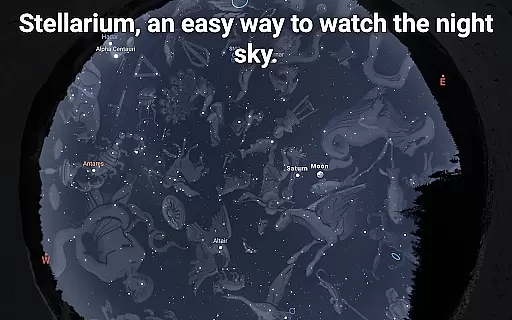
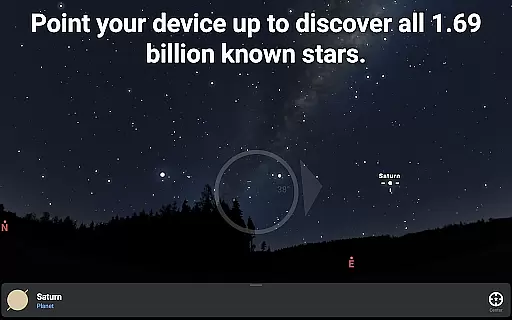
Stellarium Plus is an advanced educational astronomy application designed for both amateur stargazers and professional astronomers. This planetarium app provides a real-time, accurate simulation of the night sky, featuring stars, planets, constellations, deep sky objects, and even artificial satellites visible from any location on Earth. With its intuitive interface and extensive database, users can explore over 1.69 billion celestial objects, simulate atmospheric conditions, and track movements of major solar system bodies.
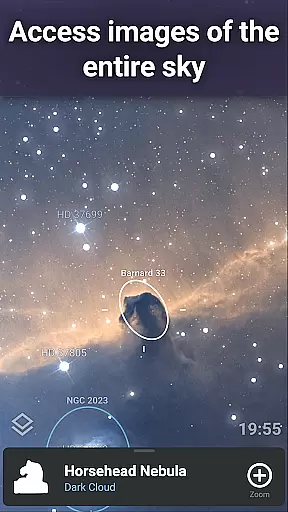
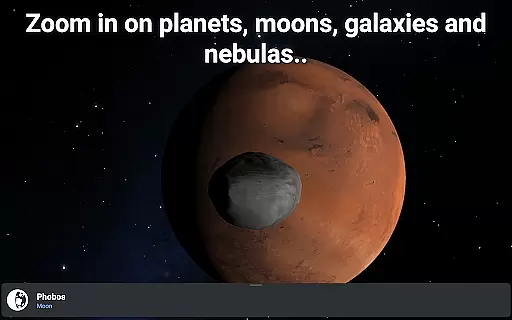
The app's standout feature is its massive collection of sky objects, reaching up to magnitude 22, making it significantly more comprehensive than standard versions. Stellarium Plus also offers advanced functionalities such as telescope control via Bluetooth or Wi-Fi, detailed observation planning tools, and high-resolution zoom capabilities on planetary surfaces and deep sky objects. Whether used indoors for learning or outdoors for actual stargazing, this app serves as an invaluable tool for anyone interested in exploring the universe.
Perfect for educational purposes, Stellarium Plus allows teachers and students to visualize complex astronomical concepts through its realistic 3D rendering and multiple sky cultures' interpretations of constellations. The app works seamlessly offline with a reduced dataset containing 2 million stars and deep sky objects, ensuring uninterrupted exploration regardless of internet connectivity.
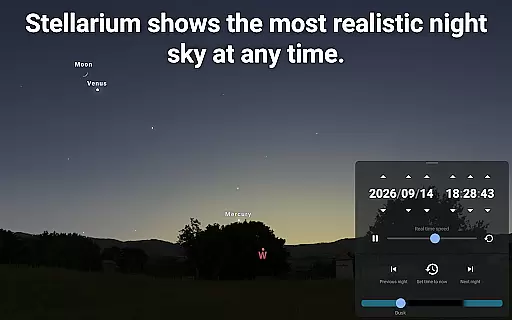
Stellarium Plus distinguishes itself through its unparalleled depth and precision in mapping the cosmos. The app incorporates the complete Gaia DR2 catalog, offering users access to nearly 1.7 billion stars alongside hundreds of thousands of deep sky objects, minor planets, and comets. Its sophisticated algorithms render these celestial bodies with remarkable accuracy based on the user's geographical position, selected date, and time.
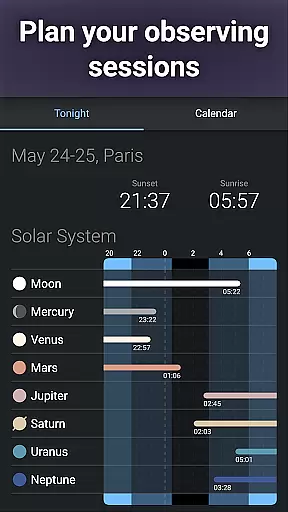
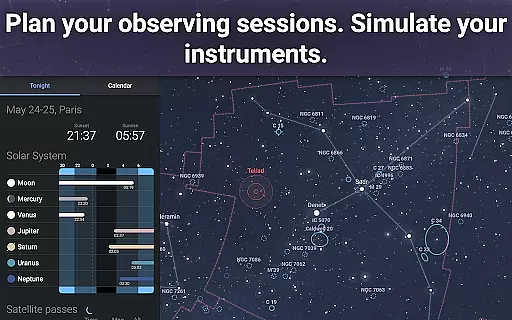
A key highlight is the app's ability to simulate atmospheric effects like sunrise, sunset, and light refraction, creating an immersive experience that mirrors real-world conditions. Additionally, Stellarium Plus supports telescope integration using industry-standard protocols such as NexStar, SynScan, and LX200, enabling users to align their devices with pinpoint accuracy. Advanced observation tools allow astronomers to predict optimal viewing times and transit events for specific celestial objects.
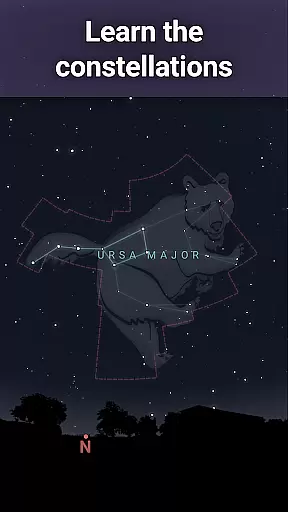
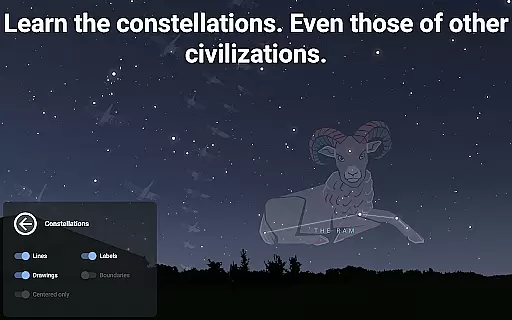
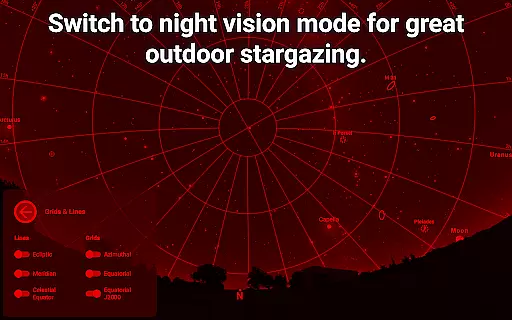
Another notable feature is the app's adaptability for various learning styles and cultural perspectives. Users can switch between constellation illustrations from different global traditions, fostering cross-cultural understanding while studying the stars. Furthermore, the night mode preserves dark adaptation during outdoor sessions, enhancing usability under low-light conditions. These robust features make Stellarium Plus an indispensable companion for educators, researchers, and hobbyists alike.
Stellarium Plus offers an unparalleled level of content accuracy and authority in its astronomical data. The app draws from extensive and reliable sources, such as the Gaia DR2 catalog, which includes over 1.69 billion stars.
In addition to stars, it provides detailed information on all known planets, natural satellites, comets, and a vast array of minor solar system objects. This meticulous attention to detail extends to deep sky objects, with a combined catalog of over 2 million nebulas and galaxies.
The representation of celestial bodies and phenomena is not only accurate but also enriched with cultural perspectives on constellations, offering users a comprehensive view that aligns with both scientific and traditional sky cultures.
Such precision ensures that whether you're an amateur stargazer or a seasoned astronomer, Stellarium Plus serves as a trustworthy tool for exploring the night sky.
While Stellarium Plus doesn't offer conventional personalized learning paths like educational apps, it facilitates tailored exploration through advanced observation tools. Users can simulate the sky for any date, time, and location, allowing them to create unique learning experiences based on their interests.
The app's ability to control telescopes via Bluetooth or WIFI enables hands-on learning, bridging the gap between digital and physical stargazing. This feature allows users to follow their curiosity and delve deeper into particular areas of interest within astronomy.
Moreover, the inclusion of various celestial objectsu2014from major solar system planets to distant galaxiesu2014encourages self-paced discovery. By selecting specific items to observe, users effectively chart their own courses through the cosmos.
This approach empowers learners to construct knowledge at their rhythm, making Stellarium Plus a dynamic platform for personal growth in understanding our universe.
User-friendly interface
Extensive star catalog
Offline functionality
Telescope compatibility
Realistic simulations
High system requirements
Complex for beginners
Premium price tag
Limited free version
Occasional bugs

Test prep for Indiana students
 4.5
4.5
Learn and joke with the Silly Turkey!
4.2
One of the most engaging and innovative ABC apps on the market.
4.30
Study for your 608 certification.
4.50
For medical training - Visualize complex vein maps and structures in real-time.
4.10
Stack the Countries makes learning world geography fun!
4.50
Learn & Speak New Languages
4.70
Make your own game and world. Draw and animate characters
3.70
Learn to pass DMV permit tests. Driver license practice test 2025.
4.60
Learn Japanese in an immersive educational game set in Japan!
4.90
Short Lessons for Better Finances, Health, Skills, Jobs & Relationships.
4.80
Learning the ancient Viking language made simple
4.70
The Fighter Verses Bible memory system helps you memorize God's Word.
4.50
SkyView®, an augmented reality space app, brings stargazing to everyone!
4.40
Ignite curiosity, spark learning: All babybus videos &games
4.30
Build math skills in: addition, subtraction, multiplication and division.
4.10
Explore numbers the Starfall way!
4.00
THE MOST COMPREHENSIVE JUMPMASTER STUDY RESOURCE AVAILABLE.
3.40
Grazing Risk Monitoring Service
4.2



User Reviews