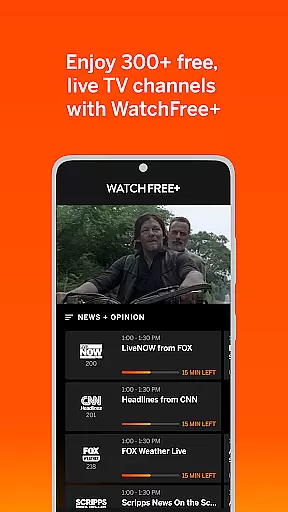
VIZIO Mobile app offers a comprehensive entertainment solution by combining device control with WatchFree+ live TV streaming. The app allows users to stream over 300 free live channels on their mobile devices without requiring a VIZIO TV, providing access to news, sports, movies, and shows anytime, anywhere.
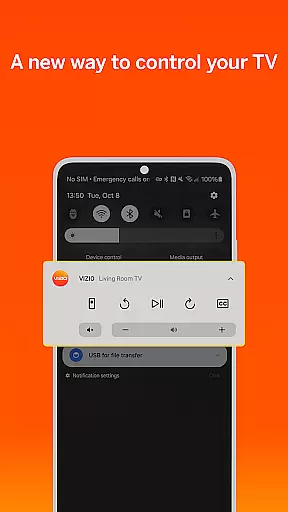
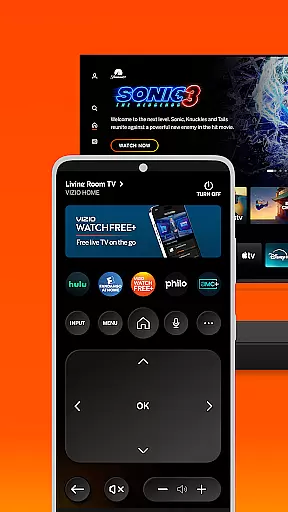
Beyond streaming, the app transforms your smartphone into a universal remote control hub for VIZIO TVs and soundbars. It supports advanced features like voice control, universal search across streaming platforms, and personalized recommendations. With smart navigation tools and seamless cross-device syncing, users can enjoy a truly connected entertainment experience.
The VIZIO app stands out with its dual functionality of entertainment control and WatchFree+ streaming. For streaming, it provides 300+ free live channels, personalized recommendations, and the ability to sync viewing progress across devices. Its category jump feature ensures quick navigation to desired content.
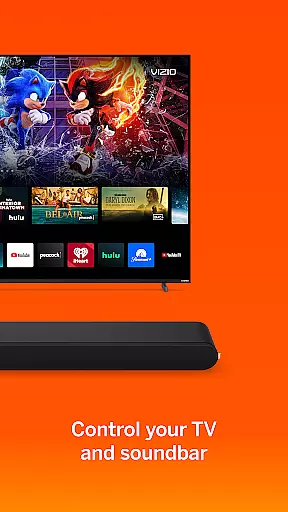
As a control hub, the app offers universal search capabilities, voice commands, and smart organization tools like app management and subscription tracking. For audio enthusiasts, the soundbar controls allow detailed adjustments of volume, bass, treble, and preset sound modes tailored for different media types.
Additional features include VIZIOgram for casting photos/videos to your TV and enhanced listening modes like ClearDialog and Night Mode. These functionalities collectively create an all-in-one solution for managing and enjoying home entertainment ecosystems.
VIZIO offers an extensive range of content through its WatchFree+ service, ensuring users have access to a diverse selection of entertainment options. With over 300 free live channels available, the app covers news, sports, movies, and various TV shows, catering to a wide array of interests.
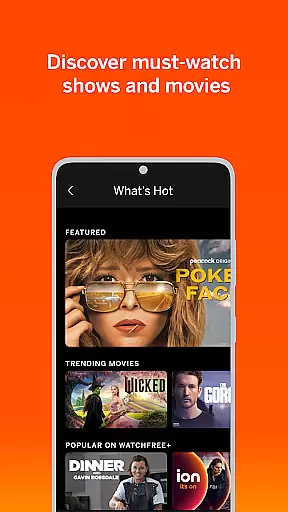
The application's ability to personalize recommendations enhances user engagement by suggesting content that aligns with individual preferences. This personalization feature, combined with the option to create favorite channel lists, ensures that users can tailor their viewing experience to match their unique tastes.
Moreover, VIZIO's seamless integration across devices allows for uninterrupted viewing. Users can start watching on a VIZIO TV and continue on their mobile device without missing a beat. The smart navigation system further enriches this experience by enabling quick access to desired categories, making content discovery both efficient and enjoyable.
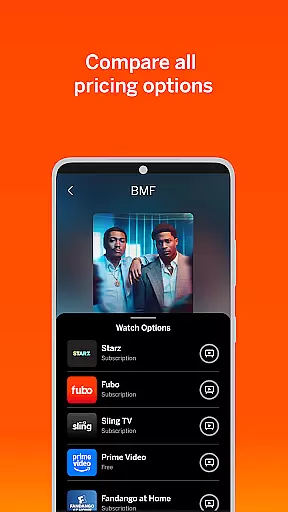
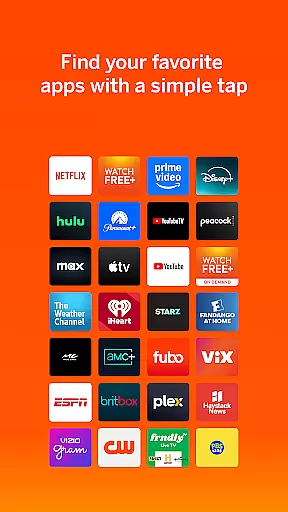
User engagement is significantly boosted by VIZIO's comprehensive entertainment control features. The universal search function simplifies the process of finding content across multiple streaming services, encouraging longer usage sessions as users spend less time searching and more time watching.
Voice control capabilities provide a hands-free experience, allowing users to launch apps and find content effortlessly. This convenience factor plays a crucial role in retaining users, as it minimizes friction in the interaction process and enhances overall satisfaction with the platform.
Additionally, VIZIOgram facilitates social connectivity by enabling users to cast photos and videos to their TVs. This feature not only extends the app's utility beyond traditional viewing but also fosters a sense of community and sharing among users, contributing to increased engagement durations and improved retention rates.
User-friendly interface
Wide channel selection
Voice command support
Cross-device syncing
Advanced sound controls
Limited speaker compatibility
Region-locked content
Requires stable internet
No multi-room streaming
Third-party app limitations

Stream Online TV - Watch Live IPTV Playlist & Channel with Built-In Player
 4.50
4.50
Open-source, fast, simple and powerful IPTV app
4.90
Create melty bead designs by numbers, photos or your imagination
4.40
Best of icon for christmas
4.30
Chat with AI characters! Anime, games, roleplay & more.
4.50
Your choice of 350+ networks plus movies and full TV series on-demand.
3.70
Stream live TV shows, sports, news, movies & more - all without cable.
3.00
The classic game of rock, paper, scissors
4.1
Bold original series & hit movies that don't hold back.
4.40
Stream Live TV, News & Documentaries. Watch Full Seasons with PBS Passport.
4.80
Scan sets, track your builds, and enjoy intuitive digital instructions.
4.70
Underrated short-drama gems that hit hard and keep your heart hooked.
4.50
Fetch money rewards all just for playing games. Cash out for gift cards in app.
4.50
* Multiple Matches * Intuitive UI * Scoring Made Easy!
4.40
Play games. Earn real rewards. Cash out in 3hours via PayPal or gift cards.
4.40
Experience the video editing experience brought by our intuitive interface
4.10
Real ghost box scanner with echo, reverb, EMF, & multi-stream channels.
3.80
Fool your friends & Family with Fake ultrasound test report
3.60
See the frequencies! Watch the magic!
4.3




User Reviews