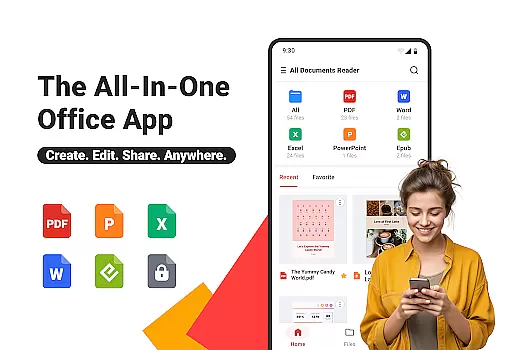
All Documents Reader is a versatile document management tool designed to streamline how you view, edit, and organize digital files. Supporting an extensive range of formats including PDF, Word, Excel, PowerPoint, and EPUB, this app serves as your all-in-one solution for document handling.
With features like smart search, centralized file access, and AI-powered summarization, the app ensures maximum productivity. Whether you're managing office documents or reading eBooks, All Documents Reader provides an optimized experience tailored to both work and personal use.
The app's offline functionality and privacy-focused design make it ideal for users who need reliable and secure document management without compromising convenience.
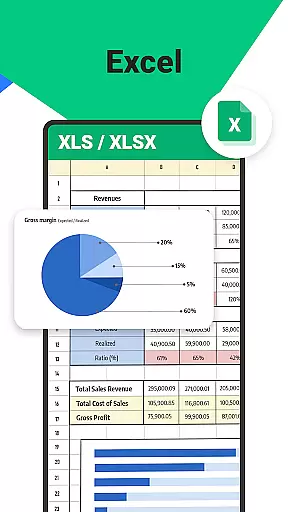
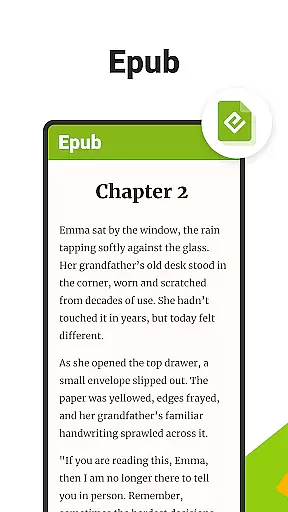
All Documents Reader stands out with its comprehensive set of tools tailored for efficient document management. The app supports multi-format viewing, allowing users to open PDFs, Word, Excel, PPT, and ePub files effortlessly.
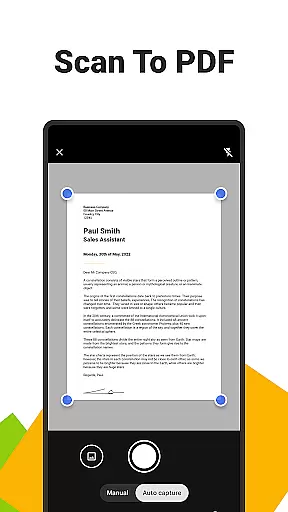
Its built-in PDF scanner converts images to high-quality PDFs, while advanced features like merging, splitting, and encrypting PDFs provide complete control over document handling. The AI summarization tool extracts key points from complex files, saving time during review.
Designed for seamless navigation, the app offers automatic categorization and customizable viewing modes, ensuring an optimal reading experience across different file types.
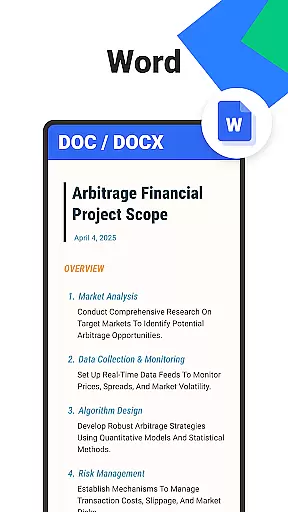
Ora All Documents Reader excels in delivering accurate and effective core functionalities that cater to diverse document management needs. The app supports an extensive range of file formats including PDF, Word, Excel, PowerPoint, and EPUB, ensuring that users can view and manage virtually any digital document with precision.
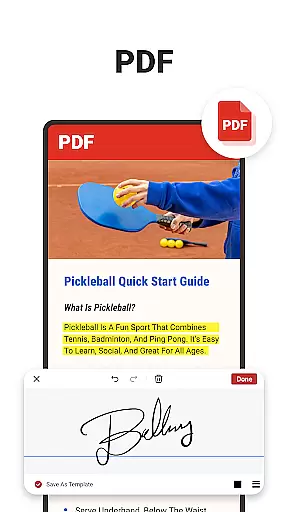
One of the standout features is its comprehensive PDF tools. Users can read, highlight, annotate, merge, split, fill forms, and even sign documents effortlessly. This all-in-one capability positions Ora as a reliable PDF reader and editor. Additionally, the Scan to PDF feature allows users to convert photos into high-quality PDFs, further enhancing the app's utility.
The inclusion of AI summarization technology adds another layer of effectiveness. By extracting and summarizing key points from complex documents, Ora helps users save time and improve productivity. Whether for work, study, or personal use, these features ensure that users can handle their documents efficiently and accurately.
A hallmark of Ora All Documents Reader is its simple and intuitive interface, designed to make document management accessible to users of all skill levels. The app consolidates all essential functions into a cohesive platform, allowing users to browse, search, and preview files with ease.
Smart Search functionality exemplifies this commitment to simplicity. Users can quickly locate any document, streamlining workflows and boosting productivity. Automatic Categorization further enhances the user experience by organizing files based on format, eliminating the hassle of manual sorting.
Additionally, Ora offers an optimized reading experience with customizable viewing options. Whether reviewing detailed PDF reports or enjoying an EPUB novel, users can choose between horizontal and vertical modes to suit their preferences. This thoughtful design ensures that navigating through documents is both straightforward and enjoyable.
User-friendly interface
Multi-format support
Offline functionality
AI-powered tools
Privacy-focused design
Limited cloud integration
No collaboration features
Premium feature costs
Occasional bugs
Heavy on storage

 4.50
4.50 4.50
4.50
Safely recover deleted photos, videos, and files with a single easy tap.
3.70
card-reader app
2.20
An easy-to-use calculator designed to save time calculating and bending conduit
4.30
With videos, electrical calculators, and built-in ebook, Ugly’s has your answer.
4.50
Planner and Tracker for Stardew Valley
4.60
Download any file easily and quickly with Downloader
4.3
Enjoy a smooth mobile reading experience!
3.60
Remote Play with FSR upscaling, low latency & full controller support
4.80
Canon PRINT is a companion app for your Canon printer.
4.60 4.50
4.50
Game Booster, GFX Tool is now compatible with newer game update
4.50
Mirror your screen to Fire TV - Super fast and simple
4.40
Quickly & easily calculate the spacing of handrail balusters
4.20
An open-source APK explorer for Android!
4.10
A simple app to back up and restore SMS & MMS messages and call logs.
4.10
A convenient photo, video, and file recovery tool.
4.00
Create your own live wallpaper or check out thousands already made presets
3.90




User Reviews