
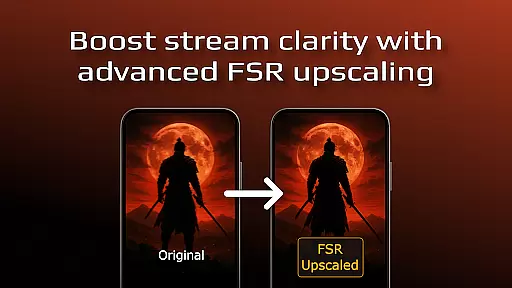
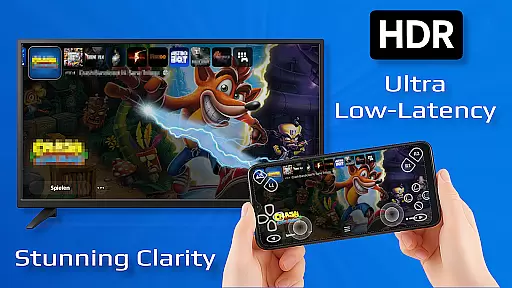
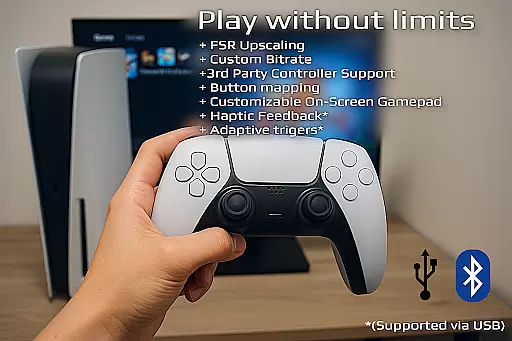
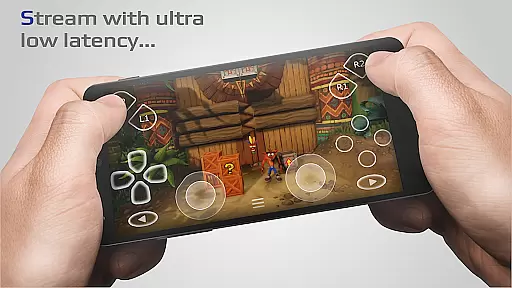
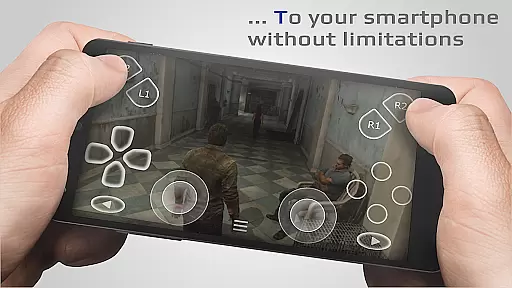
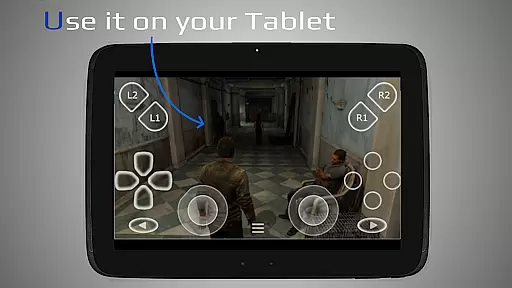
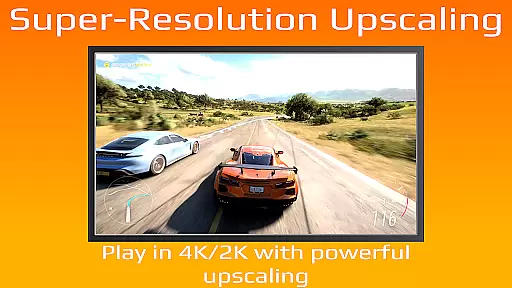
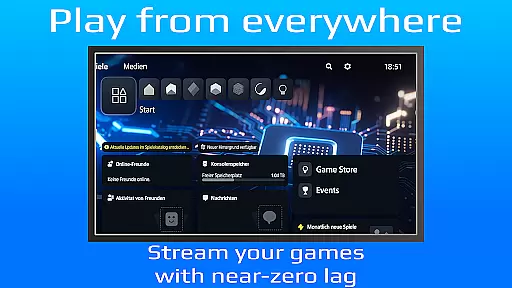
PXPlay is a powerful remote control application designed for gaming enthusiasts who want to access their gaming devices from anywhere. The app offers an optimized streaming experience with minimal latency, making it ideal for remote gameplay. It supports third-party controllers and works seamlessly over mobile data connections, ensuring you can game on the go. PXPlay also provides advanced features like FSR upscaling, customizable onscreen gamepad layouts, and picture-in-picture mode.
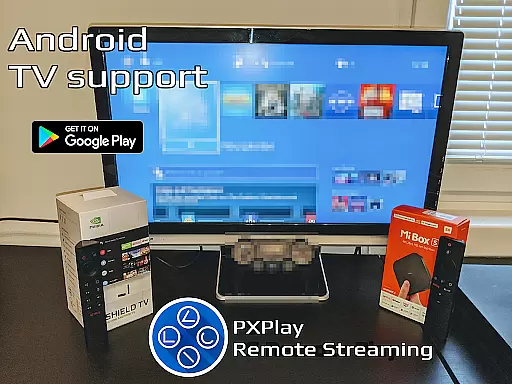
With support for Android TV and rooted devices, PXPlay caters to a wide range of users. Its ability to register multiple profiles and map gamepad buttons makes it versatile for different gaming setups. Whether you're using it as a virtual controller or streaming your favorite games, PXPlay delivers a reliable and high-quality experience. The app requires a stable internet connection and recommends a 5GHz WiFi network for optimal performance.
PXPlay stands out with its comprehensive feature set tailored for remote gaming. The app's key strength lies in its low-latency streaming capabilities, allowing gamers to play demanding titles without noticeable delay. It incorporates FSR upscaling and sharpening technologies to enhance video quality, ensuring crisp visuals even on smaller screens. The support for third-party controllers across all Android devices makes it highly adaptable to different user preferences.
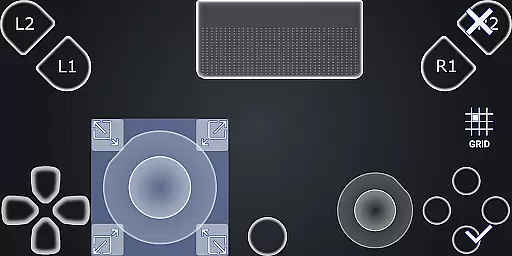
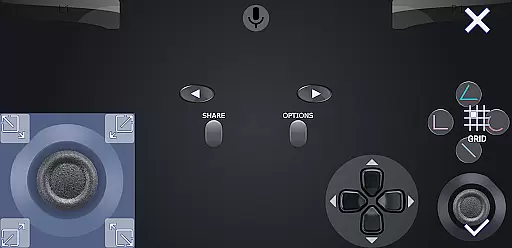
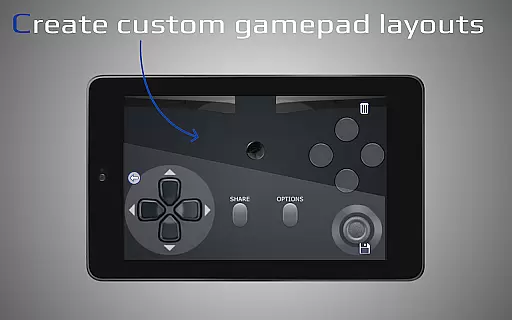
One of PXPlay's notable innovations is its flexible customization options. Users can create personalized onscreen gamepad layouts, map controller buttons according to their preference, and switch between multiple registered profiles effortlessly. Advanced features like picture-in-picture mode and multi-window support (for newer Android versions) demonstrate the app's commitment to providing a modern gaming experience. Additionally, PXPlay's compatibility with older firmware versions starting from 5.05 ensures broader device support.
PXPlay excels in delivering core functions with remarkable accuracy and effectiveness, ensuring an optimal remote gaming experience. The app supports third-party controllers across all Android devices, enhancing user flexibility and control options.
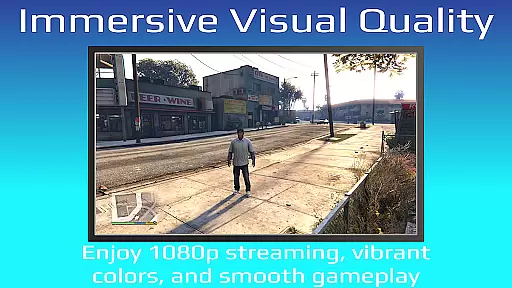
With features like FSR upscaling and sharpening, PXPlay ensures that video quality remains top-notch during streaming sessions. This attention to visual detail provides users with a more immersive and enjoyable gaming experience, even when they are away from their primary gaming setup.
The application's support for rooted devices and older firmware versions starting from 5.05 demonstrates its commitment to inclusivity and adaptability. Users can customize onscreen gamepad layouts and utilize picture-in-picture mode, making multitasking seamless while maintaining low-latency streaming performance.
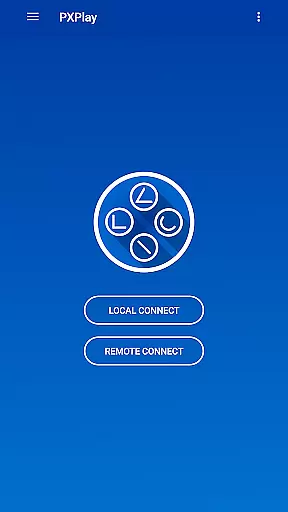
PXPlay offers an interface designed for simplicity and intuitiveness, allowing users to easily set up connections and start streaming with minimal hassle. Its straightforward connection setup process ensures that even those new to remote play can quickly get started without a steep learning curve.
The inclusion of multi-window support and customizable onscreen gamepad layouts enhances the user experience by providing intuitive controls tailored to individual preferences. These features contribute significantly towards creating an engaging yet user-friendly environment for gamers on the go.
Additionally, PXPlayu2019s compatibility with various hardware configurationsu2014including dual-core CPUs, high RAM capacities, and specific display resolutionsu2014ensures smooth performance across different devices. By recommending wired internet connections and 5GHz WiFi, it further simplifies achieving optimal streaming conditions, reinforcing its dedication to delivering a hassle-free interface.
User-friendly interface
Low latency streaming
Wide device compatibility
Customizable controls
Third-party controller support
Requires stable internet
High hardware demands
Limited free features
Complex setup process
Firmware version restrictions

Remote for Roku, Fire TV, Samsung TV, LG TV, Android TV, Chromecast and VIZIO TV
 4.20
4.20
HD Video player and downloader for all formats, fast & smooth 4K video playback.
4.60
Optimize your WiFi network, turn your phone into Wifi Analyzer
4.70
Best leveling tool for your Android device. Hang paintings like a pro.
4.90
Monitor car performance in real time and troubleshoot malfunctions.
4.80
The Ultimate Bluetooth Keyboard & Mouse. Securely control your PC, Mac, and more
4.50
Game Booster, GFX Tool is now compatible with newer game update
4.50
NFC Tools can read and write NFC tags.
4.70
Screen recorder with audio to record high-quality videos and take screenshots.
4.40
Support Fossify apps with a warm thank you!
5.00
Connect wirelessly to your computer to watch movies, browse the web, play games
5.00
The Ultimate Flex Drivers Utility App - Convenient Tapping & Block Filters
4.70
Creation, Learning, Entertainment & More — The All-in-One AI Search Engine
4.70
With videos, electrical calculators, and built-in ebook, Ugly’s has your answer.
4.50
Forza Tuning Calculator App for Forza Horizon 5, Motorsport and Earlier Titles
4.40
PC precision for mobile gaming: dominate with keyboard and mouse!
4.30
App that Recover your pictures, videos or files after you delete them.
4.20
VESC Tool can monitor and configure VESC-compatible devices over BLE and Wifi
4.20
Clean the junk files on your device
3.40



User Reviews