
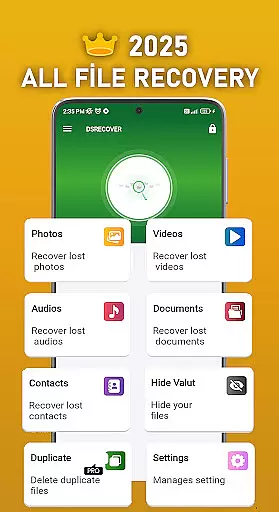
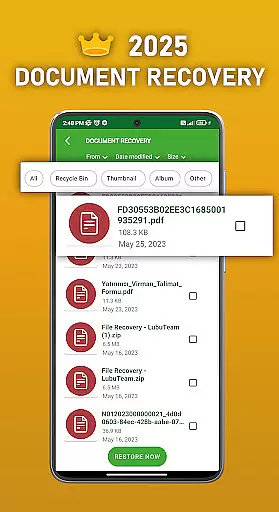
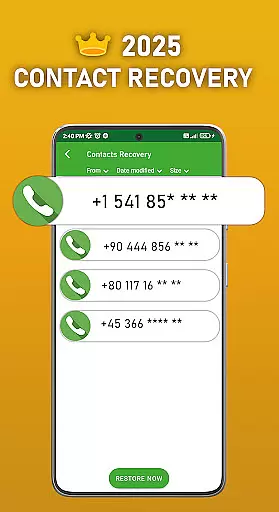
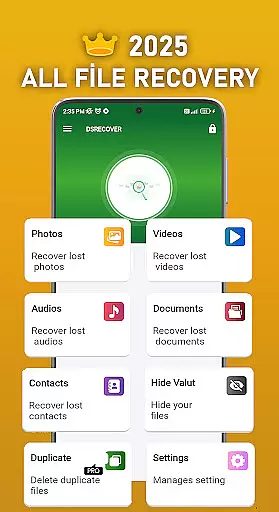
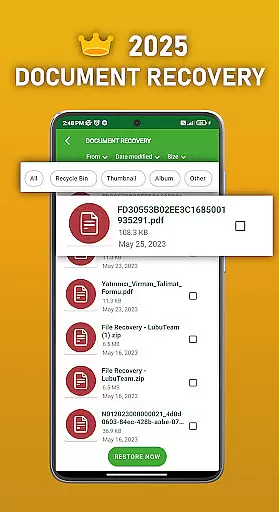
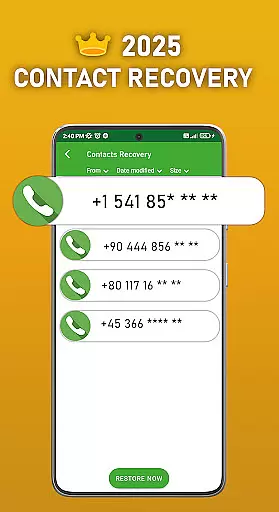
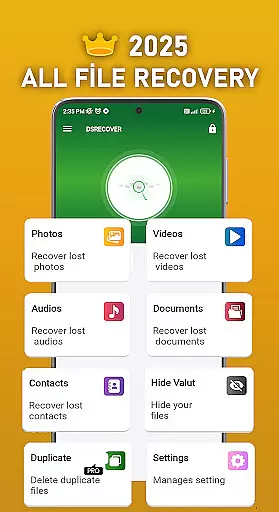
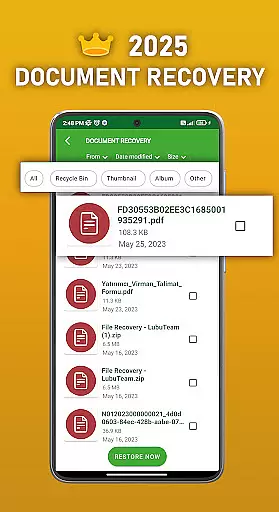
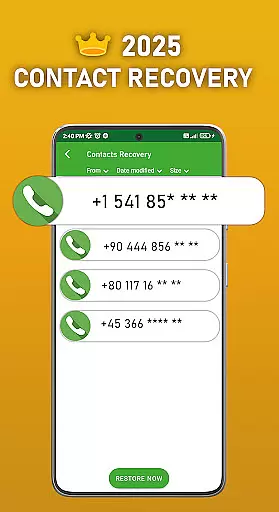
DS PRO is a comprehensive recovery tool designed to retrieve deleted files across various categories on Android devices. The app specializes in recovering accidentally deleted photos, videos, audio files, contacts, and documents without requiring root access. Its powerful scanning technology ensures deep searches within internal memory and SD cards, making it an essential utility for users who need to restore lost digital content.
Beyond basic recovery functions, DS PRO offers advanced features such as file hiding with password protection, duplicate file identification, and instant restoration from the device's recycle bin. These capabilities make it more than just a recovery tool—it also enhances privacy management and storage optimization. Whether you're looking to recover precious memories or critical data, DS PRO provides a reliable solution that combines efficiency with user-friendly design.
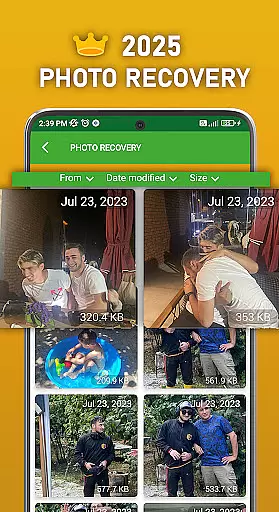
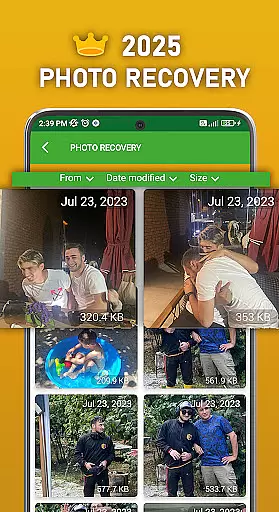
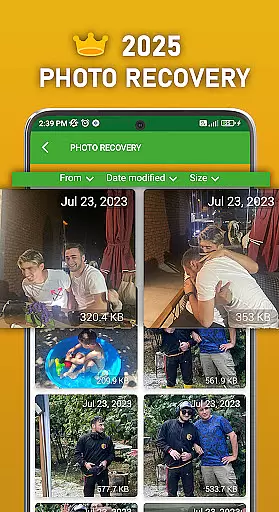
One of the standout features of DS PRO is its ability to handle multiple file types through a simple recovery process. Users can restore deleted photos, videos, audio files, contacts, and documents with minimal effort. The app supports all major image and video formats, ensuring broad compatibility regardless of the original file type. Additionally, its intuitive interface guides users through each step, eliminating the need for technical expertise.
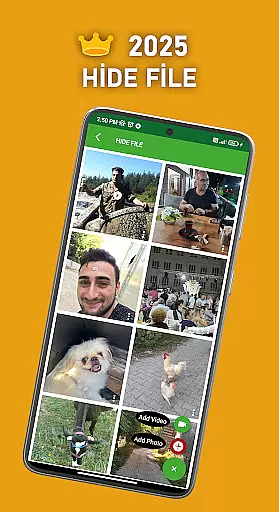
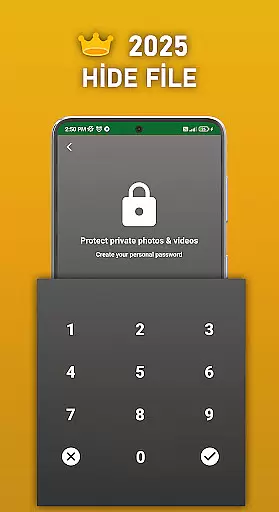
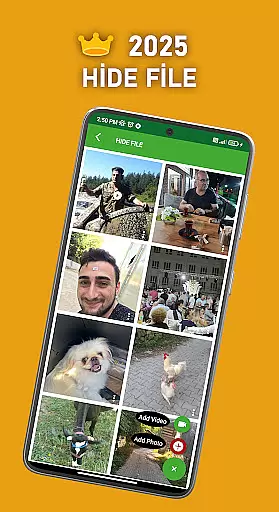
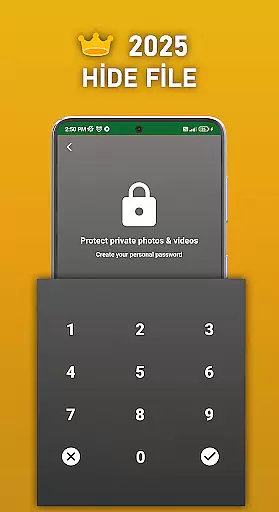
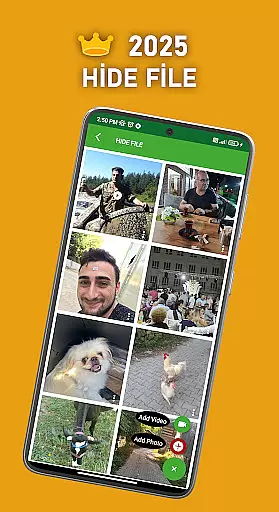
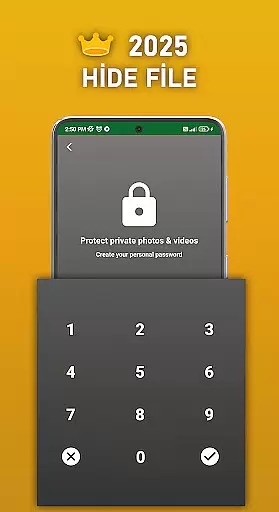
DS PRO also includes unique functionalities like the File Hide feature, which allows users to conceal sensitive media behind password protection. This ensures personal content remains private and inaccessible to unauthorized viewers. Another notable capability is the detection of duplicate files, helping users declutter their devices by identifying and removing identical copies. With instant restoration options and support for both internal memory and external storage, DS PRO delivers a complete package for managing and recovering digital assets.
DS PRO positions itself as a comprehensive recovery tool designed to retrieve deleted files across multiple categories. The app's core functionality focuses on recovering photos, videos, audio files, contacts, and documents with remarkable precision. This level of accuracy is achieved through deep scanning algorithms that thoroughly examine both internal memory and SD card storage locations.
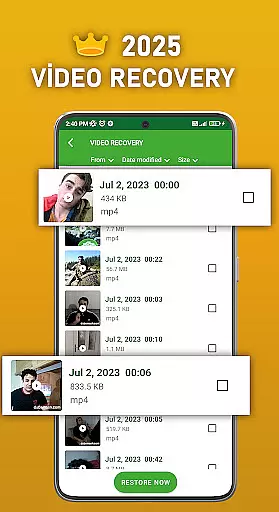
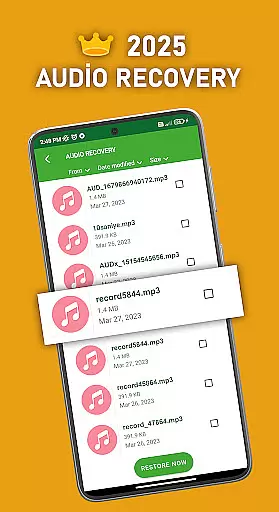
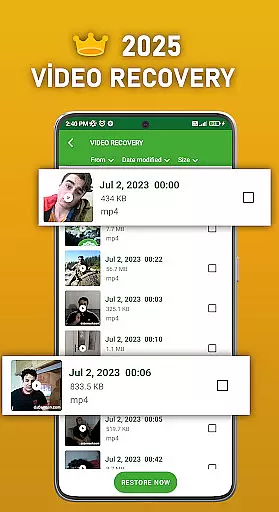
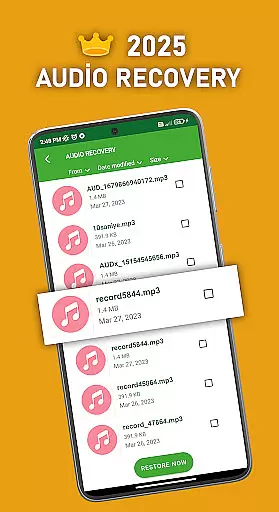
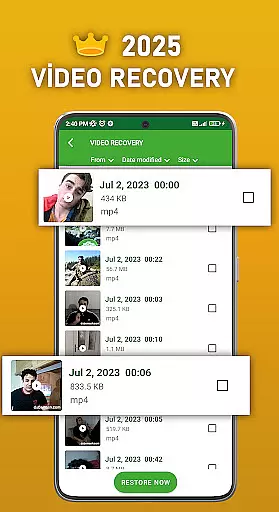
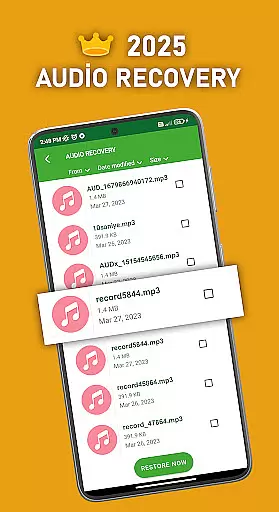
The effectiveness of DS PRO is evident in its ability to restore files without requiring root access or external computer programs. Users can recover various file formats including MP4 videos and MP3 audio files while the application maintains consistent performance across different Android devices. The inclusion of a dedicated recycle bin feature further enhances its effectiveness by providing instant restoration capabilities.
For users, this means peace of mind knowing that accidentally deleted important files can be retrieved quickly and reliably. The application's capability to identify and eliminate duplicate files during recovery adds another layer of practicality, ensuring that users aren't overwhelmed with multiple copies of the same document or media file.
The user interface of DS PRO demonstrates a clear commitment to simplicity and intuitive navigation. Upon launching the application, users are greeted with straightforward options for different recovery types, eliminating any potential confusion about where to begin their file retrieval process. Each function is clearly labeled and accessible from the main dashboard.
Notably, the app incorporates helpful in-app recommendations and guidance for specific file type recoveries, such as video and audio formats. These contextual tips enhance the overall user experience by providing relevant information exactly when needed. The addition of a password-protected file hiding feature showcases how security functions can be implemented without complicating the interface.
This intuitive design extends to its permission management system, where users are guided through enabling necessary access rights with clear explanations of why each permission is required. Such approach ensures that even less technically inclined users can confidently navigate and utilize all features without feeling overwhelmed by complex settings or procedures.
User-friendly interface
No root access required
Supports multiple file types
Advanced privacy features
Efficient duplicate file detection
Premium version needed for full features
Requires extensive permissions
May include ads in free version
Limited functionality without Pro upgrade
Occasional performance slowdowns

A powerful, easy-to-use flight computer on your phone or tablet!
 3.80
3.80
Extremely fast, secure, and protects your privacy
4.80
1-Click close all background apps on Android TV
3.90
Learn the vast amount of system information about device and monitor it's state
4.70
card-reader app
2.20
Planner and Tracker for Stardew Valley
4.60
Mirror your screen to Fire TV - Super fast and simple
4.40
A simple app to back up and restore SMS & MMS messages and call logs.
4.10
Your personal health butler
3.60
Support Fossify apps with a warm thank you!
5.00
Powerful collection of electronics tools and reference.A must for any enthusiast
4.90
NFC Tools can read and write NFC tags.
4.70
eXtended Permission Manager - a small app to manage permissions and AppOps
4.50
Button mapper, mouse toggle, sleep timer and a lot of another features
4.50
Making emulation easy for everyone!
4.30
Carry a FTP server in your pocket and avoid USB cables for file transfer
4.20
Effortlessly run ADB commands directly on your device without a PC.
4.20
Fun lie-detection pranks for friends and parties.
3.80
Undelete and recover your lost or deleted files with DiskDigger!
3.40



User Reviews