
NFC Tools - Pro Edition is the advanced version of NFC Tools, designed to unlock the full potential of NFC technology. This powerful tool allows users to read, write, and program tasks on NFC tags and compatible chips through a simple and lightweight interface.
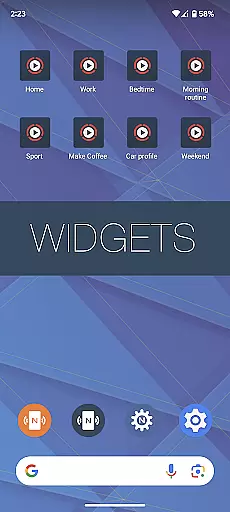
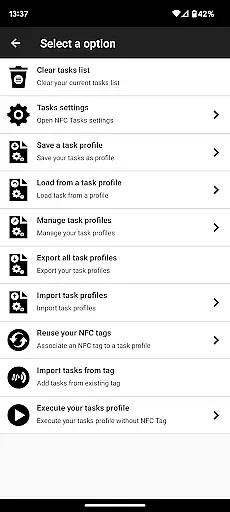
With the Pro Edition, users gain unrestricted access to all available tasks within NFC Tools, enabling the creation of both fun and practical routines. The app offers exclusive features such as profile management, importing from existing NFC tags, executing tasks without NFC tags via home screen shortcuts, emulating NFC tags with device, conditional blocks for complex actions, and over 200 tasks for limitless combinations.
Ideal for tech enthusiasts and professionals, this app transforms your NFC-compatible device into a versatile tool for automating daily tasks and streamlining workflows.
NFC Tools - Pro Edition stands out with its comprehensive suite of features tailored for NFC technology enthusiasts. The app provides an intuitive platform for managing NFC tag interactions, including reading, writing, and programming various tasks.
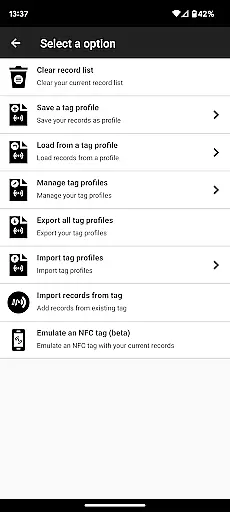
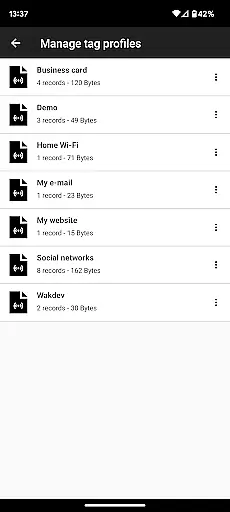
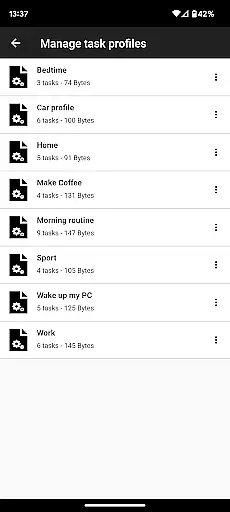
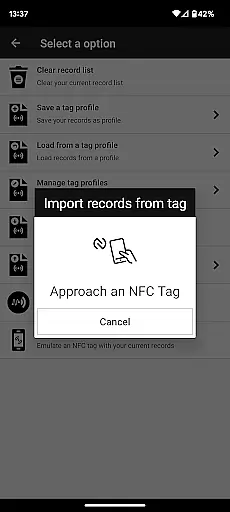
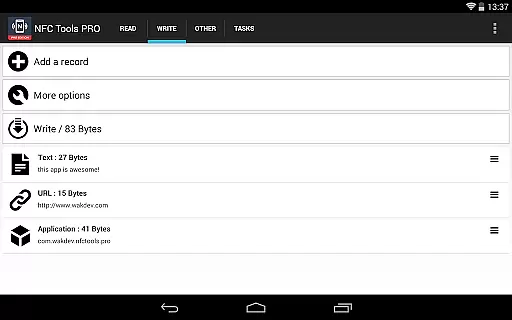
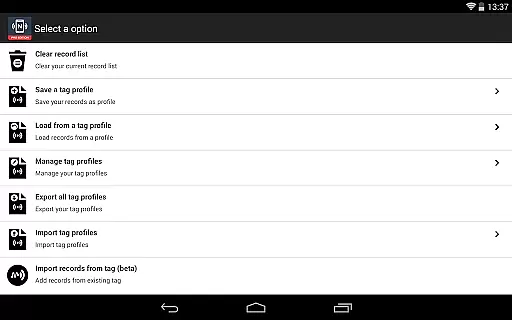
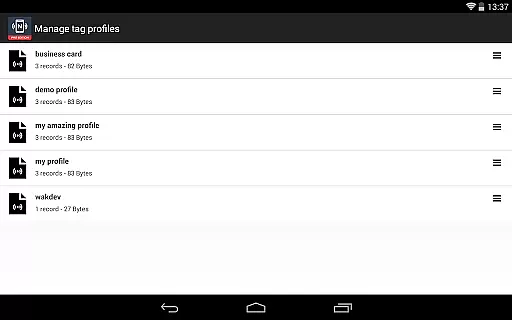
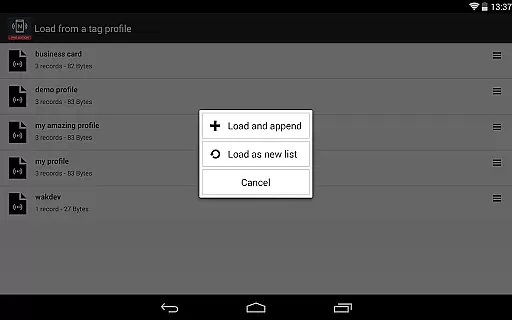
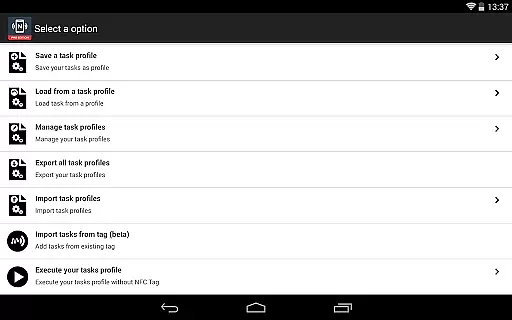
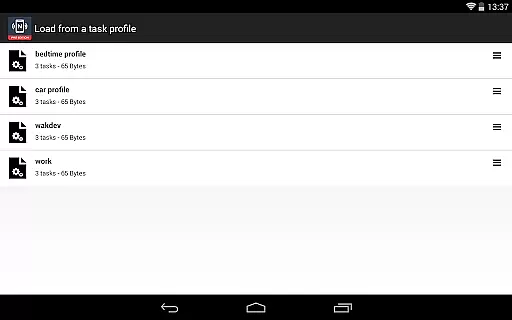
One of the app's highlights is its profile management system, allowing users to save and reuse profiles consisting of records and tasks. Additionally, it supports importing data from existing NFC tags, enabling swift editing of records or tasks. Users can execute tasks without needing physical NFC tags by creating shortcuts on their home screens. The ability to emulate NFC tags using the device adds another layer of functionality.
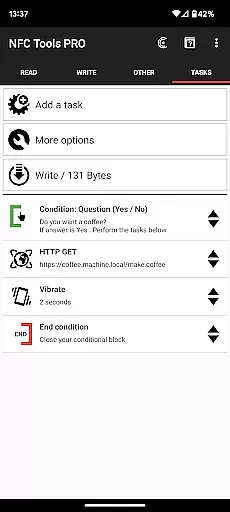
Moreover, the inclusion of conditional blocks empowers users to design intricate actions based on specific conditions, alongside access to more than 200 tasks for infinite customization possibilities. These robust features make NFC Tools - Pro Edition a top choice for leveraging NFC technology creatively and efficiently.
NFC Tools - Pro Edition stands out in the realm of NFC programming by offering unparalleled core function accuracy and effectiveness. This application allows users to read, write, and program tasks on NFC tags with precision, ensuring that each command is executed as intended without errors or misinterpretations.
The app's robust architecture supports over 200 tasks for infinite combinations, enabling both simple and complex routines. Whether it's setting up conditional blocks for intricate actions or emulating an NFC tag with NDEF records using your device, the functionality is designed to cater to a wide array of needs without limitations.
Furthermore, the inclusion of exclusive features such as profile management systems and importing from existing NFC tags enhances operational efficiency. Users can save profiles for later use or quickly edit their records, streamlining the workflow and saving valuable time.
Ultimately, NFC Tools - Pro Edition empowers users to unlock the full potential of NFC technology with reliable task execution through a simple and lightweight user interface, making it an indispensable tool for both novices and experts in the field.
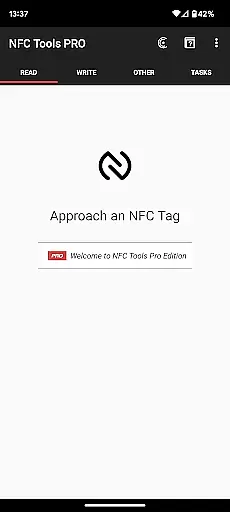
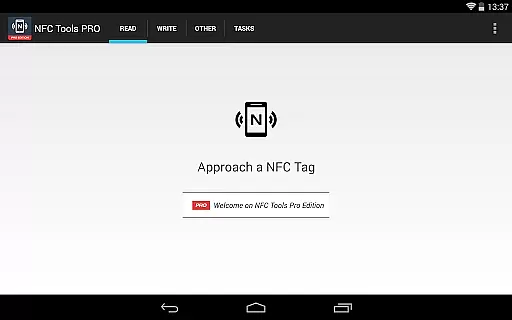
A hallmark of NFC Tools - Pro Edition is its commitment to interface simplicity and intuitiveness, ensuring that users can harness the power of NFC technology without a steep learning curve. The design philosophy centers around a clean, user-friendly interface that facilitates effortless navigation and task management.
Despite the complexity of tasks it can handle, the app maintains an accessible layout where features such as executing tasks without NFC tags via home screen shortcuts or managing profiles are just a tap away. This approachability makes it suitable for users who may not have extensive technical backgrounds but still wish to leverage advanced NFC capabilities.
In addition to ease of use, the app offers a streamlined experience with a focus on productivity. Actions like importing from existing NFC tags or setting up conditional blocks for complex routines are integrated seamlessly into the workflow, enhancing the overall user experience without overwhelming them with unnecessary complexity.
By prioritizing clarity and ease of interaction, NFC Tools - Pro Edition ensures that users can focus on creating fun and useful routines rather than getting bogged down by complicated controls, thus maximizing both efficiency and enjoyment in managing NFC tasks.
User-friendly interface
Comprehensive task library
Advanced customization options
Efficient profile management
Innovative emulation capabilities
Requires NFC-compatible device
Premium version comes at a cost
Some features need NFC Tasks app
Complexity may overwhelm beginners
Limited use without NFC tags

FV File Manager Pro, Fast and powerful file manager for Android
 4.60
4.60
App that Recover your pictures, videos or files after you delete them.
4.20
ADB support Android 4.X-Android 13(Support wireless pair mode).No root required!
4.70
Small and simple app to Verify Root Access and BusyBox Install!
4.70
Unleash gamepad precision for ultimate mobile gaming dominance.
3.90
Mirror your screen to Fire TV - Super fast and simple
4.40
Pro Emulator is an easy to use game console emulator for a range of consoles.
4.40
Clean up your phone, find files, play media, and share files offline
4.50
Your personal health butler
3.60
Connect wirelessly to your computer to watch movies, browse the web, play games
5.00
Easily install aab(Android App Bundle) files on your Android device with our app
4.80
HD Video player and downloader for all formats, fast & smooth 4K video playback.
4.60
Head tracking for PC sim games such as MSFS 2024 or Elite:Dangerous. No headset!
4.50
Just swipe the edge to do something!
4.40
Universal TV remote control all TVs, Roku, LG, Samsung, Fire, Vizio, Sony, TCL.
4.40
MS-DOS in your pocket. Play old DOS games anywhere you are ;)
4.10
A non-root local ADB shell client. READ BELOW!
3.40
card-reader app
2.20
Download any file easily and quickly with Downloader
4.3



User Reviews