
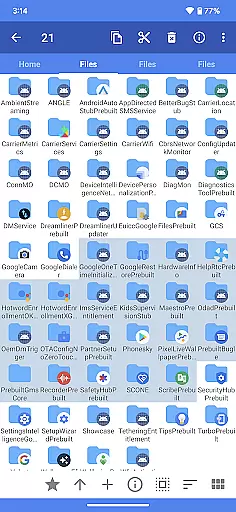
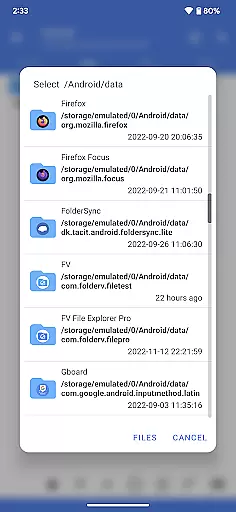
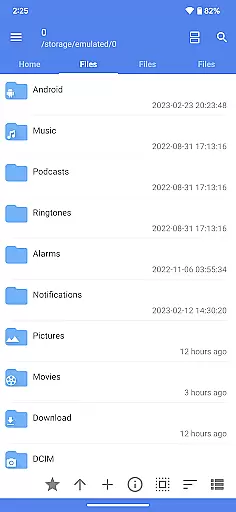
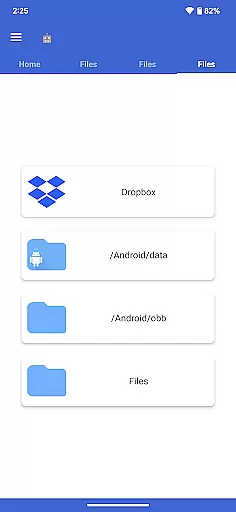
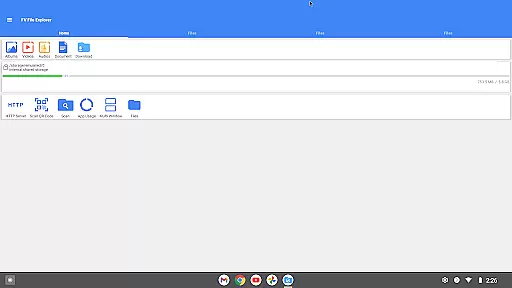
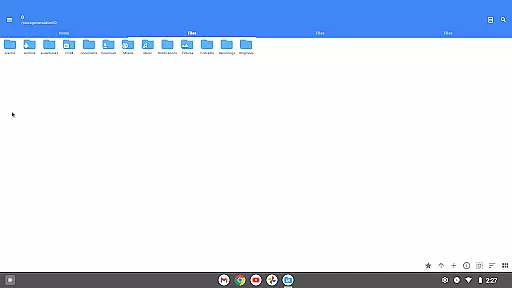
FV File Pro is a robust file management tool designed specifically for Android users. This application offers an intuitive Material Design UI and enables seamless access to critical directories like /Android/data and /Android/obb on Android 13 without requiring root permissions. With its powerful features, users can efficiently manage their files, preview various image formats, extract multiple compressed file types, and transfer data over wireless networks using HTTP, FTP, or SFTP protocols.
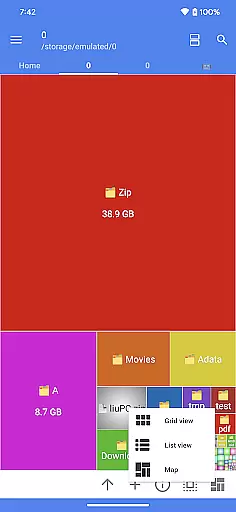
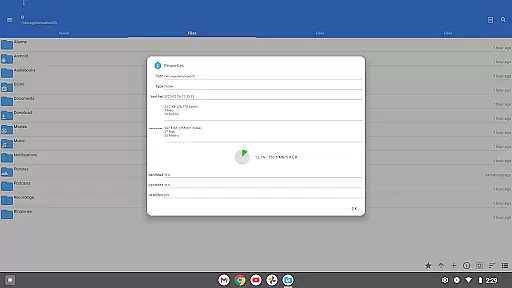
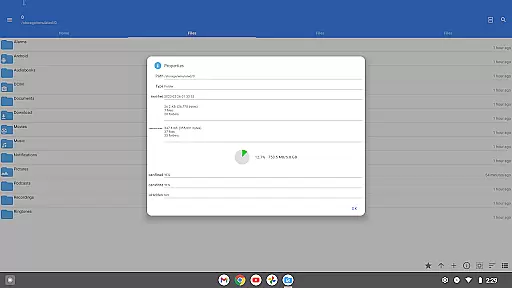
One of the standout capabilities of FV File Pro is its Treemap visualization feature, which provides a graphical representation of storage usage. Each file is depicted as a colored rectangle, with its size proportionate to the file's dimensions. This allows users to quickly identify large files and optimize their device's storage. Additionally, the app supports WebDAV server functionality, enabling easy integration with macOS Finder for remote file management.
Whether you're looking to organize your documents, share files across devices, or analyze storage patterns, FV File Pro delivers a comprehensive solution that enhances productivity and simplifies file management tasks.
FV File Pro stands out with its extensive range of features tailored for efficient file handling. The app supports viewing multiple image formats including JPG, PNG, BMP, TIFF, WEBP, HEIF, AVIF, ICO, and APNG, making it versatile for graphic-intensive tasks. It also excels in managing compressed files, allowing users to extract ZIP, RAR, 7Z, ISO, and DMG formats effortlessly.
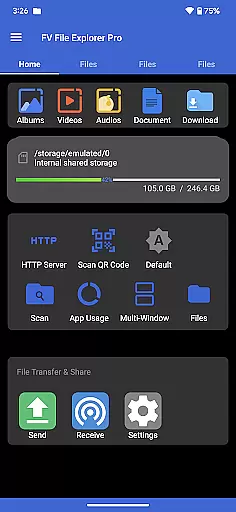
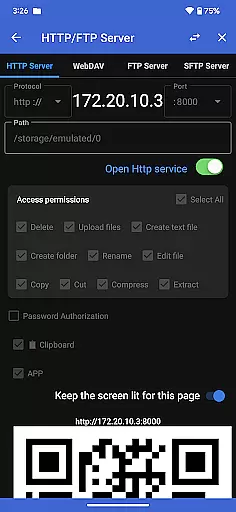
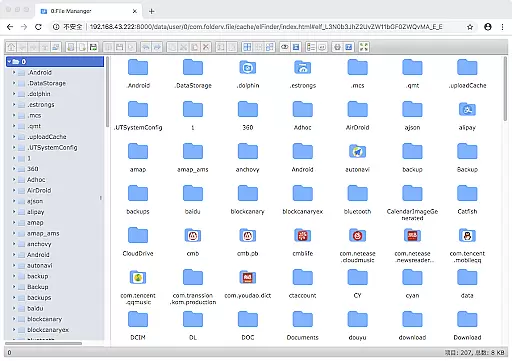
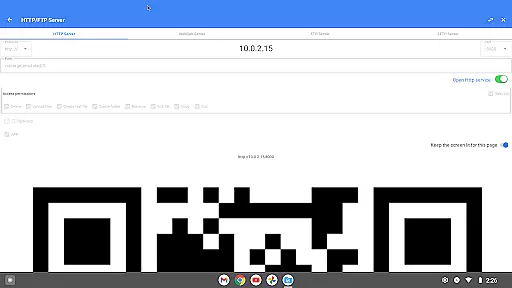
Another remarkable feature is its ability to manage files over a wireless network. Users can transfer documents, pictures, and text files between their computer and mobile phone within the LAN without using data cables. This eliminates the need for mobile data traffic when sharing files with colleagues or family members. Furthermore, the app includes a WebDAV server function, which facilitates remote file access through macOS Finder by simply entering the server address.
The Treemap visualization tool is another highlight, offering a unique way to understand storage distribution. By representing files as proportional rectangles, users gain insights into their storage hierarchy and can make informed decisions about file organization. Additional features include QR code and barcode scanning, markdown file preview, and HTTP file download functionality, all contributing to a well-rounded file management experience.
FV File Pro stands out as a robust file management tool designed for Android users, offering precise and effective core functionalities that cater to both casual and power users. The app provides seamless access to typically restricted directories such as /Android/data and /Android/obb on Android 13 without requiring root permissions, ensuring that all users can manage their files with ease.
One of the key highlights is its support for viewing multiple image formats including JPG, PNG, BMP, TIFF, WEBP, HEIF, AVIF, ICO, and APNG. This extensive compatibility ensures that users can open nearly any image file they encounter, making it an indispensable tool for graphic designers and photographers alike.
In addition to image support, FV File Pro excels in handling various compressed file types like ZIP, RAR, 7Z, ISO, and DMG, allowing users to extract these files directly on their devices. This feature significantly enhances productivity by eliminating the need for separate decompression software.
The app also offers treemap visualizations for storage, representing each file as a colored rectangle proportional to its size. This innovative visualization helps users quickly identify large files and optimize their storage efficiently, showcasing the app's commitment to providing both powerful and user-friendly tools for managing digital content.
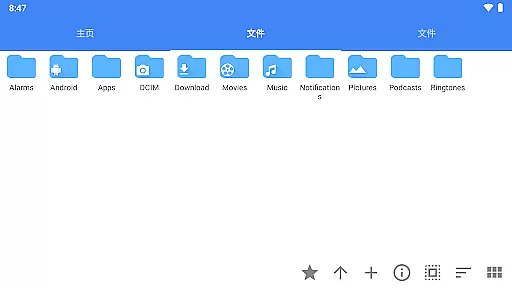
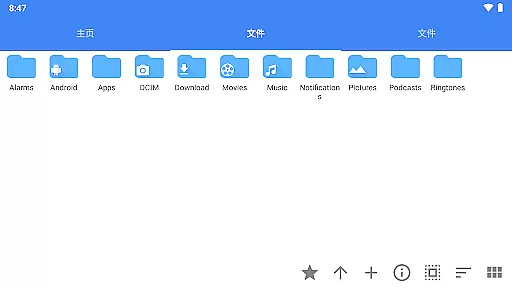
A well-designed interface is crucial for any file management application, and FV File Pro delivers an intuitive user experience through its Material Design UI. This design choice ensures that even novice users can navigate the app effortlessly, finding the features they need without a steep learning curve.
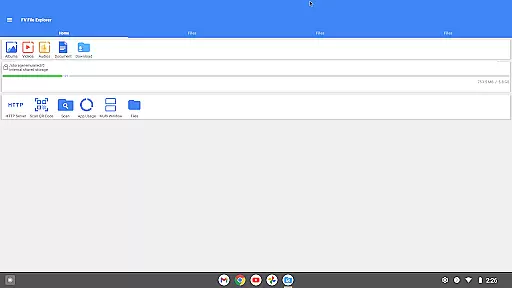
Managing files over a wireless network is simplified through HTTP, FTP, or SFTP protocols within the local area network (LAN). Users can conveniently transfer documents, pictures, and text files between their computer and mobile phone without using data cables. This not only saves time but also spares users from the hassle of dealing with physical connections.
The inclusion of a WebDAV server adds another layer of convenience, allowing users to connect directly from their Mac Finder by entering the server address. This feature facilitates easy access and management of files stored on the device from other computers, enhancing cross-platform usability.
Furthermore, additional features such as QR code and barcode scanning, markdown file preview, and HTTP file download functionality contribute to the overall simplicity and versatility of the app. These thoughtful additions ensure that users have a comprehensive set of tools at their disposal, all presented in a straightforward and accessible manner.
User-friendly interface
Wireless file transfer
Comprehensive format support
Efficient storage analysis
Versatile functionality
No cloud integration
Limited iOS support
Advanced features require learning
Occasional performance lags
Ads in free version

1-Click close all background apps on Android TV
 3.90
3.90
App to pay for FUTO Keyboard
4.60
Forza Tuning Calculator App for Forza Horizon 5, Motorsport and Earlier Titles
4.40
Detect hidden spy camera with advanced scanning {{ Premium version }}
4.00
Navigate with Ease and Style
4.90
Quickly check the frequency of the Earth
4.30
Clean up your phone, find files, play media, and share files offline
4.50
A clean app.
4.50
The ideal app to be the digital eye of your family
3.40
Creation, Learning, Entertainment & More — The All-in-One AI Search Engine
4.70 4.50
4.50
eXtended Permission Manager - a small app to manage permissions and AppOps
4.50
Button mapper, mouse toggle, sleep timer and a lot of another features
4.50
An easy-to-use calculator designed to save time calculating and bending conduit
4.30
Signal Strength, Mobile, Wifi, Speed Test, Bad Signals, Cellular, 5G, LTE, 4G
4.20
A simple app to back up and restore SMS & MMS messages and call logs.
4.10
Introducing Smart Printer, your ultimate destination for printing solutions!
4.00
A recovery soft,it features photo recovery, video recovery, file recovery.
3.40
Unlock your Essential Key. Create custom shortcuts to your favorite apps!
4.3



User Reviews