
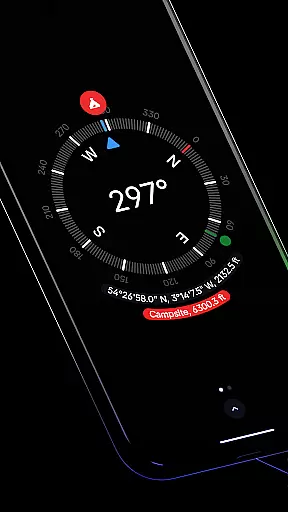
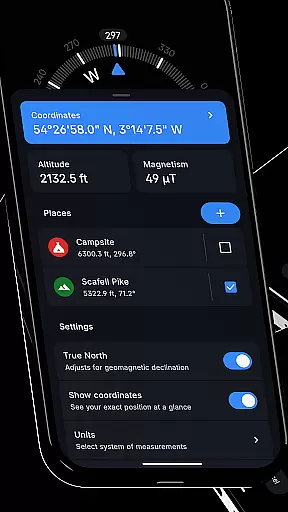
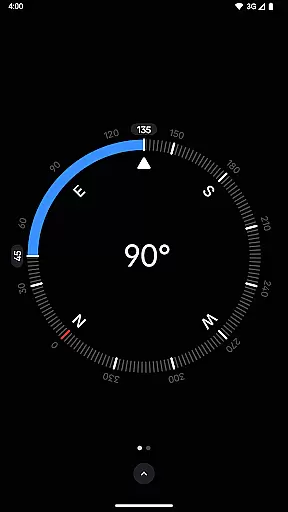
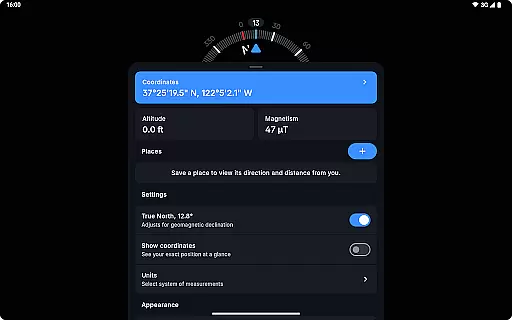
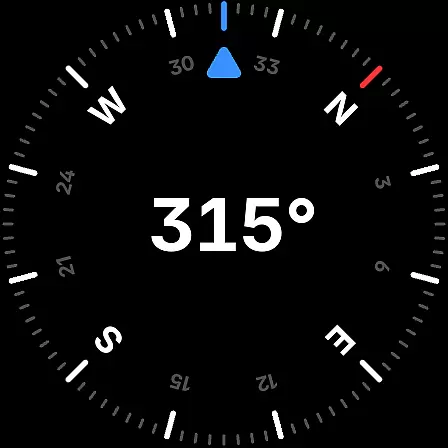
Compass is a sleek and minimalistic navigation app that combines simplicity with elegance. Designed for both Android phones and select Wear OS smartwatches, it offers users precise navigation through a modern dark-themed interface. The app provides essential tools such as coordinates display in multiple formats, altitude information, and the ability to save places for quick reference of direction and distance.
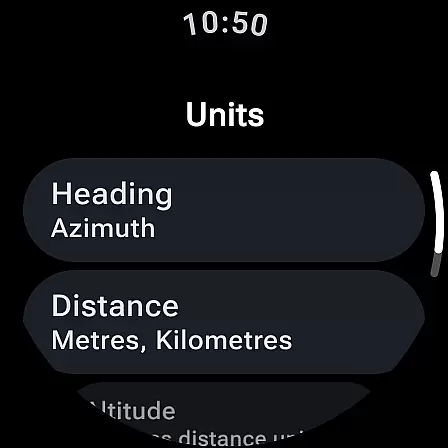
One of Compass's standout features is its adaptability to various user preferences and environments. It supports customization of units for angles, distances, and coordinates, while offering practical functionalities like true north alignment, bubble level, and angle difference measurement. With additional features such as dynamic color personalization, haptic feedback, and a red screen filter for nighttime use, Compass ensures usability in diverse conditions. Its offline functionality and commitment to privacy make it an ideal choice for explorers, hikers, and DIY enthusiasts alike.
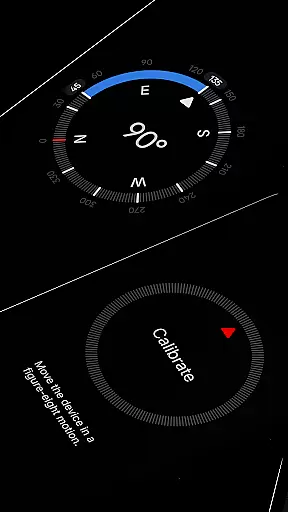
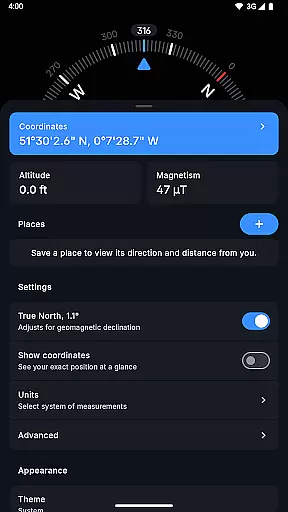
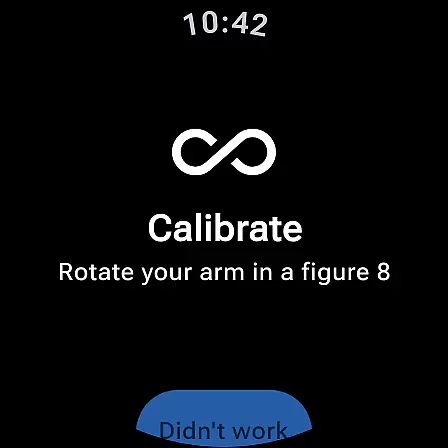
Compass stands out with its comprehensive set of navigation and utility features tailored for accuracy and convenience. One of its core capabilities is displaying exact location coordinates in formats like DMS, UTM, and MGRS, along with altitude tracking. Users can dock the compass to the edge of the screen while multitasking, ensuring uninterrupted navigation. The app also includes a calibration guide for precision and supports geomagnetic declination adjustments to align with true north.
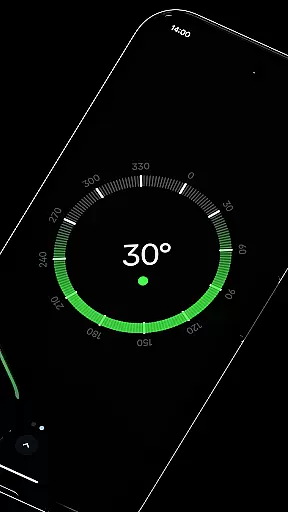
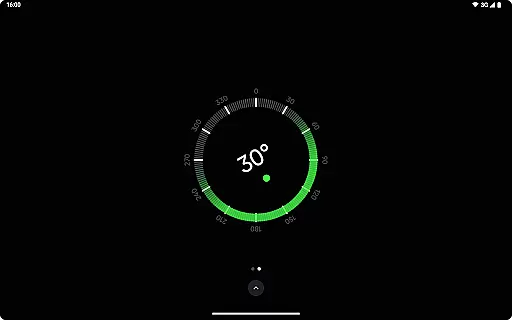
Beyond navigation, Compass offers versatile tools such as a bubble level for surface checks, angle difference measurement, and high-contrast display options for better visibility. Users can personalize their experience by switching between dark and light themes or enabling dynamic colors based on their wallpaper. Practical additions like the red screen filter for nighttime use, rich haptic feedback, and an anomaly detector for magnetic field interference further enhance its utility. With no need for an internet connection, absence of ads, and a strong focus on privacy, Compass delivers a seamless and secure user experience.
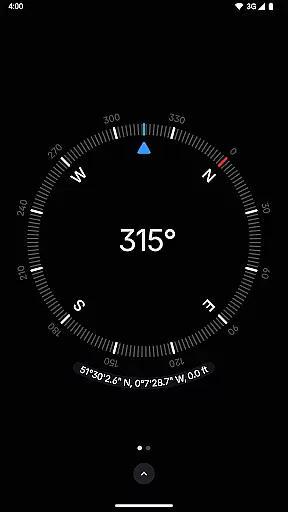
Compass stands out for its precision and reliability in delivering navigation data. The app provides users with exact location coordinates, including altitude, in multiple formats such as DMS, DDM, DD, UTM, MGRS, and OLC (Plus Codes). This versatility ensures that users can access geographic information in the format most useful to them.
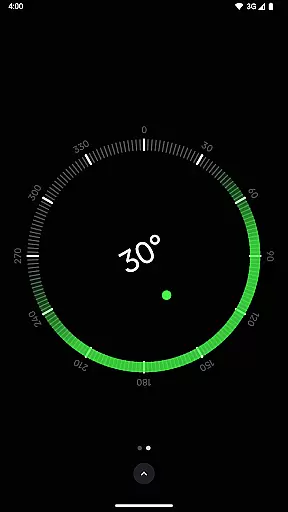
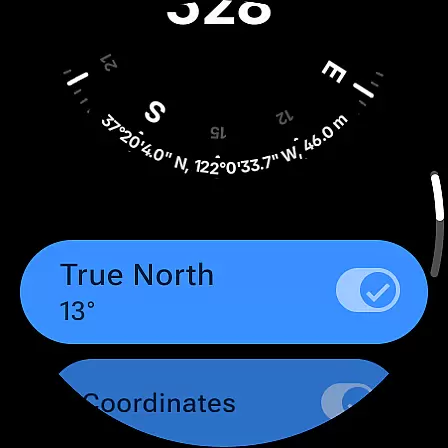
In addition to location tracking, Compass offers advanced features like geomagnetic declination adjustment, aligning with true north for more accurate readings. The inclusion of a bubble level and the ability to measure angle differences between orientations further enhance its utility for professionals and hobbyists alike.
The app's effectiveness is bolstered by its calibration guide, ensuring users can maintain accuracy over time. With support for various units of measurement and high-contrast display options, Compass delivers an adaptable and precise toolset for all your navigational needs.
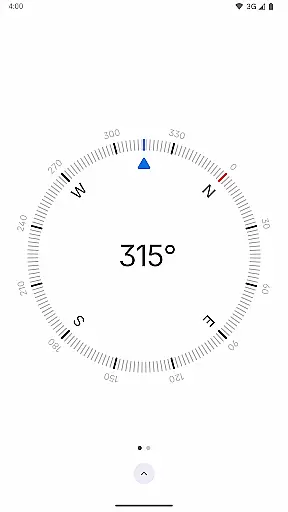
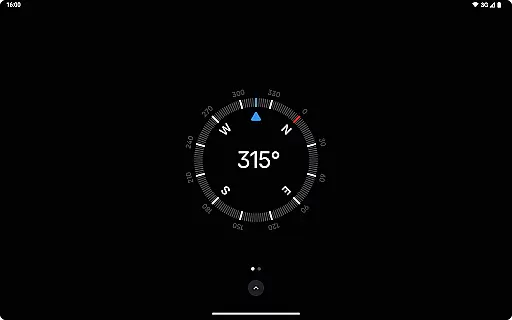
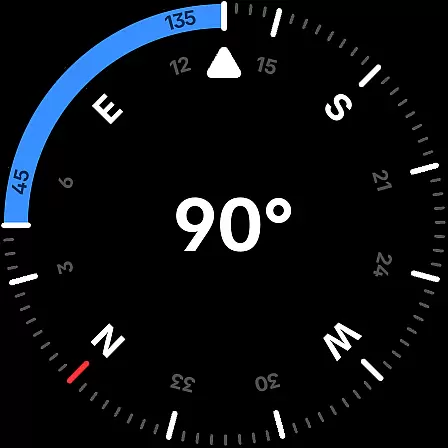
Compass excels in providing a user-friendly interface that combines elegance with functionality. Its modern, dark-themed design offers a clear and intuitive display, making navigation effortless even in low-light conditions. Users can easily switch between dark and light themes, adapting the app to their environment or personal preference.
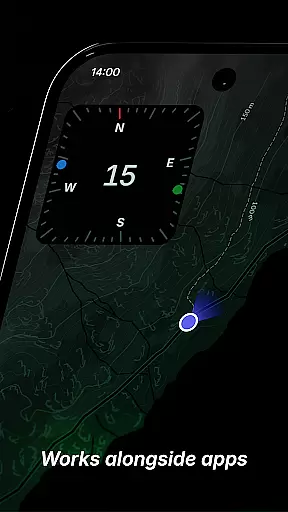
The app's minimalistic approach extends to its interactive elements. Features like docking the compass to the screen edge while using other apps showcase its thoughtful design. Additionally, Android 12's dynamic colours feature allows personalisation, matching the app's appearance with the user's wallpaper for a seamless experience.
Compass also includes practical enhancements such as a red screen filter for better night vision and rich haptic feedback for tactile navigation cues. These intuitive features ensure that users can focus on their journey without distraction, enjoying a streamlined yet powerful navigation tool.
User-friendly interface
Highly customizable
Accurate navigation
Privacy-focused design
Versatile utility tools
Limited Wear OS support
No iOS version available
Advanced features may require learning
Occasional sensor inaccuracies
Redundant for casual users

Connect instantly to a fast, encrypted VPN with one tap
 4.60
4.60
Extremely fast, secure, and protects your privacy
4.80
Use your phone as a webcam on your computer over WiFi or USB.
4.40
Unlock your Essential Key. Create custom shortcuts to your favorite apps!
4.0
Keep track of your Palia friendships, tasks, and inventory with Palia Notebook
4.60
MS-DOS in your pocket. Play old DOS games anywhere you are ;)
4.10
Making emulation easy for everyone!
4.30
The Ultimate Flex Drivers Utility App - Convenient Tapping & Block Filters
4.70
Download any file easily and quickly with Downloader
4.2
NFC Tools can read and write NFC tags.
4.70
HD Camera captures every special moment.
4.60
Just swipe the edge to do something!
4.40
Forza Tuning Calculator App for Forza Horizon 5, Motorsport and Earlier Titles
4.40
VESC Tool can monitor and configure VESC-compatible devices over BLE and Wifi
4.20
A simple app to back up and restore SMS & MMS messages and call logs.
4.10
A convenient photo, video, and file recovery tool.
4.00
Detect hidden spy camera with advanced scanning {{ Premium version }}
4.00
Safely recover deleted photos, videos, and files with a single easy tap.
3.70
Undelete and recover your lost or deleted files with DiskDigger!
3.40



User Reviews