
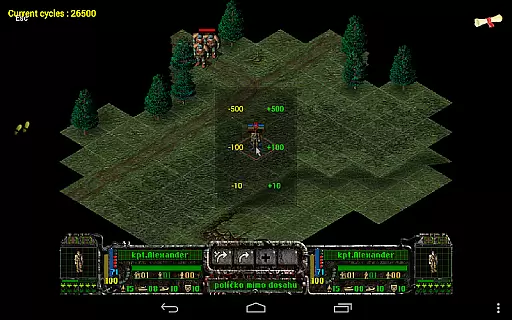
Magic DosBox is a highly optimized and fast DOSBox emulator for Android, designed to bring your favorite DOS and Windows games to your mobile device. With full support for mouse, keyboard, sound, and gamepad controls, this app allows you to play classic games anywhere without the need for external hardware.
The app features a unique control system tailored for touch devices, making it easy to enjoy gaming on the go. It supports IPX networking for multiplayer experiences and offers customizable game profiles, allowing users to tailor their gaming experience precisely to their liking. Whether you're revisiting nostalgic titles or exploring classic games for the first time, Magic DosBox provides a seamless and immersive experience.
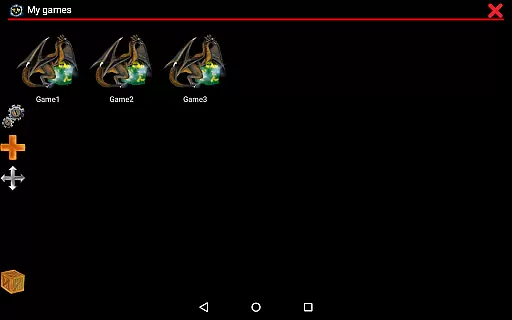
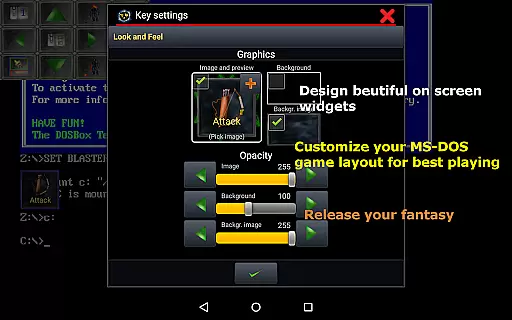
Magic DosBox stands out with its extensive customization options and user-friendly interface. The app includes a game collection feature where each game profile can be highly customized, offering users the ability to create desktop shortcuts and export/import/duplicate profiles complete with designed layouts for sharing with friends.
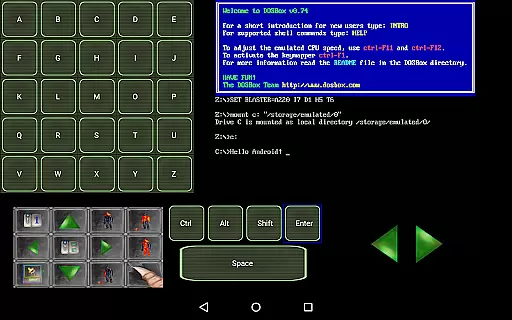
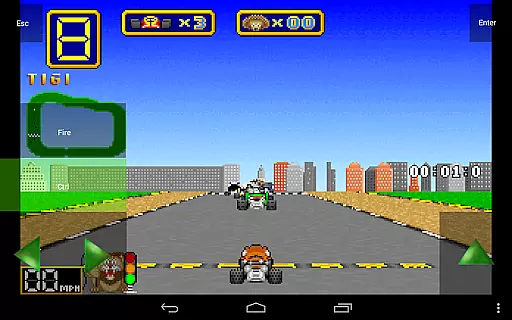
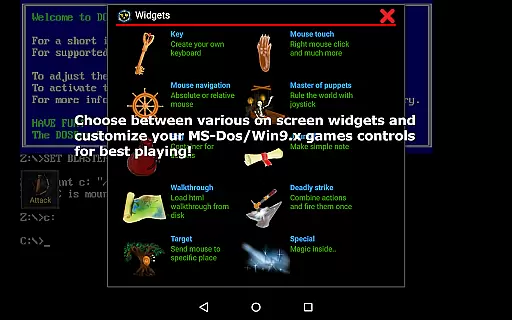
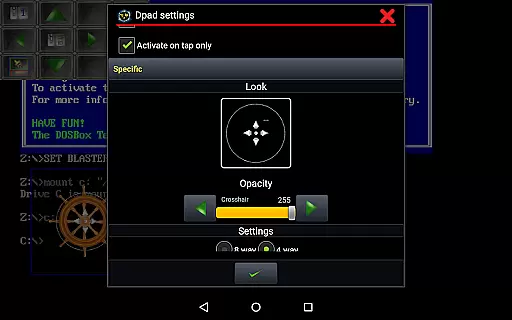
With support for multiple languages and ten types of on-screen widgets/buttons, users can design their own control schemes. These widgets include key, mouse, dpad, and more, all of which are highly adjustable. The app also supports various input methods such as swipes, gestures, Samsung stylus, and external gamepads like x360 and NVIDIA Shield controllers. Additionally, Magic DosBox provides advanced functionalities like absolute and relative mouse modes, sound Blaster and PC speaker support, and in-game screenshots with gallery functionality.
Magic DosBox delivers exceptional core function accuracy by providing a highly optimized DOSBox port for Android. This ensures that users can run their favorite DOS and Windows games with precision, maintaining the integrity of the original gaming experience.
The app supports full mouse, keyboard, sound, and gamepad functionalities, making it versatile for various types of games. With added support for external controllers like x360 joystick and NVIDIA Shield, Magic DosBox guarantees an effective and responsive control system.
One of the standout features is its ability to emulate sound blaster and PC speaker outputs, ensuring that audio elements of games are accurately reproduced. This attention to detail enhances the overall authenticity of the gaming sessions.
Users benefit from fast emulation with plenty of optimizations, allowing them to play games smoothly without significant performance issues. The effectiveness of Magic DosBox's emulation capabilities ensures that gamers can enjoy their classic titles seamlessly on modern devices.
Magic DosBox excels in interface simplicity by offering an intuitive design tailored for touch devices. The main modes include design mode and play mode, which streamline the user experience by separating customization from gameplay.
The app provides ten types of on-screen widgets/buttons, each customizable to suit user preferences. These widgets simplify interactions by allowing users to create personalized control layouts, enhancing ease of use during gameplay.
With multi-language support and clear documentation available on their website, Magic DosBox ensures that users from different regions can navigate and utilize the app effortlessly. This inclusivity adds to the overall intuitiveness of the application.
Additionally, Magic DosBox offers resizable screens with custom positions and orientation locks, giving users flexibility in how they view and interact with their games. Such features contribute to a straightforward yet powerful interface that caters to both novice and experienced users alike.
Highly optimized for Android
Extensive customization options
Supports multiple input methods
Unique control system for touch devices
Active development and support
No included games
Complex setup for beginners
Limited free version features
Requires technical knowledge
Occasional compatibility issues

Easily install aab(Android App Bundle) files on your Android device with our app
 4.80
4.80
Connect instantly to a fast, encrypted VPN with one tap
4.60
Unit and currency converter with easy and simple UI.
4.80
Bedrock Together: Join any bedrock server on Xbox/PS
4.80
Support Fossify apps with a warm thank you!
5.00
Clean up large files and similar photos, fast and easy to use
4.40
Clean up your phone, find files, play media, and share files offline
4.50
A clean app.
4.50
Fast VPN USA for any country. Super secure VPN for calls, streaming, games, TV.
4.40
Best leveling tool for your Android device. Hang paintings like a pro.
4.90
Remote Play with FSR upscaling, low latency & full controller support
4.80 4.50
4.50
Quickly switch to an encrypted DNS server on Android TV
4.50
Just swipe the edge to do something!
4.40
Use your phone as a webcam on your computer over WiFi or USB.
4.40
Fluid navigation gestures for all of us!
4.30
pdf merge, word to pdf, jpg to pdf, edit pdf, convert to pdf and much more!
4.20
Just one-tap to easy translate in any language after calls within seconds.
4.20
Introducing Smart Printer, your ultimate destination for printing solutions!
4.00



User Reviews