
Exora VPN is a powerful virtual private network tool designed to provide users with secure, fast, and unrestricted internet access. The app ensures complete online privacy by using advanced encryption protocols and maintaining a strict zero-logs policy. With servers optimized for speed and performance, Exora VPN allows users to bypass geo-restrictions, making it ideal for streaming, gaming, and browsing without limitations.
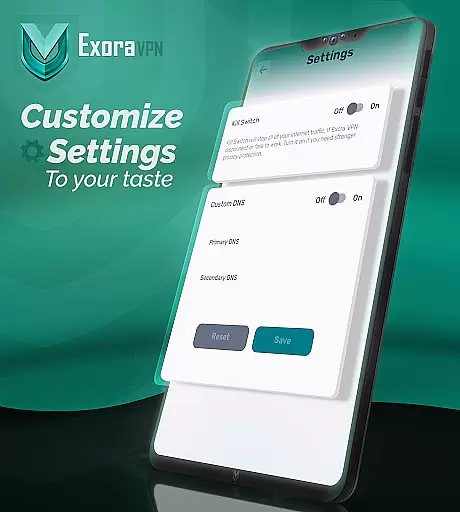
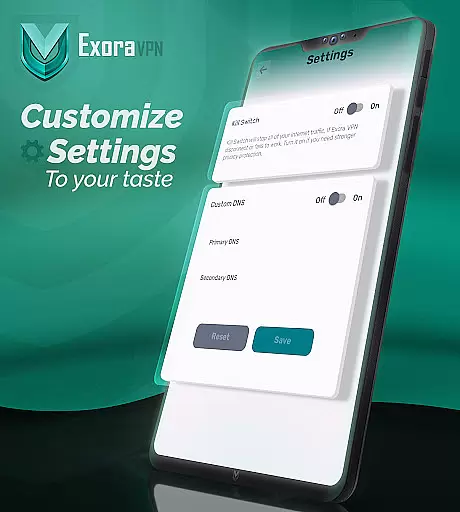
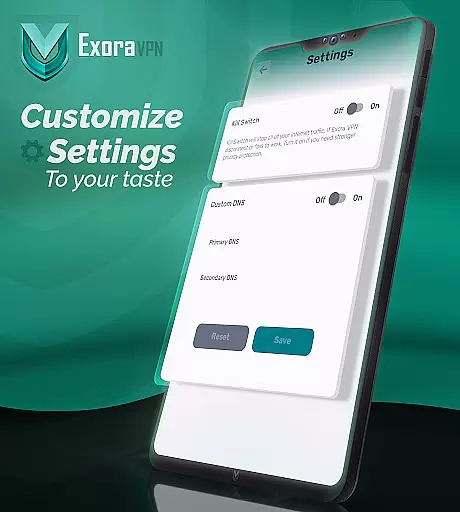
A standout feature of Exora VPN is its automatic kill switch, which immediately blocks unsecured traffic if the VPN connection drops, ensuring that user data remains protected at all times. Additionally, the app offers custom DNS settings, giving tech-savvy users the ability to fine-tune their connection preferences. Whether you're looking to protect your personal data or access content from around the world, Exora VPN delivers a reliable and seamless experience.
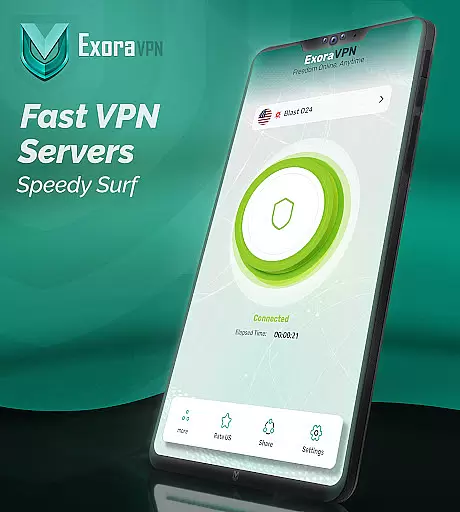
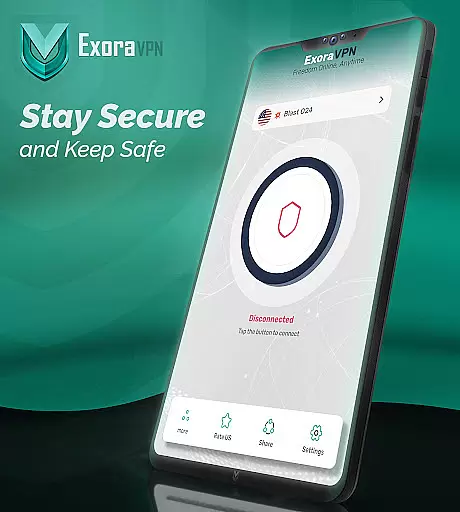
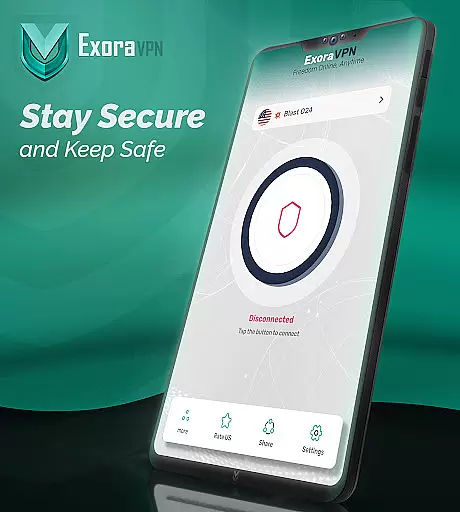
Exora VPN stands out with its comprehensive set of features tailored for both casual and advanced users. One of its key highlights is the one-tap instant connection functionality, allowing users to establish a secure connection within seconds without any complicated setup. This makes it exceptionally user-friendly, even for those who may not be tech experts.
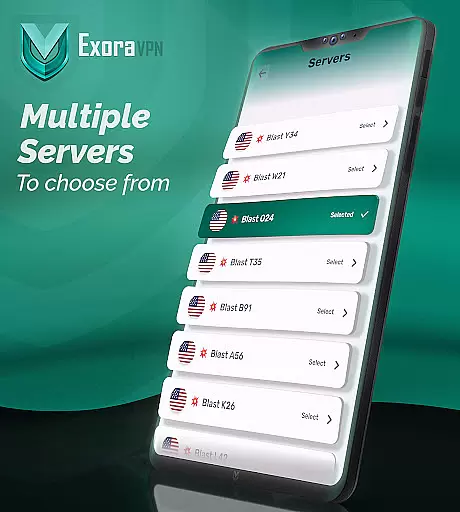
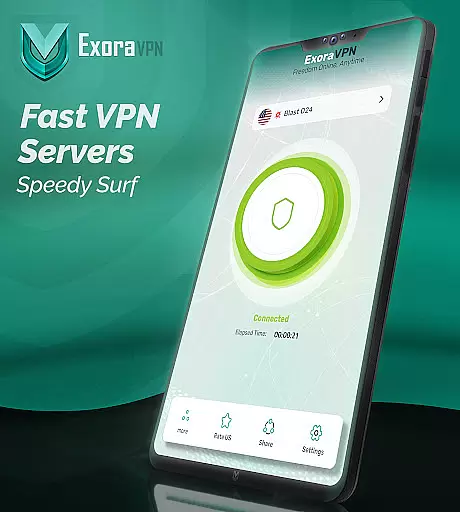
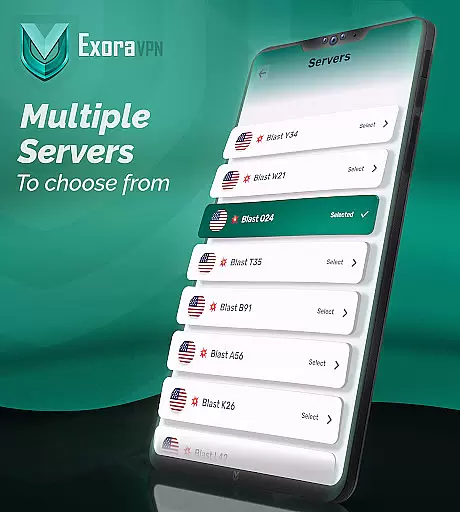
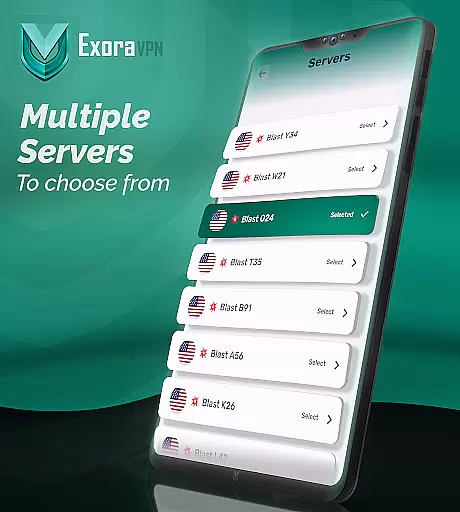
The app also includes worldwide high-speed servers optimized for low-latency activities such as streaming and gaming. Users can manually select server locations or let the app automatically connect to the nearest server for optimal performance. Furthermore, Exora VPN leverages modern V2Ray technology, ensuring top-tier security and speed. Real-time connection stats provide transparency, while the automatic kill switch and DNS customization options offer additional layers of control and protection.
Exora VPN positions itself as a tool that emphasizes speed, privacy, and unrestricted internet access. At its core, the app leverages modern V2Ray technology to ensure fast and secure connections for users who need reliable performance for activities such as streaming, gaming, or general browsing.
The app offers automatic server selection based on proximity, ensuring optimal speed by connecting users to the nearest available high-speed server. This feature is complemented by the ability to manually select server locations, giving users control over their connection preferences while maintaining impressive speed and stability.
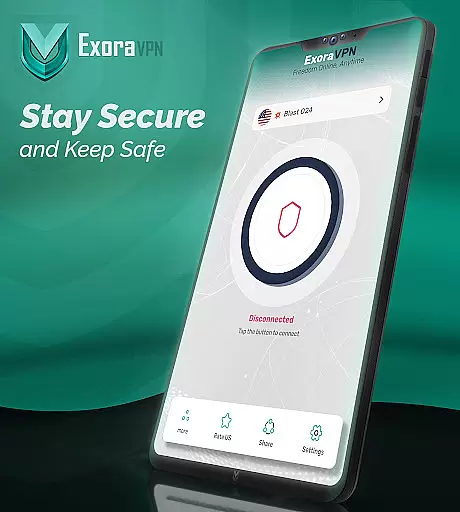
Additionally, Exora VPN incorporates advanced security features like an automatic kill switch, which halts all traffic if the VPN connection drops unexpectedly. This ensures that user data remains protected at all times, reinforcing the app's commitment to both functionality and security.
One of the standout aspects of Exora VPN is its focus on providing a seamless and intuitive user experience. The app requires no signup or registration, allowing users to connect with just one tap. This minimalist approach eliminates unnecessary complexity, making it accessible even for those who may not be familiar with VPN technology.
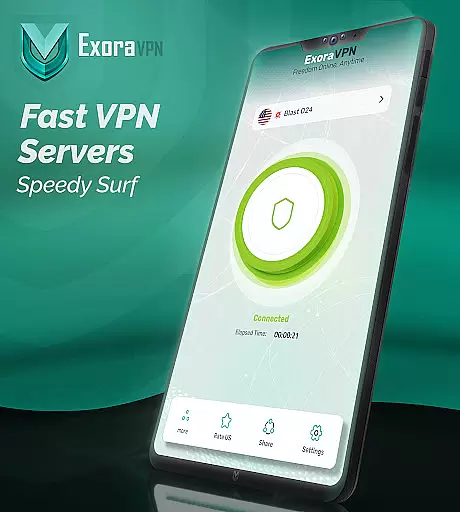
The interface is designed to display real-time connection stats, offering transparency into the performance of your active VPN session. Users can easily monitor their connection status, ensuring they are always aware of their privacy and speed metrics without navigating through complicated menus.
Furthermore, Exora includes customizable DNS settings directly within the app, catering to users who want more control over their browsing experience without compromising ease of use. These features combine to create an interface that balances powerful functionality with straightforward navigation, enhancing overall usability.
Fast connection speeds
Zero-logs policy
Automatic kill switch
Custom DNS settings
User-friendly interface
Limited free version
No live chat support
Fewer server locations
Occasional connectivity issues
Ads in free plan

A powerful, easy-to-use flight computer on your phone or tablet!
 3.80
3.80
Just swipe the edge to do something!
4.40
PDF Reader - Document Viewer: Read, Manage & Organize Your Documents
3.10
Learn the vast amount of system information about device and monitor it's state
4.70
An open-source APK explorer for Android!
4.10
Amateur Radio app for APRS: Track friends, exchange messages, get tactical info.
3.90
Small and simple app to Verify Root Access and BusyBox Install!
4.70
Bedrock Together: Join any bedrock server on Xbox/PS
4.80
The Ultimate Flex Drivers Utility App - Convenient Tapping & Block Filters
4.70
WiFi Signal Strength Meter help you detect WiFi Signal Strength in real time.
4.80
Creation, Learning, Entertainment & More — The All-in-One AI Search Engine
4.70
Protect your device with antivirus, storage cleanup, and system monitoring
4.70
Head tracking for PC sim games such as MSFS 2024 or Elite:Dangerous. No headset!
4.50
The Ultimate Bluetooth Keyboard & Mouse. Securely control your PC, Mac, and more
4.50
Screen Mirroring for Roku Sticks, Roku TCL TV and Roku Hisense TV
4.50
Pro Emulator is an easy to use game console emulator for a range of consoles.
4.40
Remote for Roku, Fire TV, Samsung TV, LG TV, Android TV, Chromecast and VIZIO TV
4.20
Clean the junk files on your device
3.40
Download any file easily and quickly with Downloader
4.0



User Reviews