
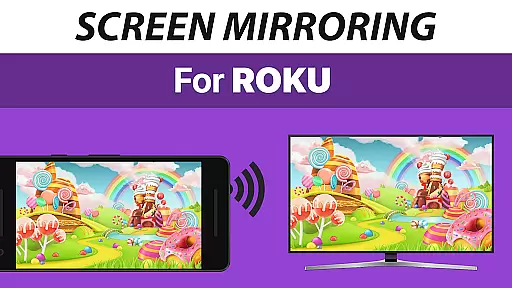
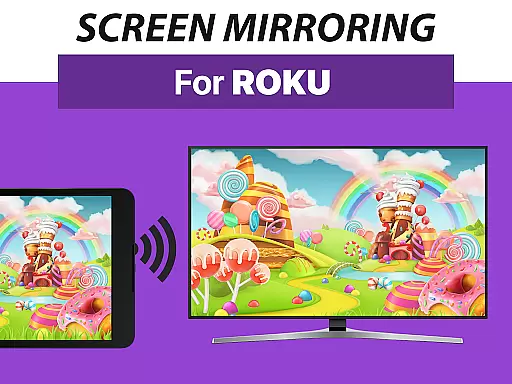
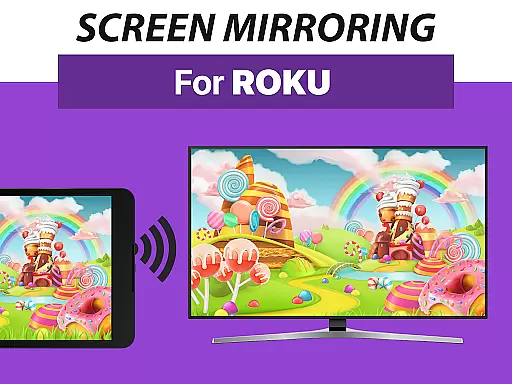
Screen Mirroring Pro for Roku is a powerful tool designed to mirror your Android device's screen to any Roku-enabled display. This includes Roku Sticks, Roku Boxes, Roku TVs, and even specific brands like TCL and Hisense TVs. The app offers an easy setup process that eliminates the need for wires and ensures live mirroring in HD quality.
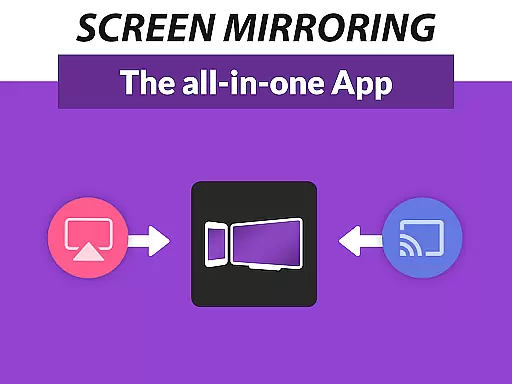
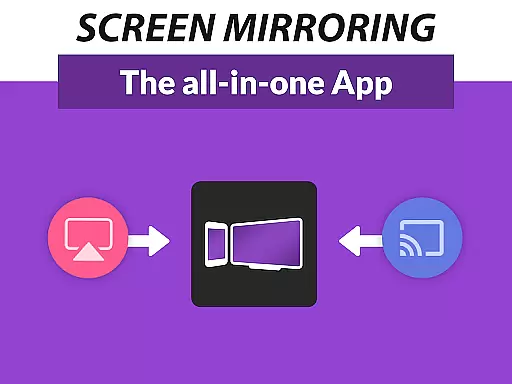
One of the standout features of this application is its superior device support. It works seamlessly with all Android devices running version 5.0 and above, as well as all Roku devices. Whether you're looking to share photos, videos, games, or presentations, Screen Mirroring Pro for Roku provides a fast, user-friendly solution that surpasses the built-in screen mirroring capabilities of Roku based on Miracast technology.
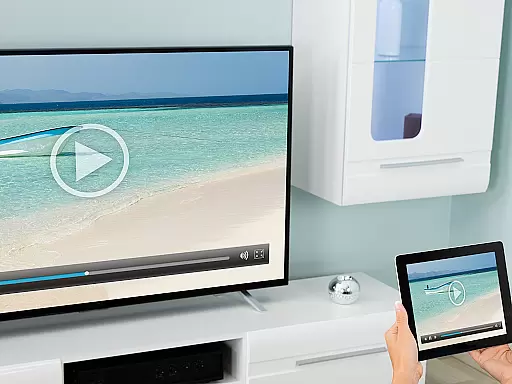
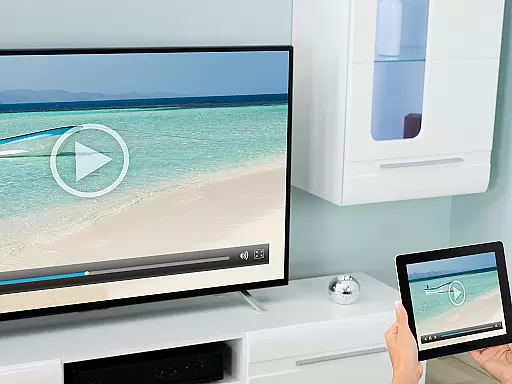
The app is ideal for users who want to share content with friends, family, or co-workers without the hassle of complex configurations. Simply ensure both your Android device and Roku are connected to the same Wi-Fi network, preferably a 5GHz network for optimal performance, and enjoy uninterrupted screen sharing.
Screen Mirroring Pro for Roku boasts several key features that set it apart from other screen mirroring solutions. First and foremost, it supports a wide range of devices, including all Android devices with Android 5.0+ and all Roku models such as Sticks, Boxes, TVs, and Roku Express 3700 / 3710. This extensive compatibility ensures that users can connect their devices effortlessly.
Another notable feature is the app's streamlined setup process. Unlike other solutions that require changes to Android settings or Wi-Fi options, Screen Mirroring Pro for Roku offers a unified and straightforward setup across all Android devices. This ease of use makes it accessible even to those who may not be tech-savvy.
Performance-wise, the app excels when used under good Wi-Fi network conditions, particularly on 5GHz networks. For any support or feedback, users can easily reach out via email to info@screenmirroring.app. Developed by the creators of VIDEO & TV CAST, a globally recognized video casting app, Screen Mirroring Pro for Roku leverages years of expertise to deliver a reliable and high-quality mirroring experience.
Screen Mirroring Pro for Roku delivers exceptional core functionality by enabling seamless screen mirroring from Android devices to any Roku device. This includes Roku Sticks, Boxes, TVs, and Roku Express models.
The app ensures high performance through an easy and unified setup process that works across all Android devices running version 5.0 or higher. There's no need to adjust settings manually, making it accessible even for non-technical users.
With the requirement of a stable Wi-Fi connection, preferably on a 5GHz network, the app maintains HD quality streaming. This guarantees that shared content such as photos, videos, games, and presentations is displayed in clear detail without lag or interruption.
By offering superior device support compared to the built-in Roku Screen Mirroring based on Miracast, this tool stands out for its reliability and ease of use, ensuring users can share their digital experiences effortlessly with friends and family.
The interface design of Screen Mirroring Pro for Roku emphasizes simplicity and intuitiveness, allowing users to mirror their screens without hassle. The straightforward setup process eliminates the need for complex configurations, providing a user-friendly experience right from the start.
Users will find navigating the app's features to be smooth and logical, thanks to its well-organized layout. Whether sharing media or giving presentations, accessing these functions requires minimal effort due to clearly labeled options and intuitive controls.
Moreover, by avoiding unnecessary complications like VPNs or subnet adjustments, the app streamlines the screen-mirroring process into just a few taps. This approach not only saves time but also reduces potential confusion when connecting multiple devices over the same Wi-Fi network.
Overall, Screen Mirroring Pro for Roku offers an efficient way to cast content onto larger screens while maintaining clarity and ease-of-use throughout every step of interactionu2014making it ideal for both casual entertainment and professional settings alike.
User-friendly interface
Wide device compatibility
HD quality streaming
Easy setup process
Reliable customer support
Requires same Wi-Fi network
No VPN or proxy support
Performance varies with Wi-Fi
Premium version costs extra
Limited to Roku devices

Transfer Files, APK from Phone to Watch & Install.
 4.1
4.1
Just swipe the edge to do something!
4.40
Clean the junk files on your device
3.40
App to pay for FUTO Keyboard
4.60
ADB support Android 4.X-Android 13(Support wireless pair mode).No root required!
4.70
Quickly check the frequency of the Earth
4.30
Screen Mirroring with sound for Samsung TV, LG TV, Sony TV, Smart TV and Browser
4.20
Your personal health butler
3.60
The ideal app to be the digital eye of your family
3.40
Support Fossify apps with a warm thank you!
5.00
Change your GPS location instantly. Simulate routes anywhere in the world.
4.90
Small and simple app to Verify Root Access and BusyBox Install!
4.70
Protect your device with antivirus, storage cleanup, and system monitoring
4.70
HD Camera captures every special moment.
4.60
HD Video player and downloader for all formats, fast & smooth 4K video playback.
4.60 4.50
4.50
Fluid navigation gestures for all of us!
4.30
Just one-tap to easy translate in any language after calls within seconds.
4.20
Remote for Roku, Fire TV, Samsung TV, LG TV, Android TV, Chromecast and VIZIO TV
4.20



User Reviews