
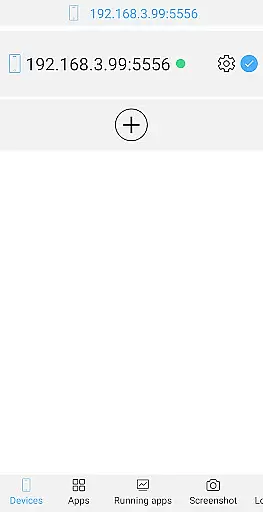
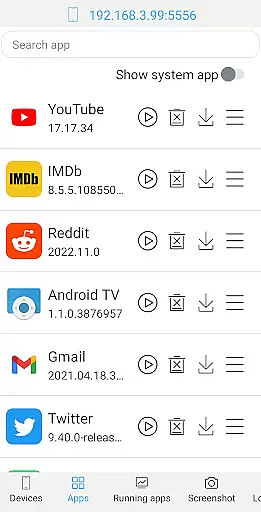
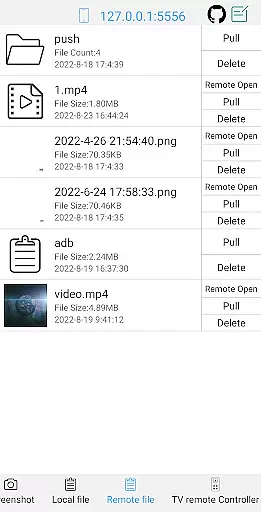
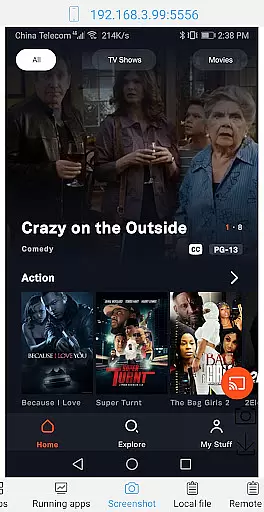
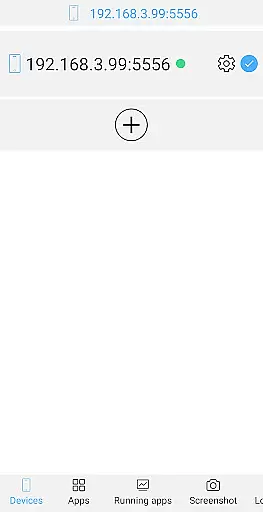
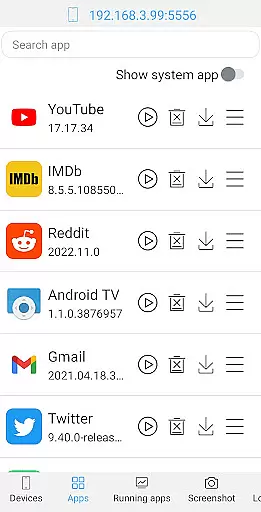
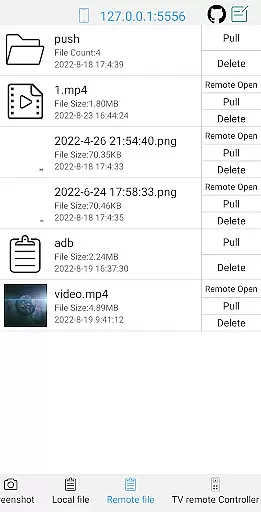
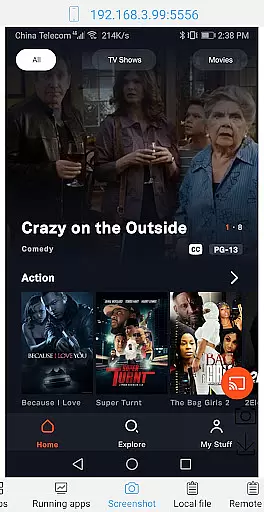
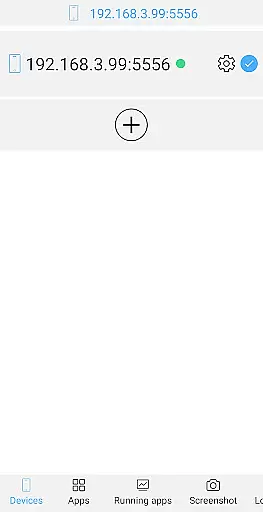
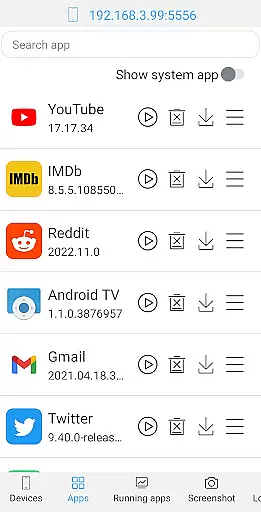
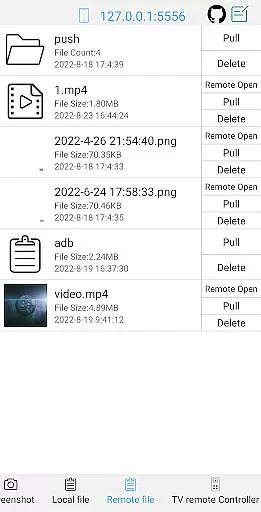
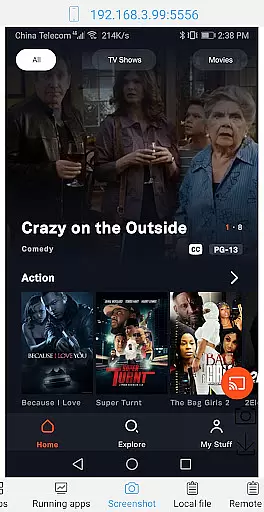
ADB Shell is a comprehensive and powerful toolbox application designed for Android developers and power users. The app provides an extensive suite of device management tools, including the ability to launch, uninstall, download, force stop, clear data, disable, and enable applications. It also supports viewing running apps, taking screenshots, pushing and pulling files, installing APKs, and managing remote media files.
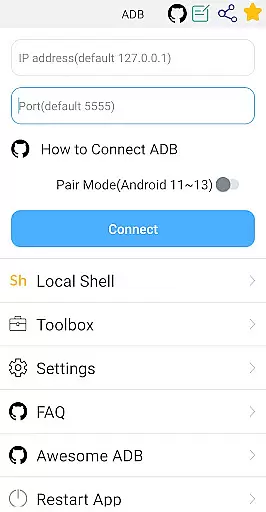
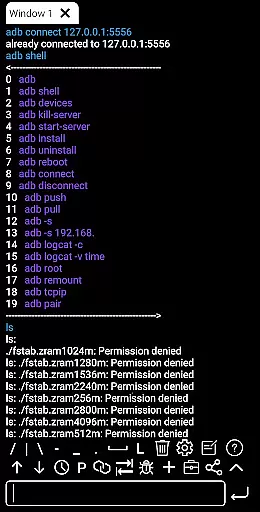
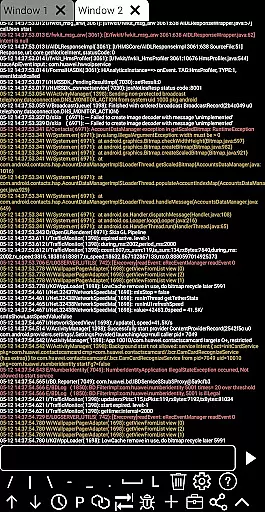
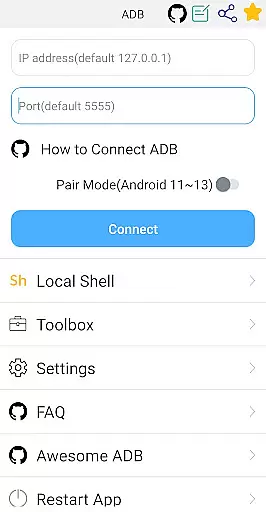
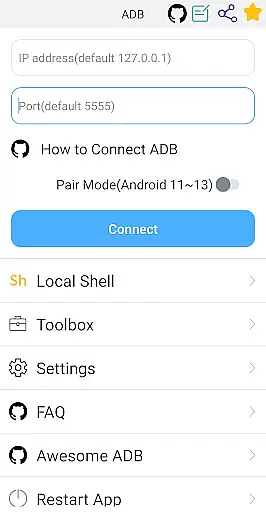
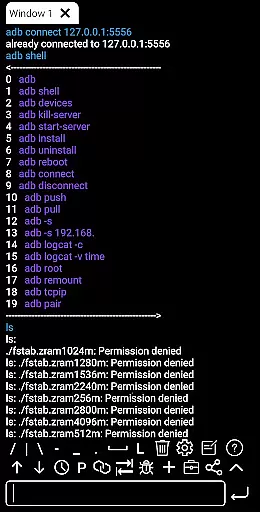
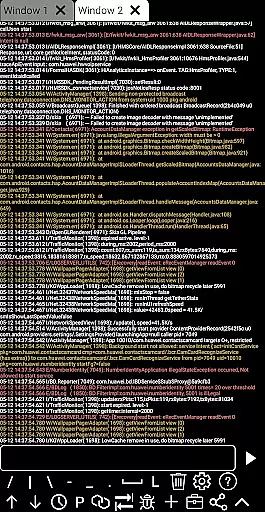
In addition to its robust toolbox features, ADB Shell offers advanced shell capabilities that support Android versions 4.X through 13. Users can take advantage of wireless pair mode, WiFi wireless ADB, local shell ADB, associative input, autosave output, command sharing, command history, fast copy commands, multi-window support, color text, background execution, recommended commands/files, prefab commands, and logcat functionality.
This versatile tool is particularly useful for developers who need to remotely manage and debug Android devices. With its wide range of features, ADB Shell streamlines development workflows and enhances productivity by providing comprehensive control over Android devices from a single interface.
ADB Shell distinguishes itself through its extensive feature set that caters to both toolbox operations and shell functionalities. The toolbox component allows users to perform various application management tasks such as launching, uninstalling, downloading, force stopping, clearing data, disabling, and enabling apps. Additionally, it supports device management, viewing running applications, taking screenshots, file transfer operations, APK installation, and remote file management.
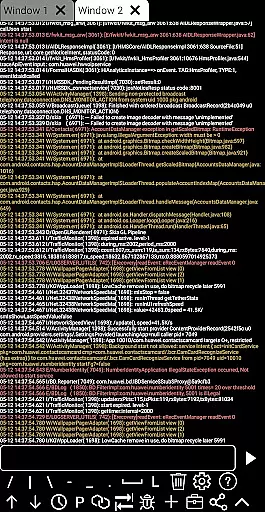
The shell features are equally impressive, supporting Android versions 4.X to 13. Users can utilize wireless pair mode (Android 11-13), WiFi wireless ADB, local shell ADB, associative input, autosave output, command sharing, command history, fast copy commands, multi-window support, color text display, background execution, recommended commands/files, prefab commands, and logcat. These features collectively provide developers with a powerful environment for executing complex operations and debugging tasks efficiently.
Each feature is designed to enhance user experience by simplifying complex processes and offering intuitive controls. For instance, the ability to manage applications and devices remotely saves time and effort, while advanced shell capabilities like logcat and command recommendations facilitate more effective debugging sessions.
ADB Shell stands out for its comprehensive and accurate implementation of core functions that are essential for developers and power users. The application supports a wide range of functionalities from basic shell commands to advanced device management features.
With support for Android versions 4.X through Android 13, the app ensures broad compatibility and leverages the latest platform capabilities. Its wireless pair mode for newer Android versions and wifi wireless adb feature significantly enhance the development and debugging experience by providing flexible connectivity options.
Users benefit from precise control over their devices with features like launching, uninstalling, and managing applications, taking screenshots, transferring files, and monitoring system performance. These tools are not only powerful but also designed to execute tasks efficiently without compromising device stability or data integrity.
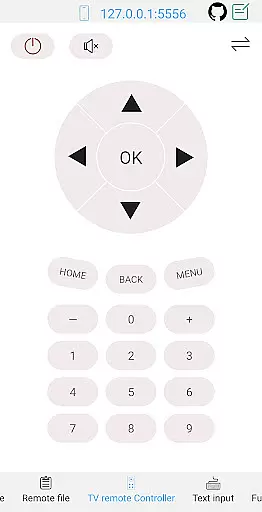
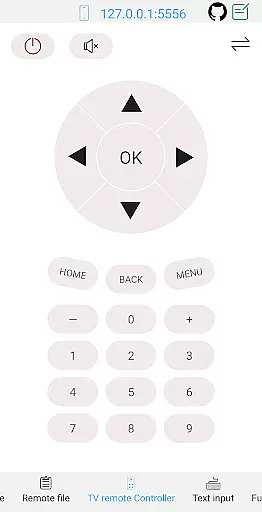
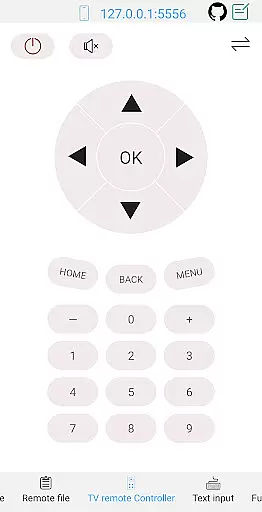
The effectiveness of ADB Shell is further highlighted by its ability to perform complex operations such as remote file management, installing APKs, and even controlling TV devices remotely. This makes it an indispensable tool for both software development and advanced device troubleshooting.
Despite its powerful features, ADB Shell maintains an interface that is both simple and intuitive, making it accessible even to less experienced users. The design philosophy focuses on reducing complexity while ensuring all necessary tools are easily reachable.
The app provides a multi-window support system and color-coded text, which enhances readability and allows users to manage multiple tasks simultaneously without confusion. Associative input and command history features further streamline the user experience by predicting needs and offering quick access to previously used commands.
Additionally, ADB Shell's support for prefab commands and recommended files simplifies common workflows, allowing users to execute frequent tasks with minimal effort. Sharing output with others is straightforward, promoting collaboration among development teams.
Overall, the combination of powerful functionality with an intuitive interface ensures that users can fully leverage the capabilities of ADB Shell without facing a steep learning curve, thus maximizing productivity and efficiency in their projects.
User-friendly interface
Comprehensive feature set
Wide Android version support
Efficient remote management
Advanced debugging tools
Steep learning curve
Requires technical knowledge
Limited appeal to casual users
Complex setup process
Potential security risks

Unit and currency converter with easy and simple UI.
 4.80
4.80
Fluid navigation gestures for all of us!
4.30
Canon PRINT is a companion app for your Canon printer.
4.60
App that Recover your pictures, videos or files after you delete them.
4.20
Amateur Radio app for APRS: Track friends, exchange messages, get tactical info.
3.90
Planner and Tracker for Stardew Valley
4.60
Quickly check the frequency of the Earth
4.30
NFC Tools can read and write NFC tags.
4.70
fast and easy mp3 music downloader
4.80
Powerful collection of electronics tools and reference.A must for any enthusiast
4.90
The Ultimate Flex Drivers Utility App - Convenient Tapping & Block Filters
4.70
HD Camera captures every special moment.
4.60
Mirror your screen to Chromecast and Android TV - Super fast and simple
4.60 4.50
4.50
The Ultimate Bluetooth Keyboard & Mouse. Securely control your PC, Mac, and more
4.50
Screen Mirroring for Roku Sticks, Roku TCL TV and Roku Hisense TV
4.50
Effortlessly run ADB commands directly on your device without a PC.
4.20
Family Locator, Share location, StayConnect with your family in real time
3.90
This app unlocks the Pro features of the Central for DayZ app
3.60




User Reviews