
Pro Emulator for Game Consoles is a versatile emulator designed to bring classic gaming experiences to modern Android devices. This powerful tool supports emulation of various game consoles, ensuring high compatibility and seamless performance across different hardware specifications. The app automatically saves and restores game states, offers quick save/load functionality, and includes advanced features like link cable emulation and gyroscope support.
What sets this emulator apart is its optimization for both high-end and lower-spec devices. It employs lightning-fast emulation that conserves battery life while delivering exceptional performance. Users can enjoy enhanced graphics through GLSL shaders, customize touch controls, and utilize external controllers. Whether playing on a phone or streaming to a TV, the emulator provides an authentic retro gaming experience with modern convenience.
The application's value extends beyond simple game emulation. Its comprehensive feature set includes cloud save synchronization, multi-controller support for local multiplayer, and advanced screen layout customization. These capabilities make it particularly suitable for both casual gamers and dedicated retro enthusiasts who want to relive classic gaming moments on their modern devices.
This emulator distinguishes itself through several key features that enhance the retro gaming experience. First and foremost is its unparalleled compatibility - supporting nearly all games without issues while offering advanced BIOS emulation that eliminates the need for original BIOS files. The software implements innovative technologies such as ROM scanning and indexing, plus support for IPS/UPS zipped ROM patching.
Performance optimization stands out as another crucial aspect. The emulator incorporates multiple rendering backends including OpenGL, ensuring smooth operation even on devices without dedicated GPUs. Users can take advantage of fast-forward functionality to skip lengthy sequences or slow down challenging sections. The implementation of video filters and display simulation (LCD/CRT) further enhances visual authenticity.
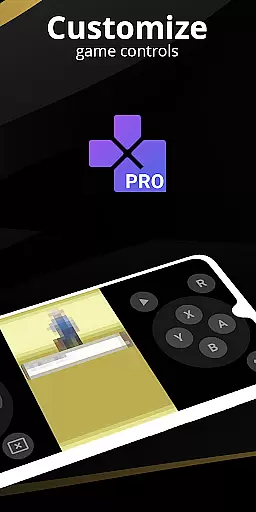
Control customization represents yet another strength. The emulator provides a sophisticated screen layout editor, multi-touch support, and the ability to create different key-mapping profiles. These features, combined with support for external controllers and tilt-to-stick functionality, offer players unprecedented flexibility in how they interact with their favorite classic games.
At the heart of any emulator lies its ability to accurately replicate the original system's functionality. Pro Emulator for Game Consoles achieves this with remarkable precision, ensuring that each game runs as it was originally intended. The software meticulously emulates various console functions including gyroscope, tilt, and solar sensors, providing an authentic experience that remains true to the classic gaming era.
The emulator's effectiveness is further enhanced by its high-level BIOS emulation, which eliminates the need for separate BIOS files. This streamlines the user experience, allowing gamers to dive straight into their favorite titles without additional setup. Moreover, features like automatic save states and quick load slots ensure that players can seamlessly pick up where they left off, making long gaming sessions more manageable and enjoyable.
For users seeking optimal performance, the emulator offers advanced rendering options. With support for both OpenGL and standard rendering methods, it adapts to different device capabilities while conserving battery life through efficient processing. These technical achievements translate into tangible benefits for users who can now enjoy a vast library of games with minimal compatibility issues.
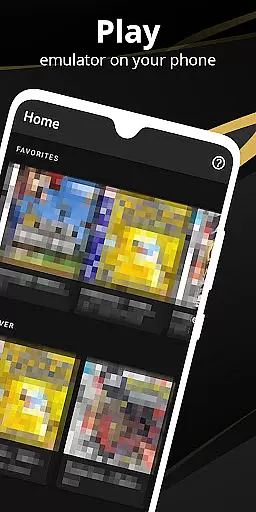
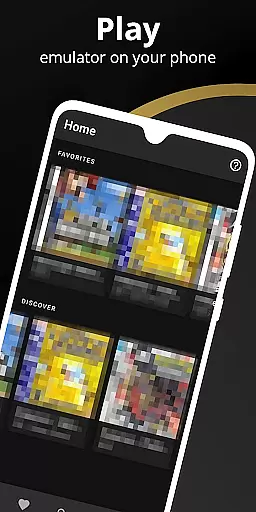
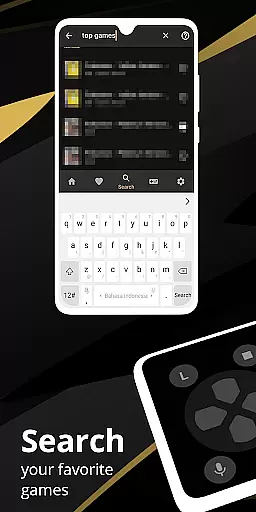
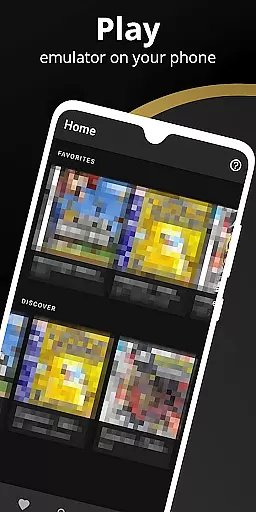
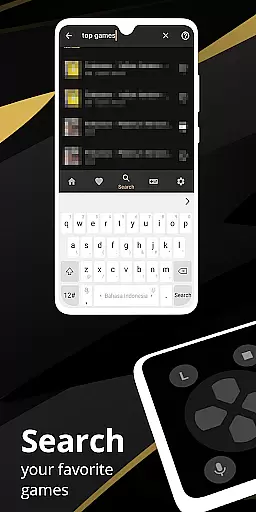
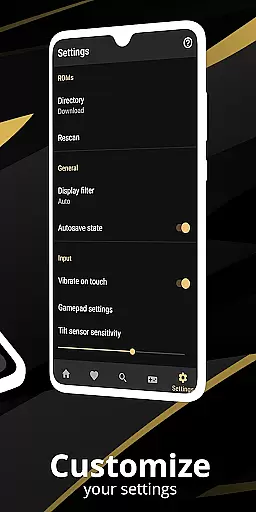
A well-designed interface is crucial for any application, and Pro Emulator for Game Consoles excels in providing an intuitive user experience. Its clean and simple design ensures that even newcomers to emulation can navigate the app with ease. The layout is thoughtfully crafted to integrate seamlessly with modern Android devices, offering a familiar environment that feels natural from the first use.
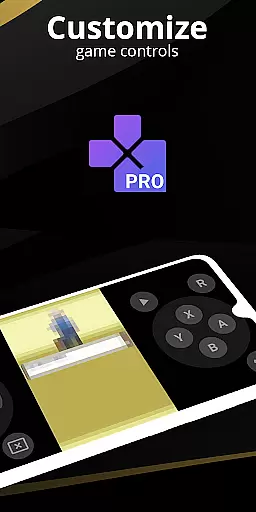
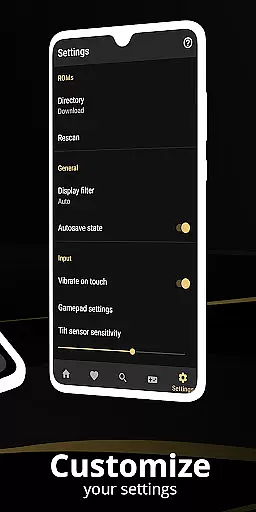
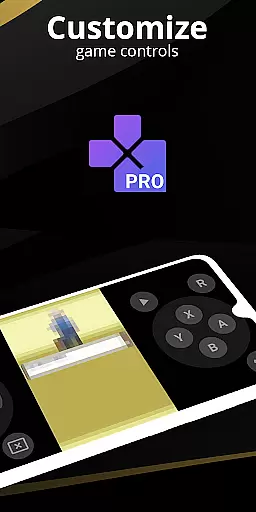
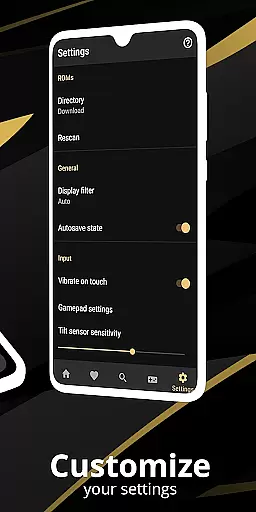
Customization plays a significant role in enhancing usability. Users have access to a powerful screen layout editor, enabling them to adjust the position and size of on-screen controls according to personal preference. This flexibility extends to touch control customization, where players can modify button sizes and locations for optimal comfort during extended play sessions.
Additional features such as external controller support and tilt-to-stick functionality further enrich the interface, catering to diverse gaming styles. Shortcut buttons for quick actions like save/load add another layer of convenience, while cloud save synchronization keeps progress consistent across multiple devices. Together, these elements create an engaging and user-friendly platform that invites both casual and dedicated gamers alike.
High game compatibility
Battery-efficient emulation
Cloud save synchronization
Multiplayer support
Advanced control customization
Powerful device required
No BIOS file support
Limited newer console support
Complex setup process
Premium price point

 4.50
4.50
Carry a FTP server in your pocket and avoid USB cables for file transfer
4.20
An open-source APK explorer for Android!
4.10
Detect hidden spy camera with advanced scanning {{ Premium version }}
4.00
Monitor car performance in real time and troubleshoot malfunctions.
4.80
The Ultimate Flex Drivers Utility App - Convenient Tapping & Block Filters
4.70
Fun lie-detection pranks for friends and parties.
3.80
fast and easy mp3 music downloader
4.80
Enhance your Beats
3.70
Connect wirelessly to your computer to watch movies, browse the web, play games
5.00
WiFi Signal Strength Meter help you detect WiFi Signal Strength in real time.
4.80
Optimize your WiFi network, turn your phone into Wifi Analyzer
4.70
NFC Tools can read and write NFC tags.
4.70
eXtended Permission Manager - a small app to manage permissions and AppOps
4.50
App that Recover your pictures, videos or files after you delete them.
4.20 4.10
4.10
Unleash gamepad precision for ultimate mobile gaming dominance.
3.90
Unlock your Essential Key. Create custom shortcuts to your favorite apps!
4.0
Download any file easily and quickly with Downloader
4.4




User Reviews