
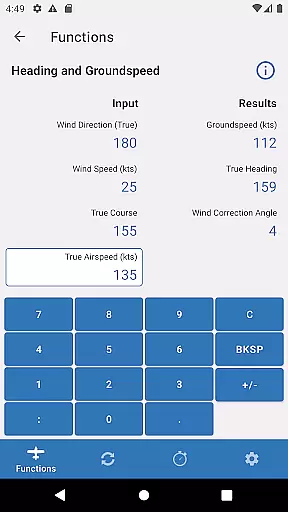
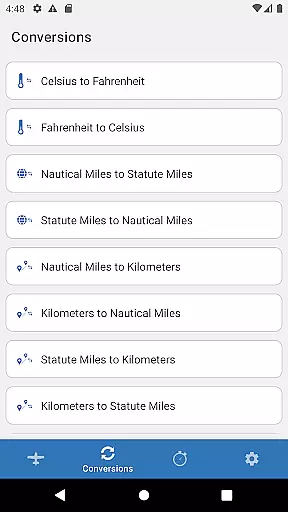
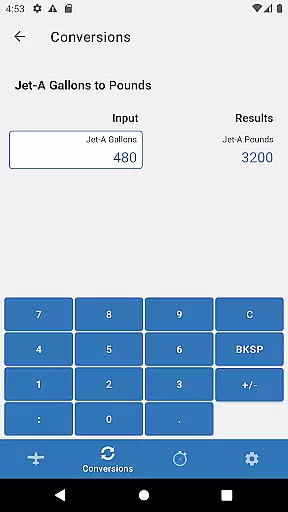
Sporty's E6B Flight Computer is a powerful aviation tool designed for both Android phones and tablets. This app encompasses all the essential features of a traditional E6B flight computer, including 23 aviation functions and 18 conversion utilities, making it an indispensable resource for pilots. With its user-friendly interface, aviators can perform complex calculations with ease and accuracy.
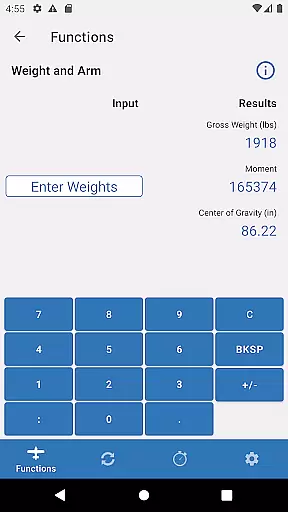
One of the standout features of Sporty's E6B app is its ability to save previous entries, which significantly speeds up repetitive calculations. Whether you're a student pilot learning the ropes or an experienced aviator needing quick references during flights, this app provides comprehensive tools such as weight and balance computations, navigational problem-solving, and fuel management solutions.
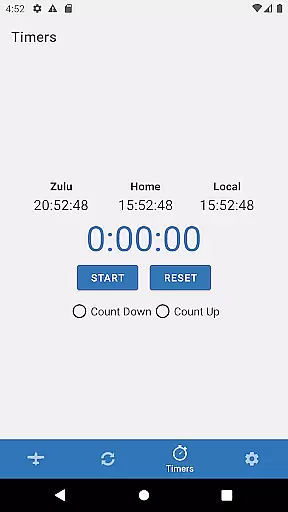
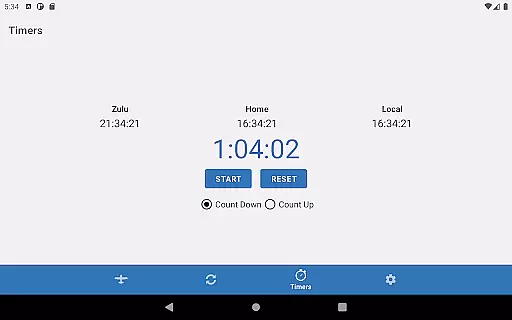
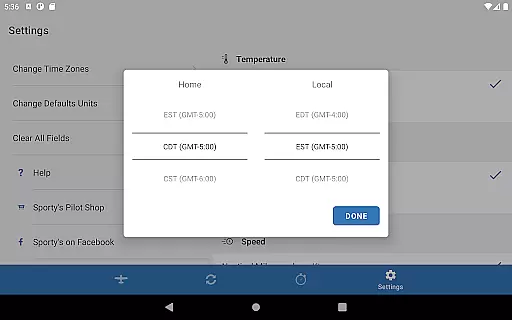
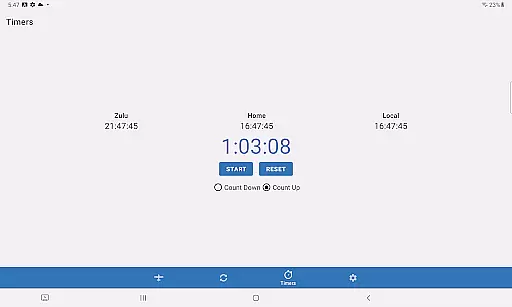
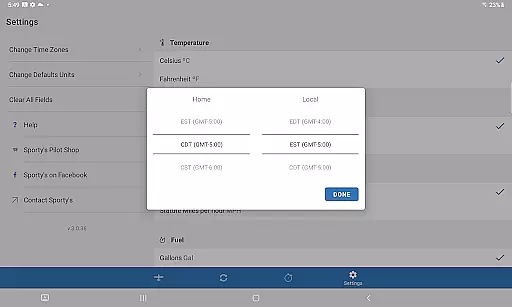
The app also includes practical timer functionalities that are crucial for various in-flight operations like timing approaches and managing fuel tanks. By offering multiple time displays (Home, Local, and Zulu), Sporty's E6B ensures that pilots have access to precise timekeeping wherever they are flying, enhancing overall flight safety and efficiency.
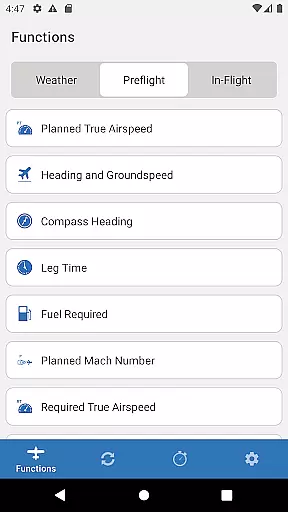
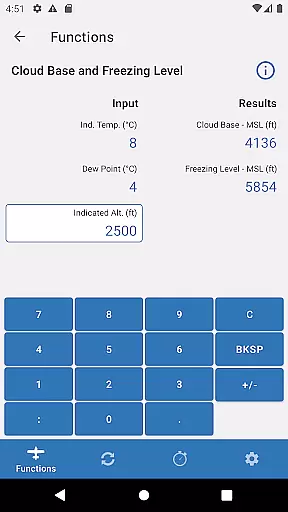
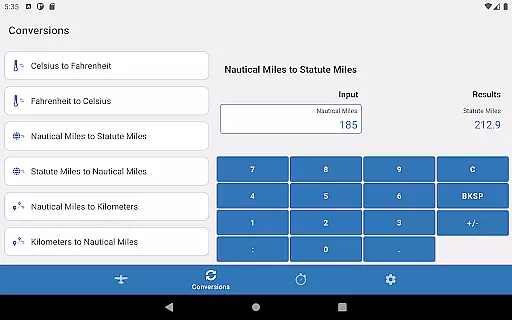
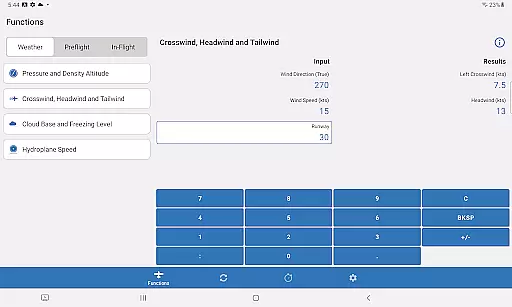
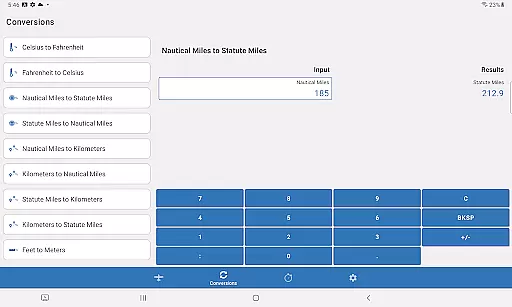
Sporty's E6B app boasts an array of sophisticated features tailored specifically for aviation use. Among these are 23 dedicated aviation functions ranging from basic arithmetic to advanced flight planning computations. Additionally, the app offers 18 different conversion tools that allow users to seamlessly switch between units of measurement commonly used in aviation.
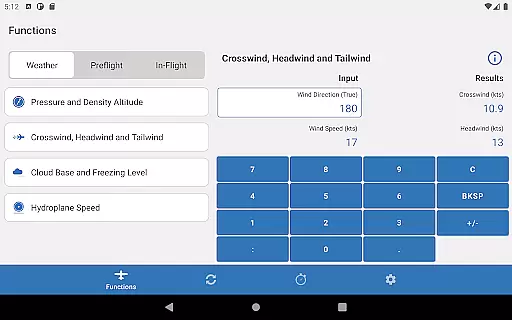
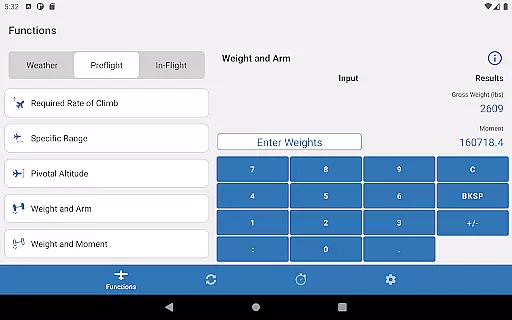
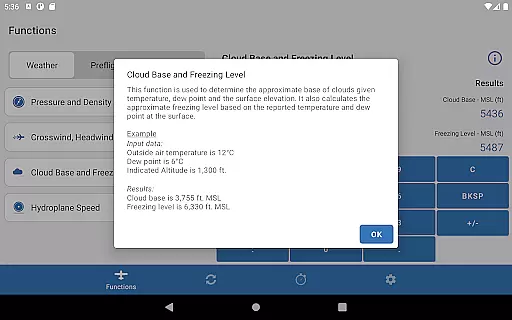
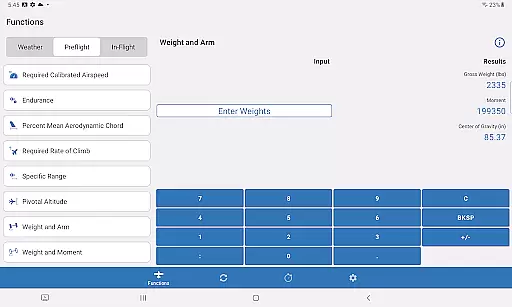
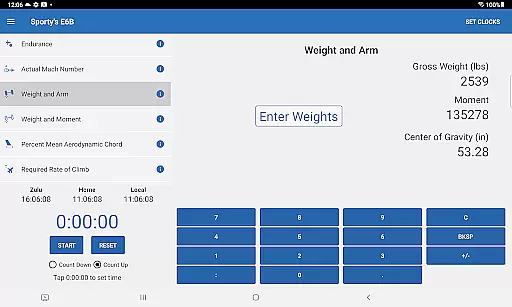
A key highlight is the intuitive design that simplifies interaction with the app. Users can select desired functions from a straightforward English list, and the app intelligently prompts them for necessary inputs step-by-step. This eliminates guesswork and reduces errors, ensuring accurate results every time. Furthermore, the weight and balance section has been optimized for ease of use, featuring a specialized page for adding passengers, fuel, or baggage effortlessly.
For seasoned pilots, advanced features such as Top of Descent, Specific Range, and Planned Mach # provide valuable insights into optimizing flight performance. The inclusion of versatile timers—counting up or down—makes it ideal for critical tasks like timing holds or switching fuel tanks. Overall, Sporty's E6B combines functionality with simplicity, delivering a robust toolset that caters to pilots at all experience levels.
In the realm of aviation, precision and reliability are paramount. Sporty's E6B Flight Computer app excels in delivering accurate and effective core functions that pilots depend on. With 23 aviation functions and 18 conversion tools, this app covers a wide array of calculations necessary for flight planning and execution.
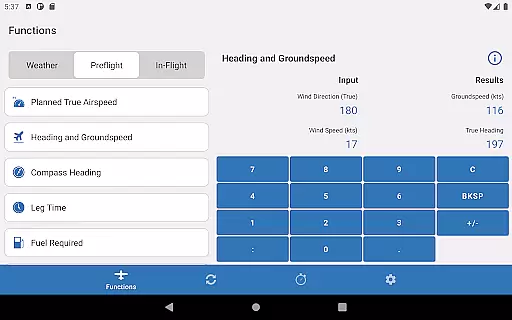
The app ensures effectiveness by streamlining complex computations into user-friendly prompts. Pilots can swiftly navigate through plain English lists to access features like Top of Descent, Specific Range, and Planned Mach #, which are crucial for both novice and experienced aviators. This intuitive design significantly reduces the potential for human error during critical calculations.
Moreover, the app retains previous entries, enhancing its utility by eliminating repetitive data input. This feature is particularly beneficial when calculating weight and balance or adjusting for new passengers, fuel, or baggage. By focusing on these details, Sporty's E6B app provides an indispensable tool that supports safe and efficient flying operations.
A straightforward and intuitive interface can greatly enhance the user experience, especially in high-stakes environments like aviation. Sporty's E6B Flight Computer app boasts a user-friendly design that simplifies navigation and promotes ease of use. The layout is thoughtfully organized, allowing users to quickly locate and utilize the app's comprehensive features without unnecessary complexity.
Each function within the app is accessible via a plain English list, removing any language barriers or technical jargon that could hinder swift operation. As users interact with the app, it intelligently prompts them for necessary information, guiding them through each step of their calculations. This interactive approach not only expedites the process but also reinforces learning and familiarization with essential aviation computations.
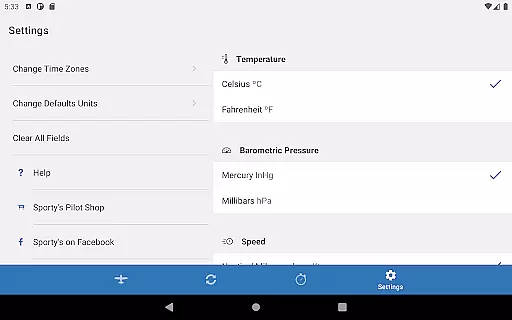
Additionally, the app includes practical timer and clock functions, displaying Home, Local, and Zulu time zones. These tools further contribute to the overall simplicity and intuitiveness of the interface, ensuring that pilots can focus on their primary tasku2014flying safely. By prioritizing clarity and ease of interaction, Sporty's E6B app stands out as an exemplary aid for all pilots.
User-friendly interface
Comprehensive aviation functions
Efficient data saving
Versatile timer options
Multiple time zone display
Limited to aviation use
No offline maps
Requires Android device
Premium pricing
Complex for beginners

Connect instantly to a fast, encrypted VPN with one tap
 4.60
4.60
Universal TV remote control all TVs, Roku, LG, Samsung, Fire, Vizio, Sony, TCL.
4.40
Small and simple app to Verify Root Access and BusyBox Install!
4.70
Best leveling tool for your Android device. Hang paintings like a pro.
4.90
Navigate with Ease and Style
4.90
Making emulation easy for everyone!
4.30
Planner and Tracker for Stardew Valley
4.60
Connect wirelessly to your computer to watch movies, browse the web, play games
5.00
Fast VPN USA for any country. Super secure VPN for calls, streaming, games, TV.
4.40
The ultimate tool for network analysis, wifi scanning and problem detection.
4.90
Unit and currency converter with easy and simple UI.
4.80
Remote Play with FSR upscaling, low latency & full controller support
4.80
Canon PRINT is a companion app for your Canon printer.
4.60
Play your X-Box games remotely in 1080p with any controller and zero latency
4.60 4.50
4.50
Mirror your screen to Fire TV - Super fast and simple
4.40 4.10
4.10
Unleash gamepad precision for ultimate mobile gaming dominance.
3.90
Download any file easily and quickly with Downloader
4.1




User Reviews