
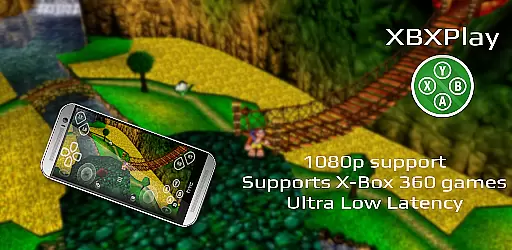
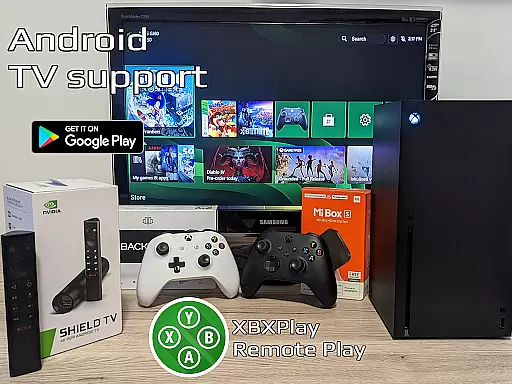
XBXPlay is a powerful remote control application designed specifically for X-Box Series X/S, X-Box One (X/S), and even X-Box 360 consoles. The app allows users to stream their favorite games in full 1080p resolution directly to their mobile devices, providing an exceptional remote gaming experience. With advanced features like customizable onscreen gamepad layouts, manual bitrate adjustments, and support for third-party controllers, XBXPlay ensures optimal performance and flexibility.
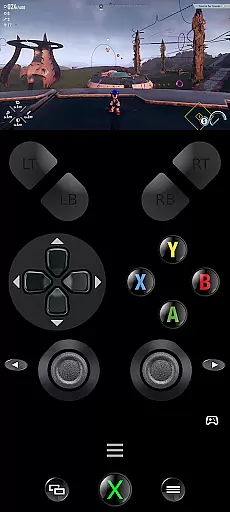
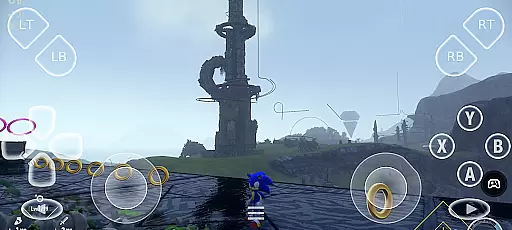
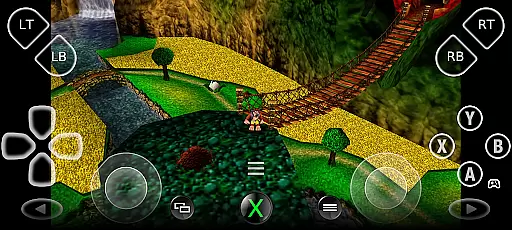
One of the standout capabilities of XBXPlay is its ability to enable gameplay without a physical controller by utilizing a touch-optimized onscreen layout. This feature, combined with low-latency streaming optimization, makes it possible to enjoy console-quality gaming from virtually anywhere. Whether you're playing modern titles or revisiting classic X-Box 360 games, XBXPlay delivers a seamless and immersive experience tailored to both casual gamers and enthusiasts alike.
XBXPlay distinguishes itself through a variety of innovative features that enhance the remote gaming experience. First and foremost, the app supports 1080p streaming, ensuring crisp visuals that maintain the integrity of your gaming sessions. Additionally, XBXPlay offers extensive compatibility with third-party controllers and includes native USB-OTG support, giving users the freedom to choose their preferred input method.
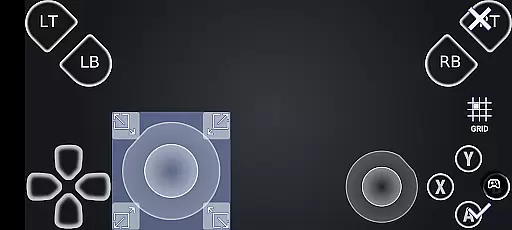
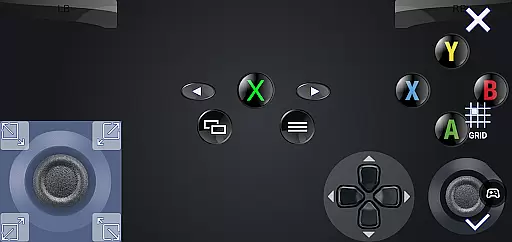
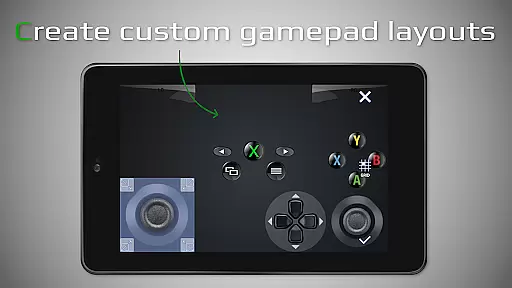
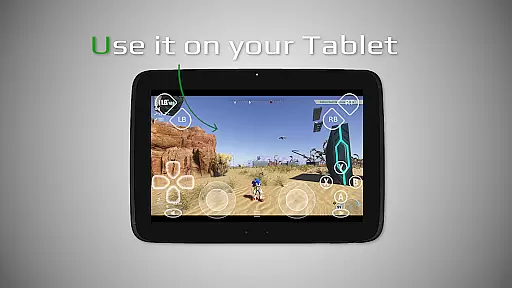
Another key feature is the fully customizable onscreen gamepad layout, which can be tailored to suit individual gaming preferences. This level of personalization extends to other functionalities such as manual bitrate adjustments, fullscreen mode without black bars, and button mapping options. Furthermore, XBXPlay integrates modern conveniences like Picture-In-Picture mode and Multi-Window support, making it versatile for multitasking while maintaining low latency during gameplay.
XBXPlay excels in delivering accurate and effective core functionalities that cater to remote gaming needs. The app supports 1080p streaming, ensuring high-quality video transmission without significant latency, which is crucial for an immersive gaming experience.
One of the standout features is its compatibility with third-party controllers and mobile data connections, allowing users to play their favorite Xbox games from virtually anywhere. This flexibility enhances user engagement by removing traditional barriers associated with physical location or specific hardware requirements.
Additionally, XBXPlay offers manual bitrate adjustments and customizable onscreen gamepad layouts. These options empower users to fine-tune their streaming settings based on network conditions and personal preferences, resulting in a tailored and optimized gaming session every time they connect.
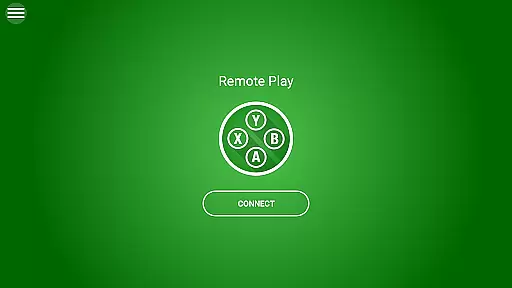
The interface design of XBXPlay prioritizes simplicity and intuitiveness, making it accessible even for those new to remote gaming applications. Upon launching the app, users are greeted with a clean layout that emphasizes ease of navigation through its various features and settings menus.
Key functions such as initiating a remote play session, adjusting streaming parameters like resolution and bitrate, and customizing control schemes are readily accessible within just a few taps. This streamlined approach ensures that gamers can quickly start playing without being bogged down by complex configurations or confusing UI elements.
Moreover, advanced options including picture-in-picture mode (for devices running Android 8.0 or newer) and multi-window support enhance multitasking capabilities while maintaining clarity and usability across different tasks. Such thoughtful design choices contribute significantly towards creating an intuitive user experience that encourages prolonged app usage.
User-friendly interface
Low latency streaming
Customizable controls
Supports third-party controllers
Optimized for 1080p
No microphone support
Requires stable internet
Limited to compatible games
Dependent on firmware version
Potential connection issues

Just one-tap to easy translate in any language after calls within seconds.
 4.20
4.20
A recovery soft,it features photo recovery, video recovery, file recovery.
3.40
HD Video player and downloader for all formats, fast & smooth 4K video playback.
4.60
An easy-to-use calculator designed to save time calculating and bending conduit
4.30
A non-root local ADB shell client. READ BELOW!
3.40
Remote Play with FSR upscaling, low latency & full controller support
4.80
Automate everything from settings to photos, SMS to speech. ADC2 prize winner.
4.10
A clean app.
4.50
Fast VPN USA for any country. Super secure VPN for calls, streaming, games, TV.
4.40
FV File Manager Pro, Fast and powerful file manager for Android
4.60
With videos, electrical calculators, and built-in ebook, Ugly’s has your answer.
4.50
Screen Mirroring for Roku Sticks, Roku TCL TV and Roku Hisense TV
4.50
Use your phone as a webcam on your computer over WiFi or USB.
4.40
Complete kernel toolbox with features to manage and tweak your rooted device
4.30
Signal Strength, Mobile, Wifi, Speed Test, Bad Signals, Cellular, 5G, LTE, 4G
4.20
Create your own custom widget with endless possibilities
3.90
A powerful, easy-to-use flight computer on your phone or tablet!
3.80
Fun lie-detection pranks for friends and parties.
3.80
Undelete and recover your lost or deleted files with DiskDigger!
3.40




User Reviews