
Recovery Photo is a professional file recovery tool designed to help users retrieve lost or deleted files across various categories. The app specializes in recovering photos, videos, and other document types, making it an essential utility for anyone who has accidentally deleted important data. With its advanced scanning technology, the software searches through your device's storage to locate recoverable files, even those cached by other apps.
In addition to its core recovery functions, Recovery Photo offers practical tools for managing restored files. Users can conveniently organize and view recovered content directly within the app, ensuring that precious memories and vital documents are not lost again. The app also provides insights into your device's storage space, allowing you to monitor the status of your recovered files. Whether you're restoring images, videos, or documents, this app ensures a seamless recovery experience tailored to your needs.
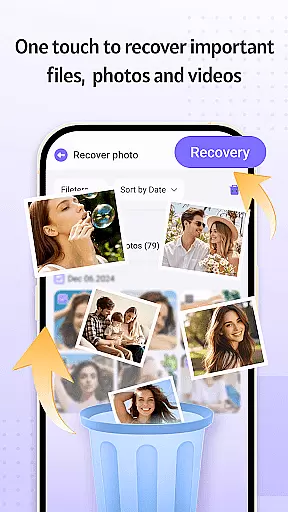
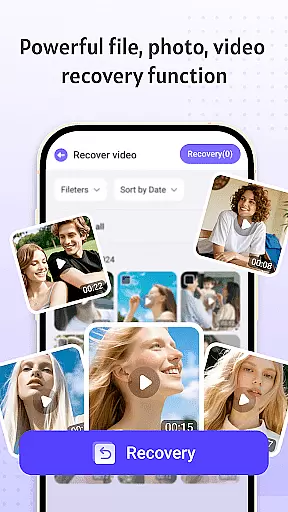
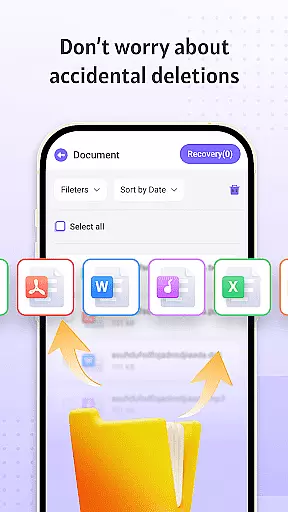
Recovery Photo stands out with its comprehensive suite of recovery features. The app supports three primary recovery functions: photo recovery, video recovery, and general file recovery. Each function uses advanced algorithms to scan your device's storage, identifying recoverable files based on specific path patterns. This makes it possible to retrieve lost media and documents, even if they were deleted accidentally or removed due to system errors.
Beyond recovery, the app includes a robust file management system. Once files are restored, users can easily organize them into categories, preview their contents, and ensure they remain accessible. Additionally, the app provides real-time monitoring of your device's storage capacity, helping you maintain optimal performance while managing recovered files. These features collectively make Recovery Photo a reliable solution for both casual users and professionals seeking to safeguard their digital assets.
Recovery Photo is designed to deliver precise and effective file recovery solutions, ensuring users can retrieve their lost data with confidence. The software employs advanced scanning algorithms that meticulously comb through the device's storage to locate recoverable files.
The app's core functions include photo recovery, video recovery, and general file recovery. Each of these features operates with a high degree of accuracy, capable of identifying and restoring various file types even after accidental deletion or loss. This comprehensive approach ensures that users can recover a wide array of important files.
By providing reliable recovery options, Recovery Photo empowers users to regain access to valuable digital content. Whether it's cherished memories captured in photos or critical documents, the software's robust recovery capabilities offer peace of mind.
Ultimately, the effectiveness of Recovery Photo lies in its ability to deliver consistent results across different devices and storage conditions. While success may vary based on specific factors like device model and file system health, the software optimizes the recovery process to maximize the chances of retrieving lost files.
A user-friendly interface is crucial for efficient file recovery, and Recovery Photo excels in providing an intuitive experience. The app's design emphasizes simplicity, allowing users of all technical backgrounds to navigate its features effortlessly.
Upon launching Recovery Photo, users are greeted with a clean layout that organizes its core functions - photo recovery, video recovery, and file recovery - into easily accessible sections. This logical arrangement ensures that users can quickly identify and utilize the specific recovery feature they need.
In addition to its straightforward navigation, the app offers clear instructions and visual cues throughout the recovery process. These elements guide users step-by-step, from initiating a scan to previewing and restoring recovered files, making the entire procedure more approachable.
The interface also includes a restored file management feature, enabling users to conveniently organize and view their recovered items. This thoughtful addition enhances the overall user experience by providing a centralized location for managing retrieved files.
User-friendly interface
Advanced scanning technology
Comprehensive file recovery
Secure local processing
Efficient storage monitoring
Recovery success varies
No cloud backup option
Limited post-reset recovery
Device-specific results
Premium features locked

Easily install aab(Android App Bundle) files on your Android device with our app
 4.80
4.80
A convenient photo, video, and file recovery tool.
4.00
This app unlocks the Pro features of the Central for DayZ app
3.60
An easy-to-use calculator designed to save time calculating and bending conduit
4.30
View detailed information about your Nissan Leaf the dealer never shows you.
4.10
Bedrock Together: Join any bedrock server on Xbox/PS
4.80
WiFi Signal Strength Meter help you detect WiFi Signal Strength in real time.
4.80
With videos, electrical calculators, and built-in ebook, Ugly’s has your answer.
4.50
fast and easy mp3 music downloader
4.80
Powerful collection of electronics tools and reference.A must for any enthusiast
4.90
Extremely fast, secure, and protects your privacy
4.80
Unit and currency converter with easy and simple UI.
4.80
Canon PRINT is a companion app for your Canon printer.
4.60
App to pay for FUTO Keyboard
4.60
Play your X-Box games remotely in 1080p with any controller and zero latency
4.60
Screen Mirroring with sound for Samsung TV, LG TV, Sony TV, Smart TV and Browser
4.20
Safely recover deleted photos, videos, and files with a single easy tap.
3.70
A non-root local ADB shell client. READ BELOW!
3.40
Download any file easily and quickly with Downloader
4.2





User Reviews