
VPN Lumos is a premier virtual private network (VPN) application designed to provide users with secure and unrestricted internet access. The app offers an expansive global server network spanning multiple continents, ensuring fast and reliable connections for users worldwide. With just one tap, users can activate military-grade encryption protocols that safeguard their personal data and online activities from potential cyber threats.
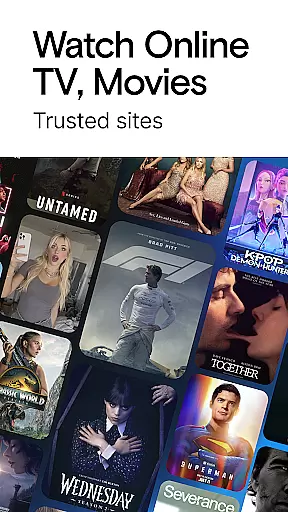
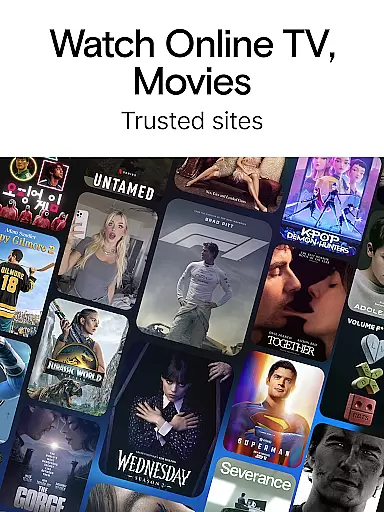
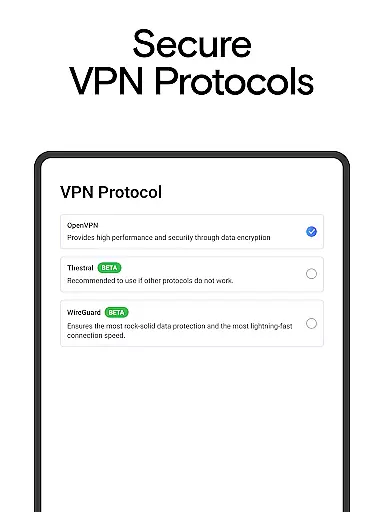
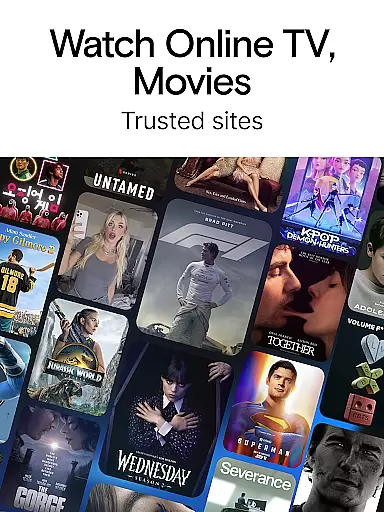
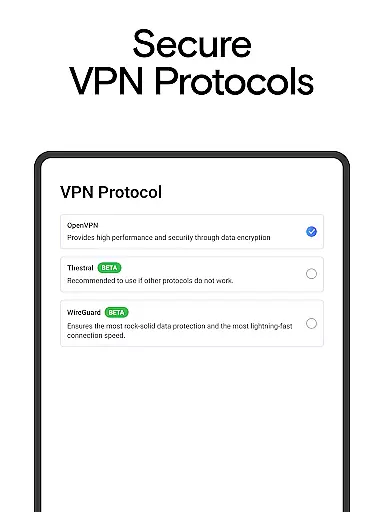
The application's standout feature is its advanced security technology, which includes support for SOCKS5 and SOCKS4 proxies. This ensures comprehensive protection while browsing on public Wi-Fi networks or accessing geo-restricted content. Whether streaming videos, playing online games, or engaging in social media, VPN Lumos maintains a stable and protected connection across various devices. Additionally, the app provides a user-friendly interface that simplifies the connection process, making it accessible even for those new to VPN services.
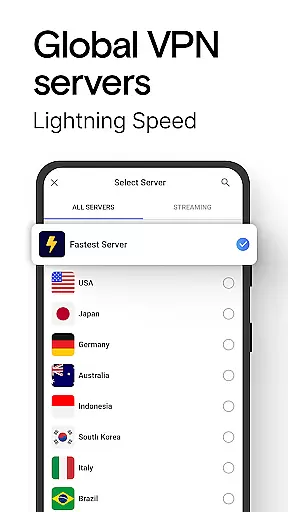
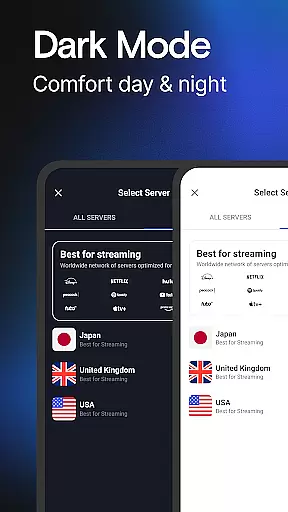
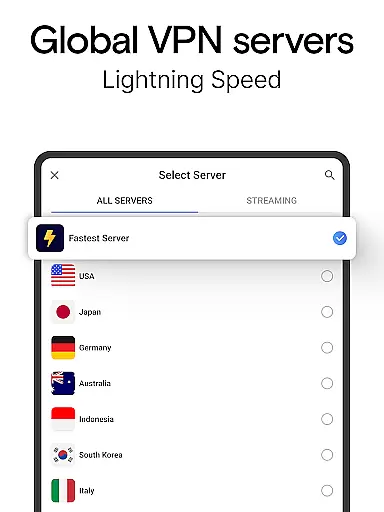
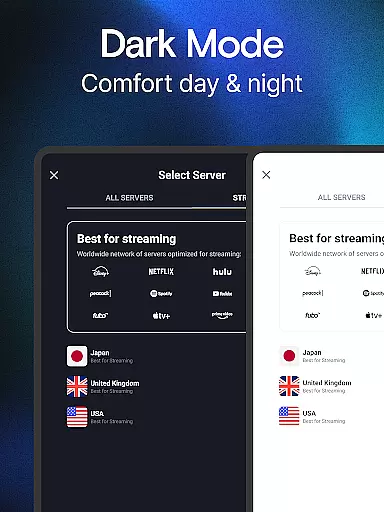
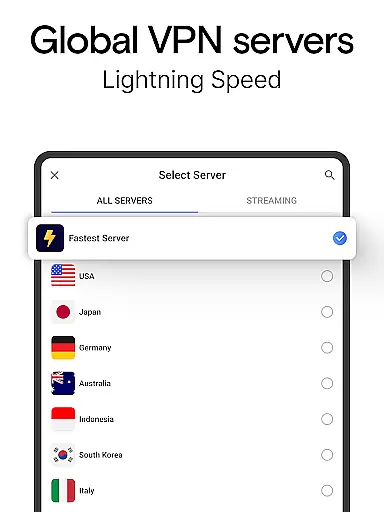
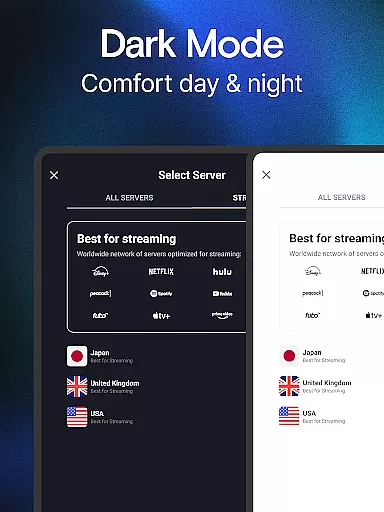
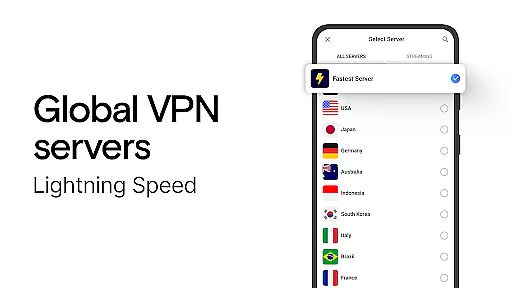
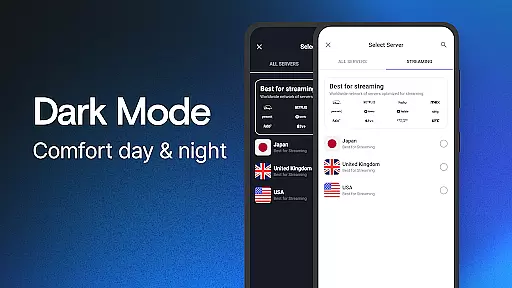
VPN Lumos boasts an array of features that set it apart from other VPN applications. One of its primary advantages is the extensive global server network, covering locations such as the USA, Indonesia, Malaysia, Philippines, Australia, Brazil, and many more. This widespread coverage allows users to bypass geo-restrictions and access content from virtually any country seamlessly.
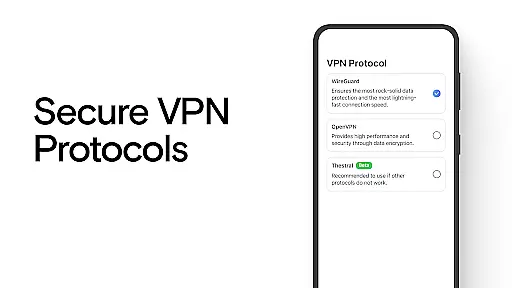
Security-wise, the app employs top-tier encryption standards to protect users' personal information and online activities. It shields against potential cyber threats, including hackers and snoopers, especially when connected to public Wi-Fi networks. Moreover, the inclusion of advanced proxy technologies like SOCKS5 and SOCKS4 enhances privacy and anonymity online. Another notable feature is the fastest VPN proxy server functionality, which encrypts online traffic and routes it through remote servers, ensuring turbo-speed browsing without compromising safety.
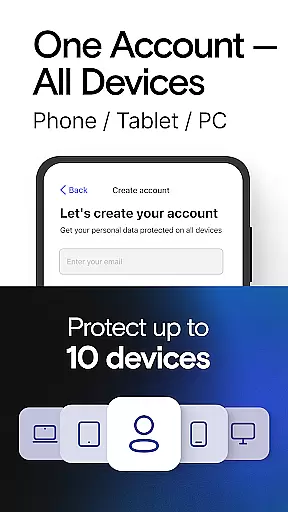
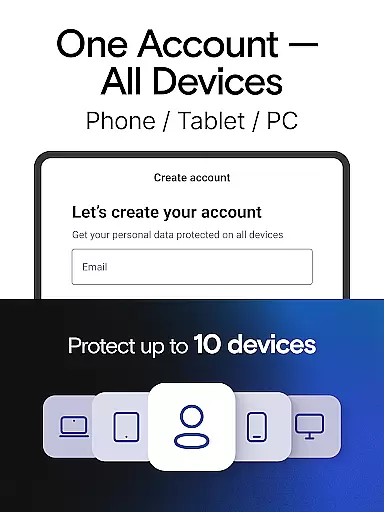
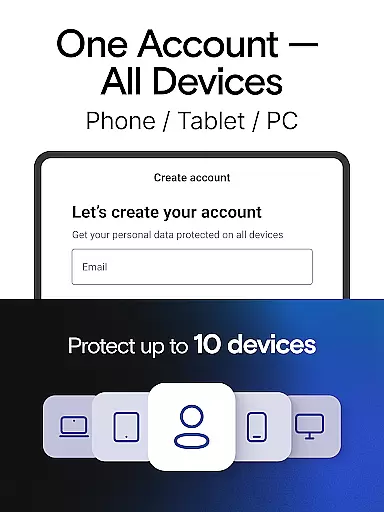
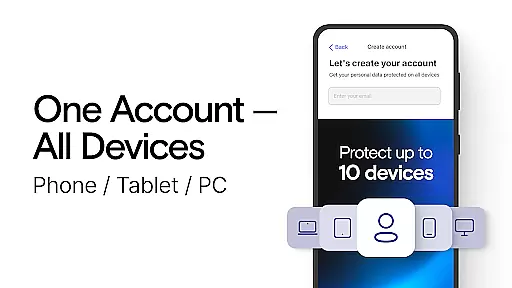
Lastly, VPN Lumos offers cross-device compatibility, providing a consistent and secure browsing experience whether on smartphones, tablets, or computers. Its affordable subscription model, coupled with a free trial period, makes it an attractive option for users seeking robust yet budget-friendly VPN solutions.
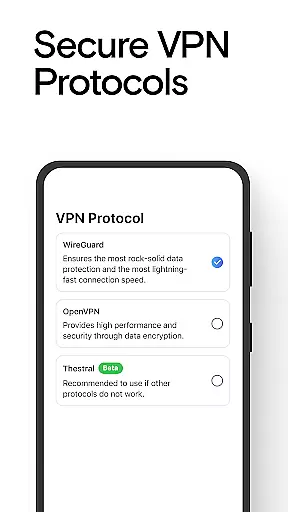
At the heart of VPN Lumos lies its commitment to providing a secure and private internet connection. This tool's core function is to encrypt users' personal data, ensuring that all online activities remain confidential and protected from cyber threats. With advanced encryption protocols, the app acts as a shield against potential privacy intrusions from snoopers or hackers, especially when browsing on public networks.
VPN Lumos achieves this through a global network of fast servers located across various continents. Whether you're connecting from the USA, Australia, or any other country, your internet connection benefits from enhanced security. The app's use of advanced technology such as SOCKS5 and SOCKS4 proxy standards further fortifies your online presence, making sure that your digital footprint stays safe.
Users can expect not only protection but also an effective browsing experience. By routing internet traffic through remote servers, VPN Lumos ensures that monitoring online activity becomes nearly impossible. This feature provides peace of mind for those looking to access online content securely without compromising speed or performance.
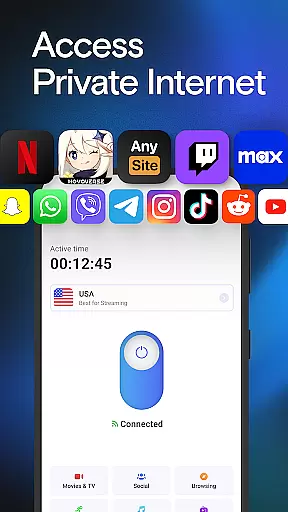
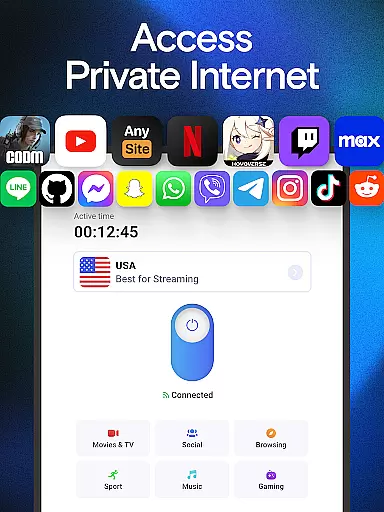
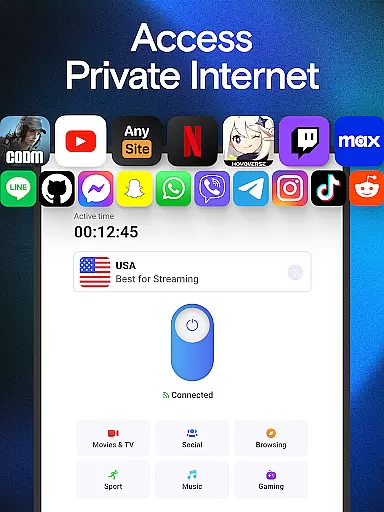
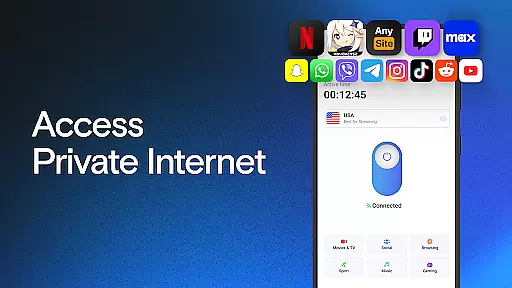
One of the standout features of VPN Lumos is its user-friendly interface, which makes securing your internet connection a breeze. Unlike other tools that require complicated settings, this app offers a super easy one-tap connection. This intuitive design allows even novice users to activate robust security measures with minimal effort, enhancing accessibility for a broad audience.
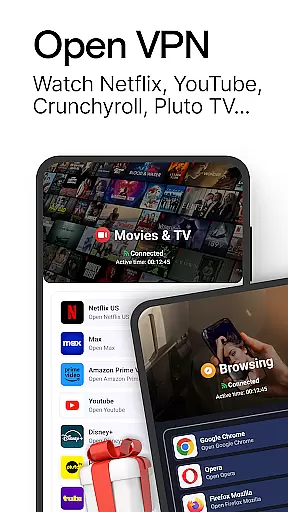
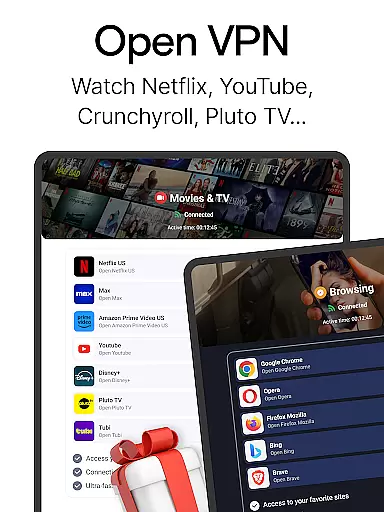
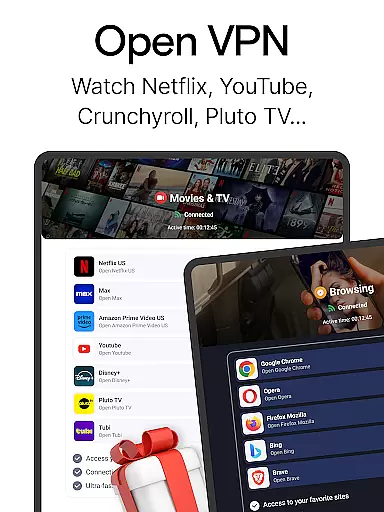
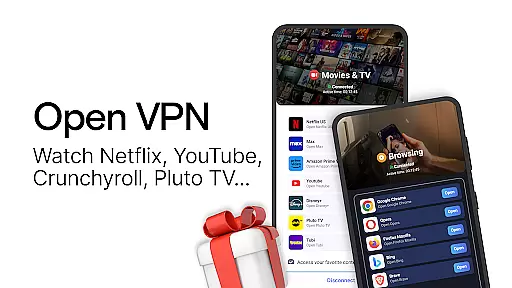
The simplicity of the interface does not detract from its functionality; rather, it complements the app's advanced security features. Users can connect to their favorite services securelyu2014be it streaming videos, playing games, or engaging in social networkingu2014all while enjoying the simplicity of the controls. This seamless integration of ease-of-use with powerful protection ensures a stress-free user experience.
Moreover, the affordability of VPN Lumos adds another layer of appeal. After a free trial period, users can choose subscription types that fit their budget without sacrificing essential features. The combination of an intuitive interface, comprehensive security, and cost-effectiveness positions VPN Lumos as a top choice for individuals seeking reliable digital privacy solutions.
Global server network
Advanced encryption protocols
User-friendly interface
Comprehensive device compatibility
Affordable pricing options
Limited advanced settings
No lifetime subscription plan
Occasional server congestion
Fewer server locations than some competitors
Basic troubleshooting resources

 4.10
4.10
Transfer Files, APK from Phone to Watch & Install.
4.4
Learn the vast amount of system information about device and monitor it's state
4.70
An easy-to-use calculator designed to save time calculating and bending conduit
4.30
Smart and comfortable browsing experience.
3.80
With videos, electrical calculators, and built-in ebook, Ugly’s has your answer.
4.50
Screen Mirroring with sound for Samsung TV, LG TV, Sony TV, Smart TV and Browser
4.20
Introducing Smart Printer, your ultimate destination for printing solutions!
4.00
Clean up large files and similar photos, fast and easy to use
4.40
The ultimate tool for network analysis, wifi scanning and problem detection.
4.90
ADB support Android 4.X-Android 13(Support wireless pair mode).No root required!
4.70
The Ultimate Bluetooth Keyboard & Mouse. Securely control your PC, Mac, and more
4.50
Screen Mirroring for Roku Sticks, Roku TCL TV and Roku Hisense TV
4.50
Pro Emulator is an easy to use game console emulator for a range of consoles.
4.40
Just one-tap to easy translate in any language after calls within seconds.
4.20
Carry a FTP server in your pocket and avoid USB cables for file transfer
4.20
Amateur Radio app for APRS: Track friends, exchange messages, get tactical info.
3.90
Safely recover deleted photos, videos, and files with a single easy tap.
3.70
card-reader app
2.20




User Reviews