
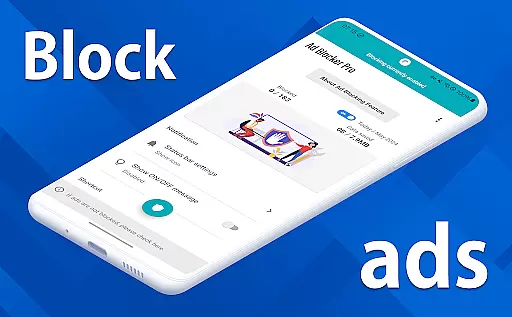
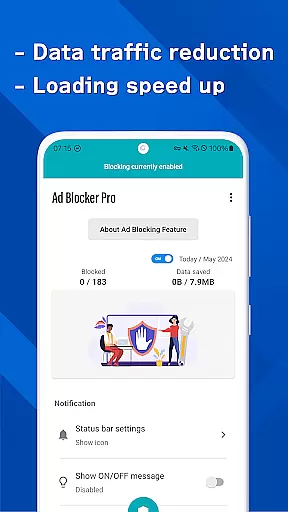
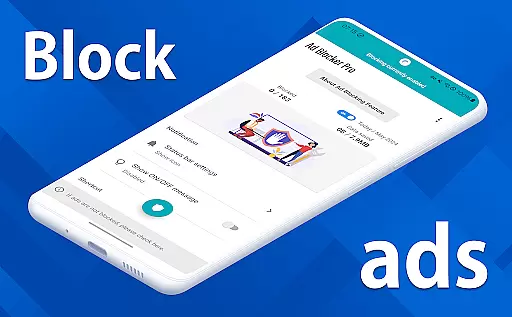
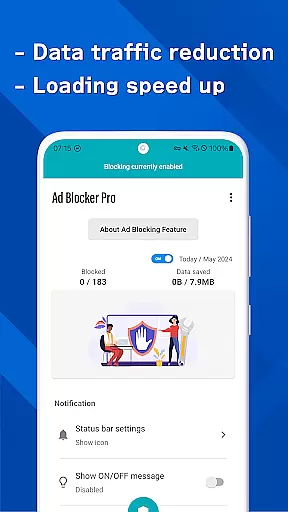
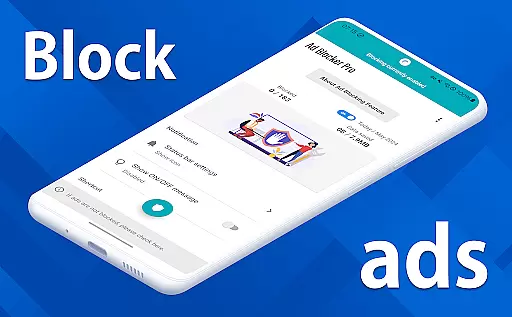
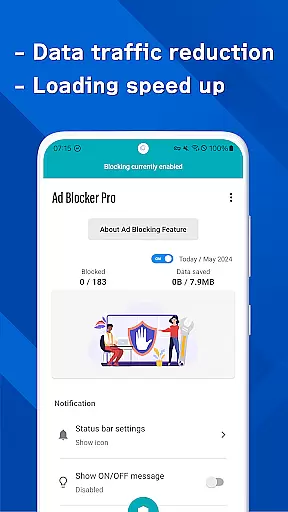
Ad Blocker Pro is a powerful ad-blocking application designed to enhance your browsing experience on Android devices. The app's core functionality revolves around blocking unwanted advertisements across all browser apps, ensuring faster page loading and reduced data consumption. With its innovative features like the one-tap ON/OFF switch and automatic toggling during device sleep, users can effortlessly manage their ad-blocking preferences.
Beyond basic ad blocking, Ad Blocker Pro offers advanced capabilities such as blocking malware and trackers, which significantly improves online security. Its compatibility with all browsers and ability to display real-time block counts make it an essential tool for anyone seeking a seamless and secure internet experience. Whether you're looking to save on data usage or avoid intrusive ads, this app provides a comprehensive solution tailored to modern browsing needs.
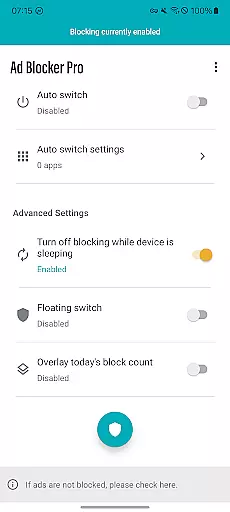
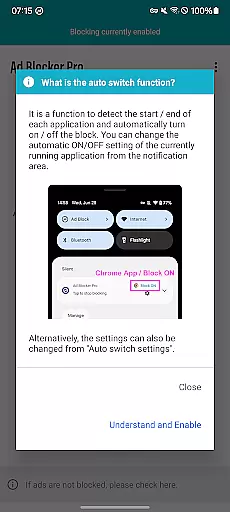
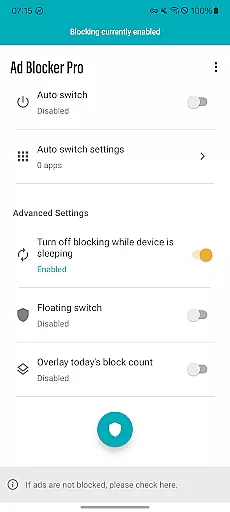
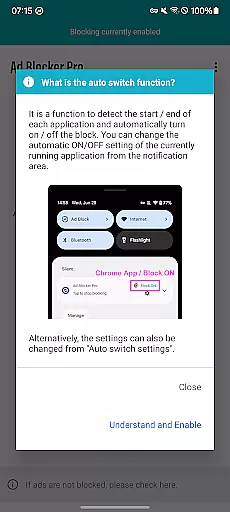
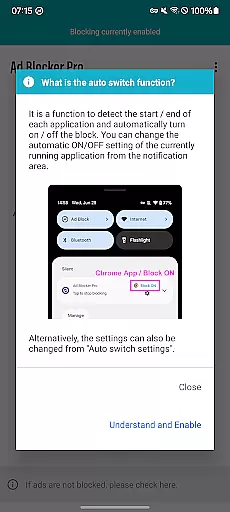
Ad Blocker Pro stands out with its diverse range of features that cater to both casual and power users. One of its most notable aspects is the Auto Switch functionality, which intelligently detects when specific apps are launched and automatically enables or disables ad blocking accordingly. This ensures uninterrupted performance for other applications while maintaining optimal browsing comfort.
The app also includes a unique overlay display that shows the number of ads and trackers blocked in real time, giving users insight into its effectiveness. Additionally, Ad Blocker Pro enhances website design by simplifying layouts, making navigation more intuitive. By combining these practical features with robust privacy protection measures, the app delivers a superior user experience without compromising personal information security.
Ad Blocker Pro exemplifies core function accuracy and effectiveness by delivering a seamless ad-blocking experience across all browser apps on Android devices. The app's primary feature is its ability to block ads, malware, and trackers efficiently, which not only enhances the browsing speed but also fortifies the device against potential security threats.
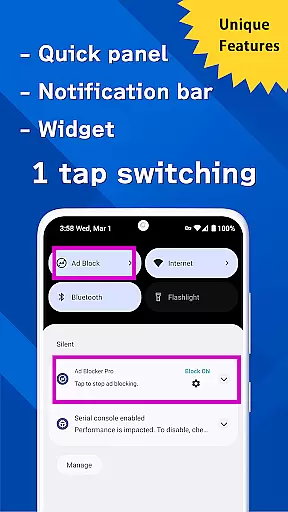
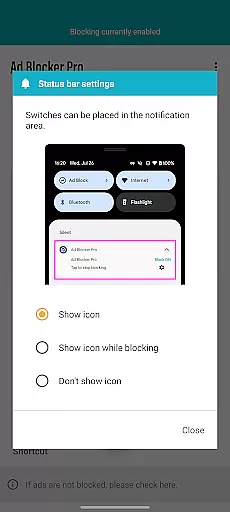
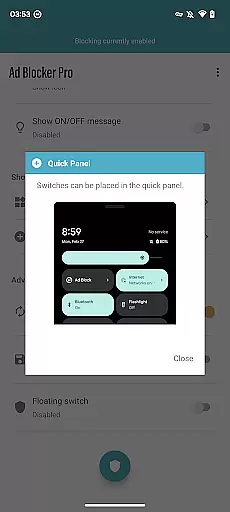
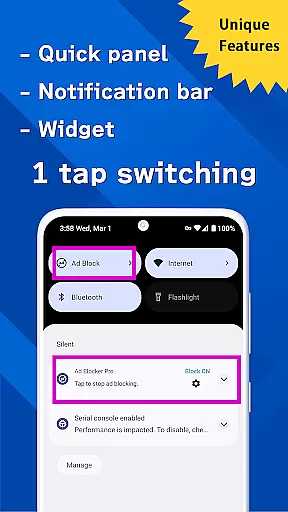
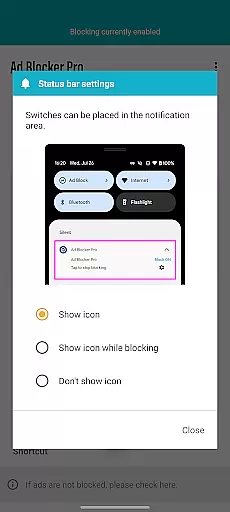
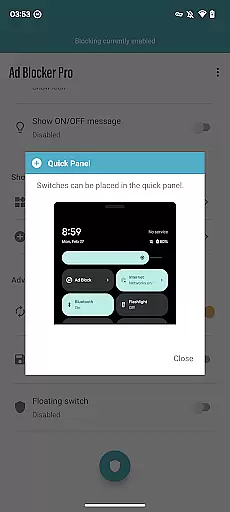
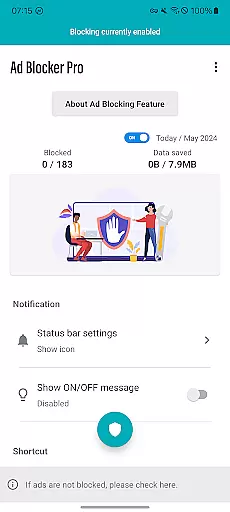
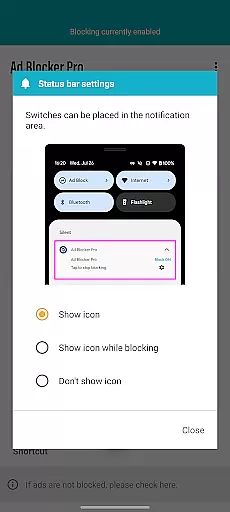
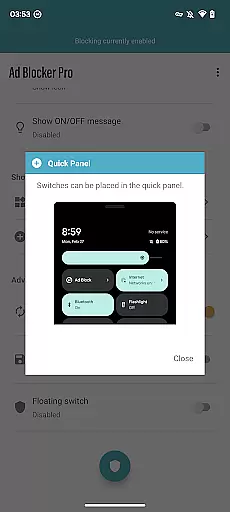
The app provides users with unique functionalities such as the one-tap ON/OFF switch, allowing for effortless control over ad blocking. This feature ensures that users can quickly enable or disable ad blocking from various access points including the notification area, quick panel, widget, or floating switch, thus maintaining a high level of convenience and user engagement.
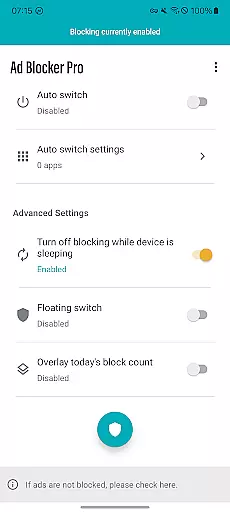
Another testament to its effectiveness is the Auto Switch feature, which intelligently toggles ad blocking on or off based on the app in use. By detecting app launch and termination, Ad Blocker Pro ensures that ads are blocked only where necessary, preserving the functionality of other apps during device sleep mode and contributing to an uninterrupted user experience.
Ultimately, the precision of Ad Blocker Pro's ad-blocking capabilities results in reduced data usage and a cleaner, more intuitive browsing interface. Users benefit from enhanced online safety and a significant improvement in their web surfing comfort, making this tool an indispensable asset for anyone looking to optimize their digital experience.
Ad Blocker Pro stands out with its commitment to interface simplicity and intuitiveness, ensuring that users can navigate and utilize its features without a steep learning curve. The app's design emphasizes ease of use, presenting a straightforward and accessible user interface that aligns with the expectations of both novice and experienced users.
Central to its intuitive design is the one-tap ON/OFF switch functionality, which empowers users with immediate control over their ad-blocking preferences. Available through multiple access points like the notification area, quick panel, widget, or floating switch, this feature epitomizes the balance between powerful functionality and user-friendly access.
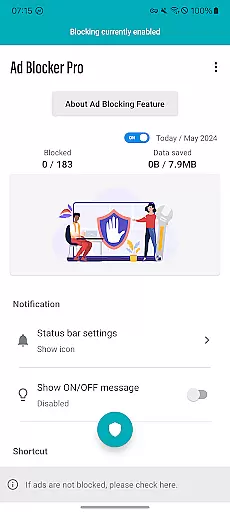
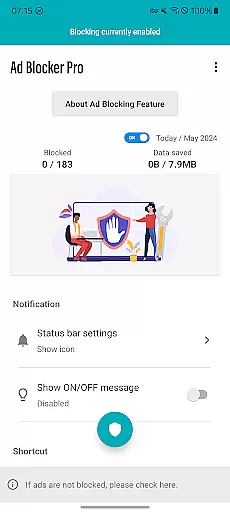
Moreover, Ad Blocker Pro incorporates smart features such as the overlay display of today's block count, offering real-time feedback on the app's performance. This transparent approach not only informs users about the number of ads and trackers blocked but also reinforces trust in the app's effectiveness, enhancing the overall user experience.
By focusing on a simplified yet powerful interface, Ad Blocker Pro delivers an ad-free browsing environment that is both secure and efficient. Its thoughtful design ensures that users can enjoy a comfortable and fast browsing experience without being bogged down by complex settings or confusing options, ultimately leading to increased satisfaction and consistent usage.
Fast browsing speeds
Enhanced security features
Reduced data consumption
User-friendly interface
Real-time block count display
Limited to browser apps
Some ads cannot be blocked
No iOS version available
Initial purchase cost
Occasional compatibility issues

 4.10
4.10 4.50
4.50
This app unlocks the Pro features of the Central for DayZ app
3.60
Save any video in HD - paste the link, download fast and watch offline.
4.4
Quickly & easily calculate the spacing of handrail balusters
4.20
Detect hidden spy camera with advanced scanning {{ Premium version }}
4.00
View detailed information about your Nissan Leaf the dealer never shows you.
4.10
Play your X-Box games remotely in 1080p with any controller and zero latency
4.60
A clean app.
4.50
Connect wirelessly to your computer to watch movies, browse the web, play games
5.00
Navigate with Ease and Style
4.90
ADB support Android 4.X-Android 13(Support wireless pair mode).No root required!
4.70
NFC Tools can read and write NFC tags.
4.70
Planner and Tracker for Stardew Valley
4.60
Use your phone as a webcam on your computer over WiFi or USB.
4.40
Introducing Smart Printer, your ultimate destination for printing solutions!
4.00
Create your own live wallpaper or check out thousands already made presets
3.90
Fun lie-detection pranks for friends and parties.
3.80
A recovery soft,it features photo recovery, video recovery, file recovery.
3.40




User Reviews