
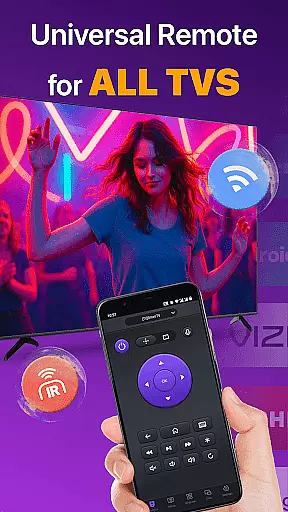
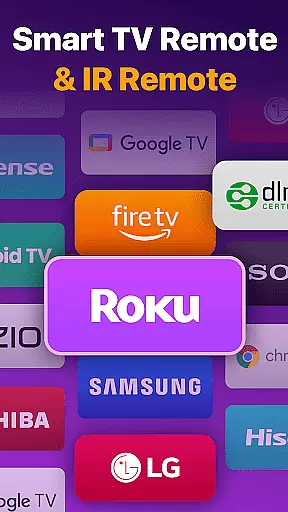
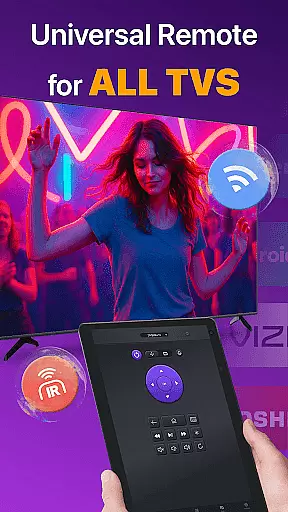
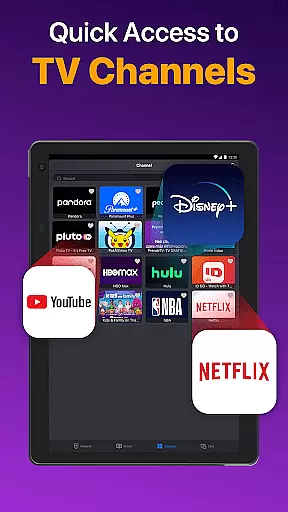
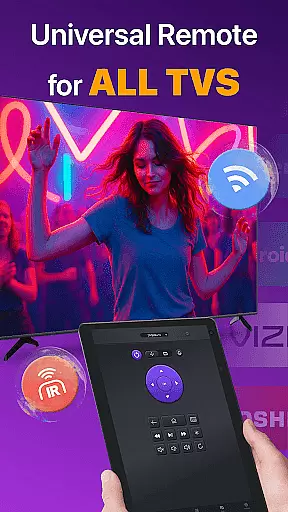
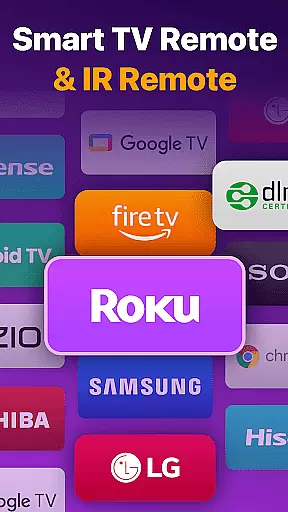
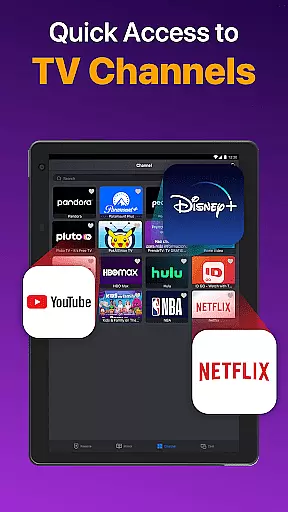
Universal TV Remote for All TV is a versatile remote control application designed to simplify the management of multiple smart TVs. This app supports major brands like Roku, LG, Samsung, and TCL, allowing users to seamlessly control their devices through WiFi or IR modes. The core functionality includes power management, channel navigation, volume adjustment, and media playback control.
Beyond basic remote operations, the app offers advanced features such as screen mirroring, photo casting, and quick text input for efficient content search. Whether you're switching between Roku TV and FireStick or controlling a Vizio Smart TV, this app provides a unified solution that eliminates the need for multiple physical remotes. Its intuitive interface ensures smooth operation even for non-technical users.
This universal remote app proves especially useful in households with multiple smart TVs from different brands. By connecting all devices under one platform, it streamlines entertainment management while enhancing user convenience. The ability to mirror phone screens to big TVs with minimal latency makes it an ideal tool for both personal enjoyment and professional presentations.
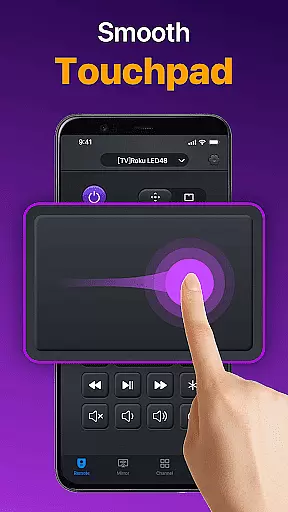
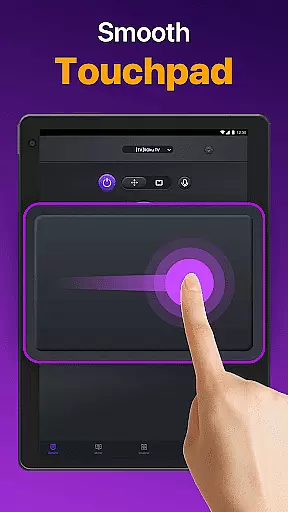
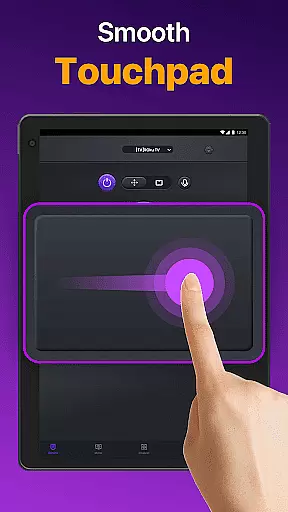
The Universal TV Remote app distinguishes itself through its comprehensive feature set tailored for modern smart TV users. One of its standout capabilities is automatic device detection within the same WiFi network, enabling instant connection with compatible smart TVs. The responsive touchpad interface allows precise navigation, while dedicated buttons for volume control, reverse, and fast forward provide tactile feedback similar to physical remotes.
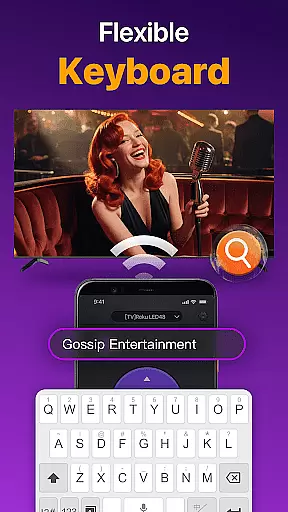
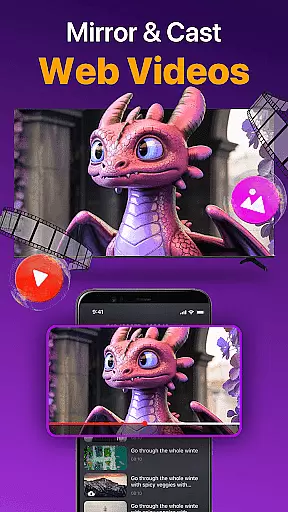
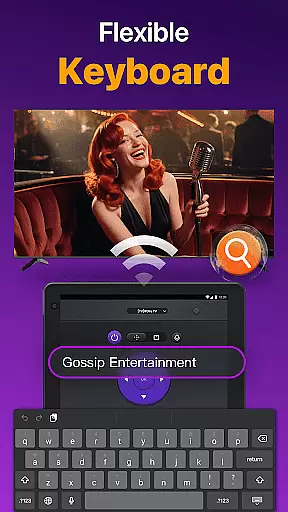
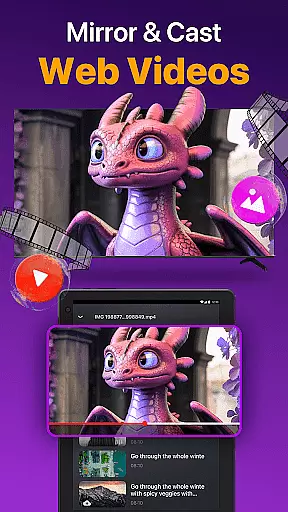
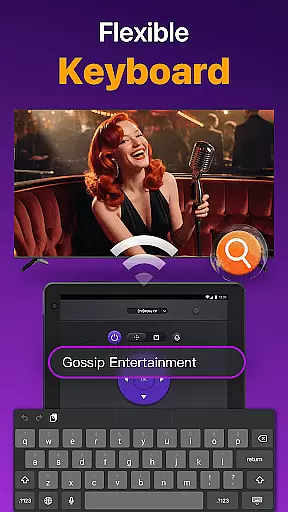
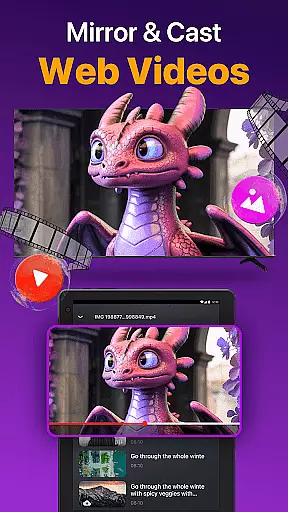
Advanced functionalities include wireless screen mirroring with low latency, making it perfect for sharing multimedia content during meetings or family gatherings. Users can cast photos and videos directly from their mobile albums to connected TVs. The quick text input feature revolutionizes how users search for content, allowing them to type show or movie titles directly from their mobile keyboard rather than using cumbersome on-screen interfaces.
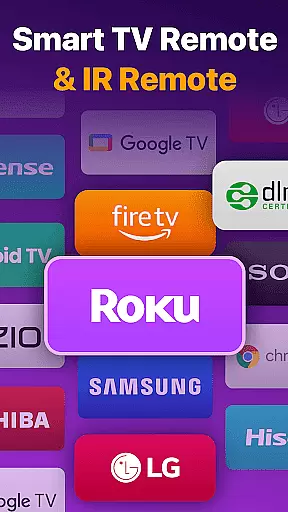
For enhanced compatibility, the app supports both WiFi-based connections and traditional IR modes. This dual-mode functionality ensures reliable operation regardless of network conditions. Additionally, the app's support for major TV brands including Samsung, LG, Vizio, and Hisense demonstrates its commitment to universal compatibility. Regular updates and troubleshooting guidance further enhance its practical value for diverse user scenarios.
Universal TV Remote for All TV delivers exceptional core functionality by providing accurate and effective control over a wide range of smart TVs. The app auto-detects all Smart TVs on the same WiFi network, enabling users to seamlessly manage their devices without the need for multiple physical remotes.
The remote app offers precise control features including power on/off, volume management, channel navigation, and content playback controls. Its responsive touchpad ensures efficient interaction with your TV, while the quick text input allows for effortless searching of shows or movies. These features collectively ensure that users can operate their TVs with minimal effort and maximum precision.
For situations where WiFi is unavailable, the app supports IR modes, allowing continued control over your TV. This dual-mode functionality enhances its versatility and reliability, making it an indispensable tool for any smart TV owner. The ability to cast photos and videos from your local album further enriches the user experience.
The Universal TV Remote for All TV boasts an intuitive interface designed for simplicity and ease of use. Upon launching the app, users are greeted with a straightforward setup process that involves selecting their TV brand or stick, such as Roku, Samsung, or Fire TV, and connecting to the Smart TV under the same network.
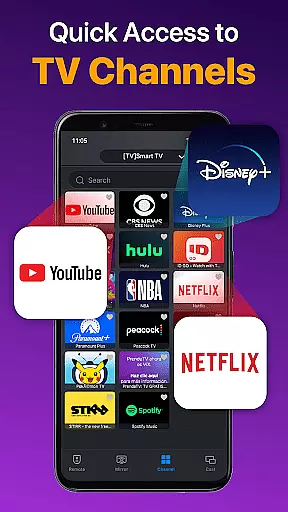
Once connected, the app presents a clean and organized layout where essential functions like volume control, reverse, fast forward, and power management are easily accessible. The responsive touchpad adds another layer of convenience, allowing users to navigate their TVs efficiently without the hassle of complex button combinations.
Additionally, the app's design emphasizes user-friendliness through features like quick text input for searches and screen mirroring with low latency. These elements contribute to a streamlined and enjoyable user experience, ensuring that even those unfamiliar with smart technology can operate their TVs with confidence and ease.
User-friendly interface
Wide brand compatibility
Screen mirroring capability
Quick text input function
Dual WiFi-IR support
Network dependency issues
Limited official support
Potential compatibility gaps
No voice command feature
Requires manual setup

Transfer Files, APK from Phone to Watch & Install.
 4.1
4.1
This app unlocks the Pro features of the Central for DayZ app
3.60
Best leveling tool for your Android device. Hang paintings like a pro.
4.90
Smart and comfortable browsing experience.
3.80
MS-DOS in your pocket. Play old DOS games anywhere you are ;)
4.10
Monitor car performance in real time and troubleshoot malfunctions.
4.80
Undelete and recover your lost or deleted files with DiskDigger!
3.40
Remote Play with FSR upscaling, low latency & full controller support
4.80
Mobile Security with Scam Protection | Malware & Virus Cleaner | Safe Browser
4.70
Small and simple app to Verify Root Access and BusyBox Install!
4.70
FV File Manager Pro, Fast and powerful file manager for Android
4.60
Canon PRINT is a companion app for your Canon printer.
4.60
Screen Mirroring for Roku Sticks, Roku TCL TV and Roku Hisense TV
4.50
PC precision for mobile gaming: dominate with keyboard and mouse!
4.30
pdf merge, word to pdf, jpg to pdf, edit pdf, convert to pdf and much more!
4.20
Detect hidden spy camera with advanced scanning {{ Premium version }}
4.00
Family Locator, Share location, StayConnect with your family in real time
3.90
Fun lie-detection pranks for friends and parties.
3.80
Unlock your Essential Key. Create custom shortcuts to your favorite apps!
4.2



User Reviews