
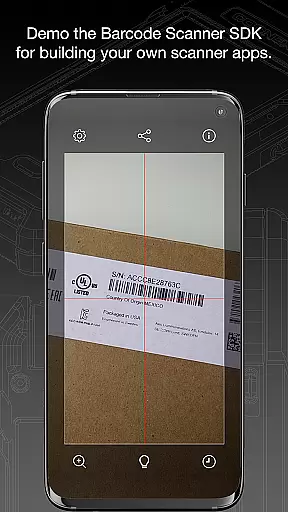
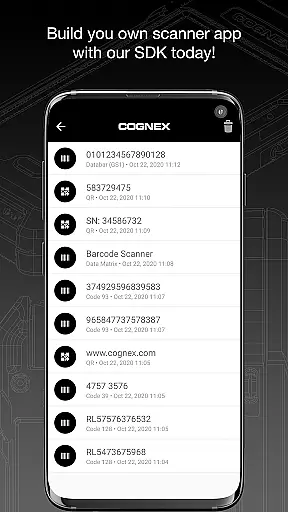
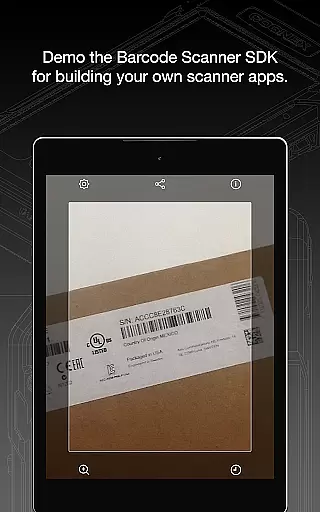
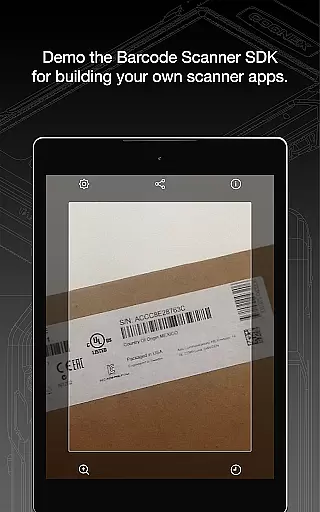
Barcode Scanner is a versatile tool designed for effortless scanning of over 30 barcode types, including QR, UPC, GS1, Data Matrix, and PDF417. This app simplifies the process of reading major barcode symbologies, making it an essential utility for businesses and individuals alike.
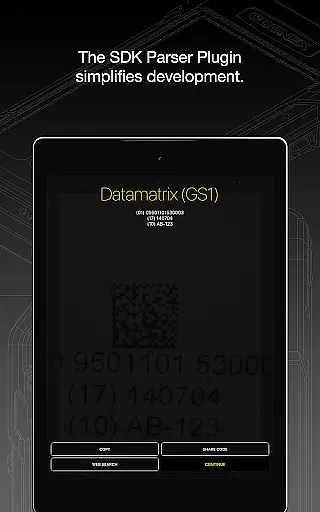
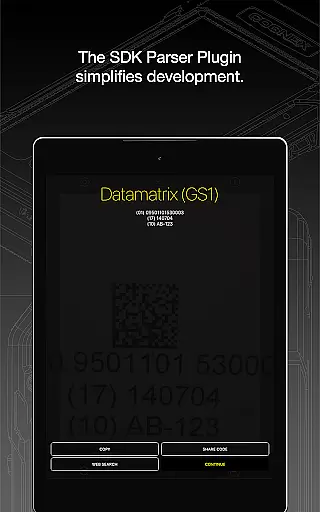
Beyond basic scanning, the app offers advanced parsing capabilities for industry-standard formatted barcodes such as AAMVA, GS1, and IUID. Whether you're managing inventory or verifying identification documents, Barcode Scanner provides a reliable solution across various use cases.
The app's comprehensive support for diverse barcode formats ensures users can operate seamlessly in retail, logistics, and manufacturing environments. By delivering accurate scans and easy integration with existing systems, this tool enhances operational efficiency and data accuracy.
Barcode Scanner stands out with its ability to read all major barcode symbologies, including specialized formats like Aztec Code, Codabar, and MaxiCode. The app's extensive format coverage makes it suitable for a wide range of industries and applications.
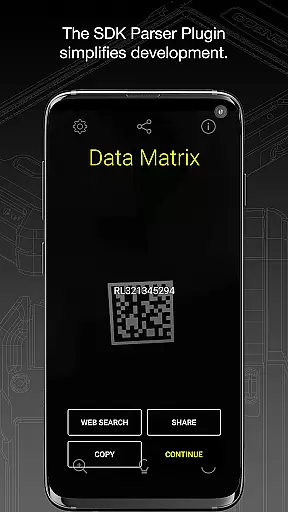
A key feature is the powerful parser system that simplifies decoding complex industry-standard barcodes. This includes specialized formats used in driver's licenses, pharmaceuticals, and shipping documentation, providing users with detailed information beyond basic barcode data.
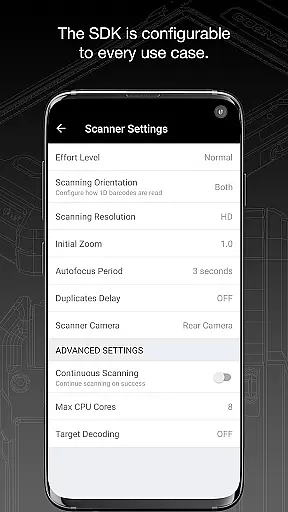
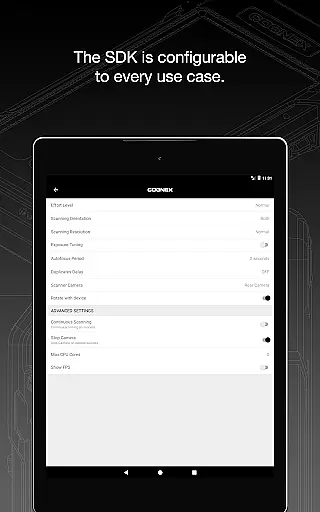
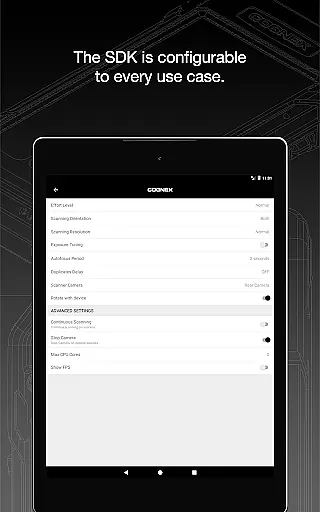
The app maintains high scanning performance even with damaged or poorly printed codes. Its intuitive interface and customizable settings allow users to optimize scanning parameters for specific use cases, ensuring maximum accuracy and efficiency in any environment.
Barcode Scanner offers an extensive range of functionality, supporting over 30 different types of barcodes. This includes popular formats such as QR, UPC, GS1, Data Matrix, PDF417, DotCode, and many others.
The app's comprehensive coverage ensures that users can scan all major barcode symbologies, including but not limited to Aztec Code, Codabar, Code 11, various types of Code 25, Code 39, Code 93, Code 128, EAN, ISBN, GS1 DataBar, MaxiCode, MSI Plessey, Micro PDF417, Postal Codes, TELEPEN, and UPC. It also supports GS1 sub-types like GS1 QR Code, GS1 Data Matrix, and GS1-128.
This wide-ranging support makes Barcode Scanner a versatile tool for both personal and professional use, ensuring compatibility with industry standards and specialized formats.
Designed with the end-user in mind, Barcode Scanner provides a seamless and intuitive scanning experience. The app is engineered to read barcodes quickly and accurately, minimizing the time and effort required by the user.
In addition to its core scanning capabilities, the app features powerful parsers that simplify the examination of industry-standard formatted barcodes. Formats such as AAMVA (US and Canadian Driveru2019s Licenses), GS1, IUID, Structured Carrier Messages (MaxiCode), and more are easily interpreted, enhancing the overall usability.
With its focus on operational smoothness, Barcode Scanner ensures that even those unfamiliar with barcode technology can utilize its features effectively, making it accessible for a broad audience.
Fast scanning speed
Wide format support
Advanced parsing capabilities
User-friendly interface
Reliable performance
Limited free features
Requires internet connection
Occasional scan errors
No batch scanning
Basic UI design

Do you want to drive easy ? do you wanna full mirror link Mobile with your car
 4.10
4.10
Wireless reverse charging using phone now is possible
4.30
Connect your phone to any endoscope camera, USB camera, or borescope with ease.
3.70
Identify securely online
3.10
Popular mods fnaf mods for melon playground
4.50
Test DPC is a sample device policy controller for use with Android Enterprise.
4.20
Mobile Connect To TV - HDMI USB & WiFi Screen Mirroring
3.70
Experience virtual reality on your smartphone with Cardboard.
3.50
The best PS2 games from your childhood come to life in their mobile version!
4.00
Demo for Key Attestation feature of the Android system.
4.80
The Free Catholic Latin American Bible in complete Spanish
4.60
Game Booster GFX for smoother gaming experience. Enjoy 120 FPS and 4x Game Space
4.20
Android secret code for smart phone, mobile codes, with secret codes app
4.20
use your smartphone as Remote control drones .
4.20
Mirror link car connector to share your screen with car dashboard
3.80
With Endoscope Camera Connector you can connect your phone with endoscope cam
3.70
Collection of Maps and Mods for Dmod
3.30
If you are looking for melon playground mod that fun you deffinitely try our app
2.70
Mirror Link Car Display to share your screen with car dashboard wirelessly
4.2




User Reviews