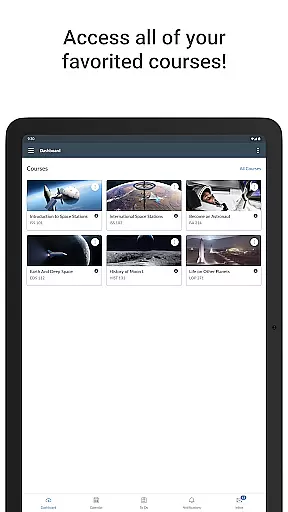
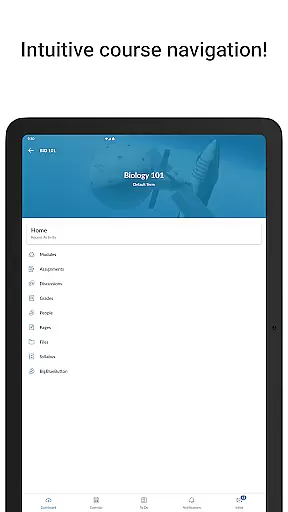
Canvas is a comprehensive educational app designed to enhance the learning experience for students. It allows users to access their courses from any device, providing essential features such as viewing grades and course content, submitting assignments, and tracking coursework through a to-do list and calendar. The app also supports interactive activities like sending messages, participating in discussions, watching videos, and taking quizzes. With its robust functionality, Canvas ensures that students stay connected and informed about their academic progress.
One of the standout features of Canvas is its ability to send push notifications for new grades and course updates, keeping students engaged and up-to-date with their studies. Whether you're at home or on the go, Canvas provides a seamless way to manage your educational responsibilities, making it an invaluable tool for modern learners.
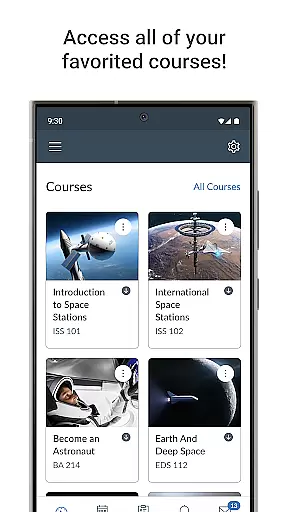
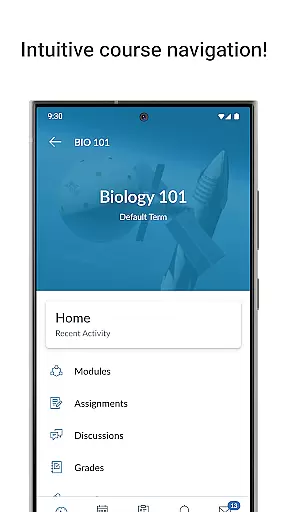
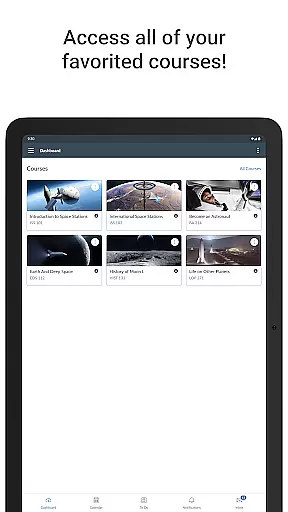
Canvas offers a wide array of features tailored to meet the needs of students. Firstly, it provides a centralized platform where students can view their grades and access all course materials, ensuring they have everything they need at their fingertips. The assignment submission feature is streamlined, allowing students to easily upload and submit their work directly from their devices.
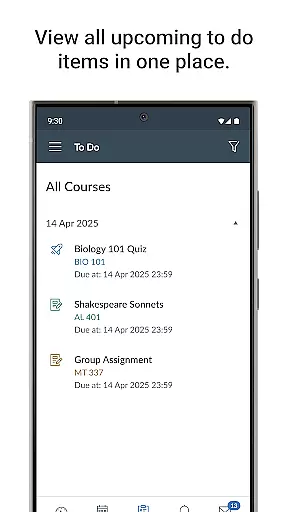
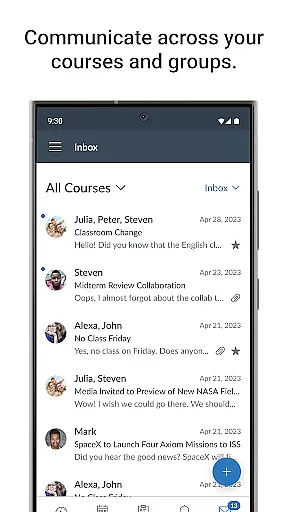
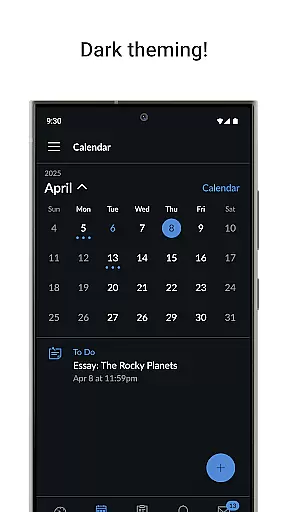
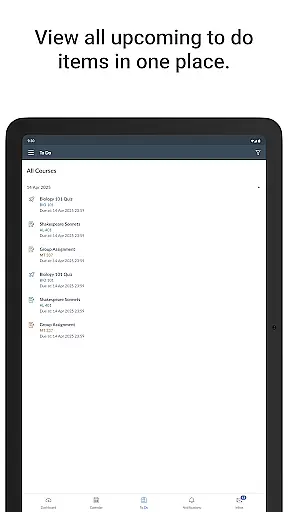
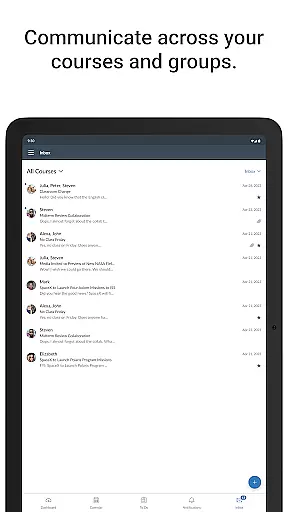
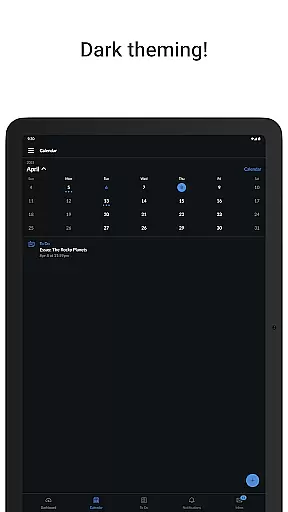
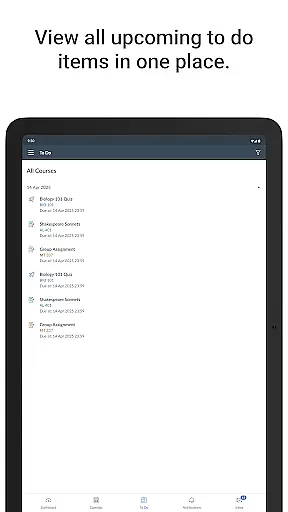
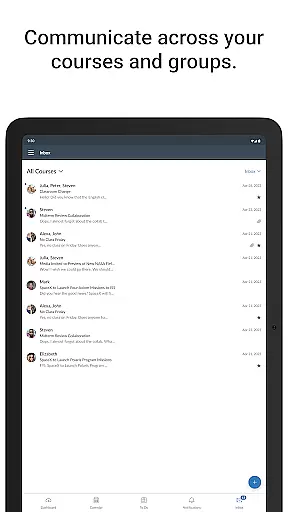
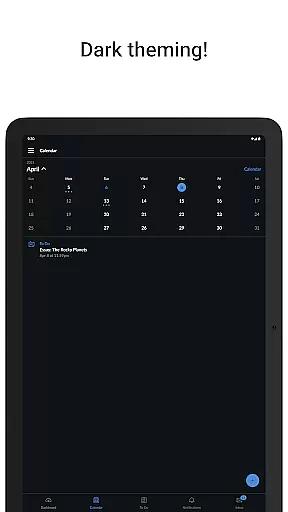
In addition to these core functionalities, Canvas includes a to-do list and calendar to help students organize their tasks and deadlines effectively. Communication is also a key aspect, with features that enable sending and receiving messages, posting to discussions, and even watching videos. These interactive elements foster a collaborative learning environment. Furthermore, the app's quiz-taking capability and push notification system for grades and updates ensure that students are always aware of their academic standing and any changes in their courses.
In the realm of education, content accuracy and authority are paramount. Canvas ensures that all course materials, assignments, and assessments delivered through its mobile app are precisely as structured by the educators. This guarantees that students receive the exact information intended, maintaining academic integrity.
Canvas employs a secure and direct integration with educational institutions, ensuring that all content is authoritative and up-to-date. The platform allows instructors to push updates and corrections in real-time, which are immediately accessible to students on their devices.
For students using Canvas, this means they can rely on the information being both accurate and sanctioned by their institution. This reliability is crucial for effective learning and assessment, providing a seamless educational experience that aligns with classroom instruction.
Canvas offers personalized learning paths by allowing instructors to tailor courses to individual student needs. Through the app, educators can set prerequisites for each module, ensuring that students master foundational concepts before progressing, thus catering to different learning paces.
The application supports adaptive learning technologies, enabling customized feedback and resource recommendations based on student performance. This personalization helps address specific learning gaps, enhancing overall educational outcomes.
Students benefit from a more engaging and relevant learning experience, where content dynamically adjusts to their progress and understanding. This approach not only fosters a more profound comprehension of the material but also encourages self-paced learning, accommodating diverse learning styles and schedules.
User-friendly interface
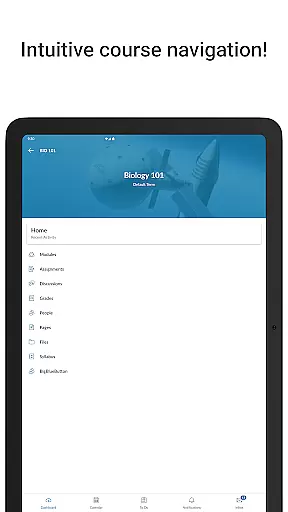
Comprehensive course management
Real-time notifications
Interactive discussion boards
Multi-device compatibility
Limited offline functionality
Occasional syncing issues
Advanced features require subscription
Interface can be complex for new users
Dependent on institution's integration

Childcare Management App: Daily sheets, sign in-out, billing and learning tools
 4.70
4.70
An easy to use yet powerful and full-featured flashcard study app.
4.50
Designed for Calculator 84 users
4.20
Welcome to the Speak Navajo Language Application - Volume 1
4.50
Explore the City of the Sun in Augmented Reality
3.70
Astronomy Guide To Night Sky
4.30
The "Go To" app for Airmen studying for promotion to SSgt and TSgt
4.30
Professional Award-Winning Astronomy Star Map App With Telescope Control
4.40
A fast and fun way to learn guitar - works with any guitar.
4.60
The best way to study for your amateur radio license exam.
4.90
Short Lessons for Better Finances, Health, Skills, Jobs & Relationships.
4.80
Guitar chord finder, analyzer, smartly visualized theory, progressions, quizzes.
4.70
Learn & Speak New Languages
4.70
Universe simulator: Find & explore planets system, outer space, astronomy events
4.60
Stack the Countries makes learning world geography fun!
4.50
Watch and Play Elmo's World!
4.00
An aviator’s preparation, study and test tool for FAA Knowledge Exams.
3.80
The official CCM Glossary app, including 700+ terms and definitions.
2.90
Learn and joke with the Silly Turkey!
4.2




User Reviews