
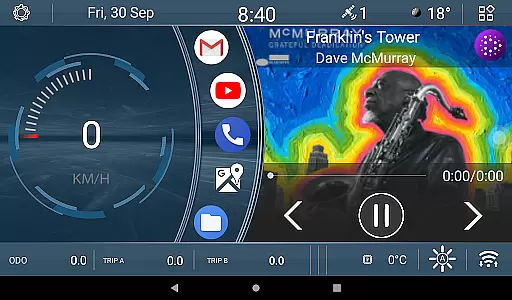
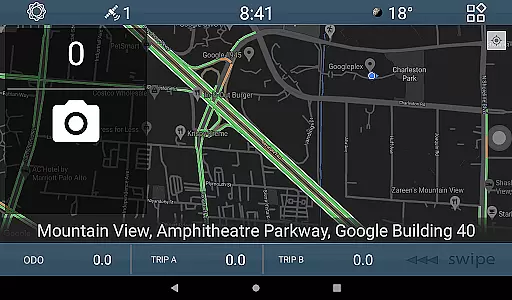
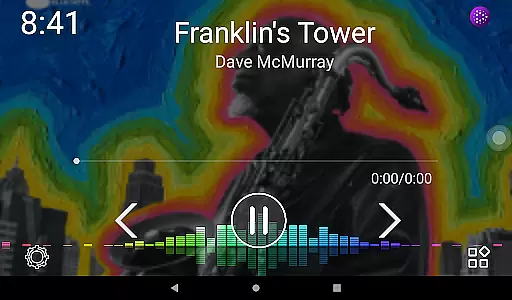
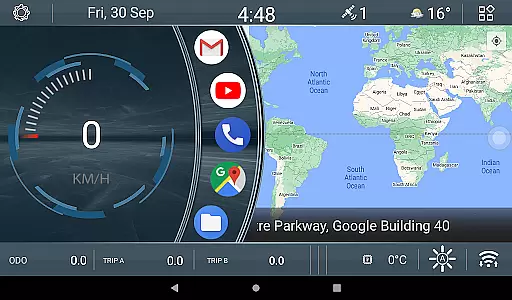
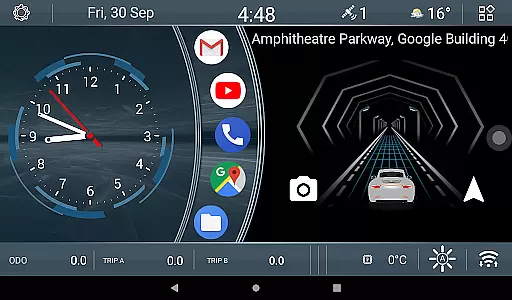
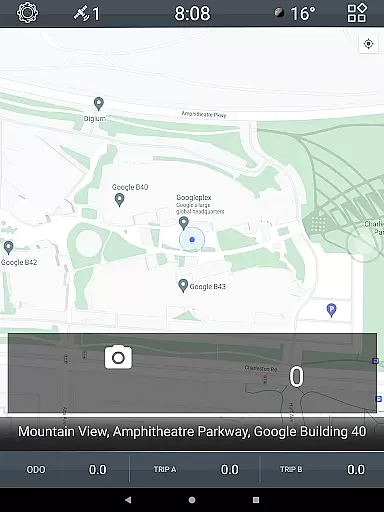
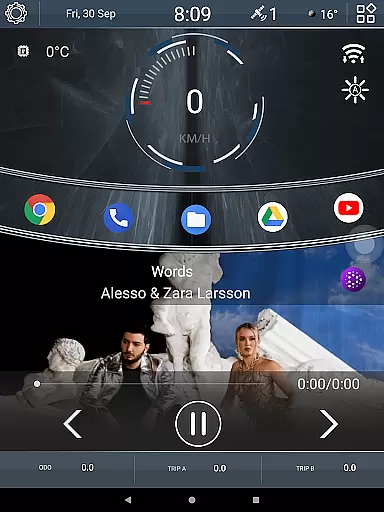
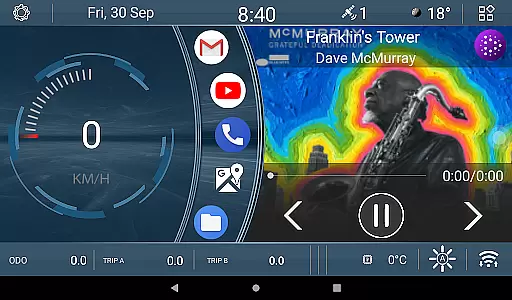
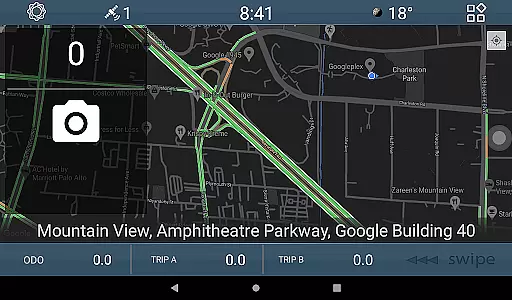
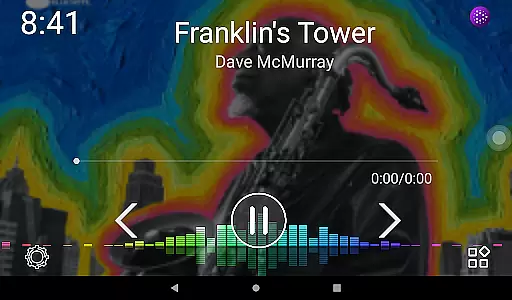
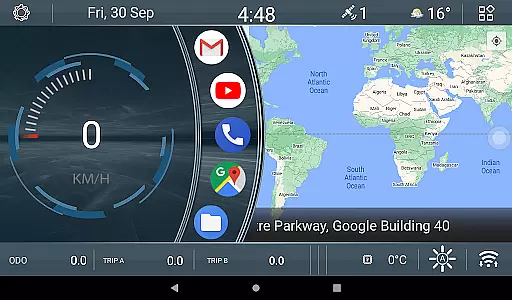
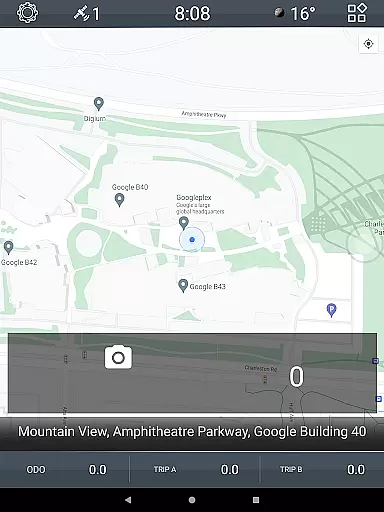
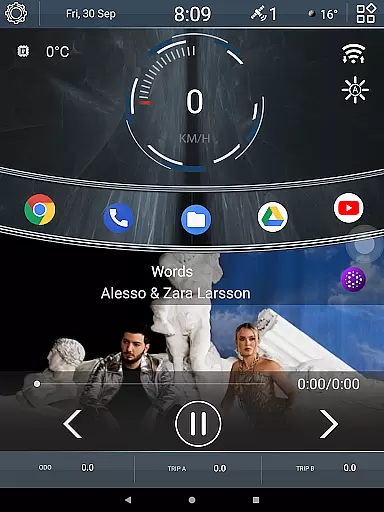
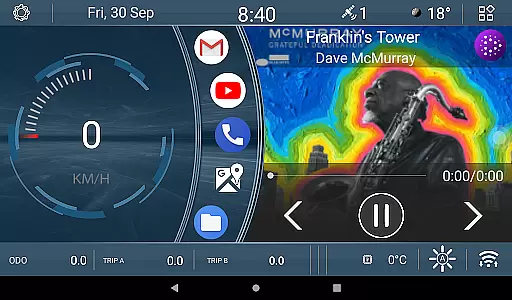
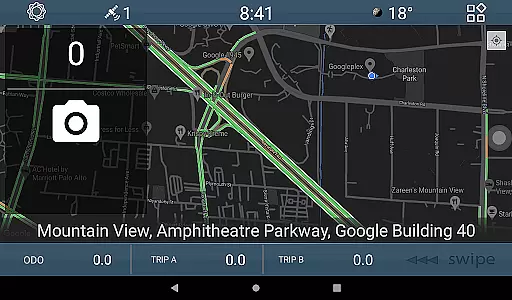
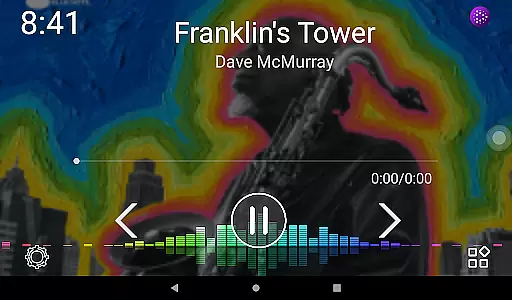
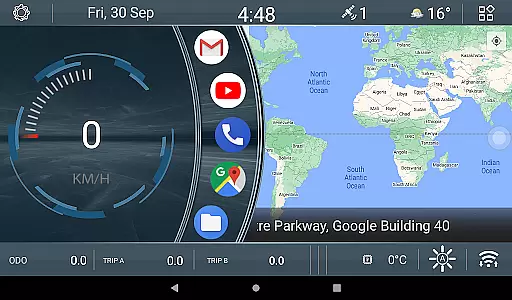
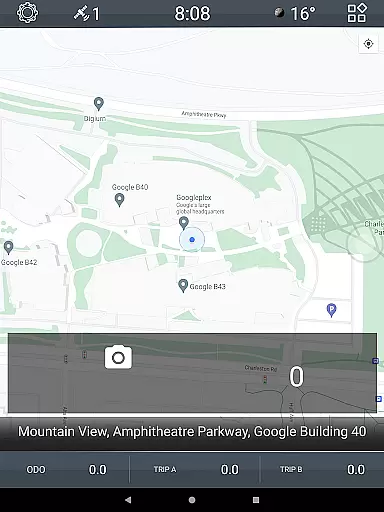
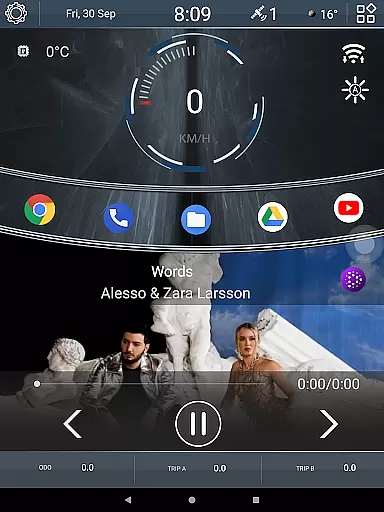
CL Theme V1 is a specialized theme designed for Car Launcher, offering users an enhanced and visually appealing interface for their in-car experience. This theme features three interactive screens that can be navigated using left-right gestures, providing intuitive control while driving. When the map is maximized to full screen, navigation controls shift to the bottom bar, ensuring uninterrupted access to essential functions. The theme also includes engaging widgets such as an animated car movement indicator that responds to speed changes, and three odometer widgets tracking speed metrics over different time periods - all-time, monthly, and daily. These customizable widgets allow drivers to monitor their driving performance effectively.
This theme is particularly beneficial for users who spend significant time driving and desire both aesthetic appeal and functional enhancements in their vehicle's digital interface. By combining attractive design with practical features, CL Theme V1 delivers a superior user experience that makes daily commutes more enjoyable and informative.
CL Theme V1 stands out with its unique set of features tailored specifically for automotive use. The theme's most notable feature is its three dynamic home screens, which support gesture-based navigation, allowing drivers to switch between different views effortlessly. This multi-screen setup is complemented by intelligent widget placement - when the map occupies the full screen, essential controls automatically relocate to the bottom bar, maintaining optimal usability without obstructing important information.
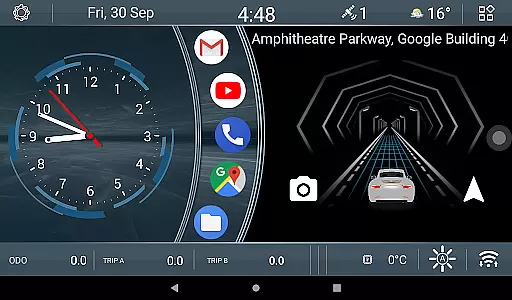
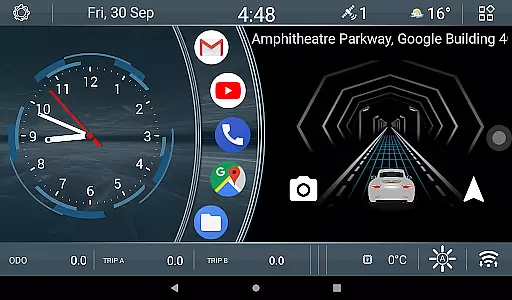
The theme incorporates several specialized widgets that add both functionality and visual interest. The animated car widget provides real-time feedback on current speed through engaging motion graphics, where the animation speed directly correlates with vehicle velocity. Additionally, three distinct odometer widgets offer comprehensive speed tracking across various timeframes. Users can easily customize these widgets through simple long-press interactions, enabling them to modify tracking parameters according to their preferences. This combination of aesthetic enhancements and practical tools makes CL Theme V1 a valuable addition to any Car Launcher setup.
When it comes to managing detailed vehicle information, CL Theme V1 offers a unique approach through its interactive interface. This theme for Car Launcher provides three operational screens that allow users to navigate seamlessly using left-right gestures.
The theme incorporates widgets that display real-time data relevant to the vehicle's performance. For instance, there is an innovative widget that animates car movement based on speed - the faster you go, the quicker the animation progresses. This feature not only adds a dynamic visual element but also serves as an indirect indicator of your driving speed.
Additionally, users have access to three odometer widgets that can be configured to show speed metrics over different timeframes - all-time, monthly, or daily. These widgets empower drivers with insights into their driving habits and patterns, which can be adjusted with a simple long press on the widget itself.
By integrating these comprehensive features, CL Theme V1 ensures that drivers are well-informed about their vehicle's status at any given moment, enhancing both convenience and safety during travel.
Price transparency in automotive applications is crucial for users who want to understand what they are paying for. Although CL Theme V1 is free to use, it exemplifies how themes can provide clear value without hidden costs.
While this particular theme does not involve direct monetary transactions, it delivers significant value through its feature set. Users can appreciate the cost-effectiveness of having advanced functionalities like gesture-based navigation across three working screens without additional charges.
Moreover, the availability of customizable widgets such as the animated speed indicator and multi-timeframe odometers ensures that users know exactly what features they will receive upon installation. There are no in-app purchases or subscriptions required to unlock these tools.
This level of openness regarding feature inclusion helps build trust with users, assuring them that they can enjoy full functionality without worrying about unexpected fees or limitations post-installation.
Visually appealing design
Intuitive gesture controls
Real-time speed feedback
Customizable odometer widgets
Enhanced driving experience
Limited to Car Launcher
Requires compatible device
Consumes additional resources
Learning curve for new users
Premium version costs extra

The Smarter Way Forward
 3.30
3.30
Theme for Car Launcher
4.0
OBDII - ELM327 Terminal tool for 96-00 Volvos
4.50
AlfaOBD software for Fiat Group cars native diagnostic
3.70
Better fuel to help keep you on the road
3.20
By enthusiasts, for enthusiasts
4.00
Lexus app currently supports 2010 or newer vehicles (2018 or newer for Hawaii).
4.80
Your Path to Driving Licensing Success Begins Here! Develop your driving skills.
4.40
Earn and save with Fuel Rewards®
3.20
Quick and easy car diagnostics to get you the right fix.
4.70
Find Your Local Store or Shop Online for the Car, Truck, or SUV Parts You Need
4.70
Autolist - The Largest Selection of Local Used Cars and Trucks
4.50
Autotrader is your online solution for buying and selling new and used cars.
4.40
Your car is talking. Start listening.
4.30
Realtime Charts is a plugin for the Torque Pro App (OBD 2 & Car)
4.20
Control maps, media and messaging, with the Google Assistant while you drive
4.10
Monitor your behind-the-wheel behavior to become a safer driver and save.
4.10
Wonder how much horsepower and torque your car/truck makes? Look no further.
3.40
Ferrari inspired analog & digital watch face with quick access and premium style
4.1






User Reviews